05文字分割スライド
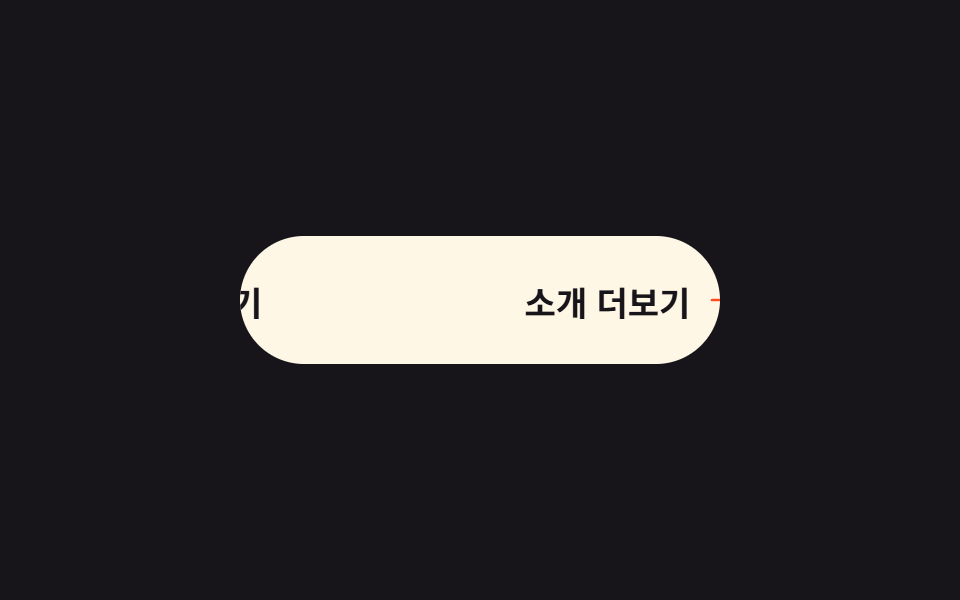
文字が一つずつ順に上へ抜け、同じ文字が下から上がってきて席を埋めます。遅延を文字番号に比例させるだけで波のように広がります。
使いどころ文字数の少ないリンク型ボタンで、下線や色変化以外の合図を出したいとき
글자별 지연translate: 0 -50%clip

<main class="stage">
  <button class="split is-demo" type="button" aria-label="詳しく見る"><span class="split__in" aria-hidden="true"></span></button>
</main>
@use "../../../../site/static/demo-tokens" as *;
// 변형은 이 세 줄만 바꾼다
$duration: $dur-loop;
$easing: $ease-spring;
$stagger: 70ms;
@include stage($stage-orange);
.split {
border: 0;
cursor: pointer;
padding: $sp-3 $sp-6;
border-radius: $r-control;
background: $subject-cream;
color: $stage-orange;
font-family: inherit;
font-size: clamp(18px, 6vw, 26px);
font-weight: 800;
}
.split__in { display: inline-flex; }
// 창(1.25em)은 고정이고 그 안의 두 겹이 굴러간다
.split__ch {
display: inline-block;
overflow: hidden;
height: 1.25em;
line-height: 1.25;
}
.split__ch b { display: block; }
.split__ch i { display: block; font-style: normal; }
.split.is-demo .split__ch b {
animation: split-roll $duration $easing infinite;
animation-delay: calc(var(--i) * #{$stagger});
}
// 두 겹이라 -50% 가 정확히 한 줄. 0 으로 돌아와 끝나므로 되감기가 안 보인다
@keyframes split-roll {
0%, 12% { translate: 0 0; }
42%, 68% { translate: 0 -50%; }
100% { translate: 0 0; }
}
@media (prefers-reduced-motion: reduce) {
.split.is-demo .split__ch b { animation: none; }
}html, body {
margin: 0;
overflow: hidden;
}
.stage {
box-sizing: border-box;
min-height: 100vh;
display: grid;
place-items: center;
margin: 0;
background: #ff4d1f;
font-family: -apple-system, "Segoe UI", "Noto Sans KR", sans-serif;
padding: clamp(8px, 4vw, 24px);
}
.split {
border: 0;
cursor: pointer;
padding: 12px 24px;
border-radius: 12px;
background: #fff7e6;
color: #ff4d1f;
font-family: inherit;
font-size: clamp(18px, 6vw, 26px);
font-weight: 800;
}
.split__in {
display: inline-flex;
}
.split__ch {
display: inline-block;
overflow: hidden;
height: 1.25em;
line-height: 1.25;
}
.split__ch b {
display: block;
}
.split__ch i {
display: block;
font-style: normal;
}
.split.is-demo .split__ch b {
animation: split-roll 2s cubic-bezier(0.2, 0.8, 0.2, 1) infinite;
animation-delay: calc(var(--i) * 70ms);
}
@keyframes split-roll {
0%, 12% {
translate: 0 0;
}
42%, 68% {
translate: 0 -50%;
}
100% {
translate: 0 0;
}
}
@media (prefers-reduced-motion: reduce) {
.split.is-demo .split__ch b {
animation: none;
}
}// 실제 동작: aria-label 의 글자를 하나씩 이중으로 쌓고, 글자 번호(--i)를 지연 시간으로 쓴다.
var split = document.querySelector('.split');
var box = split.querySelector('.split__in');
var text = split.getAttribute('aria-label');
for (var i = 0; i < text.length; i++) {
var cell = document.createElement('span');
var roll = document.createElement('b');
cell.className = 'split__ch';
cell.style.setProperty('--i', i);
for (var k = 0; k < 2; k++) {
var face = document.createElement('i');
face.textContent = text[i] === ' ' ? ' ' : text[i];
roll.appendChild(face);
}
cell.appendChild(roll);
box.appendChild(cell);
}import type { CSSProperties } from "react";
import styles from "./SplitTextButton.module.scss";
export type SplitTextButtonProps = {
label?: string;
duration?: number;
easing?: string;
stagger?: number;
};
type CellVars = CSSProperties & { "--i"?: number };
type Vars = CSSProperties & { "--duration"?: string; "--easing"?: string; "--stagger"?: string };
export default function SplitTextButton({
label = "See details",
duration = 2000,
easing = "cubic-bezier(.2,.8,.2,1)",
stagger = 70,
}: SplitTextButtonProps) {
const vars: Vars = { "--duration": `${duration}ms`, "--easing": easing, "--stagger": `${stagger}ms` };
const chars = label.split("");
return (
<button type="button" className={styles.split} style={vars} aria-label={label}>
<span className={styles.inner} aria-hidden="true">
{chars.map((ch, i) => {
const cell: CellVars = { "--i": i };
return (
<span className={styles.ch} style={cell} key={`${ch}-${i}`}>
<b className={styles.roll}>
<i>{ch === " " ? " " : ch}</i>
<i>{ch === " " ? " " : ch}</i>
</b>
</span>
);
})}
</span>
</button>
);
}05 文字分割スライド — 計測 累積面積 2.35% · 動いたフレーム 19/23GODRICH オリジナル · SCSS と React は zip に同梱 · css ボタン ホバー アニメーション 9選 — 受賞級の定番テク
このデモが属する記事
 css ボタン ホバー アニメーション 9選 — 受賞級の定番テクcss ボタン ホバー アニメーションとは、ポインターが近づいたときにボタンが返す反応を、合図の種類ごとに整理したものです。9 つのうち 1 つは、押すとボタンが円になるまで縮んでスピナーが回り、チェックを描いてから元の幅へ戻ります。 この記事のデモをすべて見る