02縦に反転(クリック)
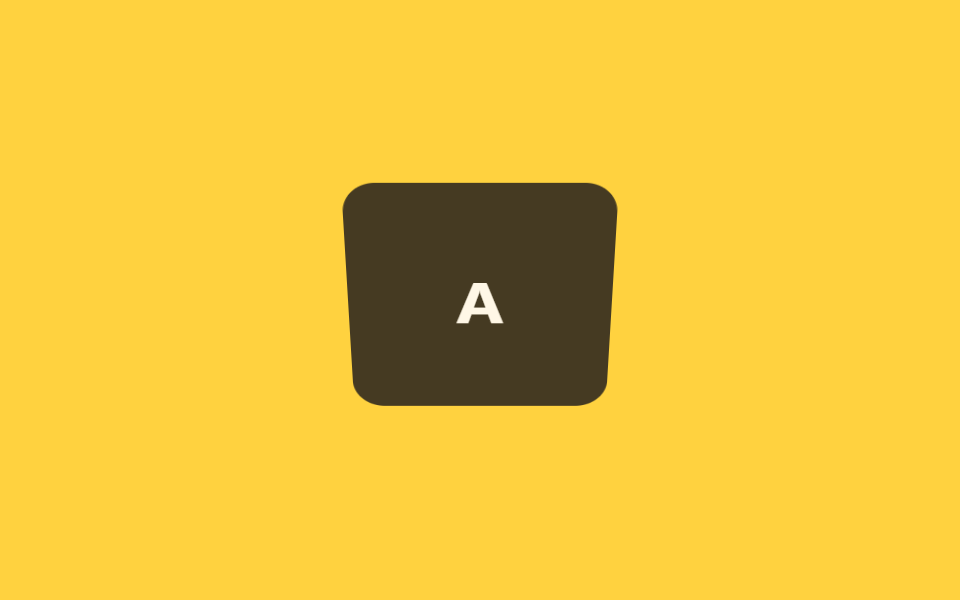
カードをクリックするとX軸を中心に縦に反転し裏面が表示されます。タッチ端末はホバーがないため、クリック・タップで発動させます。
使いどころモバイルクイズカード、タップで答えを確認するフラッシュカード
rotateXaria-pressedJS 6줄
<main class="stage">
  <button type="button" class="fx-card is-demo" aria-pressed="false">
    <span class="fx-card__inner">
      <span class="fx-card__face fx-card__face--front">Q</span>
      <span class="fx-card__face fx-card__face--back">A</span>
    </span>
  </button>
</main>
@use "../../../../site/static/demo-tokens" as *;
// ── 변수 3개 ──────────────────────────────────────────
$duration: $dur-enter;
$easing: $ease-spring;
$color: $subject-ink;
@include stage($stage-yellow);
.fx-card {
perspective: 700px;
width: 132px;
height: 132px;
border: 0;
padding: 0;
background: none;
cursor: pointer;
display: block;
}
.fx-card:focus-visible { outline: 3px solid $subject-ink; outline-offset: $sp-1; }
.fx-card__inner {
position: relative;
display: block;
width: 100%;
height: 100%;
transform-style: preserve-3d;
transition: transform $duration $easing;
}
.fx-card.is-flipped .fx-card__inner { transform: rotateX(180deg); }
.fx-card__face {
position: absolute;
inset: 0;
display: flex;
align-items: center;
justify-content: center;
border-radius: $r-card;
backface-visibility: hidden;
font: 700 34px/1 -apple-system, "Segoe UI", sans-serif;
color: $subject-cream;
}
.fx-card__face--front { background: $color; }
.fx-card__face--back { background: rgba(23, 20, 26, .8); transform: rotateX(180deg); }
// 데모 루프: 실제 클릭 상태와 별개로 is-demo 가 같은 회전을 무한 재생
@keyframes fx-flip {
0%, 40% { transform: rotateX(0); }
60%, 100% { transform: rotateX(180deg); }
}
.fx-card.is-demo .fx-card__inner { animation: fx-flip $duration * 2 $easing infinite; }
@media (prefers-reduced-motion: reduce) {
.fx-card.is-flipped .fx-card__inner,
.fx-card.is-demo .fx-card__inner { animation: none !important; transition: none !important; transform: none !important; }
}html, body {
margin: 0;
overflow: hidden;
}
.stage {
box-sizing: border-box;
min-height: 100vh;
display: grid;
place-items: center;
margin: 0;
background: #ffd23f;
font-family: -apple-system, "Segoe UI", "Noto Sans KR", sans-serif;
padding: clamp(8px, 4vw, 24px);
}
.fx-card {
perspective: 700px;
width: 132px;
height: 132px;
border: 0;
padding: 0;
background: none;
cursor: pointer;
display: block;
}
.fx-card:focus-visible {
outline: 3px solid #17141a;
outline-offset: 4px;
}
.fx-card__inner {
position: relative;
display: block;
width: 100%;
height: 100%;
transform-style: preserve-3d;
transition: transform 600ms cubic-bezier(0.2, 0.8, 0.2, 1);
}
.fx-card.is-flipped .fx-card__inner {
transform: rotateX(180deg);
}
.fx-card__face {
position: absolute;
inset: 0;
display: flex;
align-items: center;
justify-content: center;
border-radius: 16px;
backface-visibility: hidden;
font: 700 34px/1 -apple-system, "Segoe UI", sans-serif;
color: #fff7e6;
}
.fx-card__face--front {
background: #17141a;
}
.fx-card__face--back {
background: rgba(23, 20, 26, 0.8);
transform: rotateX(180deg);
}
@keyframes fx-flip {
0%, 40% {
transform: rotateX(0);
}
60%, 100% {
transform: rotateX(180deg);
}
}
.fx-card.is-demo .fx-card__inner {
animation: fx-flip 1200ms cubic-bezier(0.2, 0.8, 0.2, 1) infinite;
}
@media (prefers-reduced-motion: reduce) {
.fx-card.is-flipped .fx-card__inner,
.fx-card.is-demo .fx-card__inner {
animation: none !important;
transition: none !important;
transform: none !important;
}
}var btn = document.querySelector(".fx-card");
btn.addEventListener("click", function () {
var open = btn.getAttribute("aria-pressed") === "true";
btn.setAttribute("aria-pressed", String(!open));
btn.classList.toggle("is-flipped", !open);
});import { CSSProperties, useState } from "react";
import styles from "./FlipXClick.module.scss";
export interface FlipXClickProps {
duration?: string;
easing?: string;
front?: string;
back?: string;
}
export default function FlipXClick({
duration = "600ms",
easing = "cubic-bezier(.2, .8, .2, 1)",
front = "Q",
back = "A",
}: FlipXClickProps) {
const [open, setOpen] = useState(false);
const style = { "--duration": duration, "--easing": easing } as CSSProperties;
return (
<button
type="button"
className={`${styles.card} ${open ? styles.flipped : ""}`}
style={style}
aria-pressed={open}
onClick={() => setOpen((v) => !v)}
>
<span className={styles.inner}>
<span className={`${styles.face} ${styles.front}`}>{front}</span>
<span className={`${styles.face} ${styles.back}`}>{back}</span>
</span>
</button>
);
}02 縦に反転(クリック) — 計測 累積面積 12.343% · 動いたフレーム 8/23GODRICH オリジナル · SCSS と React は zip に同梱 · カード フリップ アニメーション 9選【コピペ20行】
このデモが属する記事
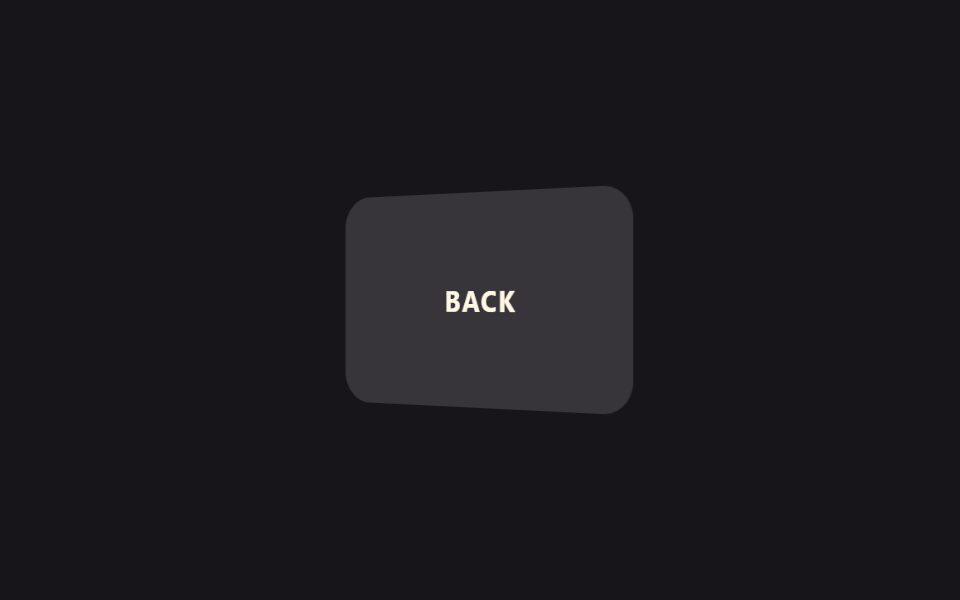 カード フリップ アニメーション 9選【コピペ20行】カード フリップ アニメーションとは、マウスを乗せたりクリックしたりするとカードがくるっと回転したり半分に折れたりして、裏側の内容が現れる効果のことです。コードが分からなくても、下のデモにマウスを乗せてみれば何が起きているか一目で分かります この記事のデモをすべて見る