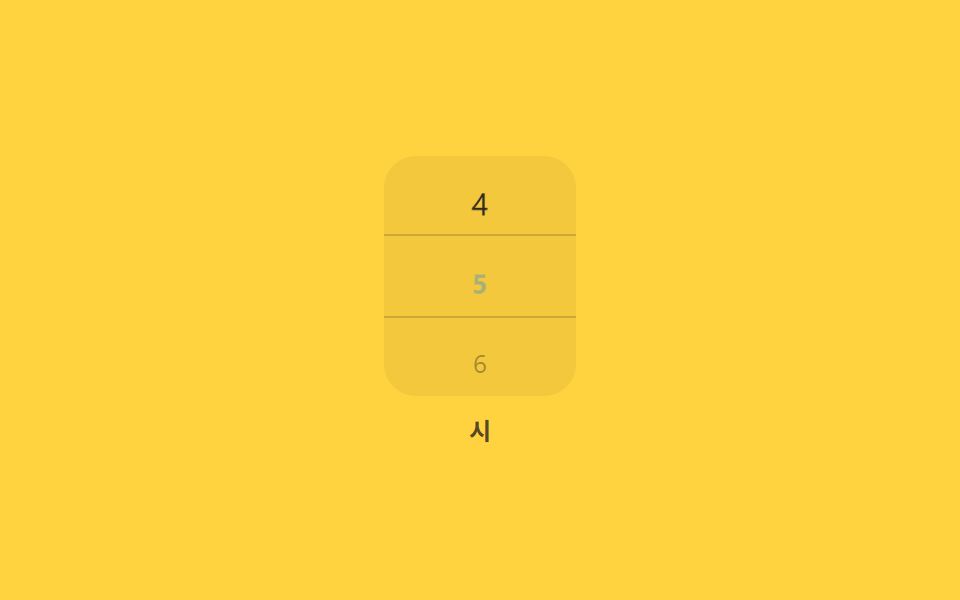
07スクロールスナップ数字ホイールピッカー
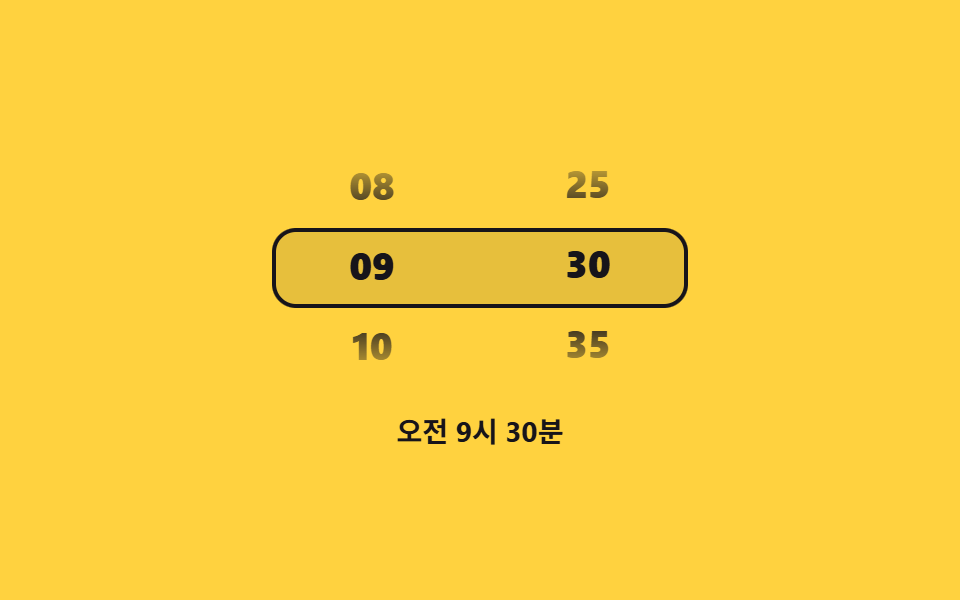
縦にスクロールすると中央の枠に来た数字だけ大きく濃くなり、指を離す瞬間 scroll-snap がその数字にぴったり止まる。
使いどころアラーム時刻の時(じ)選択、予約人数を選ぶホイール
scroll-snap-type방향키 스크롤role=listbox
<main class="stage">
  <div class="wheel is-demo">
    <div class="wheel__mask">
      <div class="wheel__track" id="track" tabindex="0" role="listbox" aria-label="時刻(時)を選択">
        <div class="wheel__pad" aria-hidden="true"></div>
      </div>
      <div class="wheel__hl" aria-hidden="true"></div>
    </div>
    <div class="wheel__label">時</div>
  </div>
</main>
@use "../../../../site/static/demo-tokens" as *;
// ── 변수 3개 ──────────────────────────────
$duration: $dur-base;
$easing: $ease-out;
$color: $subject-sky;
@include stage($stage-yellow);
.wheel { display: flex; flex-direction: column; align-items: center; gap: $sp-2; }
.wheel__label { font-size: 12px; font-weight: 700; color: rgba($subject-ink, .72); }
.wheel__mask {
position: relative; width: 96px; height: 120px; overflow: hidden;
border-radius: $r-card; background: rgba($subject-ink, .05);
}
.wheel__track {
height: 100%; overflow-y: scroll; scroll-snap-type: y mandatory;
scrollbar-width: none; -ms-overflow-style: none;
}
.wheel__track::-webkit-scrollbar { display: none; }
.wheel__pad { height: 40px; scroll-snap-align: center; }
.wheel__item {
height: 40px; display: grid; place-items: center; scroll-snap-align: center;
font-size: 16px; color: $subject-ink; opacity: .35; transform: scale(.8);
transition: opacity $duration $easing, transform $duration $easing;
}
.wheel__item.is-center { opacity: 1; transform: scale(1); font-weight: 700; color: color-mix(in srgb, $color 70%, $subject-ink); }
.wheel__hl {
position: absolute; left: 0; right: 0; top: 50%; height: 40px; transform: translateY(-50%);
border-top: 1px solid rgba($subject-ink, .18); border-bottom: 1px solid rgba($subject-ink, .18);
pointer-events: none;
}
@media (prefers-reduced-motion: reduce) {
.wheel__item { transition: none; }
.wheel__track { scroll-behavior: auto; }
}html, body {
margin: 0;
overflow: hidden;
}
.stage {
box-sizing: border-box;
min-height: 100vh;
display: grid;
place-items: center;
margin: 0;
background: #ffd23f;
font-family: -apple-system, "Segoe UI", "Noto Sans KR", sans-serif;
padding: clamp(8px, 4vw, 24px);
}
.wheel {
display: flex;
flex-direction: column;
align-items: center;
gap: 8px;
}
.wheel__label {
font-size: 12px;
font-weight: 700;
color: rgba(23, 20, 26, 0.72);
}
.wheel__mask {
position: relative;
width: 96px;
height: 120px;
overflow: hidden;
border-radius: 16px;
background: rgba(23, 20, 26, 0.05);
}
.wheel__track {
height: 100%;
overflow-y: scroll;
scroll-snap-type: y mandatory;
scrollbar-width: none;
-ms-overflow-style: none;
}
.wheel__track::-webkit-scrollbar {
display: none;
}
.wheel__pad {
height: 40px;
scroll-snap-align: center;
}
.wheel__item {
height: 40px;
display: grid;
place-items: center;
scroll-snap-align: center;
font-size: 16px;
color: #17141a;
opacity: 0.35;
transform: scale(0.8);
transition: opacity 300ms ease-out, transform 300ms ease-out;
}
.wheel__item.is-center {
opacity: 1;
transform: scale(1);
font-weight: 700;
color: color-mix(in srgb, #6ec8ff 70%, #17141a);
}
.wheel__hl {
position: absolute;
left: 0;
right: 0;
top: 50%;
height: 40px;
transform: translateY(-50%);
border-top: 1px solid rgba(23, 20, 26, 0.18);
border-bottom: 1px solid rgba(23, 20, 26, 0.18);
pointer-events: none;
}
@media (prefers-reduced-motion: reduce) {
.wheel__item {
transition: none;
}
.wheel__track {
scroll-behavior: auto;
}
}(function () {
var wheel = document.querySelector('.wheel'), track = document.getElementById('track');
var H = 40, N = 12;
for (var i = 1; i <= N; i++) {
var it = document.createElement('div');
it.className = 'wheel__item'; it.id = 'w-' + i; it.setAttribute('role', 'option'); it.textContent = i;
track.appendChild(it);
}
var pad2 = document.createElement('div'); pad2.className = 'wheel__pad'; pad2.setAttribute('aria-hidden', 'true');
track.appendChild(pad2);
var items = track.querySelectorAll('.wheel__item');
var centered = 0;
function mark() {
var idx = Math.round(track.scrollTop / H);
idx = Math.max(0, Math.min(N - 1, idx));
if (idx === centered) return;
centered = idx;
items.forEach(function (el, i) { el.classList.toggle('is-center', i === idx); });
track.setAttribute('aria-activedescendant', items[idx].id);
}
track.addEventListener('scroll', mark, { passive: true });
track.addEventListener('pointerdown', stop);
track.addEventListener('wheel', stop, { passive: true });
track.addEventListener('keydown', function (e) {
stop();
if (e.key === 'ArrowDown') { e.preventDefault(); track.scrollBy({ top: H, behavior: 'smooth' }); }
else if (e.key === 'ArrowUp') { e.preventDefault(); track.scrollBy({ top: -H, behavior: 'smooth' }); }
});
var di = 0;
var t = setInterval(function () {
di = (di + 1) % N;
track.scrollTo({ top: di * H, behavior: 'smooth' });
}, 520);
function stop() { wheel.classList.remove('is-demo'); clearInterval(t); }
items[0].classList.add('is-center');
}());import { useRef, useState, useCallback } from "react";
import type { CSSProperties } from "react";
import styles from "./WheelScrollSnapNumberPicker.module.scss";
export type WheelScrollSnapNumberPickerProps = {
count?: number;
itemHeight?: number;
duration?: number;
easing?: string;
color?: string;
};
type Vars = CSSProperties & { "--duration"?: string; "--easing"?: string; "--c"?: string; "--h"?: string };
export default function WheelScrollSnapNumberPicker({
count = 12,
itemHeight = 40,
duration = 300,
easing = "ease-out",
color = "#6ec8ff",
}: WheelScrollSnapNumberPickerProps) {
const [centered, setCentered] = useState(0);
const trackRef = useRef<HTMLDivElement>(null);
const vars: Vars = { "--duration": `${duration}ms`, "--easing": easing, "--c": color, "--h": `${itemHeight}px` };
const onScroll = useCallback(() => {
const el = trackRef.current;
if (!el) return;
const idx = Math.max(0, Math.min(count - 1, Math.round(el.scrollTop / itemHeight)));
setCentered(idx);
}, [count, itemHeight]);
function onKeyDown(e: any) {
const el = trackRef.current;
if (!el) return;
if (e.key === "ArrowDown") { e.preventDefault(); el.scrollBy({ top: itemHeight, behavior: "smooth" }); }
else if (e.key === "ArrowUp") { e.preventDefault(); el.scrollBy({ top: -itemHeight, behavior: "smooth" }); }
}
return (
<div className={styles.wheel} style={vars}>
<div className={styles.mask}>
<div className={styles.track} ref={trackRef} tabIndex={0} role="listbox" aria-label="Select hour"
onScroll={onScroll} onKeyDown={onKeyDown}>
<div className={styles.pad} aria-hidden="true" />
{Array.from({ length: count }, (_, i) => i + 1).map((n, i) => (
<div key={n} className={styles.item} data-center={centered === i} role="option">{n}</div>
))}
<div className={styles.pad} aria-hidden="true" />
</div>
<div className={styles.hl} aria-hidden="true" />
</div>
<div className={styles.label}>hr</div>
</div>
);
}07 スクロールスナップ数字ホイールピッカー — 計測 累積面積 0.316% · 動いたフレーム 18/23GODRICH オリジナル · SCSS と React は zip に同梱 · カレンダー 選択 UI 9選 — コピペOK
このデモが属する記事
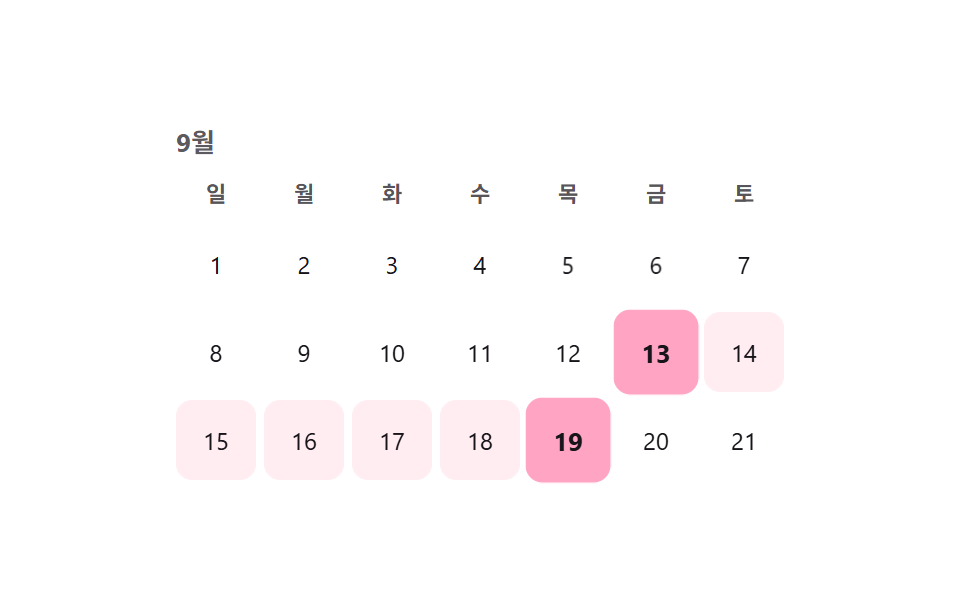 カレンダー 選択 UI 9選 — コピペOKカレンダー 選択 UI は、値一つではなく開始日と終了日のような範囲をまとめて選ばせる部品です。セグメントコントロールに続き、範囲・アバター・検索・ホイール・比率まで、実際の実装で詰まりやすい選択UI9種を、コードとともにまとめました。 この記事のデモをすべて見る