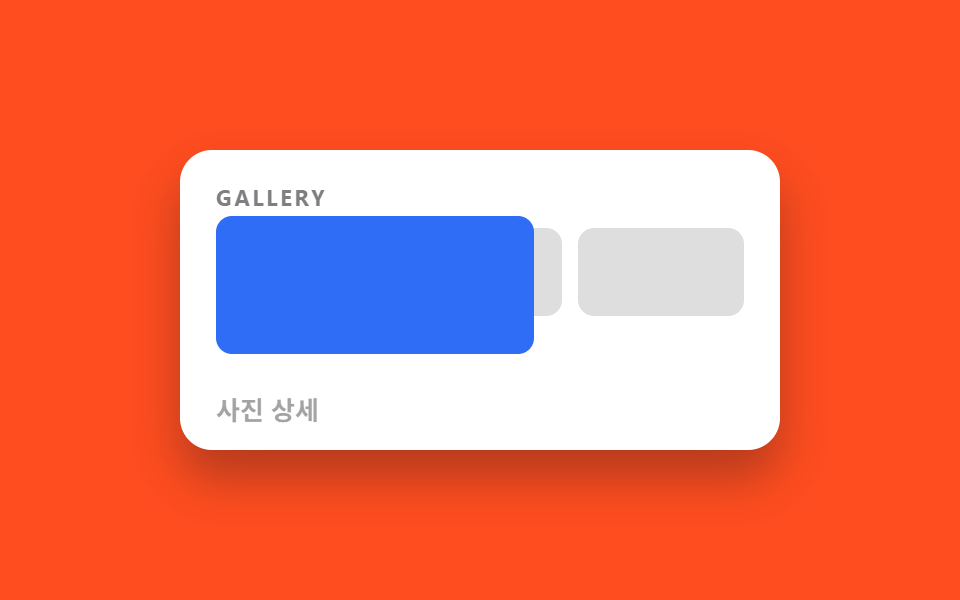
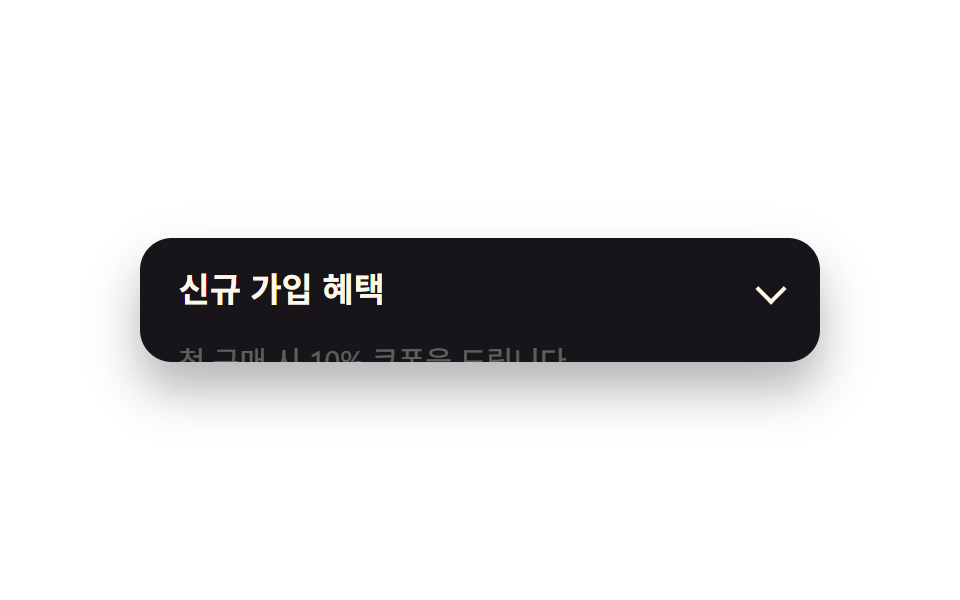
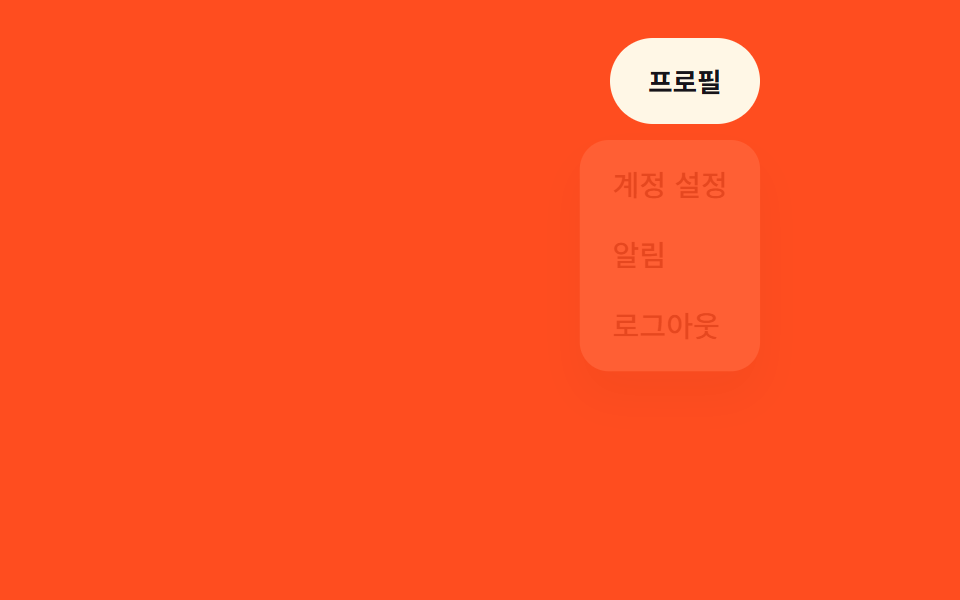
02ポラロイドの揺れ登場
上端一点に吊るされたポラロイドカードが傾いたまま落下し、左右に揺れた後(transform-origin: top center の回転)まっすぐ収まる。
使いどころフォトギャラリーの導入、旅行記サムネイル
rotate 오버슈트transform-origincubic-bezier
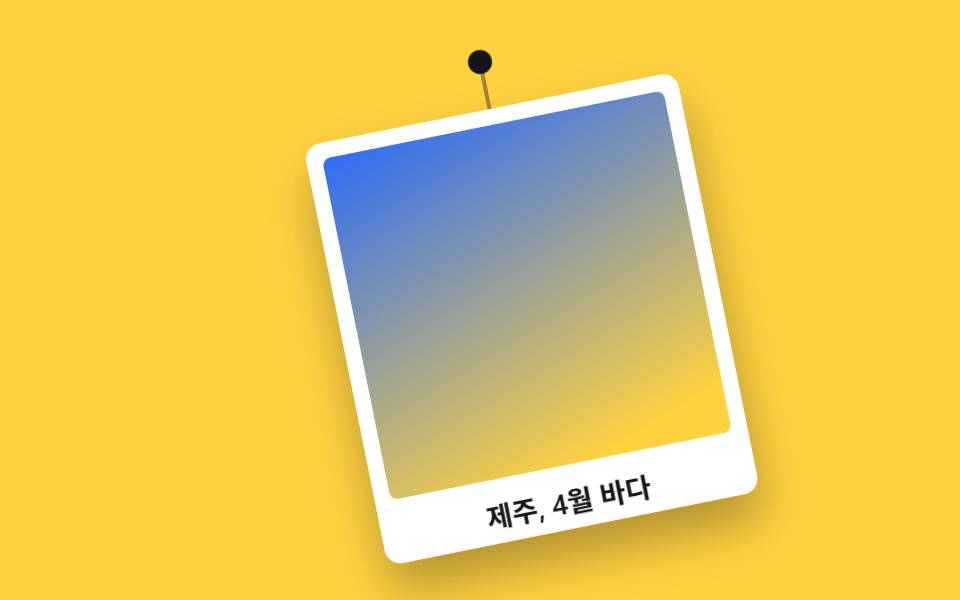
<main class="stage">
  <figure class="swing is-demo" aria-label="ポラロイドカードが吊るされたまま揺れながら登場する">
    <span class="swing__pin" aria-hidden="true"></span>
    <span class="swing__string" aria-hidden="true"></span>
    <div class="swing__photo">
      <span class="swing__shot" aria-hidden="true"></span>
      <figcaption class="swing__caption">済州島、4月の海</figcaption>
    </div>
  </figure>
</main>
@use "../../../../site/static/demo-tokens" as *;
$duration: 1.1s; // 흔들림이 잦아들 때까지의 시간
$easing: $ease-pop; // 오버슈트 — 그네 감쇠 운동
$color: $subject-blue; // 사진 그라데이션
@include stage($stage-yellow);
.swing {
position: relative;
margin: 0;
width: min(190px, 56vw);
transform-origin: top center; // 한 점에 매달림
}
.swing__pin {
position: absolute;
top: -6px; left: 50%;
width: 12px; height: 12px;
margin-left: -6px;
border-radius: 50%;
background: $stage-ink;
}
.swing__string {
position: absolute;
top: 0; left: 50%;
width: 2px; height: 24px;
margin-left: -1px;
background: rgba(23, 20, 26, .4);
}
.swing__photo {
margin-top: 24px;
padding: $sp-2 $sp-2 $sp-1;
background: $stage-paper;
border-radius: $r-sm;
box-shadow: $shadow-raised;
}
.swing__shot {
display: block;
aspect-ratio: 1 / 1;
border-radius: $r-xs;
background: linear-gradient(160deg, $color 0%, $stage-yellow 90%);
}
.swing__caption {
padding-top: $sp-2;
font-weight: 600;
font-size: clamp(12px, 3.4vw, 14px);
font-family: inherit;
color: $stage-ink;
text-align: center;
}
// 실사용: 첫 등장 1회 — 기울어 떨어지며 좌우로 흔들리다 반듯하게 멈춘다
@keyframes swing-in {
0% { transform: translateY(-70px) rotate(18deg); opacity: 0; }
18% { transform: translateY(0) rotate(14deg); opacity: 1; }
38% { transform: rotate(-11deg); }
56% { transform: rotate(7deg); }
72% { transform: rotate(-4deg); }
86% { transform: rotate(2deg); }
100% { transform: rotate(0deg); }
}
.swing { animation: swing-in $duration $easing both; }
// 렌더·갤러리용 자동 루프: 등장→흔들림→사라짐을 2초 주기로
@keyframes swing-loop {
0% { transform: translateY(-70px) rotate(18deg); opacity: 0; }
12% { transform: translateY(0) rotate(14deg); opacity: 1; }
26% { transform: rotate(-11deg); }
38% { transform: rotate(7deg); }
48% { transform: rotate(-4deg); }
56% { transform: rotate(0deg); }
84%, 100% { transform: rotate(0deg); opacity: 1; }
}
.swing.is-demo { animation: swing-loop $dur-loop $easing infinite; }
@media (max-width: 360px) { // 320×200 아이프레임 안에 whole 카드가 들어오게
.swing { width: 112px; }
.swing__string { height: 16px; }
.swing__photo { margin-top: 16px; padding: 4px; }
.swing__caption { font-size: 10px; padding-top: 4px; }
.swing__pin { width: 8px; height: 8px; margin-left: -4px; top: -4px; }
}
@media (prefers-reduced-motion: reduce) {
.swing,
.swing.is-demo { animation: none; transform: none; } // 반듯하게 걸린 최종 상태
}html, body {
margin: 0;
overflow: hidden;
}
.stage {
box-sizing: border-box;
min-height: 100vh;
display: grid;
place-items: center;
margin: 0;
background: #ffd23f;
font-family: -apple-system, "Segoe UI", "Noto Sans KR", sans-serif;
padding: clamp(8px, 4vw, 24px);
}
.swing {
position: relative;
margin: 0;
width: min(190px, 56vw);
transform-origin: top center;
}
.swing__pin {
position: absolute;
top: -6px;
left: 50%;
width: 12px;
height: 12px;
margin-left: -6px;
border-radius: 50%;
background: #17141a;
}
.swing__string {
position: absolute;
top: 0;
left: 50%;
width: 2px;
height: 24px;
margin-left: -1px;
background: rgba(23, 20, 26, 0.4);
}
.swing__photo {
margin-top: 24px;
padding: 8px 8px 4px;
background: #ffffff;
border-radius: 8px;
box-shadow: 0 14px 24px rgba(23, 20, 26, 0.32);
}
.swing__shot {
display: block;
aspect-ratio: 1/1;
border-radius: 4px;
background: linear-gradient(160deg, #2f6df6 0%, #ffd23f 90%);
}
.swing__caption {
padding-top: 8px;
font-weight: 600;
font-size: clamp(12px, 3.4vw, 14px);
font-family: inherit;
color: #17141a;
text-align: center;
}
@keyframes swing-in {
0% {
transform: translateY(-70px) rotate(18deg);
opacity: 0;
}
18% {
transform: translateY(0) rotate(14deg);
opacity: 1;
}
38% {
transform: rotate(-11deg);
}
56% {
transform: rotate(7deg);
}
72% {
transform: rotate(-4deg);
}
86% {
transform: rotate(2deg);
}
100% {
transform: rotate(0deg);
}
}
.swing {
animation: swing-in 1.1s cubic-bezier(0.2, 1.4, 0.4, 1) both;
}
@keyframes swing-loop {
0% {
transform: translateY(-70px) rotate(18deg);
opacity: 0;
}
12% {
transform: translateY(0) rotate(14deg);
opacity: 1;
}
26% {
transform: rotate(-11deg);
}
38% {
transform: rotate(7deg);
}
48% {
transform: rotate(-4deg);
}
56% {
transform: rotate(0deg);
}
84%, 100% {
transform: rotate(0deg);
opacity: 1;
}
}
.swing.is-demo {
animation: swing-loop 2s cubic-bezier(0.2, 1.4, 0.4, 1) infinite;
}
@media (max-width: 360px) {
.swing {
width: 112px;
}
.swing__string {
height: 16px;
}
.swing__photo {
margin-top: 16px;
padding: 4px;
}
.swing__caption {
font-size: 10px;
padding-top: 4px;
}
.swing__pin {
width: 8px;
height: 8px;
margin-left: -4px;
top: -4px;
}
}
@media (prefers-reduced-motion: reduce) {
.swing,
.swing.is-demo {
animation: none;
transform: none;
}
}import type { CSSProperties } from "react";
import { useEffect, useState } from "react";
import styles from "./PolaroidSwingIn.module.scss";
export type PolaroidSwingInProps = {
caption: string;
/** 흔들림이 잦아들 때까지의 시간 (기본 1100ms) */
duration?: number;
easing?: string;
/** 사진 그라데이션 색 */
color?: string;
/** 다시 흔들려면 이 값을 바꾼다 */
replayKey?: number;
};
type Vars = CSSProperties & { "--duration"?: string; "--easing"?: string; "--color"?: string };
export default function PolaroidSwingIn({
caption,
duration = 1100,
easing = "cubic-bezier(.2, 1.4, .4, 1)",
color = "#2f6df6",
replayKey = 0,
}: PolaroidSwingInProps) {
const [run, setRun] = useState(0);
useEffect(() => { setRun(replayKey); }, [replayKey]);
const vars: Vars = { "--duration": `${duration}ms`, "--easing": easing, "--color": color };
return (
<figure key={run} className={styles.swing} style={vars} aria-label={caption}>
<span className={styles.pin} aria-hidden="true" />
<span className={styles.string} aria-hidden="true" />
<div className={styles.photo}>
<span className={styles.shot} aria-hidden="true" />
<figcaption className={styles.caption}>{caption}</figcaption>
</div>
</figure>
);
}02 ポラロイドの揺れ登場 — 計測 累積面積 47.004% · 動いたフレーム 14/23GODRICH オリジナル · SCSS と React は zip に同梱 · CSS 画面切り替え アニメーション9選
このデモが属する記事
 CSS 画面切り替え アニメーション9選CSS 画面切り替え アニメーションとは、ページを読み込み直さずに、画像が別の画像に変わったり、注文が確定したり、フォームが次の段階へ進んだりするとき、その変化を滑らかに見せる短い動きのことです。画面が切り替わる瞬間ごとにそのまま貼れる9種 この記事のデモをすべて見る