07motion-safeガード
別途 `@media` を書かなくても `motion-safe:-translate-y-1` と `motion-reduce:shadow-md` を並べると、動きを減らした人には影が薄くなるだけで、浮き上がる動作自体が最初から付かない。
使いどころ保存ボタンのホバーフィードバック、プライマリCTA
prefers-reduced-motion: no-preferencereduce 는 box-shadow 만220ms
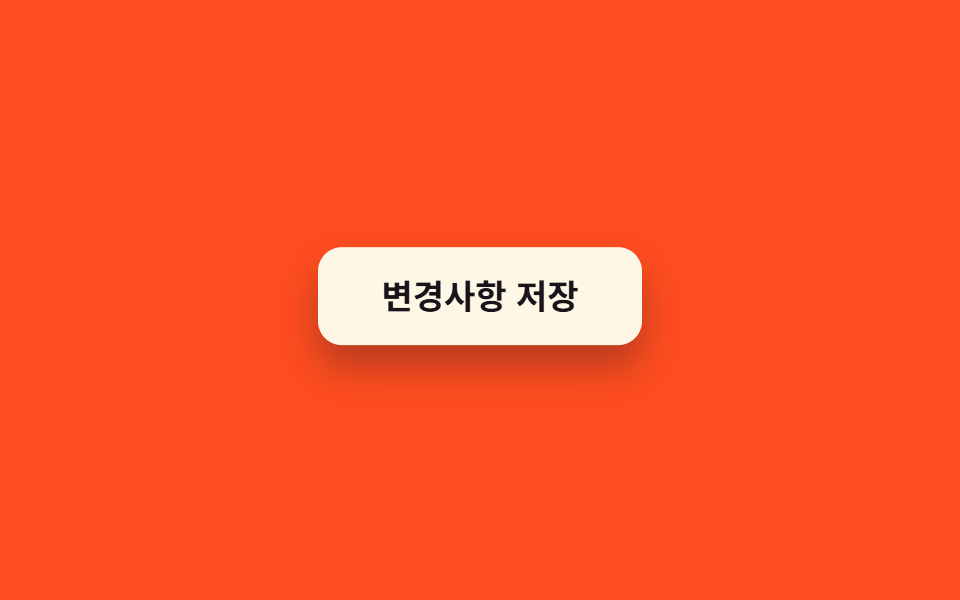
<main class="stage">
  <button class="btn is-demo" type="button">変更を保存</button>
</main>
@use "../../../../site/static/demo-tokens" as *;
// ── 변수 3개 ──────────────────────────────────────────
$duration: 220ms;
$easing: cubic-bezier(.2, .8, .2, 1);
$color: $subject-cream;
// ── 데모 무대 ──────────────────────────────────────────
@include stage($stage-orange);
.btn {
border: 0;
border-radius: $r-control;
padding: $sp-4 $sp-8;
font-weight: 700;
font-size: clamp(15px, 4vw, 17px);
line-height: 1;
font-family: inherit;
color: $subject-ink;
background: $color;
cursor: pointer;
box-shadow: $shadow-press;
}
// 실사용: motion-safe: 에서만 뜨고, motion-reduce: 는 그림자만 옅게
@media (prefers-reduced-motion: no-preference) {
.btn {
transition: transform $duration $easing, box-shadow $duration $easing;
&:hover, &:focus-visible { transform: translateY(-4px); box-shadow: $shadow-raised; }
&:active { transform: translateY(-1px); }
}
}
@media (prefers-reduced-motion: reduce) {
.btn { transition: box-shadow $duration linear; }
.btn:hover, .btn:focus-visible { box-shadow: $shadow-raised; }
}
// 데모: 호버를 강제로 2초마다 반복 — reduced-motion 이 아닐 때만
.btn.is-demo {
@media (prefers-reduced-motion: no-preference) {
animation: lift-loop 2s $easing infinite;
}
}
@keyframes lift-loop {
0%, 25% { transform: translateY(0); box-shadow: $shadow-press; }
50% { transform: translateY(-4px); box-shadow: $shadow-raised; }
75%, 100% { transform: translateY(0); box-shadow: $shadow-press; }
}html, body {
margin: 0;
overflow: hidden;
}
.stage {
box-sizing: border-box;
min-height: 100vh;
display: grid;
place-items: center;
margin: 0;
background: #ff4d1f;
font-family: -apple-system, "Segoe UI", "Noto Sans KR", sans-serif;
padding: clamp(8px, 4vw, 24px);
}
.btn {
border: 0;
border-radius: 12px;
padding: 16px 32px;
font-weight: 700;
font-size: clamp(15px, 4vw, 17px);
line-height: 1;
font-family: inherit;
color: #17141a;
background: #fff7e6;
cursor: pointer;
box-shadow: 0 6px 12px rgba(23, 20, 26, 0.32);
}
@media (prefers-reduced-motion: no-preference) {
.btn {
transition: transform 220ms cubic-bezier(0.2, 0.8, 0.2, 1), box-shadow 220ms cubic-bezier(0.2, 0.8, 0.2, 1);
}
.btn:hover, .btn:focus-visible {
transform: translateY(-4px);
box-shadow: 0 14px 24px rgba(23, 20, 26, 0.32);
}
.btn:active {
transform: translateY(-1px);
}
}
@media (prefers-reduced-motion: reduce) {
.btn {
transition: box-shadow 220ms linear;
}
.btn:hover, .btn:focus-visible {
box-shadow: 0 14px 24px rgba(23, 20, 26, 0.32);
}
}
@media (prefers-reduced-motion: no-preference) {
.btn.is-demo {
animation: lift-loop 2s cubic-bezier(0.2, 0.8, 0.2, 1) infinite;
}
}
@keyframes lift-loop {
0%, 25% {
transform: translateY(0);
box-shadow: 0 6px 12px rgba(23, 20, 26, 0.32);
}
50% {
transform: translateY(-4px);
box-shadow: 0 14px 24px rgba(23, 20, 26, 0.32);
}
75%, 100% {
transform: translateY(0);
box-shadow: 0 6px 12px rgba(23, 20, 26, 0.32);
}
}import type { CSSProperties } from "react";
import styles from "./MotionSafeButton.module.scss";
export type MotionSafeButtonProps = {
label?: string;
duration?: number;
easing?: string;
color?: string;
};
type Vars = CSSProperties & { "--duration"?: string; "--easing"?: string; "--color"?: string };
export default function MotionSafeButton({
label = "Save changes",
duration = 220,
easing = "cubic-bezier(.2,.8,.2,1)",
color = "#fff7e6",
}: MotionSafeButtonProps) {
const vars: Vars = { "--duration": `${duration}ms`, "--easing": easing, "--color": color };
return (
<button type="button" className={styles.btn} style={vars}>
{label}
</button>
);
}07 motion-safeガード — 計測 累積面積 3.297% · 動いたフレーム 8/23GODRICH オリジナル · SCSS と React は zip に同梱 · Tailwind アニメーション9選(v4) 一行でコピペOK
このデモが属する記事
 Tailwind アニメーション9選(v4) 一行でコピペOKtailwind アニメーションは、tailwind.config.jsを使わずCSSの@themeブロックに--animate-変数と@keyframesを一緒に書くと、その名前がそのままユーティリティクラスになるTailwind v4の この記事のデモをすべて見る