05取り消し線アニメーション
文字の中央の高さに重ねた `.price__strike` のバーを transform: scaleX(0→1)、transform-origin: left で伸ばし、値下げや完了処理のように目の前で線が引かれる瞬間を作る。
使いどころ割引前の価格表示、完了したToDoリスト
transform-origin: lefttransform:scaleX500ms
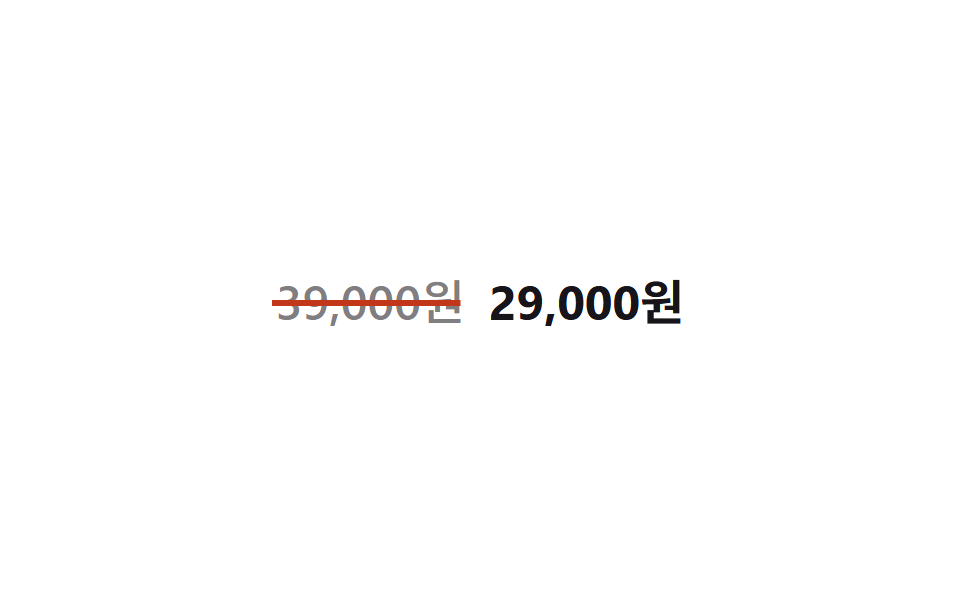
<main class="stage">
  <p class="price">
    <span class="price__old">39,000ウォン<span class="price__strike" aria-hidden="true"></span></span>
    <span class="price__new">29,000ウォン</span>
  </p>
</main>
@use "../../../../site/static/demo-tokens" as *;
// ── 변수 3개 ─────────────────────────────
$duration: 500ms;
$easing: $ease-spring;
$color: $error; // 취소선 색
// ── 데모 무대 ───────────────────────────────
@include stage($stage-paper);
.price {
display: flex;
align-items: baseline;
gap: $sp-3;
margin: 0;
font-weight: 700;
font-size: clamp(18px, 5vw, 24px);
line-height: 1;
font-family: inherit;
}
.price__old {
position: relative;
color: color-mix(in srgb, $stage-ink 55%, transparent);
font-weight: 500;
}
// 글자 중간 높이에 놓인 가로선을 왼쪽부터 그어 취소선을 만든다
.price__strike {
position: absolute;
left: -2%;
right: -2%;
top: 52%;
height: 2px;
background: $color;
transform: scaleX(0);
transform-origin: left center; // 규칙8: 취소선 왼쪽에서 그어짐
animation: strike $duration $easing infinite, strike-thick $duration ease-in-out infinite;
}
.price__new {
color: $stage-ink;
}
@keyframes strike {
0% { transform: scaleX(0); }
30% { transform: scaleX(1); }
80% { transform: scaleX(1); }
100% { transform: scaleX(0); }
}
// 한 겹: 취소선 두께 요동 — height 변조(transform 아님)라 strike 의 scaleX 와 병렬 가능.
// rotate 진동은 transform 충돌이라 생략하고 height 로만 펜 압력을 표현한다
@keyframes strike-thick {
0% { height: 2px; }
25% { height: 3px; }
50% { height: 1.5px; }
75% { height: 2.5px; }
100% { height: 2px; }
}
@media (prefers-reduced-motion: reduce) {
.price__strike { animation: none; transform: scaleX(1); }
}html, body {
margin: 0;
overflow: hidden;
}
.stage {
box-sizing: border-box;
min-height: 100vh;
display: grid;
place-items: center;
margin: 0;
background: #ffffff;
font-family: -apple-system, "Segoe UI", "Noto Sans KR", sans-serif;
padding: clamp(8px, 4vw, 24px);
}
.price {
display: flex;
align-items: baseline;
gap: 12px;
margin: 0;
font-weight: 700;
font-size: clamp(18px, 5vw, 24px);
line-height: 1;
font-family: inherit;
}
.price__old {
position: relative;
color: color-mix(in srgb, #17141a 55%, transparent);
font-weight: 500;
}
.price__strike {
position: absolute;
left: -2%;
right: -2%;
top: 52%;
height: 2px;
background: #c2361a;
transform: scaleX(0);
transform-origin: left center;
animation: strike 500ms cubic-bezier(0.2, 0.8, 0.2, 1) infinite, strike-thick 500ms ease-in-out infinite;
}
.price__new {
color: #17141a;
}
@keyframes strike {
0% {
transform: scaleX(0);
}
30% {
transform: scaleX(1);
}
80% {
transform: scaleX(1);
}
100% {
transform: scaleX(0);
}
}
@keyframes strike-thick {
0% {
height: 2px;
}
25% {
height: 3px;
}
50% {
height: 1.5px;
}
75% {
height: 2.5px;
}
100% {
height: 2px;
}
}
@media (prefers-reduced-motion: reduce) {
.price__strike {
animation: none;
transform: scaleX(1);
}
}import type { CSSProperties } from "react";
import styles from "./StrikeDraw.module.scss";
export type StrikeDrawProps = {
/** 취소선이 그어지는 이전 가격 */
oldPrice: string;
/** 강조되는 새 가격 */
newPrice: string;
/** 선이 그어지는 시간 (기본 500ms) */
duration?: number;
easing?: string;
/** 취소선 색 */
color?: string;
};
type Vars = CSSProperties & {
"--duration"?: string;
"--easing"?: string;
"--color"?: string;
};
export default function StrikeDraw({
oldPrice,
newPrice,
duration = 500,
easing = "cubic-bezier(.2,1.4,.4,1)",
color = "#c2361a",
}: StrikeDrawProps) {
const vars: Vars = {
"--duration": `${duration}ms`,
"--easing": easing,
"--color": color,
};
return (
<p className={styles.price} style={vars}>
<span className={styles.old}>
{oldPrice}
<span className={styles.strike} aria-hidden="true" />
</span>
<span className={styles.new}>{newPrice}</span>
</p>
);
}05 取り消し線アニメーション — 計測 累積面積 0.204% · 動いたフレーム 19/23GODRICH オリジナル · SCSS と React は zip に同梱 · CSS 下線 アニメーション9選 — 一行でコピペOK
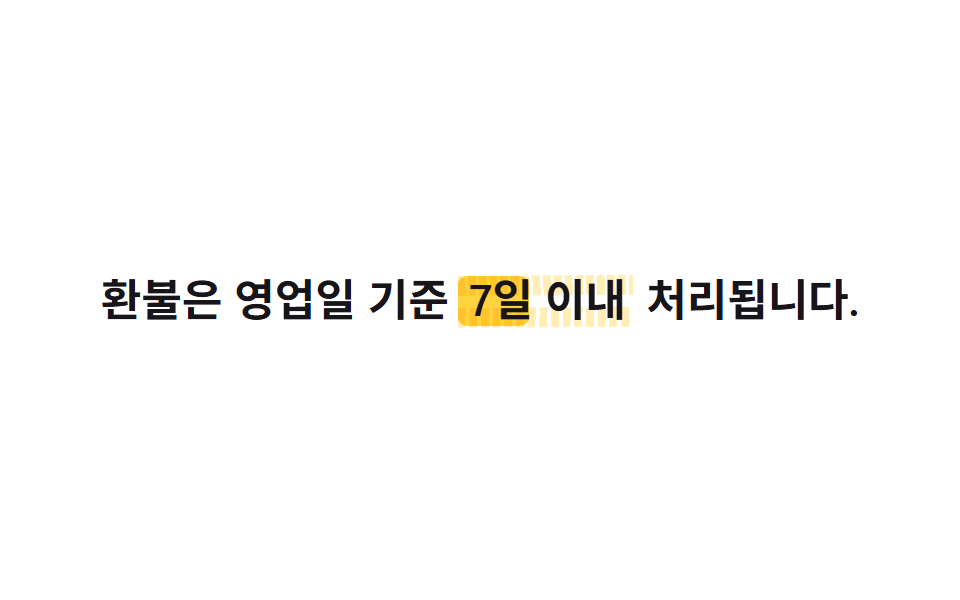
このデモが属する記事
 CSS 下線 アニメーション9選 — 一行でコピペOKcss 下線 アニメーションは、単語や文の下・背後に敷いた線や面を動かして、読む人の視線をその一語に止める技法です。今回はこの技法を9つ選び、それぞれ6〜25行のコードにまとめました。上のグリッドは表示された瞬間から自動で繰り返し動いていて この記事のデモをすべて見る