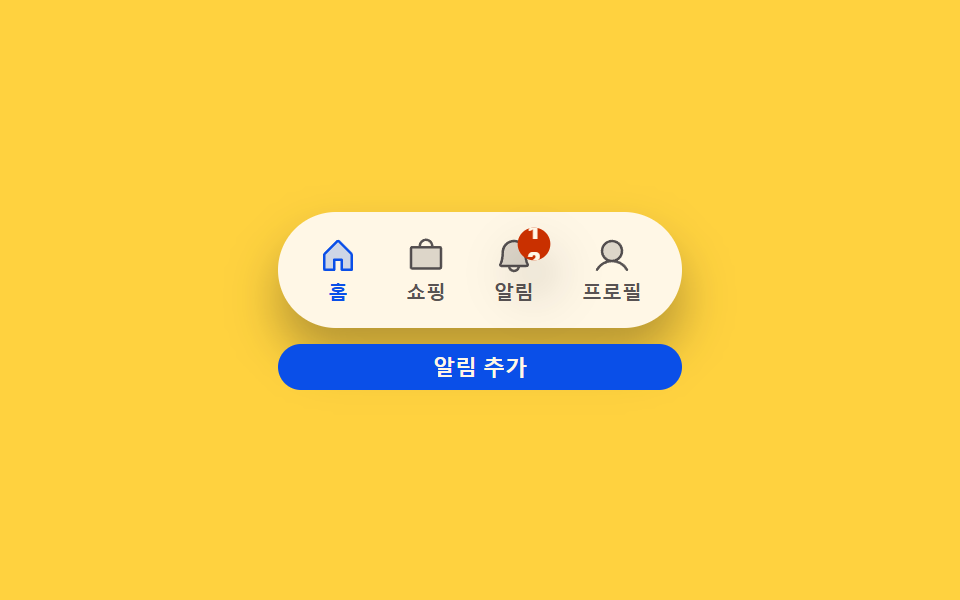
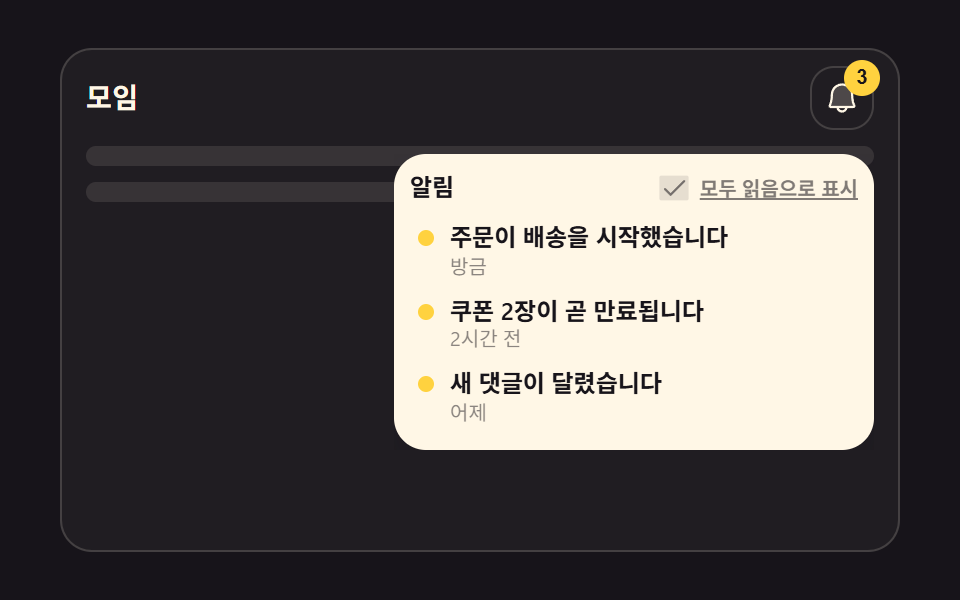
09通知バッジ
ベルアイコンが先端を軸に短く揺れると同時に右上のバッジが拡大・縮小し、新着通知が来た瞬間を作る。
使いどころヘッダーの通知アイコン、未読メッセージ数の表示
transform-box: fill-boxrotatescale
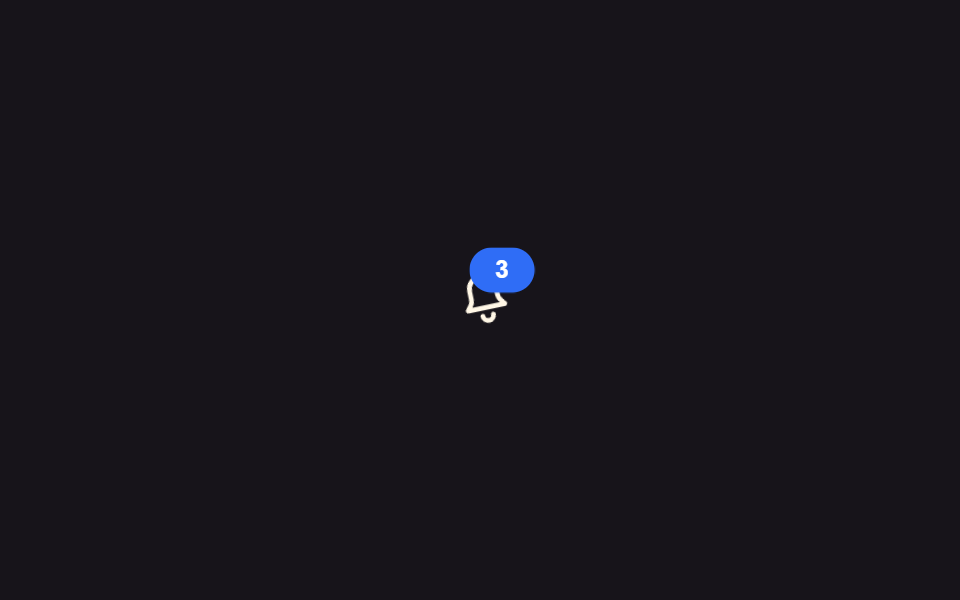
<main class="stage">
  <button class="bell is-demo" type="button" aria-label="通知3件">
    <svg viewBox="0 0 24 24" width="32" height="32" aria-hidden="true">
      <g class="bell__body">
        <path d="M12 3a5 5 0 0 0-5 5v3.2c0 .9-.35 1.77-.98 2.4L5 15h14l-1.02-1.4a3.4 3.4 0 0 1-.98-2.4V8a5 5 0 0 0-5-5Z" fill="none" stroke="currentColor" stroke-width="1.8" stroke-linejoin="round"/>
        <path d="M10 18a2 2 0 0 0 4 0" fill="none" stroke="currentColor" stroke-width="1.8" stroke-linecap="round"/>
      </g>
    </svg>
    <span class="badge" aria-hidden="true">3</span>
  </button>
</main>
@use "../../../../site/static/demo-tokens" as *;
// ── 변수 3개 ──────────────────────────────
$duration: $dur-base; // 300ms — 종이 흔들리는 시간
$easing: $ease-out;
$color: $subject-blue; // 배지 색
// ── 데모 무대 ───────────────────────────────
@include stage($stage-ink);
.bell {
position: relative;
display: grid; place-items: center;
width: 56px; height: 56px;
border: 0; border-radius: $r-control;
background: transparent;
color: $subject-cream;
cursor: pointer;
&:hover, &:focus-visible { background: rgba(255, 255, 255, .08); }
}
.bell__body {
transform-box: fill-box;
transform-origin: 50% 0%; // 종의 꼭지점을 축으로 흔든다
}
.badge {
position: absolute; top: $sp-1; right: $sp-1;
display: grid; place-items: center;
min-width: 18px; height: 18px;
padding: 0 $sp-1;
border-radius: $r-pill;
background: $color;
color: #fff;
font-weight: 700;
font-size: 10px;
line-height: 1;
font-family: inherit;
}
// 실측 2026-09-10: 흔들림과 배지 맥동을 같은 구간에 겹쳐 "새 알림이 왔다"는 한 순간을 만든다
.bell.is-demo .bell__body { animation: shake $dur-loop $easing infinite; }
.bell.is-demo .badge { animation: pulse $dur-loop $easing infinite; }
@keyframes shake {
0%, 55%, 100% { transform: rotate(0deg); }
60% { transform: rotate(-14deg); }
65% { transform: rotate(12deg); }
70% { transform: rotate(-8deg); }
75% { transform: rotate(5deg); }
80% { transform: rotate(0deg); }
}
@keyframes pulse {
0%, 55%, 100% { transform: scale(1); }
60% { transform: scale(1.3); }
70% { transform: scale(1); }
}
// ── 접근성: 움직임 줄이기 설정이면 흔들지 않고 배지만 남긴다 ────────
@media (prefers-reduced-motion: reduce) {
.bell.is-demo .bell__body { animation: none; }
.bell.is-demo .badge { animation: none; }
}html, body {
margin: 0;
overflow: hidden;
}
.stage {
box-sizing: border-box;
min-height: 100vh;
display: grid;
place-items: center;
margin: 0;
background: #17141a;
font-family: -apple-system, "Segoe UI", "Noto Sans KR", sans-serif;
padding: clamp(8px, 4vw, 24px);
}
.bell {
position: relative;
display: grid;
place-items: center;
width: 56px;
height: 56px;
border: 0;
border-radius: 12px;
background: transparent;
color: #fff7e6;
cursor: pointer;
}
.bell:hover, .bell:focus-visible {
background: rgba(255, 255, 255, 0.08);
}
.bell__body {
transform-box: fill-box;
transform-origin: 50% 0%;
}
.badge {
position: absolute;
top: 4px;
right: 4px;
display: grid;
place-items: center;
min-width: 18px;
height: 18px;
padding: 0 4px;
border-radius: 999px;
background: #2f6df6;
color: #fff;
font-weight: 700;
font-size: 10px;
line-height: 1;
font-family: inherit;
}
.bell.is-demo .bell__body {
animation: shake 2s ease-out infinite;
}
.bell.is-demo .badge {
animation: pulse 2s ease-out infinite;
}
@keyframes shake {
0%, 55%, 100% {
transform: rotate(0deg);
}
60% {
transform: rotate(-14deg);
}
65% {
transform: rotate(12deg);
}
70% {
transform: rotate(-8deg);
}
75% {
transform: rotate(5deg);
}
80% {
transform: rotate(0deg);
}
}
@keyframes pulse {
0%, 55%, 100% {
transform: scale(1);
}
60% {
transform: scale(1.3);
}
70% {
transform: scale(1);
}
}
@media (prefers-reduced-motion: reduce) {
.bell.is-demo .bell__body {
animation: none;
}
.bell.is-demo .badge {
animation: none;
}
}import type { CSSProperties } from "react";
import styles from "./BellBadge.module.scss";
export type BellBadgeProps = {
count: number;
onClick?: () => void;
color?: string;
};
type Vars = CSSProperties & { "--color"?: string };
export default function BellBadge({ count, onClick, color = "#2f6df6" }: BellBadgeProps) {
const vars: Vars = { "--color": color };
return (
<button className={styles.bell} style={vars} type="button" aria-label={`알림 ${count}개`} onClick={onClick}>
<svg viewBox="0 0 24 24" width={32} height={32} aria-hidden="true">
<g className={styles.body}>
<path
d="M12 3a5 5 0 0 0-5 5v3.2c0 .9-.35 1.77-.98 2.4L5 15h14l-1.02-1.4a3.4 3.4 0 0 1-.98-2.4V8a5 5 0 0 0-5-5Z"
fill="none"
stroke="currentColor"
strokeWidth={1.8}
strokeLinejoin="round"
/>
<path d="M10 18a2 2 0 0 0 4 0" fill="none" stroke="currentColor" strokeWidth={1.8} strokeLinecap="round" />
</g>
</svg>
{count > 0 && (
<span className={styles.badge} aria-hidden="true">
{count}
</span>
)}
</button>
);
}09 通知バッジ — 計測 累積面積 0.469% · 動いたフレーム 8/23GODRICH オリジナル · SCSS と React は zip に同梱 · トースト通知 css アニメーション9選 — JS最小・CSSだけ
このデモが属する記事
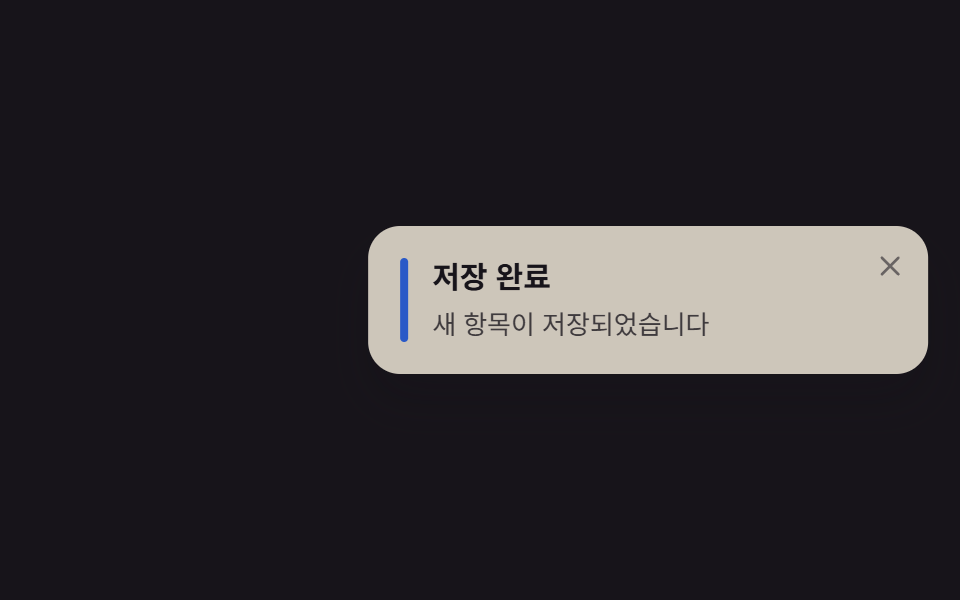 トースト通知 css アニメーション9選 — JS最小・CSSだけトースト通知 css は、画面の隅に短く現れて自分で消えていく通知カードを、JavaScriptをほぼ使わずtransformとopacityだけで動かす手法です。この記事では9種類を実装し、コードは6〜25行の断片として載せています。まず この記事のデモをすべて見る