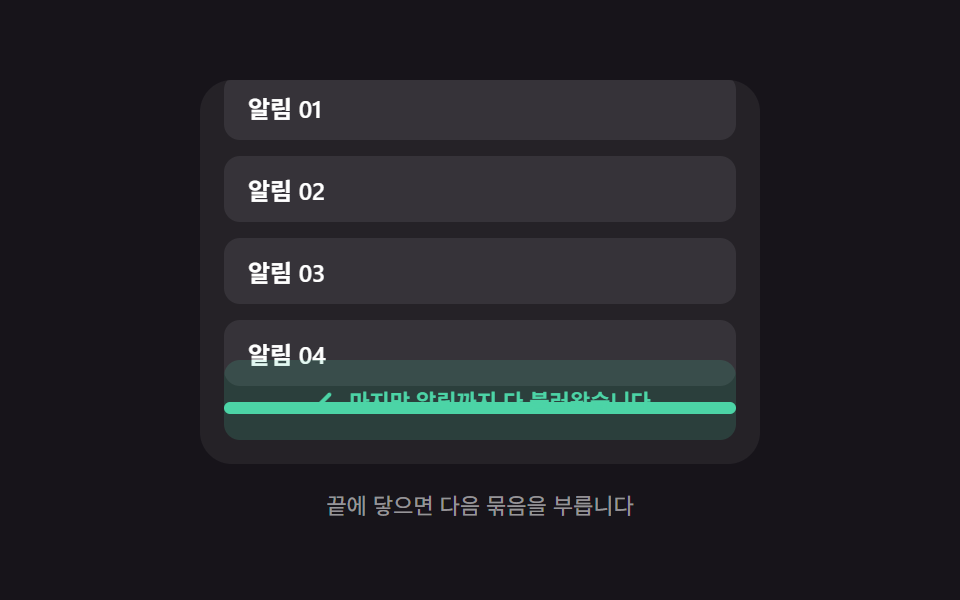
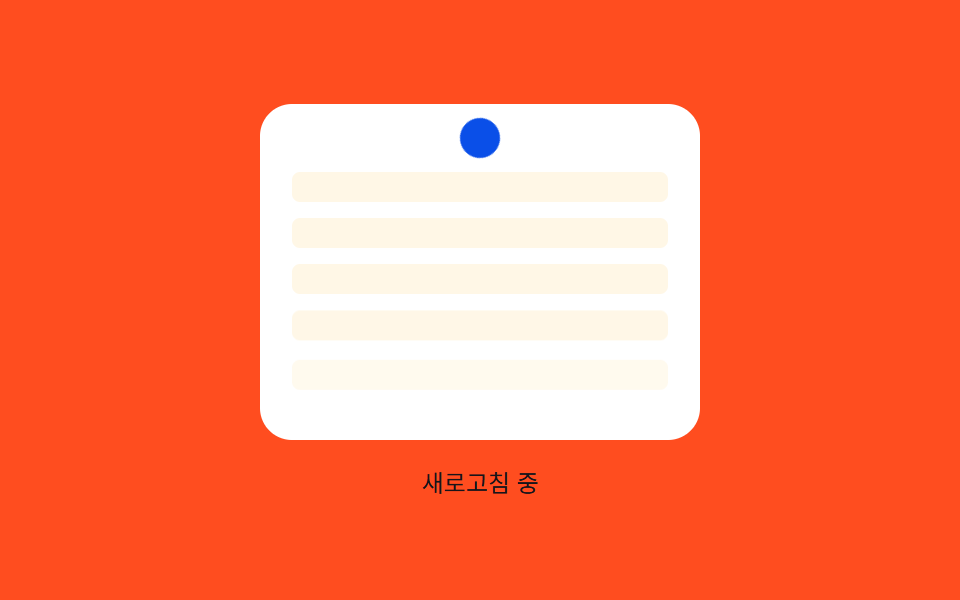
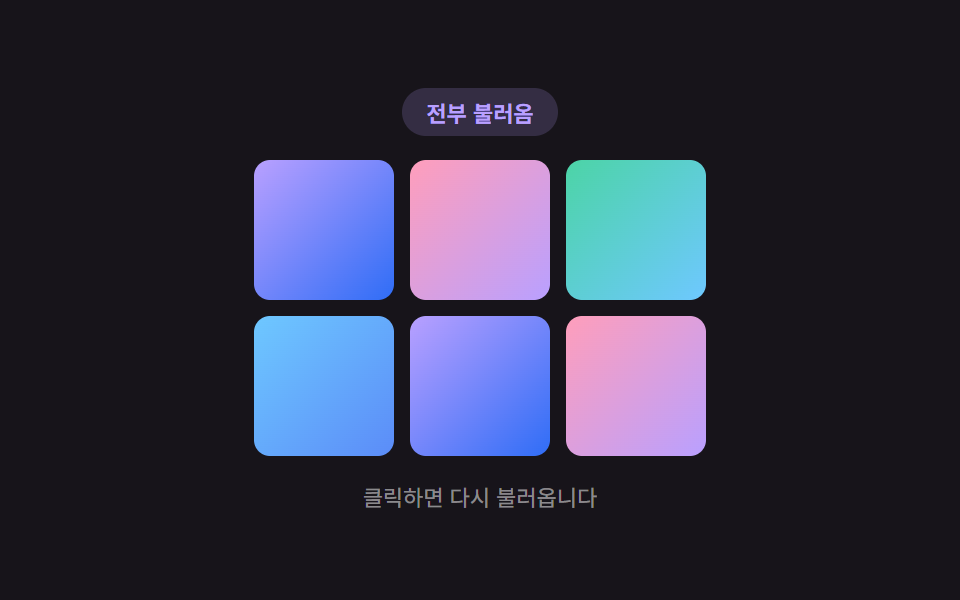
08完了項目の位置値の移動 — ダウンロードが終わった項目の位置値が一覧の決まった領域へ移る方式
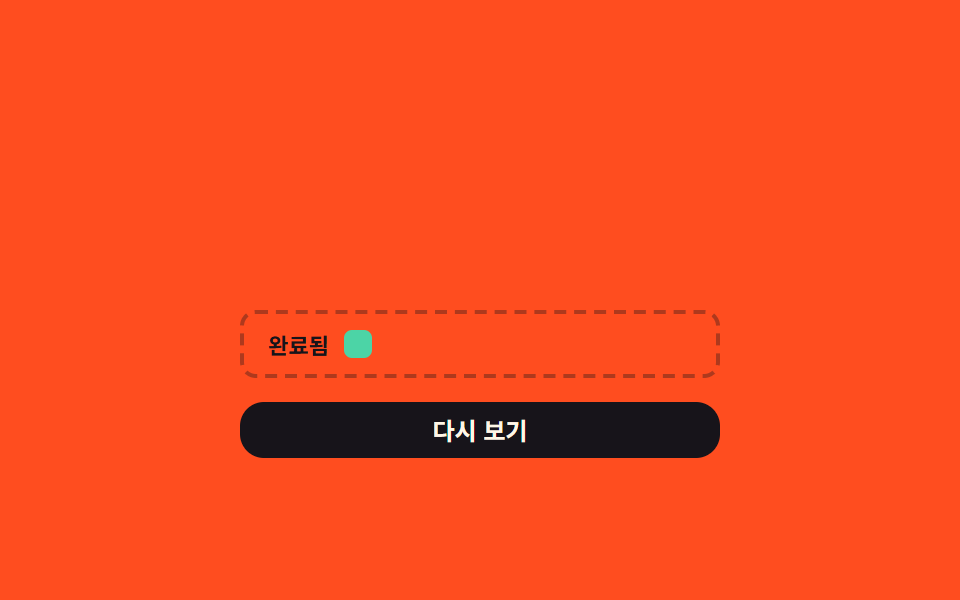
項目の完了値が1になる瞬間、その項目の位置値が一覧内の決まった領域へ移動します。
使いどころダウンロード完了ファイルをまとめて表示する一覧、最近受信したファイルの整理画面
.dfr__zoneSlotZETAW
<main class="stage">
<div class="dfr is-demo" id="dfr">
  <div class="dfr__list">
    <div class="dfr__item" id="dfrItem0">資料 1</div>
    <div class="dfr__item" id="dfrItem1">資料 2</div>
  </div>
  <div class="dfr__zone">
    <span class="dfr__zoneLabel">完了済み</span>
    <div class="dfr__zoneSlot" id="dfrSlot"></div>
  </div>
  <button class="dfr__btn" id="dfrBtn" type="button">もう一度見る</button>
</div>
</main>
@use "../../../../site/static/demo-tokens" as *;
// 계산 겹: 위치 진행도를 질량-스프링 방정식으로 계산(오버슛 후 정착) — index.html spring() 참조
@include stage($stage-orange);
.dfr {
position: relative;
width: 100%;
max-width: 240px;
display: grid;
gap: $sp-3;
}
.dfr__list {
display: grid;
gap: $sp-2;
}
.dfr__item {
height: 32px;
border-radius: $r-sm;
background: $subject-ink;
color: $subject-cream;
display: flex;
align-items: center;
padding: 0 $sp-3;
font: 600 12px/1 -apple-system, "Segoe UI", "Noto Sans KR", sans-serif;
will-change: transform, opacity;
}
.dfr__zone {
display: flex;
align-items: center;
gap: $sp-2;
padding: $sp-2 $sp-3;
border-radius: $r-sm;
border: 2px dashed rgba($subject-ink, .35);
}
.dfr__zoneLabel {
font: 700 11px/1 -apple-system, "Segoe UI", "Noto Sans KR", sans-serif;
color: $subject-ink;
}
.dfr__zoneSlot {
width: 14px;
height: 14px;
border-radius: $r-xs;
background: $subject-mint;
}
.dfr__btn {
width: 100%;
border: 0;
border-radius: $r-control;
padding: $sp-2 $sp-4;
background: $subject-ink;
color: $subject-cream;
font: 700 12px/1 -apple-system, "Segoe UI", "Noto Sans KR", sans-serif;
cursor: pointer;
transition: transform $dur-instant $ease-out;
&:active { transform: scale(.96); }
}
@media (max-width: 340px) {
.dfr { max-width: 195px; }
.dfr__item { height: 28px; font-size: 11px; }
}
@media (prefers-reduced-motion: reduce) {
.dfr__btn { transition: none; }
}html, body {
margin: 0;
overflow: hidden;
}
.stage {
box-sizing: border-box;
min-height: 100vh;
display: grid;
place-items: center;
margin: 0;
background: #ff4d1f;
font-family: -apple-system, "Segoe UI", "Noto Sans KR", sans-serif;
padding: clamp(8px, 4vw, 24px);
}
.dfr {
position: relative;
width: 100%;
max-width: 240px;
display: grid;
gap: 12px;
}
.dfr__list {
display: grid;
gap: 8px;
}
.dfr__item {
height: 32px;
border-radius: 8px;
background: #17141a;
color: #fff7e6;
display: flex;
align-items: center;
padding: 0 12px;
font: 600 12px/1 -apple-system, "Segoe UI", "Noto Sans KR", sans-serif;
will-change: transform, opacity;
}
.dfr__zone {
display: flex;
align-items: center;
gap: 8px;
padding: 8px 12px;
border-radius: 8px;
border: 2px dashed rgba(23, 20, 26, 0.35);
}
.dfr__zoneLabel {
font: 700 11px/1 -apple-system, "Segoe UI", "Noto Sans KR", sans-serif;
color: #17141a;
}
.dfr__zoneSlot {
width: 14px;
height: 14px;
border-radius: 4px;
background: #4cd4a6;
}
.dfr__btn {
width: 100%;
border: 0;
border-radius: 12px;
padding: 8px 16px;
background: #17141a;
color: #fff7e6;
font: 700 12px/1 -apple-system, "Segoe UI", "Noto Sans KR", sans-serif;
cursor: pointer;
transition: transform 140ms ease-out;
}
.dfr__btn:active {
transform: scale(0.96);
}
@media (max-width: 340px) {
.dfr {
max-width: 195px;
}
.dfr__item {
height: 28px;
font-size: 11px;
}
}
@media (prefers-reduced-motion: reduce) {
.dfr__btn {
transition: none;
}
}(function () {
var root = document.getElementById('dfr');
var items = [document.getElementById('dfrItem0'), document.getElementById('dfrItem1')];
var slot = document.getElementById('dfrSlot');
var btn = document.getElementById('dfrBtn');
// 상수: 스프링 감쇠비(zeta) · 각진동수(w) · 항목별 시작 지연(ms) · 이동 소요(ms)
var ZETA = 0.42;
var W = 7.5;
var START_DELAY = [0, 1100];
var MOVE_MS = 850;
var CYCLE_MS = 2900;
// 계산 겹: 위치 진행도를 질량-스프링 방정식으로 매 프레임 계산(목표를 넘었다가 되돌아와 멈춘다) — CSS 트랜지션이 아니다
function spring(u) {
var wd = W * Math.sqrt(1 - ZETA * ZETA);
var e = Math.exp(-ZETA * W * u);
return 1 - e * (Math.cos(wd * u) + (ZETA * W / wd) * Math.sin(wd * u));
}
var cycleStart = performance.now();
function paint(el, delay) {
var t = performance.now() - cycleStart - delay;
if (t <= 0) {
el.style.transform = 'translate(0,0) scale(1)';
el.style.opacity = '1';
return;
}
var rItem = el.getBoundingClientRect();
var rSlot = slot.getBoundingClientRect();
var dx = rSlot.left + rSlot.width / 2 - (rItem.left + rItem.width / 2);
var dy = rSlot.top + rSlot.height / 2 - (rItem.top + rItem.height / 2);
var u = Math.min(t / MOVE_MS, 1) * 2.5;
var s = spring(u);
el.style.transform = 'translate(' + (dx * s).toFixed(1) + 'px,' + (dy * s).toFixed(1) + 'px) scale(' + (1 - 0.55 * Math.min(s, 1)).toFixed(3) + ')';
var fadeStart = MOVE_MS * 0.85;
el.style.opacity = t > fadeStart ? String(Math.max(0, 1 - (t - fadeStart) / (MOVE_MS * 0.3))) : '1';
}
function frame() {
var now = performance.now();
if (now - cycleStart > CYCLE_MS) {
cycleStart = now;
}
paint(items[0], START_DELAY[0]);
paint(items[1], START_DELAY[1]);
requestAnimationFrame(frame);
}
requestAnimationFrame(frame);
btn.addEventListener('click', function () {
root.classList.remove('is-demo');
cycleStart = performance.now();
});
})();import { useEffect, useRef } from "react";
import styles from "./DownloadManagerFolderReveal.module.scss";
type Box<T> = { current: T };
export default function DownloadManagerFolderReveal() {
const rootRef = useRef(null) as unknown as Box<HTMLDivElement | null>;
useEffect(() => {
const root = rootRef.current;
if (!root) return;
const items = [0, 1].map((i) => root.querySelector(`.${styles["item" + i]}`) as HTMLElement | null);
const slot = root.querySelector(`.${styles.zoneSlot}`) as HTMLElement | null;
const btn = root.querySelector(`.${styles.btn}`) as HTMLElement | null;
if (items.some((el) => !el) || !slot || !btn) return;
// 상수: 스프링 감쇠비(zeta) · 각진동수(w) · 항목별 시작 지연(ms) · 이동 소요(ms)
const ZETA = 0.42;
const W = 7.5;
const START_DELAY = [0, 1100];
const MOVE_MS = 850;
const CYCLE_MS = 2900;
let stopped = false;
let rafId = 0;
let cycleStart = performance.now();
// 계산 겹: 위치 진행도를 질량-스프링 방정식으로 매 프레임 계산(목표를 넘었다가 되돌아와 멈춘다) — CSS 트랜지션이 아니다
function spring(u: number) {
const wd = W * Math.sqrt(1 - ZETA * ZETA);
const e = Math.exp(-ZETA * W * u);
return 1 - e * (Math.cos(wd * u) + (ZETA * W / wd) * Math.sin(wd * u));
}
function paint(el: HTMLElement, delay: number) {
const t = performance.now() - cycleStart - delay;
if (t <= 0) {
el.style.transform = "translate(0,0) scale(1)";
el.style.opacity = "1";
return;
}
const rItem = el.getBoundingClientRect();
const rSlot = slot!.getBoundingClientRect();
const dx = rSlot.left + rSlot.width / 2 - (rItem.left + rItem.width / 2);
const dy = rSlot.top + rSlot.height / 2 - (rItem.top + rItem.height / 2);
const u = Math.min(t / MOVE_MS, 1) * 2.5;
const s = spring(u);
el.style.transform = "translate(" + (dx * s).toFixed(1) + "px," + (dy * s).toFixed(1) + "px) scale(" + (1 - 0.55 * Math.min(s, 1)).toFixed(3) + ")";
const fadeStart = MOVE_MS * 0.85;
el.style.opacity = t > fadeStart ? String(Math.max(0, 1 - (t - fadeStart) / (MOVE_MS * 0.3))) : "1";
}
function frame() {
if (stopped) return;
const now = performance.now();
if (now - cycleStart > CYCLE_MS) {
cycleStart = now;
}
paint(items[0]!, START_DELAY[0]);
paint(items[1]!, START_DELAY[1]);
rafId = requestAnimationFrame(frame);
}
rafId = requestAnimationFrame(frame);
function onClick() {
root!.classList.remove(styles["is-demo"]);
cycleStart = performance.now();
}
btn.addEventListener("click", onClick);
return () => {
stopped = true;
cancelAnimationFrame(rafId);
btn.removeEventListener("click", onClick);
};
}, []);
return (
<div ref={rootRef} className={`${styles.stage} ${styles.dfr} ${styles["is-demo"]}`}>
<div className={styles.list}>
<div className={`${styles.item} ${styles.item0}`}>자료 1</div>
<div className={`${styles.item} ${styles.item1}`}>자료 2</div>
</div>
<div className={styles.zone}>
<span className={styles.zoneLabel}>완료됨</span>
<div className={styles.zoneSlot} />
</div>
<button className={styles.btn} type="button">다시 보기</button>
</div>
);
}08 完了項目の位置値の移動 — ダウンロードが終わった項目の位置値が一覧の決まった領域へ移る方式 — 計測 累積面積 12.302% · 動いたフレーム 10/23GODRICH オリジナル · SCSS と React は zip に同梱 · ダウンロード 進捗バー 9選 — 値がパーセントで更新される9つの方式
このデモが属する記事
 ダウンロード 進捗バー 9選 — 値がパーセントで更新される9つの方式このダウンロード 進捗バー特集では、9つのうち1つは複数のファイルが同時に受信される間、各ファイルの進捗値が一覧の中で並んで上がり、1つは検証が失敗するたびに再試行回数の値が増えて進捗値が最初に戻り、もう1つは完了した項目の位置値が一覧の決 この記事のデモをすべて見る