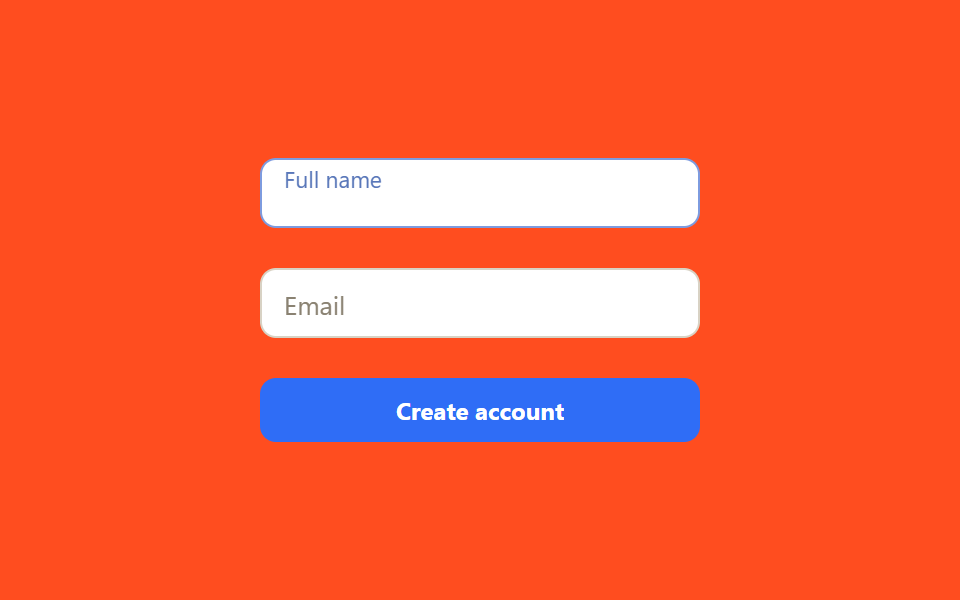
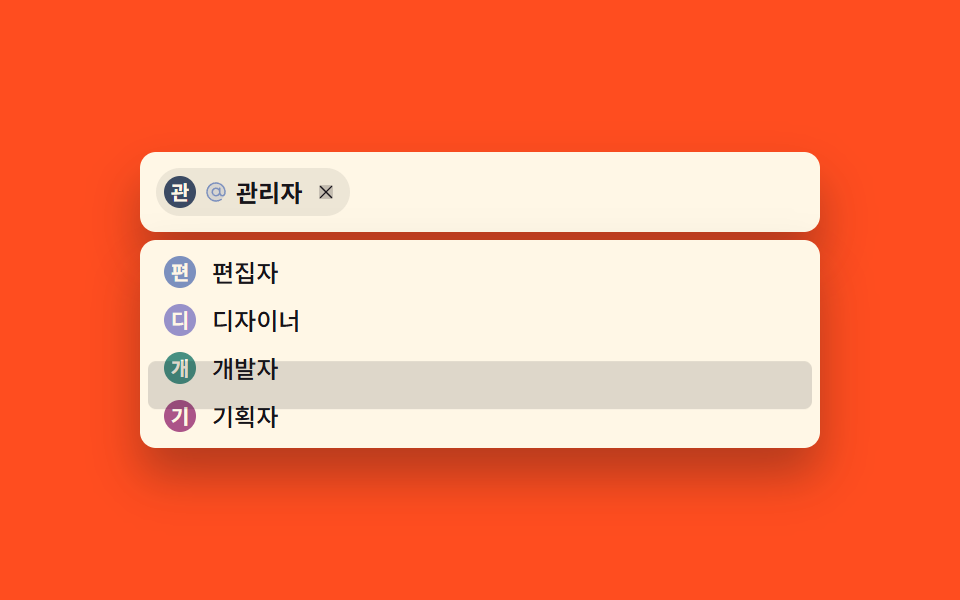
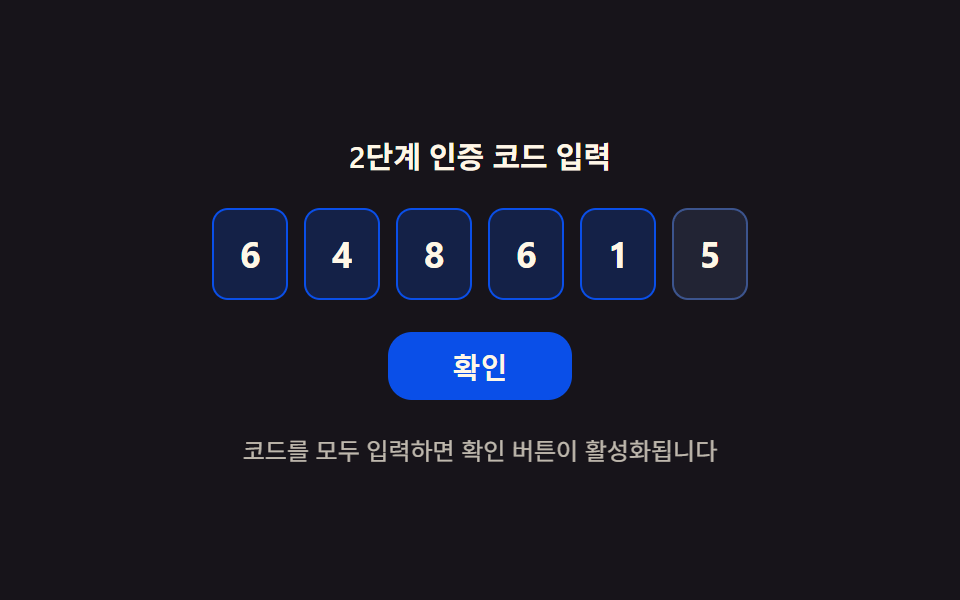
03認証コード入力グリッド
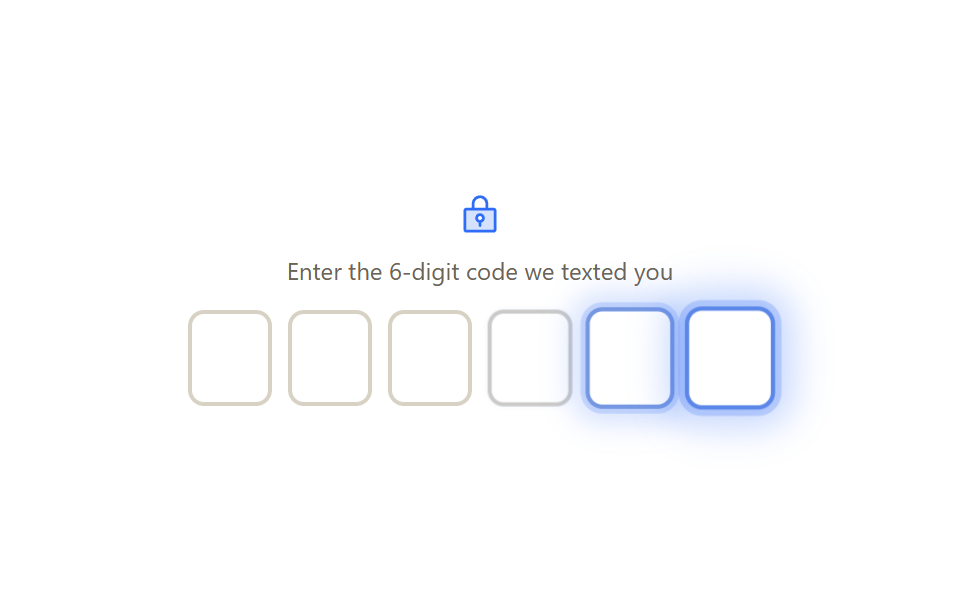
6つの数字マスが並び、1マスに入力すると自動的に次のマスへ移動し、そのマスの枠が一瞬青く光ります。
使いどころSMSで届いた6桁の認証コード入力欄、2段階認証コード入力画面
input 이벤트 자동 이동paste 이벤트 6자리 분배inputmode=numeric
<main class="stage">
  <div class="otp-card">
    <span class="otp-card__icon" aria-hidden="true">
      <svg viewBox="0 0 256 256"><g fill="currentColor"><path d="M208 88H48a8 8 0 0 0-8 8v112a8 8 0 0 0 8 8h160a8 8 0 0 0 8-8V96a8 8 0 0 0-8-8m-80 72a20 20 0 1 1 20-20a20 20 0 0 1-20 20" opacity=".2"/><path d="M208 80h-32V56a48 48 0 0 0-96 0v24H48a16 16 0 0 0-16 16v112a16 16 0 0 0 16 16h160a16 16 0 0 0 16-16V96a16 16 0 0 0-16-16M96 56a32 32 0 0 1 64 0v24H96Zm112 152H48V96h160zm-80-96a28 28 0 0 0-8 54.83V184a8 8 0 0 0 16 0v-17.17a28 28 0 0 0-8-54.83m0 40a12 12 0 1 1 12-12a12 12 0 0 1-12 12"/></g></svg>
    </span>
    <p class="otp-card__desc">Enter the 6-digit code we texted you</p>
    <div class="otp is-demo" role="group" aria-label="One-time code">
      <input class="otp__box" type="text" inputmode="numeric" pattern="[0-9]*" maxlength="1" aria-label="Digit 1">
      <input class="otp__box" type="text" inputmode="numeric" pattern="[0-9]*" maxlength="1" aria-label="Digit 2">
      <input class="otp__box" type="text" inputmode="numeric" pattern="[0-9]*" maxlength="1" aria-label="Digit 3">
      <input class="otp__box" type="text" inputmode="numeric" pattern="[0-9]*" maxlength="1" aria-label="Digit 4">
      <input class="otp__box" type="text" inputmode="numeric" pattern="[0-9]*" maxlength="1" aria-label="Digit 5">
      <input class="otp__box" type="text" inputmode="numeric" pattern="[0-9]*" maxlength="1" aria-label="Digit 6">
    </div>
  </div>
</main>
@use "../../../../site/static/demo-tokens" as *;
$duration: $dur-loop; // 칸마다 번지는 포커스 웨이브 한 바퀴
$easing: $ease-out;
$color: $subject-blue; // 포커스 강조 색 (신뢰감 있는 밝은 축)
@include stage($stage-paper);
.otp-card {
display: flex;
flex-direction: column;
align-items: center;
gap: $sp-2;
width: min(280px, 88vw);
}
.otp-card__icon { width: 22px; height: 22px; color: $color; }
.otp-card__desc { margin: 0 0 $sp-1; font-size: 12px; color: #6b6455; font-family: inherit; text-align: center; }
.otp {
display: flex;
gap: $sp-2;
}
.otp__box {
width: 34px; height: 42px;
border: 2px solid #d8d2c4;
border-radius: $r-sm;
background: $stage-paper;
text-align: center;
font-size: 18px;
font-weight: 700;
font-family: inherit;
color: $stage-ink;
box-shadow: none;
}
.otp__box:focus-visible {
outline: none;
border-color: $color;
box-shadow: 0 0 0 3px rgba($color, .25);
}
// 자동 재생 — 칸마다 순서대로 포커스 링이 번진다 (실제 입력은 JS 가 처리, index.html)
.otp.is-demo .otp__box { animation: otp-wave $duration $easing infinite; }
.otp.is-demo .otp__box:nth-child(1) { animation-delay: 0ms; }
.otp.is-demo .otp__box:nth-child(2) { animation-delay: 120ms; }
.otp.is-demo .otp__box:nth-child(3) { animation-delay: 240ms; }
.otp.is-demo .otp__box:nth-child(4) { animation-delay: 360ms; }
.otp.is-demo .otp__box:nth-child(5) { animation-delay: 480ms; }
.otp.is-demo .otp__box:nth-child(6) { animation-delay: 600ms; }
@keyframes otp-wave {
0%, 84%, 100% { border-color: #d8d2c4; box-shadow: none; transform: scale(1); }
6% { border-color: $color; box-shadow: 0 0 0 4px rgba($color, .3), 0 0 22px 12px rgba($color, .35); transform: scale(1.1); }
18% { border-color: #d8d2c4; box-shadow: none; transform: scale(1); }
}
@media (prefers-reduced-motion: reduce) {
.otp.is-demo .otp__box { animation: none; }
}html, body {
margin: 0;
overflow: hidden;
}
.stage {
box-sizing: border-box;
min-height: 100vh;
display: grid;
place-items: center;
margin: 0;
background: #ffffff;
font-family: -apple-system, "Segoe UI", "Noto Sans KR", sans-serif;
padding: clamp(8px, 4vw, 24px);
}
.otp-card {
display: flex;
flex-direction: column;
align-items: center;
gap: 8px;
width: min(280px, 88vw);
}
.otp-card__icon {
width: 22px;
height: 22px;
color: #2f6df6;
}
.otp-card__desc {
margin: 0 0 4px;
font-size: 12px;
color: #6b6455;
font-family: inherit;
text-align: center;
}
.otp {
display: flex;
gap: 8px;
}
.otp__box {
width: 34px;
height: 42px;
border: 2px solid #d8d2c4;
border-radius: 8px;
background: #ffffff;
text-align: center;
font-size: 18px;
font-weight: 700;
font-family: inherit;
color: #17141a;
box-shadow: none;
}
.otp__box:focus-visible {
outline: none;
border-color: #2f6df6;
box-shadow: 0 0 0 3px rgba(47, 109, 246, 0.25);
}
.otp.is-demo .otp__box {
animation: otp-wave 2s ease-out infinite;
}
.otp.is-demo .otp__box:nth-child(1) {
animation-delay: 0ms;
}
.otp.is-demo .otp__box:nth-child(2) {
animation-delay: 120ms;
}
.otp.is-demo .otp__box:nth-child(3) {
animation-delay: 240ms;
}
.otp.is-demo .otp__box:nth-child(4) {
animation-delay: 360ms;
}
.otp.is-demo .otp__box:nth-child(5) {
animation-delay: 480ms;
}
.otp.is-demo .otp__box:nth-child(6) {
animation-delay: 600ms;
}
@keyframes otp-wave {
0%, 84%, 100% {
border-color: #d8d2c4;
box-shadow: none;
transform: scale(1);
}
6% {
border-color: #2f6df6;
box-shadow: 0 0 0 4px rgba(47, 109, 246, 0.3), 0 0 22px 12px rgba(47, 109, 246, 0.35);
transform: scale(1.1);
}
18% {
border-color: #d8d2c4;
box-shadow: none;
transform: scale(1);
}
}
@media (prefers-reduced-motion: reduce) {
.otp.is-demo .otp__box {
animation: none;
}
}(function(){
var boxes = Array.prototype.slice.call(document.querySelectorAll('.otp__box'));
boxes.forEach(function(box, i){
box.addEventListener('input', function(){
box.value = box.value.replace(/[^0-9]/g, '').slice(0, 1);
if (box.value && boxes[i + 1]) boxes[i + 1].focus({ preventScroll: true });
});
box.addEventListener('keydown', function(e){
if (e.key === 'Backspace' && !box.value && boxes[i - 1]) boxes[i - 1].focus({ preventScroll: true });
});
box.addEventListener('paste', function(e){
e.preventDefault();
var digits = (e.clipboardData.getData('text') || '').replace(/[^0-9]/g, '').split('');
boxes.forEach(function(b, j){ b.value = digits[j] || ''; });
(boxes[Math.min(digits.length, boxes.length) - 1] || boxes[0]).focus({ preventScroll: true });
});
});
}());import { useRef, useState } from "react";
import styles from "./OtpCodeGrid.module.scss";
export type OtpCodeGridProps = {
length?: number;
onComplete?: (code: string) => void;
};
/** 인증번호 입력 그리드 — 자동 이동 + 붙여넣기 분배 */
export default function OtpCodeGrid({ length = 6, onComplete }: OtpCodeGridProps) {
const [digits, setDigits] = useState<string[]>(Array(length).fill(""));
const refs = useRef<Array<HTMLInputElement | null>>([]);
const setDigit = (i: number, value: string) => {
const next = [...digits];
next[i] = value;
setDigits(next);
if (next.every((d) => d)) onComplete?.(next.join(""));
};
return (
<div className={styles.card}>
<span className={styles.icon} aria-hidden="true">
<svg viewBox="0 0 256 256">
<g fill="currentColor">
<path d="M208 88H48a8 8 0 0 0-8 8v112a8 8 0 0 0 8 8h160a8 8 0 0 0 8-8V96a8 8 0 0 0-8-8m-80 72a20 20 0 1 1 20-20a20 20 0 0 1-20 20" opacity=".2" />
<path d="M208 80h-32V56a48 48 0 0 0-96 0v24H48a16 16 0 0 0-16 16v112a16 16 0 0 0 16 16h160a16 16 0 0 0 16-16V96a16 16 0 0 0-16-16M96 56a32 32 0 0 1 64 0v24H96Zm112 152H48V96h160zm-80-96a28 28 0 0 0-8 54.83V184a8 8 0 0 0 16 0v-17.17a28 28 0 0 0-8-54.83m0 40a12 12 0 1 1 12-12a12 12 0 0 1-12 12" />
</g>
</svg>
</span>
<p className={styles.desc}>Enter the {length}-digit code we texted you</p>
<div className={styles.otp} role="group" aria-label="One-time code">
{digits.map((d, i) => (
<input
key={i}
ref={(el: HTMLInputElement | null) => { refs.current![i] = el; }}
className={styles.box}
type="text"
inputMode="numeric"
pattern="[0-9]*"
maxLength={1}
value={d}
aria-label={`Digit ${i + 1}`}
onChange={(e: any) => {
const v = e.target.value.replace(/[^0-9]/g, "").slice(0, 1);
setDigit(i, v);
if (v && refs.current![i + 1]) refs.current![i + 1]!.focus({ preventScroll: true });
}}
onKeyDown={(e: any) => {
if (e.key === "Backspace" && !digits[i] && refs.current![i - 1]) refs.current![i - 1]!.focus({ preventScroll: true });
}}
onPaste={(e: any) => {
e.preventDefault();
const pasted = e.clipboardData.getData("text").replace(/[^0-9]/g, "").split("");
const next = Array(length).fill("").map((_, j) => pasted[j] || "");
setDigits(next);
if (next.every((n) => n)) onComplete?.(next.join(""));
refs.current![Math.min(pasted.length, length) - 1]?.focus({ preventScroll: true });
}}
/>
))}
</div>
</div>
);
}03 認証コード入力グリッド — 計測 累積面積 15.469% · 動いたフレーム 12/23GODRICH オリジナル · SCSS と React は zip に同梱 · 本人確認 画面UI 9選 — そのまま使える認証カード
このデモが属する記事
 本人確認 画面UI 9選 — そのまま使える認証カード本人確認 画面とは、カメラへのアクセス許可や認証コードの入力、本人確認直後のプロフィール設定まで、ユーザーが本人であることを証明する一連の流れで使われる一時的な画面のことです。ここでは権限リクエストから認証コード入力、ログアウト確認まで、そ この記事のデモをすべて見る