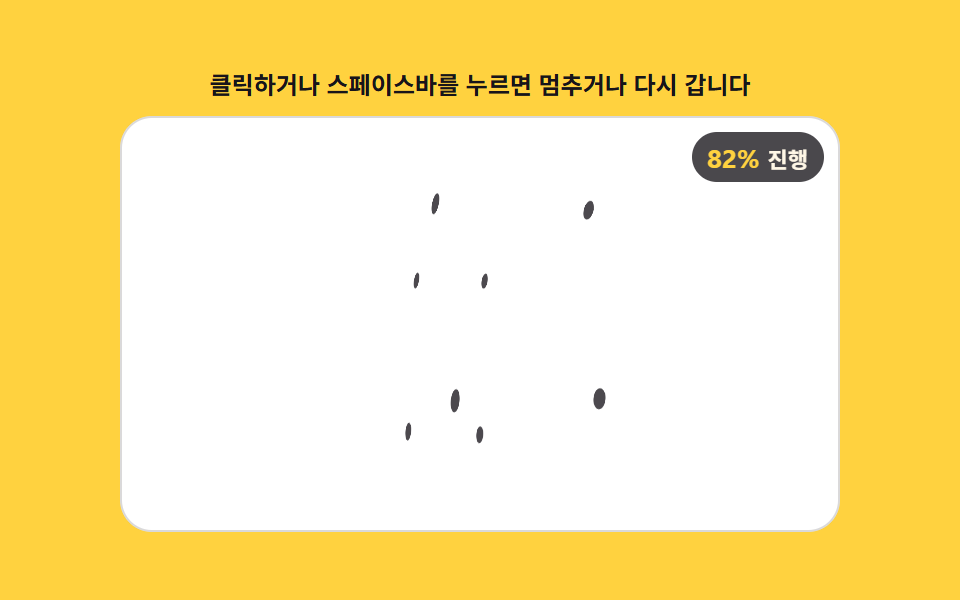
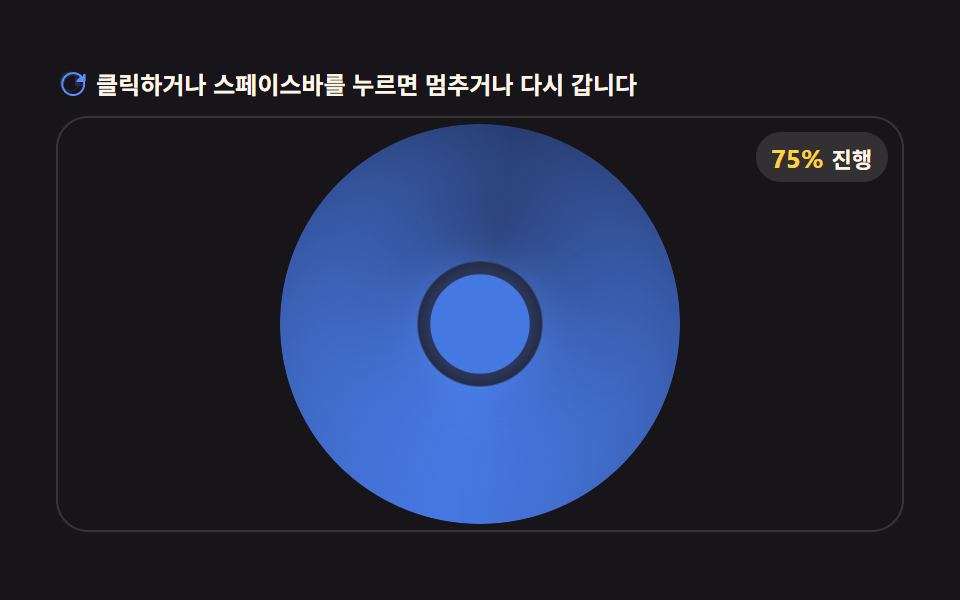
02回転連動 — 引いた距離の割合の値だけ回転の値も一緒に回る表示
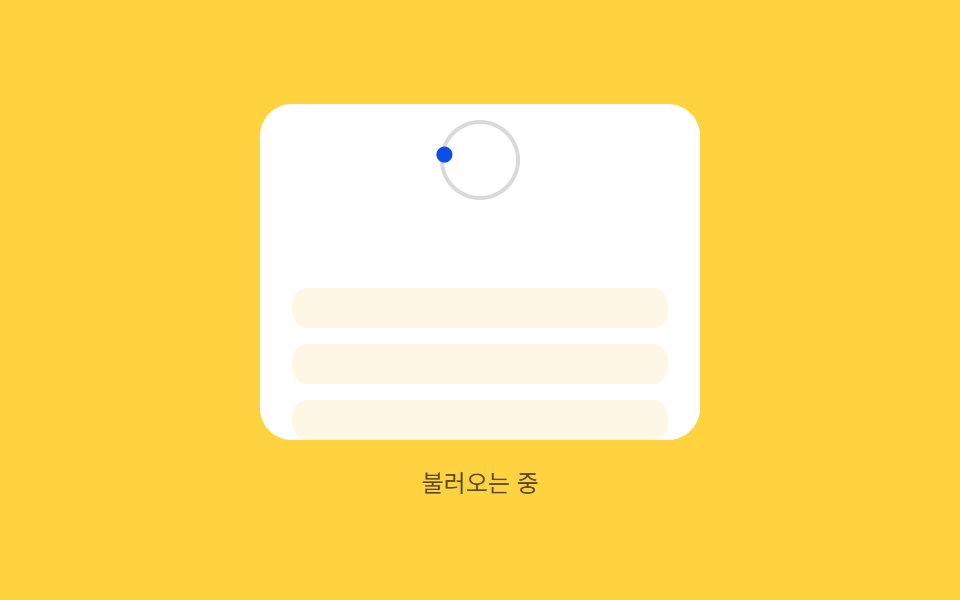
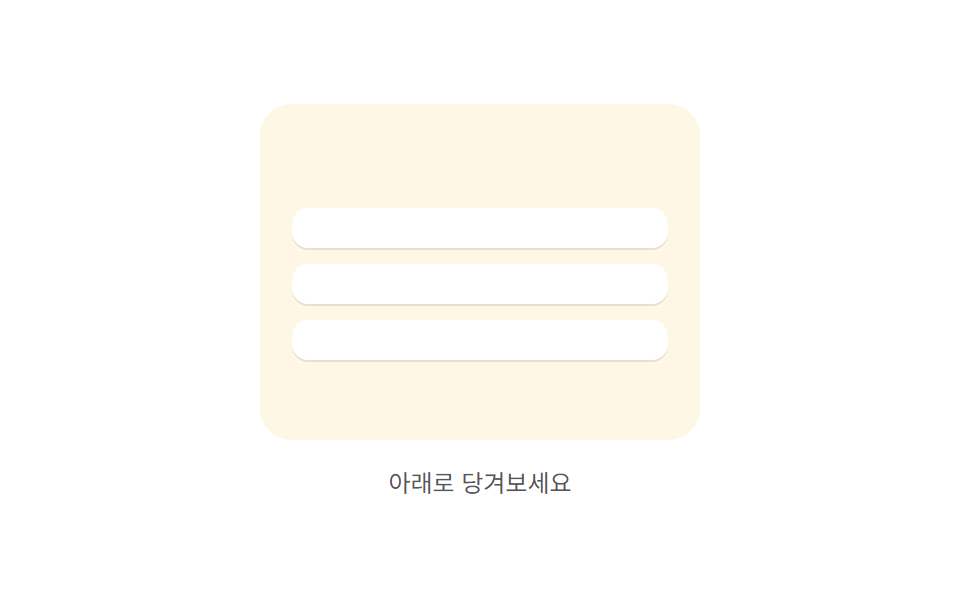
引いた距離の値を基準距離で割った割合の値だけ表示の回転の値も一緒に回り、割合の値が1になった状態になると回転が続く状態に変わります。
使いどころニュースフィード上部の表示、受信箱の更新
SWEEPRADIUSspinFrame
<main class="stage">
<div class="prrb is-demo" id="prrb">
  <div class="prrb__phone" id="prrbPhone">
    <div class="prrb__zone">
      <span class="prrb__ring"></span>
      <span class="prrb__knob" id="prrbKnob"></span>
    </div>
    <div class="prrb__list" id="prrbList">
      <div class="prrb__row"></div>
      <div class="prrb__row"></div>
      <div class="prrb__row"></div>
    </div>
  </div>
  <span class="prrb__hint" id="prrbHint">引っぱって更新</span>
</div>
</main>
@use "../../../../site/static/demo-tokens" as *;
// 계산 겹(비율→각도 place())은 JS 에 있다 — 여기는 정적 배치만.
@include stage($stage-yellow);
.prrb {
position: relative;
display: flex;
flex-direction: column;
align-items: center;
gap: $sp-3;
}
.prrb__phone {
position: relative;
width: 220px;
height: 168px;
overflow: hidden;
border-radius: $r-card;
background: $stage-paper;
touch-action: none;
cursor: grab;
}
.prrb__zone {
position: relative;
height: 56px;
display: grid;
place-items: center;
}
.prrb__ring {
position: absolute;
width: 36px;
height: 36px;
border-radius: $r-pill;
border: 2px solid rgba($subject-ink, .16);
}
.prrb__knob {
position: relative;
width: 8px;
height: 8px;
border-radius: $r-pill;
background: $subject-blue-deep;
}
.prrb__list {
position: relative;
display: flex;
flex-direction: column;
gap: $sp-2;
padding: $sp-3 $sp-4;
}
.prrb__row {
height: 20px;
border-radius: $r-sm;
background: $subject-cream;
}
.prrb__hint {
color: rgba($subject-ink, .72);
font-size: 12px;
text-align: center;
}
@media (max-width: 340px) {
.prrb__phone { width: 176px; height: 132px; }
.prrb__zone { height: 44px; }
.prrb__ring { width: 28px; height: 28px; }
.prrb__list { padding: $sp-2 $sp-3; gap: $sp-1; }
.prrb__row { height: 16px; }
}
@media (prefers-reduced-motion: reduce) {
.prrb__knob, .prrb__list { transition: none !important; }
}html, body {
margin: 0;
overflow: hidden;
}
.stage {
box-sizing: border-box;
min-height: 100vh;
display: grid;
place-items: center;
margin: 0;
background: #ffd23f;
font-family: -apple-system, "Segoe UI", "Noto Sans KR", sans-serif;
padding: clamp(8px, 4vw, 24px);
}
.prrb {
position: relative;
display: flex;
flex-direction: column;
align-items: center;
gap: 12px;
}
.prrb__phone {
position: relative;
width: 220px;
height: 168px;
overflow: hidden;
border-radius: 16px;
background: #ffffff;
touch-action: none;
cursor: grab;
}
.prrb__zone {
position: relative;
height: 56px;
display: grid;
place-items: center;
}
.prrb__ring {
position: absolute;
width: 36px;
height: 36px;
border-radius: 999px;
border: 2px solid rgba(23, 20, 26, 0.16);
}
.prrb__knob {
position: relative;
width: 8px;
height: 8px;
border-radius: 999px;
background: #0a4fe8;
}
.prrb__list {
position: relative;
display: flex;
flex-direction: column;
gap: 8px;
padding: 12px 16px;
}
.prrb__row {
height: 20px;
border-radius: 8px;
background: #fff7e6;
}
.prrb__hint {
color: rgba(23, 20, 26, 0.72);
font-size: 12px;
text-align: center;
}
@media (max-width: 340px) {
.prrb__phone {
width: 176px;
height: 132px;
}
.prrb__zone {
height: 44px;
}
.prrb__ring {
width: 28px;
height: 28px;
}
.prrb__list {
padding: 8px 12px;
gap: 4px;
}
.prrb__row {
height: 16px;
}
}
@media (prefers-reduced-motion: reduce) {
.prrb__knob, .prrb__list {
transition: none !important;
}
}(function () {
var phone = document.getElementById('prrbPhone');
var knob = document.getElementById('prrbKnob');
var list = document.getElementById('prrbList');
var hint = document.getElementById('prrbHint');
var root = document.getElementById('prrb');
// 계산 겹: 당긴 거리(raw)를 기준 거리(REF)로 나눈 비율(ratio)만큼 knob 을 궤도(SWEEP도)로 돌린다.
// ratio 가 1 이 되면 거리 연동을 놓고 각속도(SPIN_SPEED)로 계속 도는 로딩 상태로 넘어간다.
var REF = 120, SWEEP = 270, RADIUS = 18, SPIN_SPEED = 0.62; // deg / ms
function place(angleDeg, pullPx) {
var rad = (angleDeg - 90) * Math.PI / 180;
var x = Math.cos(rad) * RADIUS, y = Math.sin(rad) * RADIUS;
knob.style.transform = 'translate(' + x.toFixed(1) + 'px,' + y.toFixed(1) + 'px)';
list.style.transform = 'translateY(' + pullPx.toFixed(1) + 'px)';
}
var state = 'idle'; // idle -> dragging -> spinning -> idle
var raw = 0, ratio = 0, spinAngle = 0, spinStart = 0, spinRaf = null;
function fromRatio() { return ratio * SWEEP; }
function spinFrame(ts) {
if (!spinStart) { spinStart = ts; }
var el = ts - spinStart;
spinAngle = (el * SPIN_SPEED) % 360;
place(spinAngle, 24);
if (el < 900) {
spinRaf = requestAnimationFrame(spinFrame);
} else {
state = 'idle'; ratio = 0; raw = 0; spinStart = 0;
hint.textContent = '引っぱって更新';
place(0, 0);
}
}
function startSpin() {
state = 'spinning';
hint.textContent = '読み込み中';
spinStart = 0;
spinRaf = requestAnimationFrame(spinFrame);
}
function apply(r) {
raw = r;
ratio = Math.max(0, Math.min(1, raw / REF));
place(fromRatio(), ratio * 24);
hint.textContent = ratio > 0.05 ? ('回転 ' + Math.round(fromRatio()) + '度 · 割合 ' + Math.round(ratio * 100) + '%') : '引っぱって更新';
}
var dragging = false, startY = 0, startRaw = 0;
function onDown(y) {
if (state === 'spinning') { return; }
dragging = true; state = 'dragging'; startY = y; startRaw = raw;
}
function onMove(y) {
if (!dragging) { return; }
apply(Math.max(0, Math.min(REF * 1.3, startRaw + (y - startY))));
}
function onUp() {
if (!dragging) { return; }
dragging = false;
if (ratio >= 1) { startSpin(); } else { state = 'idle'; apply(0); }
}
function wireReal() {
phone.addEventListener('pointerdown', function (e) { root.classList.remove('is-demo'); stopAutoplay(); onDown(e.clientY); });
window.addEventListener('pointermove', function (e) { onMove(e.clientY); });
window.addEventListener('pointerup', onUp);
}
phone.style.touchAction = 'none';
wireReal();
place(0, 0);
// 자동 루프: raw 를 단계적으로 REF 까지 올려 같은 apply()·startSpin() 경로를 탄다.
var autoRaw = 0, autoTimer = null;
function autoTick() {
if (state === 'spinning') { return; }
autoRaw += 30;
if (autoRaw >= REF) { apply(REF); startSpin(); autoRaw = 0; return; }
apply(autoRaw);
}
var reduce = window.matchMedia('(prefers-reduced-motion: reduce)').matches;
function stopAutoplay() { if (autoTimer) { clearInterval(autoTimer); autoTimer = null; } if (spinRaf) { cancelAnimationFrame(spinRaf); } }
if (!reduce) { autoTimer = setInterval(autoTick, 170); }
})();import { useEffect, useRef } from "react";
import styles from "./PullRefreshRotationBind.module.scss";
export type PullRefreshRotationBindProps = {
color?: string;
};
export default function PullRefreshRotationBind({
color = "#0a4fe8",
}: PullRefreshRotationBindProps) {
const rootRef = useRef<HTMLDivElement | null>(null);
useEffect(() => {
const root = rootRef.current;
if (!root) return;
const phone = root.querySelector<HTMLDivElement>(`.${styles.phone}`);
const knob = root.querySelector<HTMLSpanElement>(`.${styles.knob}`);
const list = root.querySelector<HTMLDivElement>(`.${styles.list}`);
const hint = root.querySelector<HTMLSpanElement>(`.${styles.hint}`);
if (!phone || !knob || !list || !hint) return;
// 계산 겹: 당긴 거리(raw)를 기준 거리(REF)로 나눈 비율(ratio)만큼 knob 을 궤도(SWEEP도)로 돌린다.
// ratio 가 1 이 되면 거리 연동을 놓고 각속도(SPIN_SPEED)로 계속 도는 로딩 상태로 넘어간다.
const REF = 120, SWEEP = 270, RADIUS = 18, SPIN_SPEED = 0.62;
function place(angleDeg: number, pullPx: number) {
const rad = (angleDeg - 90) * Math.PI / 180;
const x = Math.cos(rad) * RADIUS, y = Math.sin(rad) * RADIUS;
knob!.style.transform = "translate(" + x.toFixed(1) + "px," + y.toFixed(1) + "px)";
list!.style.transform = "translateY(" + pullPx.toFixed(1) + "px)";
}
let state: "idle" | "dragging" | "spinning" = "idle";
let raw = 0, ratio = 0, spinAngle = 0, spinStart = 0, spinRaf: number | null = null;
function fromRatio() { return ratio * SWEEP; }
function spinFrame(ts: number) {
if (!spinStart) { spinStart = ts; }
const el = ts - spinStart;
spinAngle = (el * SPIN_SPEED) % 360;
place(spinAngle, 24);
if (el < 900) {
spinRaf = requestAnimationFrame(spinFrame);
} else {
state = "idle"; ratio = 0; raw = 0; spinStart = 0;
hint!.textContent = "당겨서 새로고침";
place(0, 0);
}
}
function startSpin() {
state = "spinning";
hint!.textContent = "불러오는 중";
spinStart = 0;
spinRaf = requestAnimationFrame(spinFrame);
}
function apply(r: number) {
raw = r;
ratio = Math.max(0, Math.min(1, raw / REF));
place(fromRatio(), ratio * 24);
hint!.textContent = ratio > 0.05 ? ("회전 " + Math.round(fromRatio()) + "도 · 비율 " + Math.round(ratio * 100) + "%") : "당겨서 새로고침";
}
let dragging = false, startY = 0, startRaw = 0;
function onDown(y: number) {
if (state === "spinning") return;
dragging = true; state = "dragging"; startY = y; startRaw = raw;
}
function onMove(y: number) {
if (!dragging) return;
apply(Math.max(0, Math.min(REF * 1.3, startRaw + (y - startY))));
}
function onUp() {
if (!dragging) return;
dragging = false;
if (ratio >= 1) { startSpin(); } else { state = "idle"; apply(0); }
}
function onPointerDown(e: PointerEvent) { stopAutoplay(); onDown(e.clientY); }
function onPointerMove(e: PointerEvent) { onMove(e.clientY); }
phone.addEventListener("pointerdown", onPointerDown);
window.addEventListener("pointermove", onPointerMove);
window.addEventListener("pointerup", onUp);
place(0, 0);
let autoRaw = 0, autoTimer: number | null = null;
function autoTick() {
if (state === "spinning") return;
autoRaw += 30;
if (autoRaw >= REF) { apply(REF); startSpin(); autoRaw = 0; return; }
apply(autoRaw);
}
function stopAutoplay() {
if (autoTimer !== null) { window.clearInterval(autoTimer); autoTimer = null; }
if (spinRaf !== null) { cancelAnimationFrame(spinRaf); }
}
const reduce = window.matchMedia("(prefers-reduced-motion: reduce)").matches;
if (!reduce) { autoTimer = window.setInterval(autoTick, 170); }
return () => {
stopAutoplay();
phone.removeEventListener("pointerdown", onPointerDown);
window.removeEventListener("pointermove", onPointerMove);
window.removeEventListener("pointerup", onUp);
};
}, []);
return (
<div ref={rootRef} className={styles.stage}>
<div className={styles.prrb}>
<div className={styles.phone}>
<div className={styles.zone}>
<span className={styles.ring} />
<span className={styles.knob} style={{ background: color }} />
</div>
<div className={styles.list}>
<div className={styles.row} />
<div className={styles.row} />
<div className={styles.row} />
</div>
</div>
<span className={styles.hint}>당겨서 새로고침</span>
</div>
</div>
);
}02 回転連動 — 引いた距離の割合の値だけ回転の値も一緒に回る表示 — 計測 累積面積 14.129% · 動いたフレーム 20/23GODRICH オリジナル · SCSS と React は zip に同梱 · 引っ張って更新 スマホ 9選 — 引いた距離で変わる更新のかたち
このデモが属する記事
 引っ張って更新 スマホ 9選 — 引いた距離で変わる更新のかたち9つのうち1つは引いた距離の値が大きくなるほど実際に動く幅の値がだんだん狭くなり、1つはその距離の割合の値だけ回転の値も一緒に回り、もう1つは基準を超えた状態で指を離してはじめて確定した状態に変わります。引っ張って更新 スマホの9パターンで この記事のデモをすべて見る