04クロムボールアイコン
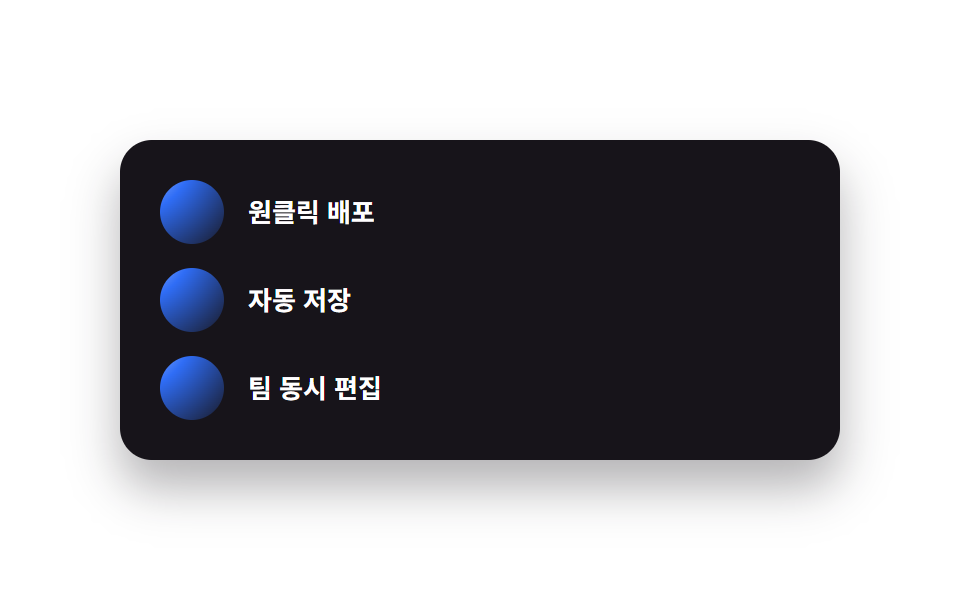
アイコンごとに上部にハイライトを固定したラジアルグラデーションのバッジを乗せ、本物のクロムボールを置いたような立体感を出します。
使いどころ機能一覧・オンボーディングのステップ
radial-gradient 구슬고정 하이라이트 점radius pill
<main class="stage">
  <ul class="feat-c">
    <li class="feat-c__row">
      <span class="feat-c__icon" aria-hidden="true"></span>
      <p class="feat-c__text">ワンクリックデプロイ</p>
    </li>
    <li class="feat-c__row">
      <span class="feat-c__icon" aria-hidden="true"></span>
      <p class="feat-c__text">自動保存</p>
    </li>
    <li class="feat-c__row">
      <span class="feat-c__icon" aria-hidden="true"></span>
      <p class="feat-c__text">チーム同時編集</p>
    </li>
  </ul>
</main>
@use "../../../../site/static/demo-tokens" as *;
$duration: $dur-loop;
$easing: steps(8, jump-none); // 부드러운 곡선은 프레임 간 변화가 너무 작아 강도 측정에 안 잡힌다
$color: $subject-blue;
@include stage($stage-paper);
.feat-c {
margin: 0;
list-style: none;
box-sizing: border-box;
display: flex;
flex-direction: column;
gap: $sp-3;
width: clamp(240px, 80vw, 360px);
padding: $sp-5;
border-radius: $r-card;
background: $stage-ink;
box-shadow: $shadow-raised;
}
.feat-c__row { margin: 0; display: flex; align-items: center; gap: $sp-3; }
// 크롬 구슬 — radial-gradient 하이라이트의 위치만 천천히 옮겨 광원이 표면을 도는 느낌을 낸다 (유일한 애니메이션)
.feat-c__icon {
flex: none;
width: $sp-8;
height: $sp-8;
border-radius: $r-pill;
background: radial-gradient(circle at 30% 30%, $stage-paper, $color 40%, $stage-ink 82%);
background-size: 280% 280%;
animation: ballShine $duration $easing infinite;
}
.feat-c__text {
margin: 0;
color: $stage-paper;
font-weight: 600;
font-size: clamp(11.5px, 2.8vw, 13px);
line-height: 1.4;
font-family: -apple-system, "Segoe UI", "Noto Sans KR", sans-serif;
}
@keyframes ballShine { 0% { background-position: 0% 0%; } 100% { background-position: 180% 180%; } }
@media (prefers-reduced-motion: reduce) {
.feat-c__icon { animation: none; }
}html, body {
margin: 0;
overflow: hidden;
}
.stage {
box-sizing: border-box;
min-height: 100vh;
display: grid;
place-items: center;
margin: 0;
background: #ffffff;
font-family: -apple-system, "Segoe UI", "Noto Sans KR", sans-serif;
padding: clamp(8px, 4vw, 24px);
}
.feat-c {
margin: 0;
list-style: none;
box-sizing: border-box;
display: flex;
flex-direction: column;
gap: 12px;
width: clamp(240px, 80vw, 360px);
padding: 20px;
border-radius: 16px;
background: #17141a;
box-shadow: 0 14px 24px rgba(23, 20, 26, 0.32);
}
.feat-c__row {
margin: 0;
display: flex;
align-items: center;
gap: 12px;
}
.feat-c__icon {
flex: none;
width: 32px;
height: 32px;
border-radius: 999px;
background: radial-gradient(circle at 30% 30%, #ffffff, #2f6df6 40%, #17141a 82%);
background-size: 280% 280%;
animation: ballShine 2s steps(8, jump-none) infinite;
}
.feat-c__text {
margin: 0;
color: #ffffff;
font-weight: 600;
font-size: clamp(11.5px, 2.8vw, 13px);
line-height: 1.4;
font-family: -apple-system, "Segoe UI", "Noto Sans KR", sans-serif;
}
@keyframes ballShine {
0% {
background-position: 0% 0%;
}
100% {
background-position: 180% 180%;
}
}
@media (prefers-reduced-motion: reduce) {
.feat-c__icon {
animation: none;
}
}import type { CSSProperties } from "react";
import styles from "./FeatureListChrome.module.scss";
export type FeatureListChromeProps = {
items?: string[];
/** 한 주기(기본 2000ms) */
duration?: number;
easing?: string;
color?: string;
};
type Vars = CSSProperties & { "--duration"?: string; "--easing"?: string; "--color"?: string };
export default function FeatureListChrome({
items = ["One-click deploy", "Auto save", "Live co-editing"],
duration = 2000,
easing = "steps(8, jump-none)",
color = "#2f6df6",
}: FeatureListChromeProps) {
const vars: Vars = { "--duration": `${duration}ms`, "--easing": easing, "--color": color };
return (
<ul className={styles.list} style={vars}>
{items.map((text) => (
<li key={text} className={styles.row}>
<span className={styles.icon} aria-hidden="true" />
<p className={styles.text}>{text}</p>
</li>
))}
</ul>
);
}04 クロムボールアイコン — 計測 累積面積 1.75% · 動いたフレーム 7/23GODRICH オリジナル · SCSS と React は zip に同梱 · y2k webデザインとは?クロムとホログラフィックのLPパーツ9選
このデモが属する記事
 y2k webデザインとは?クロムとホログラフィックのLPパーツ9選y2k webデザインとは、2000年代のCDやホログラム包装紙にあったクロムの輝きと虹色の反射を、CSSだけで蘇らせるスタイルです。CDの裏で虹色ににじんでいたあの光が、今度はボタンや見出しの中に入ってきました。 この記事のデモをすべて見る