04수량 +/- 스테퍼
버튼을 누를 때마다 가운데 숫자가 1씩 바뀌고, 최소값에서는 − 버튼이 자동으로 흐려집니다.
쓰임장바구니 수량 조절, 예약 인원 선택
최소/최대 제한키보드 지원숫자 직접 입력
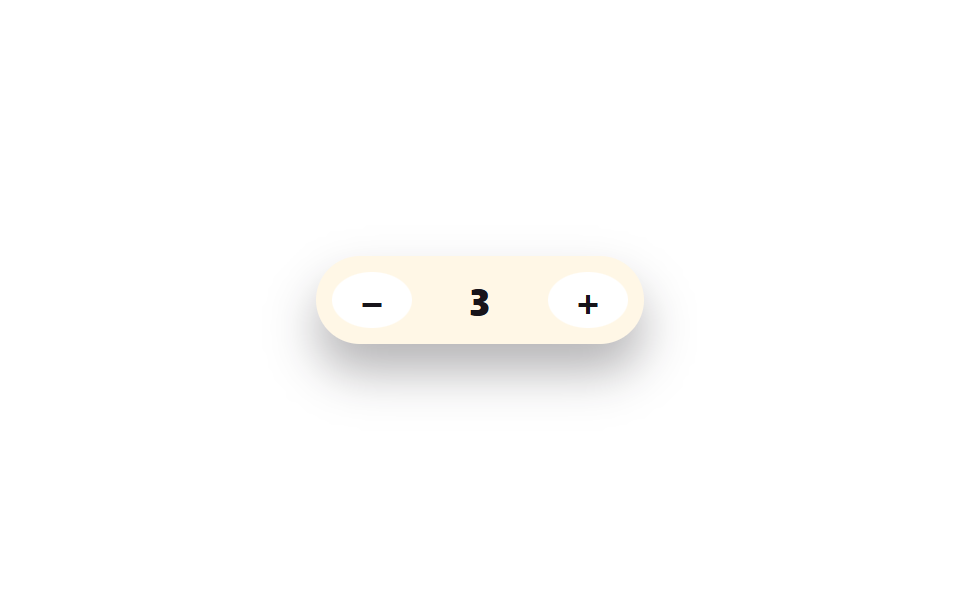
<main class="stage">
  <div class="stepper is-demo" id="stepper" role="group" aria-label="수량 선택">
    <button class="stepper__btn" id="minus" type="button" aria-label="수량 줄이기">−</button>
    <input class="stepper__value" id="value" type="text" inputmode="numeric" pattern="[0-9]*" value="1" aria-label="수량">
    <button class="stepper__btn" id="plus" type="button" aria-label="수량 늘리기">+</button>
  </div>
  <span id="announce" class="sr-only" aria-live="polite"></span>
</main>
@use "../../../../site/static/demo-tokens" as *;
// ── 변수 3개 ──────────────────────────────────────────
$duration: $dur-instant; // 버튼 눌림 전환 시간
$easing: $ease-out;
$color: $stage-ink; // 값 글자 색
// ── 데모 무대 ──────────────────────────────────────────
@include stage($stage-paper);
.sr-only {
position: absolute; width: 1px; height: 1px;
padding: 0; margin: -1px; overflow: hidden;
clip: rect(0, 0, 0, 0); white-space: nowrap; border: 0;
}
.stepper {
display: flex;
align-items: stretch;
gap: $sp-2;
background: $subject-cream;
border-radius: $r-pill;
padding: $sp-2;
box-shadow: $shadow-raised;
&__btn {
box-sizing: border-box;
width: 40px;
border: 0;
border-radius: 50%;
background: #fff;
color: $color;
font-size: 20px;
font-weight: 700;
line-height: 1;
font-family: inherit;
cursor: pointer;
transition: transform $duration $easing, opacity $duration $easing;
&:active:not(:disabled) { transform: scale(.9); }
&:disabled { opacity: .35; cursor: not-allowed; }
&:focus-visible { outline: 2px solid $subject-blue; outline-offset: 2px; }
}
&__value {
box-sizing: border-box;
width: 52px;
border: 0;
background: transparent;
text-align: center;
font-weight: 800;
font-size: clamp(16px, 4.6vw, 19px);
font-family: inherit;
color: $color;
&:focus { outline: none; }
}
}
@media (prefers-reduced-motion: reduce) {
.stepper__btn { transition: none; }
}html, body {
margin: 0;
overflow: hidden;
}
.stage {
box-sizing: border-box;
min-height: 100vh;
display: grid;
place-items: center;
margin: 0;
background: #ffffff;
font-family: -apple-system, "Segoe UI", "Noto Sans KR", sans-serif;
padding: clamp(8px, 4vw, 24px);
}
.sr-only {
position: absolute;
width: 1px;
height: 1px;
padding: 0;
margin: -1px;
overflow: hidden;
clip: rect(0, 0, 0, 0);
white-space: nowrap;
border: 0;
}
.stepper {
display: flex;
align-items: stretch;
gap: 8px;
background: #fff7e6;
border-radius: 999px;
padding: 8px;
box-shadow: 0 14px 24px rgba(23, 20, 26, 0.32);
}
.stepper__btn {
box-sizing: border-box;
width: 40px;
border: 0;
border-radius: 50%;
background: #fff;
color: #17141a;
font-size: 20px;
font-weight: 700;
line-height: 1;
font-family: inherit;
cursor: pointer;
transition: transform 140ms ease-out, opacity 140ms ease-out;
}
.stepper__btn:active:not(:disabled) {
transform: scale(0.9);
}
.stepper__btn:disabled {
opacity: 0.35;
cursor: not-allowed;
}
.stepper__btn:focus-visible {
outline: 2px solid #2f6df6;
outline-offset: 2px;
}
.stepper__value {
box-sizing: border-box;
width: 52px;
border: 0;
background: transparent;
text-align: center;
font-weight: 800;
font-size: clamp(16px, 4.6vw, 19px);
font-family: inherit;
color: #17141a;
}
.stepper__value:focus {
outline: none;
}
@media (prefers-reduced-motion: reduce) {
.stepper__btn {
transition: none;
}
}(function () {
var wrap = document.getElementById('stepper');
var minus = document.getElementById('minus');
var plus = document.getElementById('plus');
var value = document.getElementById('value');
var announce = document.getElementById('announce');
var MIN = 1, MAX = 99;
var n = 1;
function render() {
value.value = n;
minus.disabled = n <= MIN;
plus.disabled = n >= MAX;
announce.textContent = '수량 ' + n + '개';
}
function set(v) { n = Math.min(MAX, Math.max(MIN, v)); render(); }
minus.addEventListener('click', function () { stopDemo(); set(n - 1); });
plus.addEventListener('click', function () { stopDemo(); set(n + 1); });
value.addEventListener('change', function () { stopDemo(); set(parseInt(value.value, 10) || MIN); });
value.addEventListener('pointerdown', stopDemo);
function stopDemo() {
if (!wrap.classList.contains('is-demo')) return;
wrap.classList.remove('is-demo');
clearInterval(timer);
}
var dir = 1;
var timer = setInterval(function () {
if (n >= 6) dir = -1;
if (n <= 1) dir = 1;
set(n + dir);
}, 260);
render();
})();import { useState } from "react";
import styles from "./QuantityStepper.module.scss";
export type QuantityStepperProps = {
min?: number;
max?: number;
initial?: number;
onChange?: (n: number) => void;
};
export default function QuantityStepper({
min = 1,
max = 99,
initial = 1,
onChange,
}: QuantityStepperProps) {
const [n, setN] = useState(initial);
const set = (v: number) => {
const next = Math.min(max, Math.max(min, v));
setN(next);
onChange?.(next);
};
return (
<div className={styles.stepper} role="group" aria-label="수량 선택">
<button
type="button"
className={styles.btn}
aria-label="수량 줄이기"
disabled={n <= min}
onClick={() => set(n - 1)}
>
−
</button>
<input
className={styles.value}
type="text"
inputMode="numeric"
pattern="[0-9]*"
aria-label="수량"
value={n}
onChange={(e: any) => set(parseInt(e.target.value, 10) || min)}
/>
<button
type="button"
className={styles.btn}
aria-label="수량 늘리기"
disabled={n >= max}
onClick={() => set(n + 1)}
>
+
</button>
<span className={styles.srOnly} aria-live="polite">{`수량 ${n}개`}</span>
</div>
);
}04 수량 +/- 스테퍼 — 측정 누적면적 0.676% · 움직인 프레임 12/23GODRICH 원작 · zip 에 SCSS·React 포함 · 입력창 디자인 9가지 — 복붙하면 되는 폼 위젯
이 데모가 속한 글
 입력창 디자인 9가지 — 복붙하면 되는 폼 위젯입력창 디자인은 전화번호, 카드 번호, 수량, 태그처럼 회원가입·결제 폼에서 자주 보이지만 순수 HTML만으로는 제대로 동작하지 않는 입력 위젯을 말합니다. 아홉 개 중 다섯 개(태그·자동늘어남·드래그드롭·재전송타이 이 글의 데모 전부 보기


