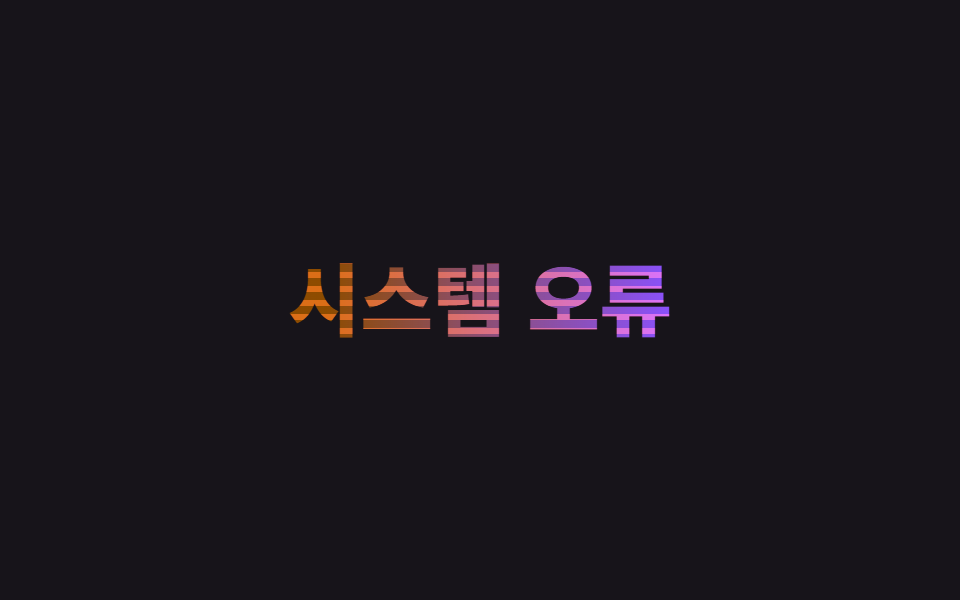
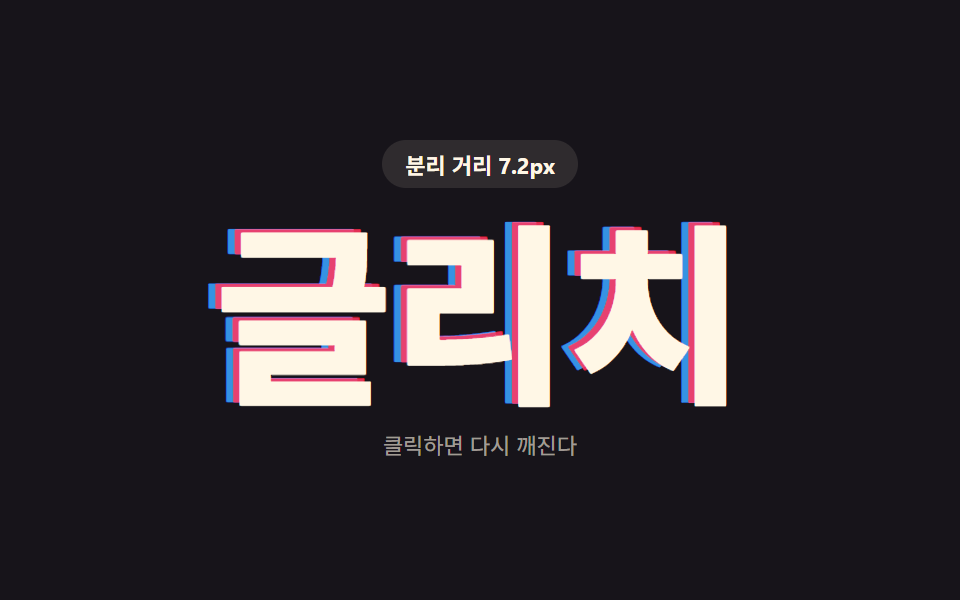
09글리치
같은 글자를 색만 다르게 겹친 두 겹을 clip-path 로 잘게 썰어 짧게 translateX 로 어긋나게 했다가 되돌려, 화면이 순간 깨진 듯한 효과를 만든다.
쓰임에러·경고 상태 타이틀, 게이머·테크 브랜드 로고 연출
clip-path 슬라이스translateX 어긋남색 분리
<main class="stage">
  <div class="glitch">
    <span class="glitch__base" data-split>오류 발생</span>
    <span class="glitch__r" aria-hidden="true" data-split>오류 발생</span>
    <span class="glitch__b" aria-hidden="true" data-split>오류 발생</span>
  </div>
</main>
@use "../../../../site/static/demo-tokens" as *;
$duration: $dur-loop; // 글리치 두 번이 도는 한 주기
$easing: linear;
$base: $subject-cream;
@include stage($stage-ink);
.glitch {
position: relative;
font-weight: 800; font-size: clamp(26px, 8.4vw, 42px); line-height: 1.2; font-family: inherit;
text-align: center;
}
.glitch__base, .glitch__r, .glitch__b {
display: block;
margin: 0;
}
.glitch__base { color: $base; }
.glitch__r, .glitch__b {
position: absolute;
inset: 0;
mix-blend-mode: screen;
}
.glitch__r { color: $error; animation: glitch-r $duration $easing infinite; }
.glitch__b { color: $subject-blue; animation: glitch-b $duration $easing infinite; }
.glitch .letter {
display: inline-block;
animation: letter-blur-in $duration $ease-out infinite;
animation-delay: calc(var(--i) * 25ms + var(--n) * 50ms);
}
@keyframes glitch-r {
0% { transform: translateX(0); clip-path: inset(0 0 0 0); }
8% { transform: translateX(-6px); clip-path: inset(12% 0 58% 0); }
16% { transform: translateX(4px); clip-path: inset(48% 0 14% 0); }
24% { transform: translateX(0); clip-path: inset(0 0 0 0); }
50% { transform: translateX(-4px); clip-path: inset(20% 0 40% 0); }
58% { transform: translateX(5px); clip-path: inset(55% 0 8% 0); }
66% { transform: translateX(0); clip-path: inset(0 0 0 0); }
100% { transform: translateX(0); clip-path: inset(0 0 0 0); }
}
@keyframes glitch-b {
0% { transform: translateX(0); clip-path: inset(0 0 0 0); }
8% { transform: translateX(6px); clip-path: inset(58% 0 10% 0); }
16% { transform: translateX(-4px); clip-path: inset(14% 0 48% 0); }
24% { transform: translateX(0); clip-path: inset(0 0 0 0); }
50% { transform: translateX(4px); clip-path: inset(40% 0 22% 0); }
58% { transform: translateX(-5px); clip-path: inset(8% 0 55% 0); }
66% { transform: translateX(0); clip-path: inset(0 0 0 0); }
100% { transform: translateX(0); clip-path: inset(0 0 0 0); }
}
@keyframes letter-blur-in {
0%, 2% { filter: blur(8px); }
10%, 100% { filter: blur(0); }
}
@media (prefers-reduced-motion: reduce) {
.glitch__r, .glitch__b { animation: none; opacity: 0; }
.glitch .letter { animation: none; filter: none; }
}html, body {
margin: 0;
overflow: hidden;
}
.stage {
box-sizing: border-box;
min-height: 100vh;
display: grid;
place-items: center;
margin: 0;
background: #17141a;
font-family: -apple-system, "Segoe UI", "Noto Sans KR", sans-serif;
padding: clamp(8px, 4vw, 24px);
}
.glitch {
position: relative;
font-weight: 800;
font-size: clamp(26px, 8.4vw, 42px);
line-height: 1.2;
font-family: inherit;
text-align: center;
}
.glitch__base, .glitch__r, .glitch__b {
display: block;
margin: 0;
}
.glitch__base {
color: #fff7e6;
}
.glitch__r, .glitch__b {
position: absolute;
inset: 0;
mix-blend-mode: screen;
}
.glitch__r {
color: #c2361a;
animation: glitch-r 2s linear infinite;
}
.glitch__b {
color: #2f6df6;
animation: glitch-b 2s linear infinite;
}
.glitch .letter {
display: inline-block;
animation: letter-blur-in 2s ease-out infinite;
animation-delay: calc(var(--i) * 25ms + var(--n) * 50ms);
}
@keyframes glitch-r {
0% {
transform: translateX(0);
clip-path: inset(0 0 0 0);
}
8% {
transform: translateX(-6px);
clip-path: inset(12% 0 58% 0);
}
16% {
transform: translateX(4px);
clip-path: inset(48% 0 14% 0);
}
24% {
transform: translateX(0);
clip-path: inset(0 0 0 0);
}
50% {
transform: translateX(-4px);
clip-path: inset(20% 0 40% 0);
}
58% {
transform: translateX(5px);
clip-path: inset(55% 0 8% 0);
}
66% {
transform: translateX(0);
clip-path: inset(0 0 0 0);
}
100% {
transform: translateX(0);
clip-path: inset(0 0 0 0);
}
}
@keyframes glitch-b {
0% {
transform: translateX(0);
clip-path: inset(0 0 0 0);
}
8% {
transform: translateX(6px);
clip-path: inset(58% 0 10% 0);
}
16% {
transform: translateX(-4px);
clip-path: inset(14% 0 48% 0);
}
24% {
transform: translateX(0);
clip-path: inset(0 0 0 0);
}
50% {
transform: translateX(4px);
clip-path: inset(40% 0 22% 0);
}
58% {
transform: translateX(-5px);
clip-path: inset(8% 0 55% 0);
}
66% {
transform: translateX(0);
clip-path: inset(0 0 0 0);
}
100% {
transform: translateX(0);
clip-path: inset(0 0 0 0);
}
}
@keyframes letter-blur-in {
0%, 2% {
filter: blur(8px);
}
10%, 100% {
filter: blur(0);
}
}
@media (prefers-reduced-motion: reduce) {
.glitch__r, .glitch__b {
animation: none;
opacity: 0;
}
.glitch .letter {
animation: none;
filter: none;
}
}(function(){
function splitLetters(el){
var text = el.textContent;
el.textContent = "";
Array.from(text).forEach(function(ch, i){
var span = document.createElement("span");
span.className = "letter";
var seed = Math.sin((i + 1) * 12.9898) * 43758.5453;
var noise = seed - Math.floor(seed);
span.style.setProperty("--i", i);
span.style.setProperty("--n", noise.toFixed(3));
span.textContent = ch === " " ? " " : ch;
el.appendChild(span);
});
}
document.querySelectorAll("[data-split]").forEach(splitLetters);
})();import type { CSSProperties } from "react";
import { useEffect, useRef } from "react";
import styles from "./GlitchText.module.scss";
type Vars = CSSProperties & { "--i"?: number; "--n"?: number };
function noise(i: number): number {
const s = Math.sin((i + 1) * 12.9898) * 43758.5453;
return Number((s - Math.floor(s)).toFixed(3));
}
export type GlitchTextProps = {
text: string;
/** 글리치 두 번이 도는 한 주기 (기본 2000ms) */
duration?: number;
color?: string;
};
export default function GlitchText({ text, duration = 2000, color = "#fff7e6" }: GlitchTextProps) {
const ref = useRef<HTMLDivElement | null>(null);
useEffect(() => {
// reduced-motion 이면 재생 자체를 걸지 않는다 (el.animate() 를 쓰는 항목의 정리 규칙과 같다)
return () => ref.current?.getAnimations().forEach((a) => a.cancel());
}, []);
const vars = { "--duration": `${duration}ms`, "--color": color } as CSSProperties;
const chars = Array.from(text);
const renderLetters = () =>
chars.map((ch, i) => (
<span key={i} className={styles.letter} style={{ "--i": i, "--n": noise(i) } as Vars}>
{ch === " " ? " " : ch}
</span>
));
return (
<div ref={ref} className={styles.glitch} style={vars}>
<span className={styles.base}>{renderLetters()}</span>
<span className={styles.r} aria-hidden="true">{renderLetters()}</span>
<span className={styles.b} aria-hidden="true">{renderLetters()}</span>
</div>
);
}09 글리치 — 측정 누적면적 6.18% · 움직인 프레임 16/23GODRICH 원작 · zip 에 SCSS·React 포함 · CSS 텍스트 애니메이션 효과 9종 — 한 줄 복붙으로
이 데모가 속한 글
 CSS 텍스트 애니메이션 효과 9종 — 한 줄 복붙으로CSS 텍스트 애니메이션 효과는 자바스크립트 없이 CSS만으로 제목이나 문구가 움직이며 나타나거나 강조되는 짧은 연출입니다. 아홉 개 전부 transform·opacity·filter 세 가지 속성만 움직이고, 격자 이 글의 데모 전부 보기