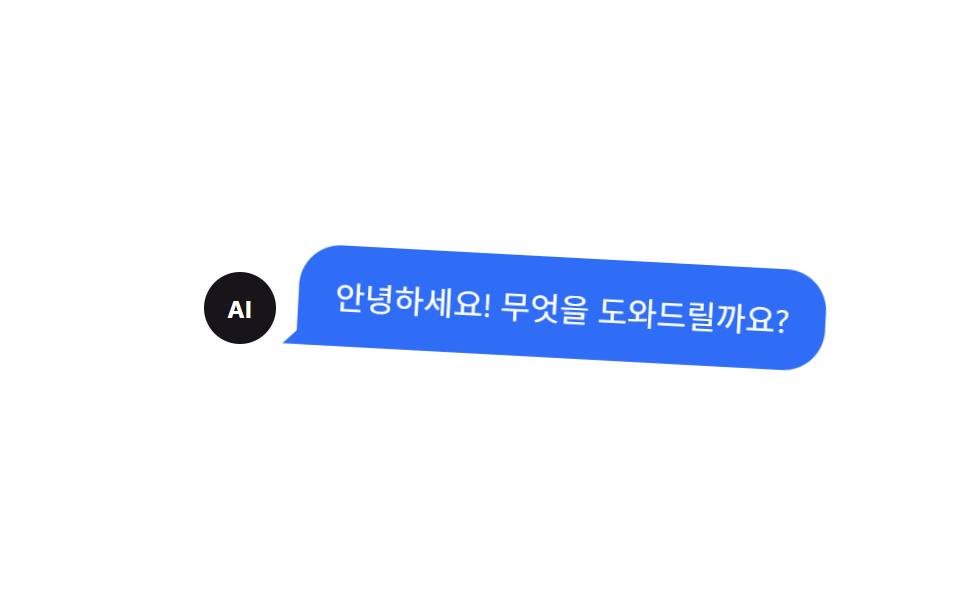
08카톡 스타일 말풍선
채팅 앱처럼 둥근 말풍선 안에 꼬리가 붙어, 말을 거는 듯한 느낌을 낸다.
쓰임챗봇 첫 인사 말풍선, 온보딩 가이드 설명
border-radius 18px꼬리 pseudo등장 바운스
<main class="stage">
  <div class="chat-wrap">
    <div class="avatar" aria-hidden="true">AI</div>
    <p class="bubble is-demo" role="status">안녕하세요! 무엇을 도와드릴까요?</p>
  </div>
</main>
@use "../../../../site/static/demo-tokens" as *;
$duration: $dur-loop; // 숨김→표시→숨김 한 주기
$easing: $ease-pop; // 등장 바운스
$color: $subject-blue; // 말풍선 색
@include stage($stage-paper);
.chat-wrap {
display: flex;
align-items: flex-end;
gap: 10px;
}
.avatar {
display: grid;
place-items: center;
width: 36px;
height: 36px;
border-radius: 50%;
background: $stage-ink;
color: #fff;
font-weight: 700;
font-size: 12px;
line-height: 1;
font-family: inherit;
flex: none;
}
.bubble {
position: relative;
margin: 0;
max-width: clamp(160px, 46vw, 240px);
background: $color;
color: #fff;
padding: 12px 16px;
border-radius: 18px 18px 18px 4px; // 왼쪽 아래만 각져 꼬리처럼 보인다
font-size: clamp(12px, 3.4vw, 14px);
opacity: 0;
transform-origin: bottom left; // 규칙8: 꼬리 bottom left 고정 팝
transform: scale(.85);
&::after { // 말풍선 꼬리
content: "";
position: absolute;
left: -6px;
bottom: 0;
width: 12px;
height: 12px;
background: $color;
clip-path: polygon(100% 0, 100% 100%, 0 100%);
}
}
.bubble.is-demo {
animation: bubble-loop $duration $easing infinite;
}
// 등장 스프링 한 겹 — 스케일 .85 → 1.14 오버슛 → 감쇠 반동(.93 → 1.02), 회전은 꼬리 축(bottom left)으로 3° → -1.7° → .7° 감쇠
@keyframes bubble-loop {
0% { opacity: 0; transform: scale(.85) rotate(0deg); }
12% { opacity: 1; transform: scale(1.14) rotate(3deg); }
22% { opacity: 1; transform: scale(.93) rotate(-1.7deg); }
30% { opacity: 1; transform: scale(1.02) rotate(.7deg); }
36%, 55% { opacity: 1; transform: scale(1) rotate(0deg); }
80% { opacity: 0; transform: scale(.85) rotate(0deg); }
100% { opacity: 0; transform: scale(.85) rotate(0deg); }
}
@media (prefers-reduced-motion: reduce) {
.bubble.is-demo { animation: none; opacity: 1; transform: scale(1) rotate(0deg); }
}html, body {
margin: 0;
overflow: hidden;
}
.stage {
box-sizing: border-box;
min-height: 100vh;
display: grid;
place-items: center;
margin: 0;
background: #ffffff;
font-family: -apple-system, "Segoe UI", "Noto Sans KR", sans-serif;
padding: clamp(8px, 4vw, 24px);
}
.chat-wrap {
display: flex;
align-items: flex-end;
gap: 10px;
}
.avatar {
display: grid;
place-items: center;
width: 36px;
height: 36px;
border-radius: 50%;
background: #17141a;
color: #fff;
font-weight: 700;
font-size: 12px;
line-height: 1;
font-family: inherit;
flex: none;
}
.bubble {
position: relative;
margin: 0;
max-width: clamp(160px, 46vw, 240px);
background: #2f6df6;
color: #fff;
padding: 12px 16px;
border-radius: 18px 18px 18px 4px;
font-size: clamp(12px, 3.4vw, 14px);
opacity: 0;
transform-origin: bottom left;
transform: scale(0.85);
}
.bubble::after {
content: "";
position: absolute;
left: -6px;
bottom: 0;
width: 12px;
height: 12px;
background: #2f6df6;
clip-path: polygon(100% 0, 100% 100%, 0 100%);
}
.bubble.is-demo {
animation: bubble-loop 2s cubic-bezier(0.2, 1.4, 0.4, 1) infinite;
}
@keyframes bubble-loop {
0% {
opacity: 0;
transform: scale(0.85) rotate(0deg);
}
12% {
opacity: 1;
transform: scale(1.14) rotate(3deg);
}
22% {
opacity: 1;
transform: scale(0.93) rotate(-1.7deg);
}
30% {
opacity: 1;
transform: scale(1.02) rotate(0.7deg);
}
36%, 55% {
opacity: 1;
transform: scale(1) rotate(0deg);
}
80% {
opacity: 0;
transform: scale(0.85) rotate(0deg);
}
100% {
opacity: 0;
transform: scale(0.85) rotate(0deg);
}
}
@media (prefers-reduced-motion: reduce) {
.bubble.is-demo {
animation: none;
opacity: 1;
transform: scale(1) rotate(0deg);
}
}import { useEffect, useState } from "react";
import type { CSSProperties } from "react";
import styles from "./ChatBubble.module.scss";
export type ChatBubbleProps = {
avatar: string;
text: string;
duration?: number;
easing?: string;
color?: string;
};
type Vars = CSSProperties & { "--duration"?: string; "--easing"?: string; "--color"?: string };
export default function ChatBubble({
avatar,
text,
duration = 260,
easing = "cubic-bezier(.2,1.4,.4,1)",
color = "#2f6df6",
}: ChatBubbleProps) {
const [shown, setShown] = useState(false);
const vars: Vars = { "--duration": `${duration}ms`, "--easing": easing, "--color": color };
// 마운트되면 한 번 등장한다 — 채팅창에 메시지가 도착하는 흐름
useEffect(() => {
const t = setTimeout(() => setShown(true), 60);
return () => clearTimeout(t);
}, []);
return (
<span className={styles.wrap} style={vars}>
<span className={styles.avatar} aria-hidden="true">{avatar}</span>
<p className={styles.bubble} data-open={shown}>{text}</p>
</span>
);
}08 카톡 스타일 말풍선 — 측정 누적면적 9.751% · 움직인 프레임 11/23GODRICH 원작 · zip 에 SCSS·React 포함 · CSS 툴팁 말풍선 9종 — 한 줄 복붙으로
이 데모가 속한 글
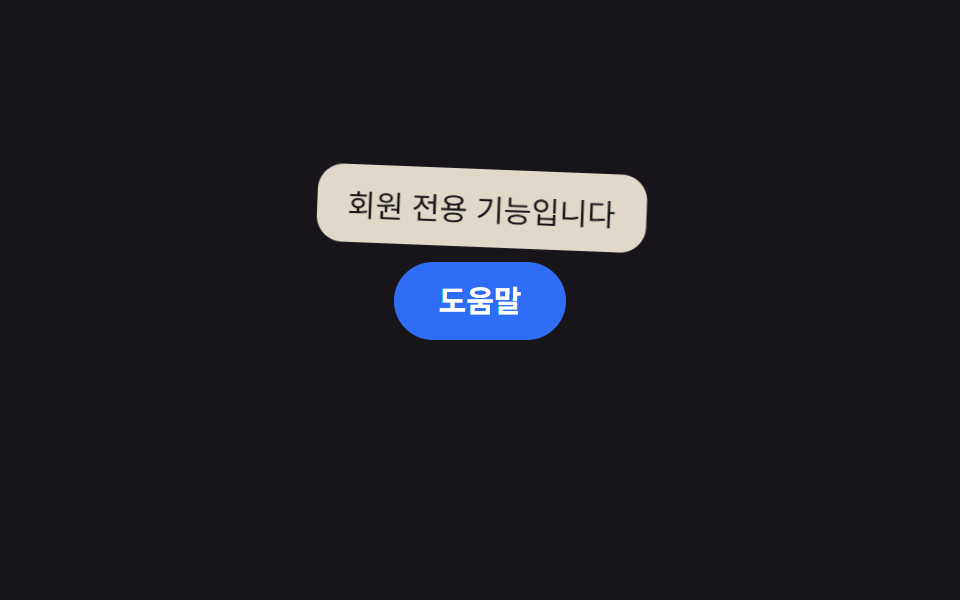 CSS 툴팁 말풍선 9종 — 한 줄 복붙으로CSS 툴팁 말풍선은 버튼이나 아이콘에 커서를 올리거나 포커스를 두었을 때 짧은 설명을 그 옆에 띄우는 작은 말풍선으로, 이 글은 자바스크립트 없이 대부분 순수 CSS로 돌아가는 아홉 가지 방식을 모았습니다. 아홉 이 글의 데모 전부 보기