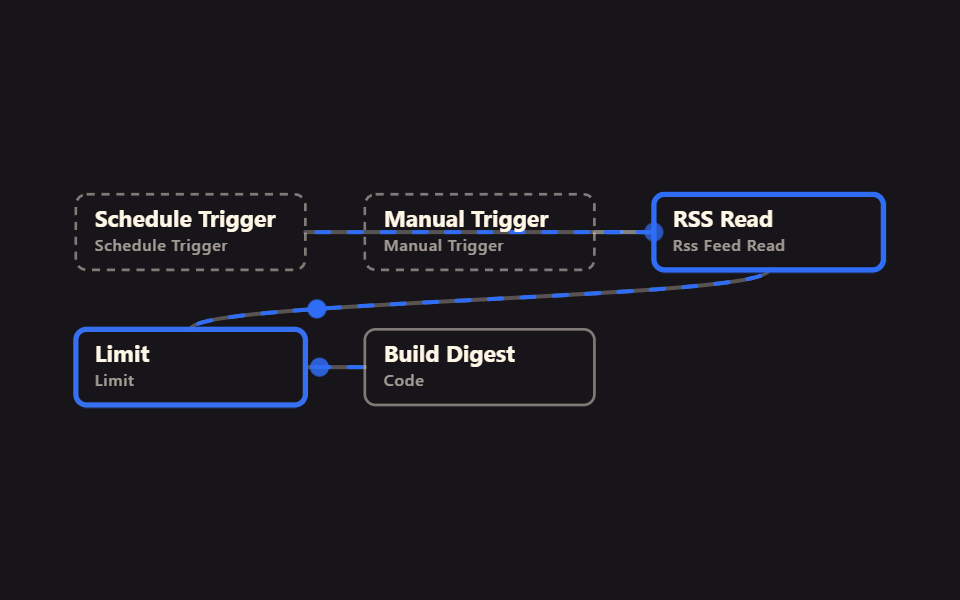
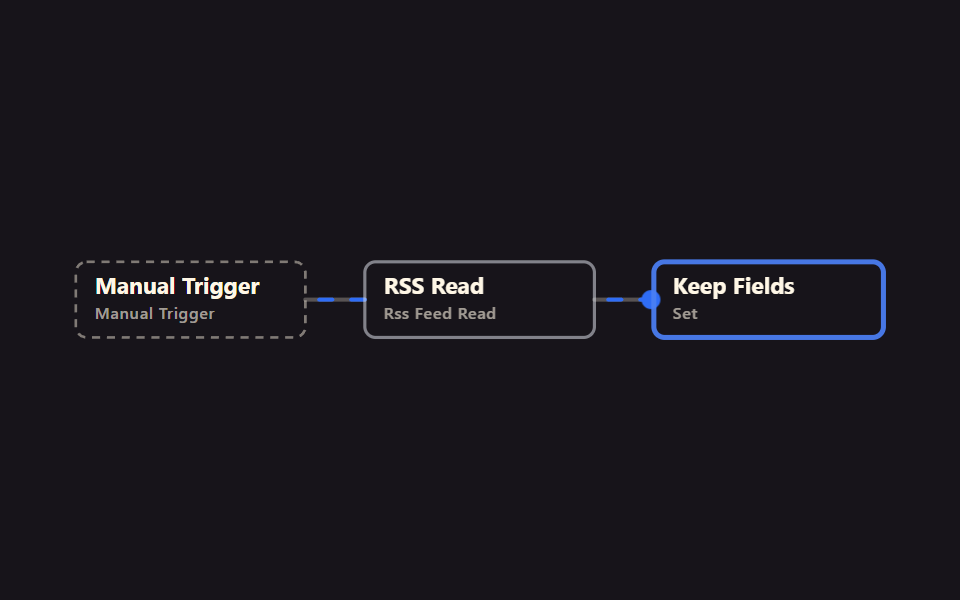
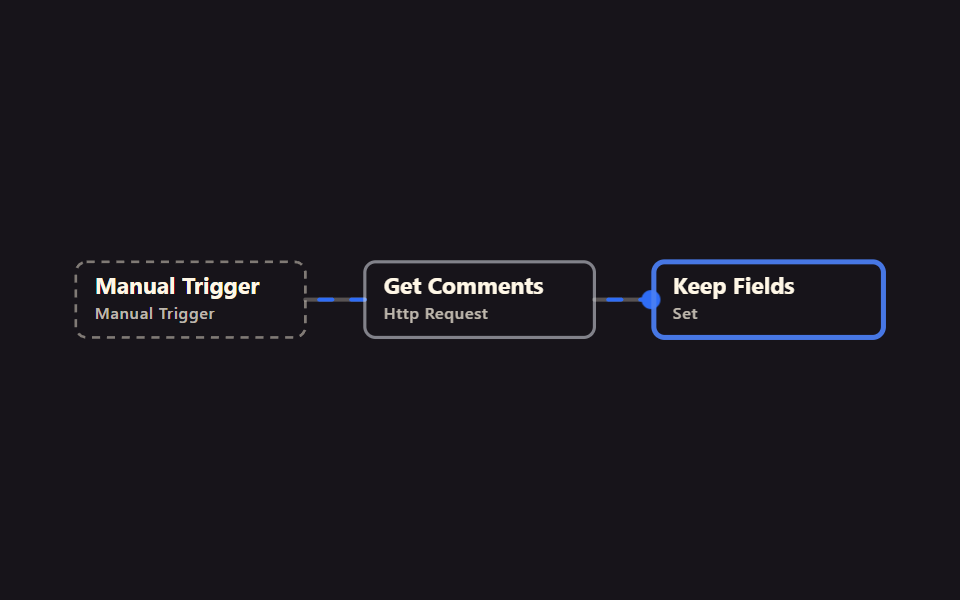
07Bắt kịp sau lần chạy bị bỏ lỡ
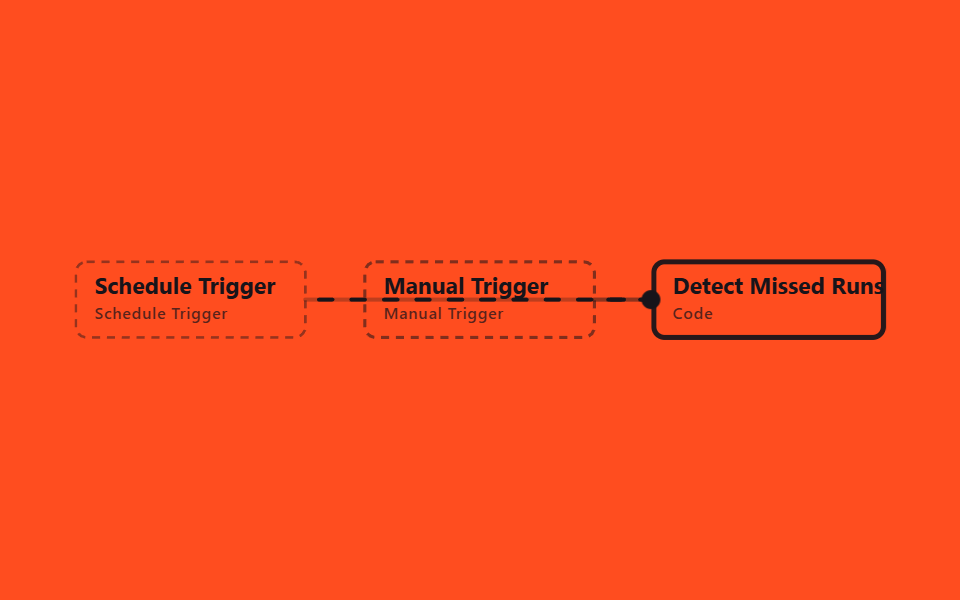
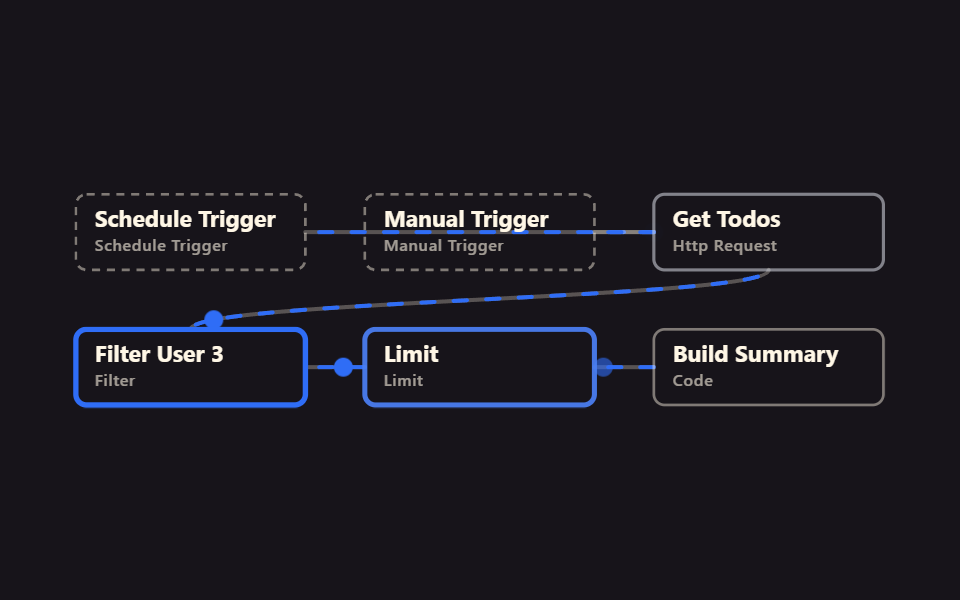
Schedule đáng lẽ chạy mỗi 15 phút, nhưng node Code nhớ thời điểm chạy cuối trong static data của chính workflow ($getWorkflowStaticData), rồi tính lần này đã trôi qua bao nhiêu phút và bỏ lỡ bao nhiêu lần chạy. Cách để n8n tự nhận ra thời gian mình bị gián đoạn.
Dùng chophát hiện lỗ hổng sau khi server khởi động lại, đo khoảng cách mà không cần log thực thi
Schedule 15분$getWorkflowStaticDataV2 실행 확인
<main class="stage">
<svg class="flow" viewBox="-28 -28 654 112" xmlns="http://www.w3.org/2000/svg" role="img" aria-label="godrich 204-07 missed-run-catchup">
<path class="edge" d="M170 28 C299 28 299 28 428 28"/>
<path class="edge edge--flow" style="--i:0" d="M170 28 C299 28 299 28 428 28"/>
<circle class="pulse" style="--i:0;offset-path:path('M170 28 C299 28 299 28 428 28')" r="7"/>
<path class="edge" d="M384 28 C406 28 406 28 428 28"/>
<path class="edge edge--flow" style="--i:1" d="M384 28 C406 28 406 28 428 28"/>
<circle class="pulse" style="--i:1;offset-path:path('M384 28 C406 28 406 28 428 28')" r="7"/>
<g class="node node--trigger" style="--i:0" transform="translate(0 0)"><rect class="node__box" width="170" height="56"/><text class="node__name" x="14" y="24">Schedule Trigger</text><text class="node__type" x="14" y="42">Schedule Trigger</text></g>
<g class="node node--trigger" style="--i:1" transform="translate(214 0)"><rect class="node__box" width="170" height="56"/><text class="node__name" x="14" y="24">Manual Trigger</text><text class="node__type" x="14" y="42">Manual Trigger</text></g>
<g class="node" style="--i:2" transform="translate(428 0)"><rect class="node__box" width="170" height="56"/><text class="node__name" x="14" y="24">Detect Missed Runs</text><text class="node__type" x="14" y="42">Code</text></g>
</svg>
</main>
@use "../../../../site/static/demo-tokens" as *;
// ── 변수 3개 ──────────────────────────────────────────
$duration: $dur-loop; // 한 바퀴 (데모 2초와 같은 값 — gif 가 끊기지 않게)
$easing: linear; // 대시 흐름은 등속
$color: $subject-ink; // 강조(흐름·켜진 노드) 색
$ink: $subject-ink; // 글자·테두리 (주황 무대 위 글자는 잉크 — 크림은 3.11:1 미달)
$n: 3; // 노드 수 — 켜지는 순서 간격
@include stage($stage-orange);
.flow { width: 100%; height: 100%; max-height: 100vh; display: block; overflow: visible; }
.edge { fill: none; stroke: $ink; stroke-opacity: .28; stroke-width: 3; stroke-linecap: round; }
.edge--flow { stroke: $color; stroke-opacity: 1; stroke-dasharray: 10 14; animation: flow $duration $easing infinite; }
@keyframes flow { to { stroke-dashoffset: -48; } }
.node__box { fill: transparent; stroke: $ink; stroke-opacity: .45; stroke-width: 2; rx: $r-sm; }
.node__name { fill: $ink; font-weight: 700; font-size: 17px; font-family: -apple-system, "Segoe UI", sans-serif; }
.node__type { fill: $ink; fill-opacity: .72; font-weight: 500; font-size: 12px; font-family: -apple-system, "Segoe UI", sans-serif; letter-spacing: .04em; }
.node--trigger .node__box { stroke-dasharray: 6 5; }
// 켜진 노드는 테두리가 강조색으로 두꺼워진다 (filter 대신 stroke — 렌더 비용). --i 는 <g> 에서 상속된다
.node .node__box { animation: box-lit $duration $ease-spring infinite; animation-delay: calc(var(--i) * #{$duration} / #{$n}); }
@keyframes box-lit {
0%, 100% { stroke: $ink; stroke-opacity: .45; stroke-width: 2; }
12%, 32% { stroke: $color; stroke-opacity: 1; stroke-width: 4; }
50% { stroke: $ink; stroke-opacity: .45; stroke-width: 2; }
}
.pulse { fill: $color; offset-distance: 0%; offset-rotate: 0deg; animation: travel $duration $ease-out infinite; animation-delay: calc(var(--i) * #{$duration} / #{$n}); }
@keyframes travel {
0% { offset-distance: 0%; opacity: 0; }
10% { opacity: 1; }
45% { offset-distance: 100%; opacity: 1; }
55%, 100% { offset-distance: 100%; opacity: 0; }
}
@media (prefers-reduced-motion: reduce) {
.edge--flow, .node, .node .node__box, .pulse { animation: none; }
.edge--flow { stroke-dasharray: none; } // 흐름은 멈추고 연결선만 남긴다
.pulse { display: none; }
}html, body {
margin: 0;
overflow: hidden;
}
.stage {
box-sizing: border-box;
min-height: 100vh;
display: grid;
place-items: center;
margin: 0;
background: #ff4d1f;
font-family: -apple-system, "Segoe UI", "Noto Sans KR", sans-serif;
padding: clamp(8px, 4vw, 24px);
}
.flow {
width: 100%;
height: 100%;
max-height: 100vh;
display: block;
overflow: visible;
}
.edge {
fill: none;
stroke: #17141a;
stroke-opacity: 0.28;
stroke-width: 3;
stroke-linecap: round;
}
.edge--flow {
stroke: #17141a;
stroke-opacity: 1;
stroke-dasharray: 10 14;
animation: flow 2s linear infinite;
}
@keyframes flow {
to {
stroke-dashoffset: -48;
}
}
.node__box {
fill: transparent;
stroke: #17141a;
stroke-opacity: 0.45;
stroke-width: 2;
rx: 8px;
}
.node__name {
fill: #17141a;
font-weight: 700;
font-size: 17px;
font-family: -apple-system, "Segoe UI", sans-serif;
}
.node__type {
fill: #17141a;
fill-opacity: 0.72;
font-weight: 500;
font-size: 12px;
font-family: -apple-system, "Segoe UI", sans-serif;
letter-spacing: 0.04em;
}
.node--trigger .node__box {
stroke-dasharray: 6 5;
}
.node .node__box {
animation: box-lit 2s cubic-bezier(0.2, 0.8, 0.2, 1) infinite;
animation-delay: calc(var(--i) * 2s / 3);
}
@keyframes box-lit {
0%, 100% {
stroke: #17141a;
stroke-opacity: 0.45;
stroke-width: 2;
}
12%, 32% {
stroke: #17141a;
stroke-opacity: 1;
stroke-width: 4;
}
50% {
stroke: #17141a;
stroke-opacity: 0.45;
stroke-width: 2;
}
}
.pulse {
fill: #17141a;
offset-distance: 0%;
offset-rotate: 0deg;
animation: travel 2s ease-out infinite;
animation-delay: calc(var(--i) * 2s / 3);
}
@keyframes travel {
0% {
offset-distance: 0%;
opacity: 0;
}
10% {
opacity: 1;
}
45% {
offset-distance: 100%;
opacity: 1;
}
55%, 100% {
offset-distance: 100%;
opacity: 0;
}
}
@media (prefers-reduced-motion: reduce) {
.edge--flow, .node, .node .node__box, .pulse {
animation: none;
}
.edge--flow {
stroke-dasharray: none;
}
.pulse {
display: none;
}
}07 Bắt kịp sau lần chạy bị bỏ lỡ — Diện tích đo được 2.97% · khung hình chuyển động 23/23Nguyên tác GODRICH · SCSS và React nằm trong tệp zip · Automate Repetitive Tasks bằng n8n, miễn phí thử
Bài viết chứa demo này
 Automate Repetitive Tasks bằng n8n, miễn phí thửn8n là công cụ no-code nối ứng dụng và API thành automation. Trước khi tạo bất kỳ tài khoản nào, đây là 9 workflow để au Xem tất cả demo trong bài này