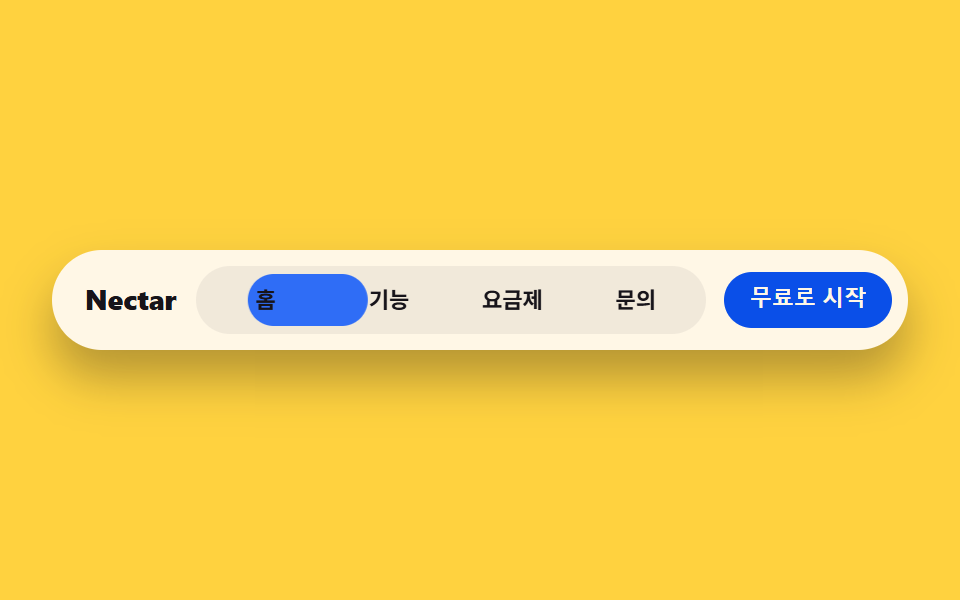
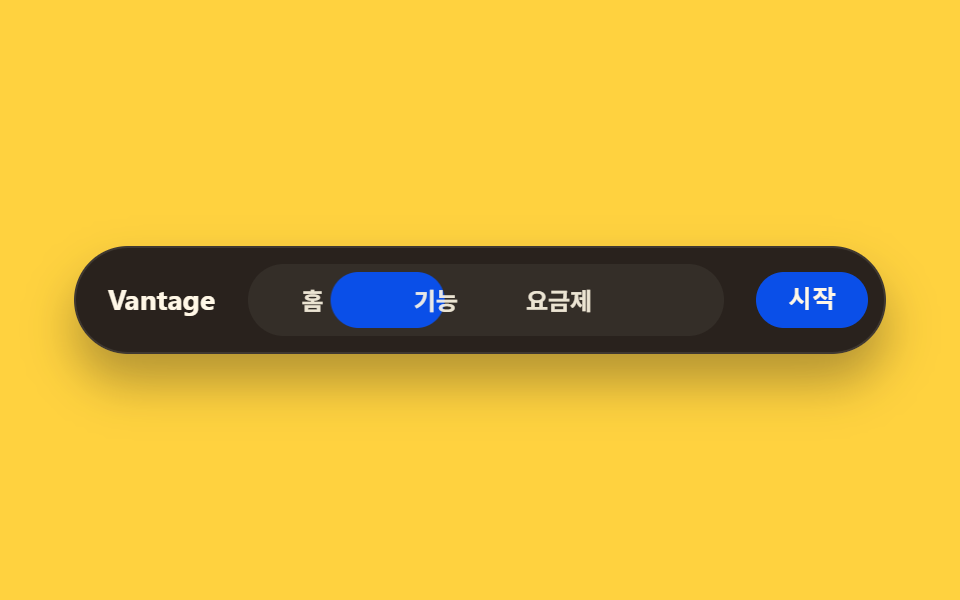
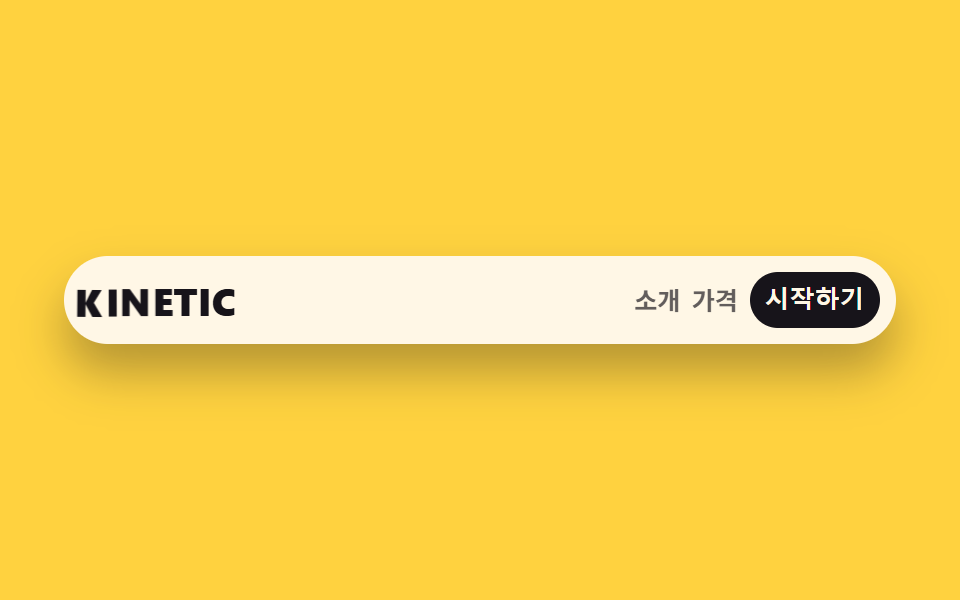
02Capsule nav
The whole menu sits inside one pill capsule, and the active chip looks pressed inward with an inset shadow.
Best forLanding page top bar, in-app tab switching
radius 999inset 그림자padding 8px
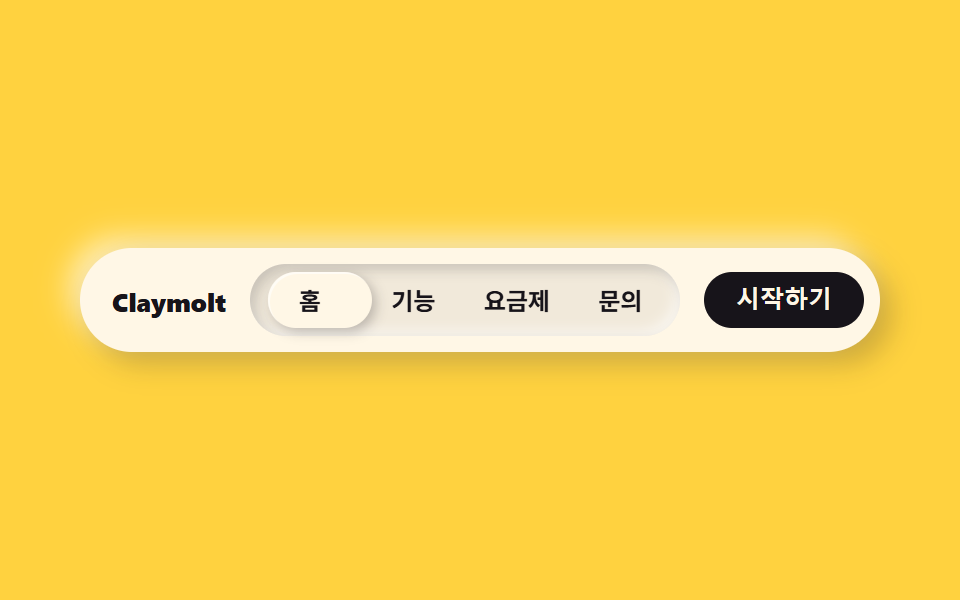
<main class="stage">
  <nav class="navclay is-demo">
    <span class="navclay__brand">Claymolt</span>
    <div class="navclay__menu">
      <span class="navclay__indicator" aria-hidden="true"></span>
      <span class="navclay__item">Home</span>
      <span class="navclay__item">Features</span>
      <span class="navclay__item">Pricing</span>
      <span class="navclay__item">Contact</span>
    </div>
    <button class="navclay__cta" type="button">Get started</button>
  </nav>
</main>
@use "../../../../site/static/demo-tokens" as *;
$duration: $dur-loop; // 인디케이터가 4칸을 한 바퀴 도는 시간
$easing: $ease-spring; // 미끄러지는 곡선
$color: $subject-ink; // 강조 색 (노랑 무대라 먹색으로 대비)
@include stage($stage-yellow);
.navclay {
box-sizing: border-box;
width: clamp(260px, 84vw, 400px);
display: flex;
align-items: center;
gap: $sp-3;
border-radius: $r-pill;
background: $subject-cream;
padding: $sp-2;
box-shadow: 6px 6px 14px rgba($stage-ink, .22), -6px -6px 14px rgba($stage-paper, .6);
}
.navclay__brand {
padding-left: $sp-2;
color: $color;
font-weight: 800; font-size: clamp(11px, 2.8vw, 13px); line-height: 1;
white-space: nowrap;
}
.navclay__menu {
position: relative;
flex: 1;
display: flex;
border-radius: $r-pill;
background: rgba($stage-ink, .06);
padding: $sp-1;
box-shadow: inset 3px 3px 6px rgba($stage-ink, .18), inset -3px -3px 6px rgba($stage-paper, .55);
}
.navclay__indicator {
position: absolute;
top: $sp-1;
bottom: $sp-1;
left: $sp-1;
// 실측 함정: width:25% 는 절대배치 기준 박스(.navclay__menu 의 padding box, 208px)로 계산되는데
// 실제 항목 4개는 그 안쪽 content box(200px, 부모 padding 8px 뺀 값)로 나뉜다 — 인디케이터가 항목보다
// 정확히 2px씩 넓어져 translateX(100%) 마다 어긋남이 누적됐다(1→3→5→7px 실측). 같은 content box 기준으로 계산
width: calc((100% - #{$sp-1} * 2) / 4);
border-radius: $r-pill;
// 밝은 캡슐로 둔다 — 먹색이면 먹색 글자와 겹칠 때 라벨이 안 보인다 (실측: 정적 스크린샷에서 "홈" 소실)
background: $subject-cream;
box-shadow: 2px 2px 6px rgba($stage-ink, .25), inset 1px 1px 0 rgba($stage-paper, .6);
animation: navSlide $duration $easing infinite;
}
.navclay__item {
position: relative;
z-index: 1;
flex: 1;
text-align: center;
padding: $sp-2 0;
color: $subject-ink;
font-weight: 600; font-size: clamp(10.5px, 2.6vw, 12px); line-height: 1;
}
.navclay__cta {
border: 0;
border-radius: $r-pill;
background: $color;
color: $subject-cream;
padding: $sp-2 $sp-4;
font-weight: 700; font-size: clamp(10.5px, 2.6vw, 12px); line-height: 1;
white-space: nowrap;
}
// 데모: 캡슐 안 인디케이터가 4칸을 순서대로 돈다. width 25% 이므로 translateX(100%) = 제 폭만큼 = 한 칸
@keyframes navSlide {
0%, 15% { transform: translateX(0%); }
25%, 40% { transform: translateX(100%); }
50%, 65% { transform: translateX(200%); }
75%, 90% { transform: translateX(300%); }
100% { transform: translateX(0%); }
}
@media (prefers-reduced-motion: reduce) {
.navclay__indicator { animation: none !important; transform: translateX(0%); }
}html, body {
margin: 0;
overflow: hidden;
}
.stage {
box-sizing: border-box;
min-height: 100vh;
display: grid;
place-items: center;
margin: 0;
background: #ffd23f;
font-family: -apple-system, "Segoe UI", "Noto Sans KR", sans-serif;
padding: clamp(8px, 4vw, 24px);
}
.navclay {
box-sizing: border-box;
width: clamp(260px, 84vw, 400px);
display: flex;
align-items: center;
gap: 12px;
border-radius: 999px;
background: #fff7e6;
padding: 8px;
box-shadow: 6px 6px 14px rgba(23, 20, 26, 0.22), -6px -6px 14px rgba(255, 255, 255, 0.6);
}
.navclay__brand {
padding-left: 8px;
color: #17141a;
font-weight: 800;
font-size: clamp(11px, 2.8vw, 13px);
line-height: 1;
white-space: nowrap;
}
.navclay__menu {
position: relative;
flex: 1;
display: flex;
border-radius: 999px;
background: rgba(23, 20, 26, 0.06);
padding: 4px;
box-shadow: inset 3px 3px 6px rgba(23, 20, 26, 0.18), inset -3px -3px 6px rgba(255, 255, 255, 0.55);
}
.navclay__indicator {
position: absolute;
top: 4px;
bottom: 4px;
left: 4px;
width: calc((100% - 4px * 2) / 4);
border-radius: 999px;
background: #fff7e6;
box-shadow: 2px 2px 6px rgba(23, 20, 26, 0.25), inset 1px 1px 0 rgba(255, 255, 255, 0.6);
animation: navSlide 2s cubic-bezier(0.2, 0.8, 0.2, 1) infinite;
}
.navclay__item {
position: relative;
z-index: 1;
flex: 1;
text-align: center;
padding: 8px 0;
color: #17141a;
font-weight: 600;
font-size: clamp(10.5px, 2.6vw, 12px);
line-height: 1;
}
.navclay__cta {
border: 0;
border-radius: 999px;
background: #17141a;
color: #fff7e6;
padding: 8px 16px;
font-weight: 700;
font-size: clamp(10.5px, 2.6vw, 12px);
line-height: 1;
white-space: nowrap;
}
@keyframes navSlide {
0%, 15% {
transform: translateX(0%);
}
25%, 40% {
transform: translateX(100%);
}
50%, 65% {
transform: translateX(200%);
}
75%, 90% {
transform: translateX(300%);
}
100% {
transform: translateX(0%);
}
}
@media (prefers-reduced-motion: reduce) {
.navclay__indicator {
animation: none !important;
transform: translateX(0%);
}
}import type { CSSProperties } from "react";
import styles from "./NavClay.module.scss";
export type NavClayProps = {
brand?: string;
items?: string[];
cta?: string;
activeIndex?: number;
duration?: number;
easing?: string;
color?: string;
};
type Vars = CSSProperties & { "--duration"?: string; "--easing"?: string; "--color"?: string };
export default function NavClay({
brand = "Claymolt",
items = ["홈", "기능", "요금제", "문의"],
cta = "시작하기",
activeIndex,
duration = 2000,
easing = "cubic-bezier(.2,.8,.2,1)",
color = "#17141a",
}: NavClayProps) {
const vars: Vars = { "--duration": `${duration}ms`, "--easing": easing, "--color": color };
const indicatorStyle: CSSProperties | undefined =
activeIndex !== undefined
? { animation: "none", transform: `translateX(${activeIndex * 100}%)` }
: undefined;
return (
<nav className={styles.nav} style={vars}>
<span className={styles.brand}>{brand}</span>
<div className={styles.menu}>
<span className={styles.indicator} style={indicatorStyle} aria-hidden="true" />
{items.map((label) => (
<span key={label} className={styles.item}>{label}</span>
))}
</div>
<button type="button" className={styles.cta}>{cta}</button>
</nav>
);
}02 Capsule nav — Measured area 4.142% · moving frames 11/23Original by GODRICH · SCSS and React ship in the zip · Claymorphism UI Kit: 9 Puffy Landing Sections
The post this demo lives in
 Claymorphism UI Kit: 9 Puffy Landing SectionsClaymorphism pairs a thick corner radius with one bright highlight and one dark shadow on the same surface, so a card re See all demos in this post