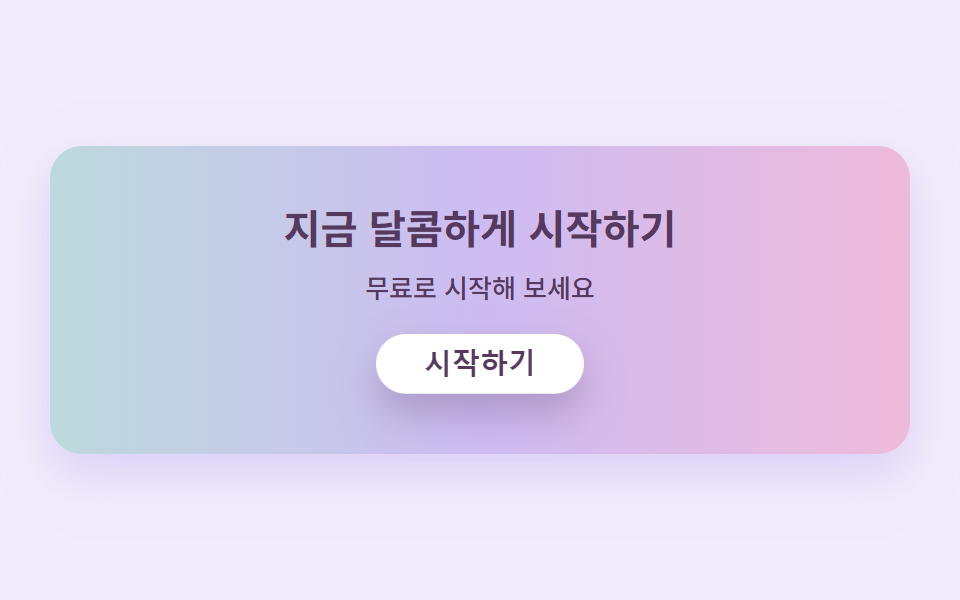
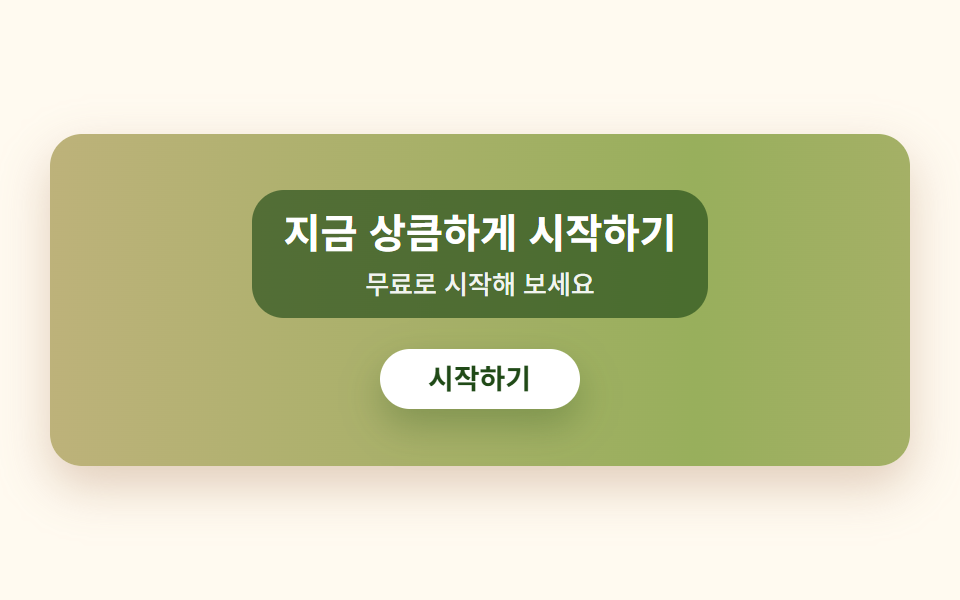
07Crayon-hatch CTA band
The band's background is a single repeating pattern that reads like tight crayon hatching, and the button on top carries a double-line border of uneven thickness that redraws itself with every press — the whole thing looks like a page from a coloring book.
Best forSign-up bands, class-enrollment CTA
repeating-linear-gradient 해칭이중선 재생radius pill
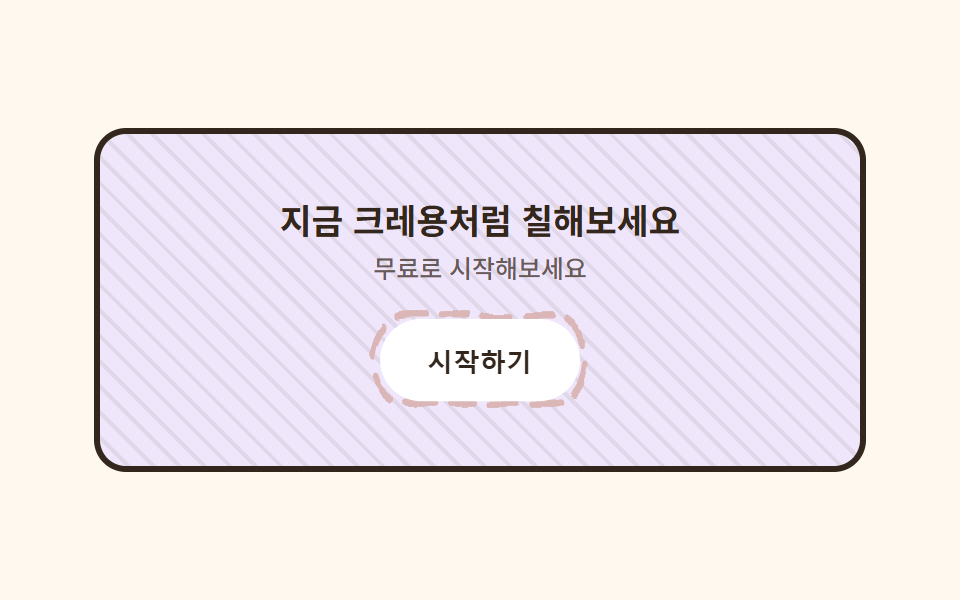
<main class="stage">
  <svg width="0" height="0" style="position:absolute" aria-hidden="true" focusable="false">
    <filter id="rough7" x="-30%" y="-30%" width="160%" height="160%">
      <feTurbulence type="fractalNoise" baseFrequency="0.05 0.07" numOctaves="2" seed="44" result="n"/>
      <feDisplacementMap in="SourceGraphic" in2="n" scale="5" xChannelSelector="R" yChannelSelector="G"/>
    </filter>
  </svg>
  <section class="ctacrayon">
    <h2 class="ctacrayon__title">Color it in like a crayon, right now</h2>
    <p class="ctacrayon__desc">Try it for free</p>
    <span class="ctacrayon__btn-wrap">
      <svg class="ctacrayon__btn-frame" viewBox="0 0 120 44" preserveAspectRatio="none" aria-hidden="true">
        <rect x="4" y="4" width="112" height="36" rx="18" class="ctacrayon__btn-rect" />
      </svg>
      <button class="ctacrayon__btn" type="button">Get started</button>
    </span>
  </section>
</main>
@use "../../../../site/static/demo-tokens" as *;
$duration: $dur-loop; // 버튼 테두리가 한 번 다시 그려지는 주기
$easing: $ease-spring; // 눌림 곡선
$color: $stage-ink; // 글자 색 기본값(토큰) — 아래 크레용 잉크로 덮는다
$crayon-paper: #fff8ef;
$crayon-ink: #33261c;
$crayon-red: #dbb6b7;
$crayon-yellow: #d1c5a2;
$crayon-blue: #9cb8ce;
$crayon-green: #6dbe6d;
$crayon-purple: #cbbfe0;
$crayon-purple-tint: #efe6fb;
@include stage($crayon-paper);
.ctacrayon {
position: relative;
width: clamp(230px, 86vw, 340px);
border-radius: $r-card;
padding: $sp-8 $sp-5;
text-align: center;
overflow: hidden;
background:
repeating-linear-gradient(45deg, rgba($crayon-ink, .08) 0 2px, transparent 2px 9px),
$crayon-purple-tint;
border: 3px solid $crayon-ink;
}
.ctacrayon__title {
margin: 0 0 $sp-1;
color: $crayon-ink;
font-weight: 700;
font-size: clamp(15px, 3.6vw, 19px);
line-height: 1.3;
}
.ctacrayon__desc {
margin: 0 0 $sp-4;
color: rgba($crayon-ink, .72);
font-weight: 500;
font-size: clamp(11px, 2.6vw, 13px);
}
.ctacrayon__btn-wrap {
position: relative;
display: inline-block;
}
.ctacrayon__btn-frame {
position: absolute;
inset: -6px;
width: calc(100% + 12px);
height: calc(100% + 12px);
pointer-events: none;
filter: url(#rough7);
}
.ctacrayon__btn-rect {
fill: none;
stroke: $crayon-red;
stroke-width: 3;
stroke-linecap: round;
stroke-dasharray: 14 8;
animation: btnFrameMarch $duration linear infinite;
}
.ctacrayon__btn {
position: relative;
border: 0;
border-radius: $r-pill;
background: $stage-paper;
color: $crayon-ink;
padding: $sp-3 $sp-6;
font-weight: 700;
font-size: clamp(12px, 2.8vw, 14px);
animation: btnPress $duration $easing infinite;
}
.ctacrayon__btn:focus-visible {
outline: 3px solid $crayon-ink;
outline-offset: 2px;
}
// 데모: 버튼 테두리가 크레용으로 계속 덧그려지고, 버튼 자체는 눌렸다 돌아오길 반복한다
@keyframes btnFrameMarch {
to { stroke-dashoffset: -440; }
}
@keyframes btnPress {
0%, 100% { transform: scale(1); }
50% { transform: scale(.94); }
}
@media (max-width: 340px), (max-height: 220px) {
.ctacrayon { padding: $sp-4 $sp-3; }
.ctacrayon__title { font-size: 13px; }
.ctacrayon__desc { display: none; }
}
@media (prefers-reduced-motion: reduce) {
.ctacrayon__btn-rect, .ctacrayon__btn {
animation: none !important;
transform: none;
}
}html, body {
margin: 0;
overflow: hidden;
}
.stage {
box-sizing: border-box;
min-height: 100vh;
display: grid;
place-items: center;
margin: 0;
background: #fff8ef;
font-family: -apple-system, "Segoe UI", "Noto Sans KR", sans-serif;
padding: clamp(8px, 4vw, 24px);
}
.ctacrayon {
position: relative;
width: clamp(230px, 86vw, 340px);
border-radius: 16px;
padding: 32px 20px;
text-align: center;
overflow: hidden;
background: repeating-linear-gradient(45deg, rgba(51, 38, 28, 0.08) 0 2px, transparent 2px 9px), #efe6fb;
border: 3px solid #33261c;
}
.ctacrayon__title {
margin: 0 0 4px;
color: #33261c;
font-weight: 700;
font-size: clamp(15px, 3.6vw, 19px);
line-height: 1.3;
}
.ctacrayon__desc {
margin: 0 0 16px;
color: rgba(51, 38, 28, 0.72);
font-weight: 500;
font-size: clamp(11px, 2.6vw, 13px);
}
.ctacrayon__btn-wrap {
position: relative;
display: inline-block;
}
.ctacrayon__btn-frame {
position: absolute;
inset: -6px;
width: calc(100% + 12px);
height: calc(100% + 12px);
pointer-events: none;
filter: url(#rough7);
}
.ctacrayon__btn-rect {
fill: none;
stroke: #dbb6b7;
stroke-width: 3;
stroke-linecap: round;
stroke-dasharray: 14 8;
animation: btnFrameMarch 2s linear infinite;
}
.ctacrayon__btn {
position: relative;
border: 0;
border-radius: 999px;
background: #ffffff;
color: #33261c;
padding: 12px 24px;
font-weight: 700;
font-size: clamp(12px, 2.8vw, 14px);
animation: btnPress 2s cubic-bezier(0.2, 0.8, 0.2, 1) infinite;
}
.ctacrayon__btn:focus-visible {
outline: 3px solid #33261c;
outline-offset: 2px;
}
@keyframes btnFrameMarch {
to {
stroke-dashoffset: -440;
}
}
@keyframes btnPress {
0%, 100% {
transform: scale(1);
}
50% {
transform: scale(0.94);
}
}
@media (max-width: 340px), (max-height: 220px) {
.ctacrayon {
padding: 16px 12px;
}
.ctacrayon__title {
font-size: 13px;
}
.ctacrayon__desc {
display: none;
}
}
@media (prefers-reduced-motion: reduce) {
.ctacrayon__btn-rect, .ctacrayon__btn {
animation: none !important;
transform: none;
}
}import type { CSSProperties } from "react";
import styles from "./CtaBandCrayon.module.scss";
export type CtaBandCrayonProps = {
title?: string;
desc?: string;
cta?: string;
duration?: number;
easing?: string;
color?: string;
};
type Vars = CSSProperties & { "--duration"?: string; "--easing"?: string; "--color"?: string };
export default function CtaBandCrayon({
title = "지금 크레용처럼 칠해보세요",
desc = "무료로 시작해보세요",
cta = "시작하기",
duration = 2000,
easing = "cubic-bezier(.2,.8,.2,1)",
color = "#ff5a5f",
}: CtaBandCrayonProps) {
const vars: Vars = { "--duration": `${duration}ms`, "--easing": easing, "--color": color };
return (
<section className={styles.band} style={vars}>
<svg width="0" height="0" style={{ position: "absolute" }} aria-hidden="true" focusable="false">
<filter id="cb-rough" x="-30%" y="-30%" width="160%" height="160%">
<feTurbulence type="fractalNoise" baseFrequency={0.06} numOctaves={2} seed={44} result="n" />
<feDisplacementMap in="SourceGraphic" in2="n" scale={5} xChannelSelector="R" yChannelSelector="G" />
</filter>
</svg>
<h2 className={styles.title}>{title}</h2>
<p className={styles.desc}>{desc}</p>
<span className={styles.btnWrap}>
<svg className={styles.btnFrame} viewBox="0 0 120 44" preserveAspectRatio="none" aria-hidden="true">
<rect x={4} y={4} width={112} height={36} rx={18} className={styles.btnRect} />
</svg>
<button type="button" className={styles.btn}>{cta}</button>
</span>
</section>
);
}07 Crayon-hatch CTA band — Measured area 1.203% · moving frames 23/23Original by GODRICH · SCSS and React ship in the zip · Crayon Web Design: 9 Hand-Drawn Landing Sections
The post this demo lives in
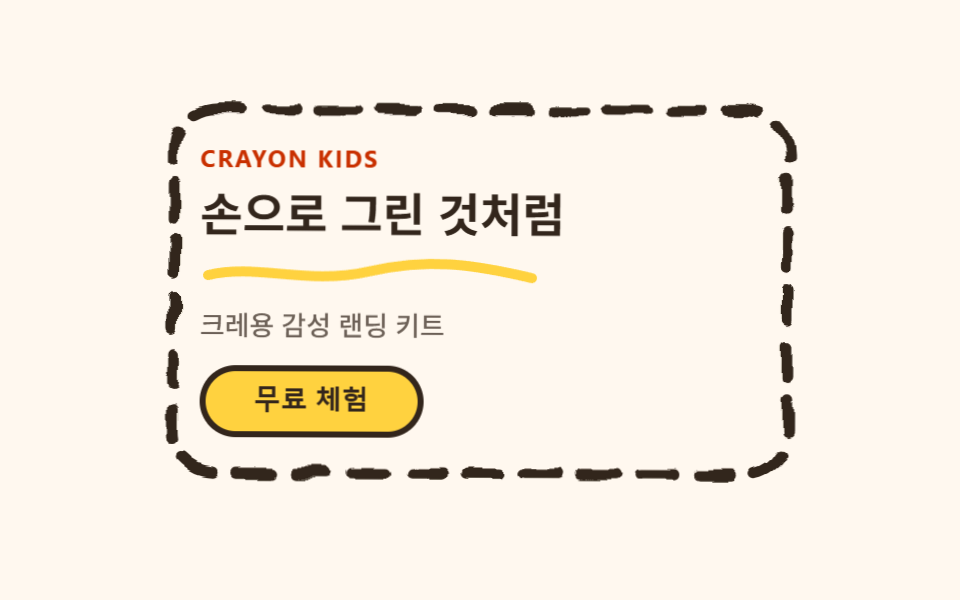 Crayon Web Design: 9 Hand-Drawn Landing SectionsCrayon web design draws thick, wobbly outlines around cards and buttons and runs an SVG filter on just those outlines, s See all demos in this post