07Rotating stage
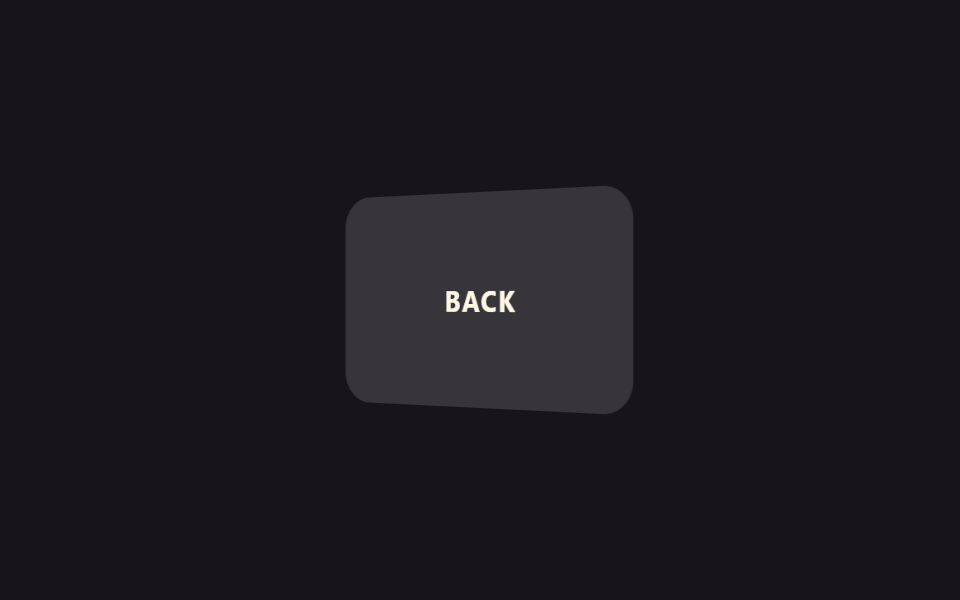
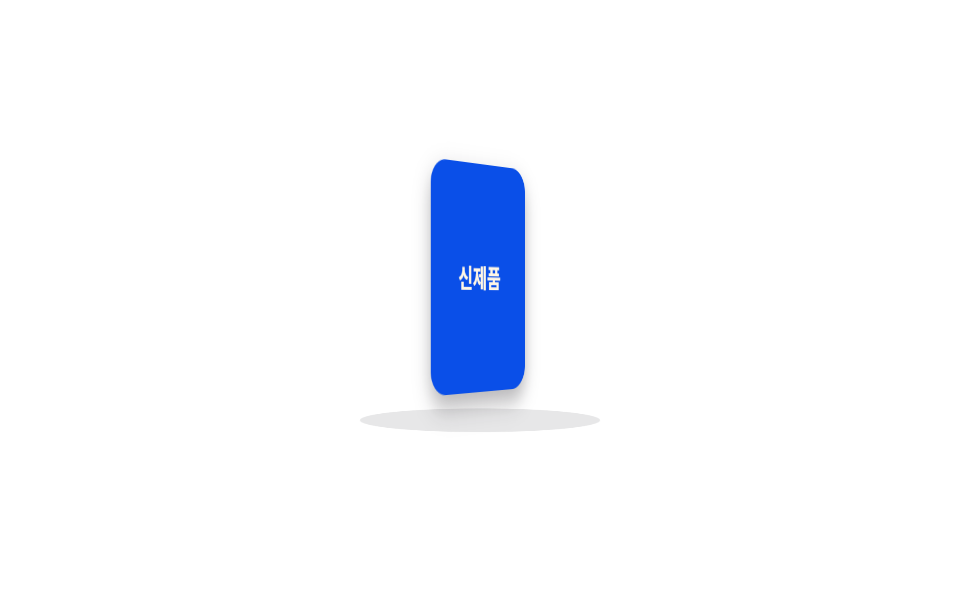
An object turns slowly on an elliptical floor, one full rotation every five seconds — slower than the cube in item 01, with a tilted floor added underneath so it reads as a turntable.
Best for360-degree new-product previews, e-commerce detail pages
perspectivebackface-visibility타원 바닥 rotateX
<main class="stage">
  <div class="turntable">
    <div class="turntable__floor"></div>
    <div class="turntable__object is-demo">
      <div class="turntable__face turntable__face--front">New arrival</div>
      <div class="turntable__face turntable__face--back"></div>
    </div>
  </div>
</main>
@use "../../../../site/static/demo-tokens" as *;
// ── 변수 3개 ──────────────────────────────
$duration: 5s; // 한 바퀴 도는 시간 — 제품 회전은 느릴수록 고급스럽다
$easing: linear;
$color: $subject-blue-deep; // 오브젝트 색 (크림 글자가 얹히므로 진한 파랑)
@include stage($stage-paper);
.turntable {
position: relative;
width: 130px;
height: 160px;
perspective: 700px;
}
// 바닥 원반은 고정. transform-style 없이도 perspective 안에서 타원으로 눌려 입체 바닥처럼 보인다
.turntable__floor {
position: absolute;
left: 50%;
bottom: 6px;
width: 120px;
height: 28px;
border-radius: 50%;
background: rgba($subject-ink, .1);
transform: translateX(-50%) rotateX(70deg);
transform-style: preserve-3d;
}
.turntable__object {
position: absolute;
inset: 12px 25px 34px;
transform-style: preserve-3d;
animation: turn $duration $easing infinite;
}
.turntable__face {
position: absolute;
inset: 0;
display: grid;
place-items: center;
border-radius: $r-control;
color: $subject-cream;
font-weight: 700;
font-size: 13px;
line-height: 1.2;
font-family: inherit;
text-align: center;
box-shadow: $shadow-press;
backface-visibility: hidden; // 뒤로 돈 면의 글자가 비치지 않게
}
.turntable__face--front { background: $color; }
.turntable__face--back { background: darken($color, 16%); transform: rotateY(180deg); }
@keyframes turn {
from { transform: rotateY(0deg); }
to { transform: rotateY(360deg); }
}
// ── 접근성: 움직임 줄이기 설정이면 정면에서 고정 ────────────
@media (prefers-reduced-motion: reduce) {
.turntable__object { animation: none; transform: rotateY(-20deg); }
}html, body {
margin: 0;
overflow: hidden;
}
.stage {
box-sizing: border-box;
min-height: 100vh;
display: grid;
place-items: center;
margin: 0;
background: #ffffff;
font-family: -apple-system, "Segoe UI", "Noto Sans KR", sans-serif;
padding: clamp(8px, 4vw, 24px);
}
.turntable {
position: relative;
width: 130px;
height: 160px;
perspective: 700px;
}
.turntable__floor {
position: absolute;
left: 50%;
bottom: 6px;
width: 120px;
height: 28px;
border-radius: 50%;
background: rgba(23, 20, 26, 0.1);
transform: translateX(-50%) rotateX(70deg);
transform-style: preserve-3d;
}
.turntable__object {
position: absolute;
inset: 12px 25px 34px;
transform-style: preserve-3d;
animation: turn 5s linear infinite;
}
.turntable__face {
position: absolute;
inset: 0;
display: grid;
place-items: center;
border-radius: 12px;
color: #fff7e6;
font-weight: 700;
font-size: 13px;
line-height: 1.2;
font-family: inherit;
text-align: center;
box-shadow: 0 6px 12px rgba(23, 20, 26, 0.32);
backface-visibility: hidden;
}
.turntable__face--front {
background: #0a4fe8;
}
.turntable__face--back {
background: rgb(2.5992545779%, 20.5341111651%, 60.3027062064%);
transform: rotateY(180deg);
}
@keyframes turn {
from {
transform: rotateY(0deg);
}
to {
transform: rotateY(360deg);
}
}
@media (prefers-reduced-motion: reduce) {
.turntable__object {
animation: none;
transform: rotateY(-20deg);
}
}import type { CSSProperties } from "react";
import styles from "./RotateStage.module.scss";
export type RotateStageProps = {
/** 한 바퀴 도는 시간 (기본 5000ms) — 느릴수록 고급스럽다 */
duration?: number;
easing?: string;
/** 오브젝트 색 */
color?: string;
label?: string;
};
type Vars = CSSProperties & { "--duration"?: string; "--easing"?: string; "--color"?: string };
export default function RotateStage({
duration = 5000,
easing = "linear",
color = "#0a4fe8",
label = "신제품",
}: RotateStageProps) {
const vars: Vars = { "--duration": `${duration}ms`, "--easing": easing, "--color": color };
return (
<div className={styles.turntable}>
<div className={styles.floor} />
<div className={styles.object} style={vars}>
<div className={`${styles.face} ${styles.front}`}>{label}</div>
<div className={`${styles.face} ${styles.back}`} />
</div>
</div>
);
}07 Rotating stage — Measured area 7.839% · moving frames 23/23Original by GODRICH · SCSS and React ship in the zip · 9 CSS 3D Cube Effects — One Line, Copy-Paste
The post this demo lives in
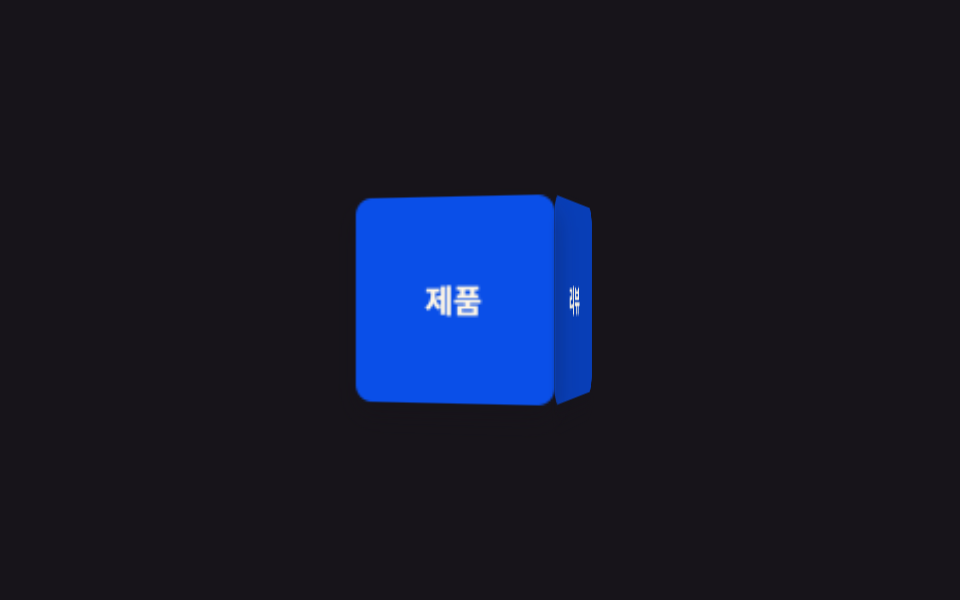 9 CSS 3D Cube Effects — One Line, Copy-PasteA css 3d cube spins its four labeled faces inside a perspective wrapper — one of nine such effects below, each one line, See all demos in this post