04Beta gradient pill badge
A purple gradient layer sits on top of the pill's base color and its opacity alone rises from 0 to 1 and back, so the two colors seem to bleed into each other across the BETA label.
Best forExperimental-feature labels, status flags next to a new menu item in a dashboard
겹친 레이어 opacity 크로스페이드position: absolute; inset: 0border-radius: $r-pill
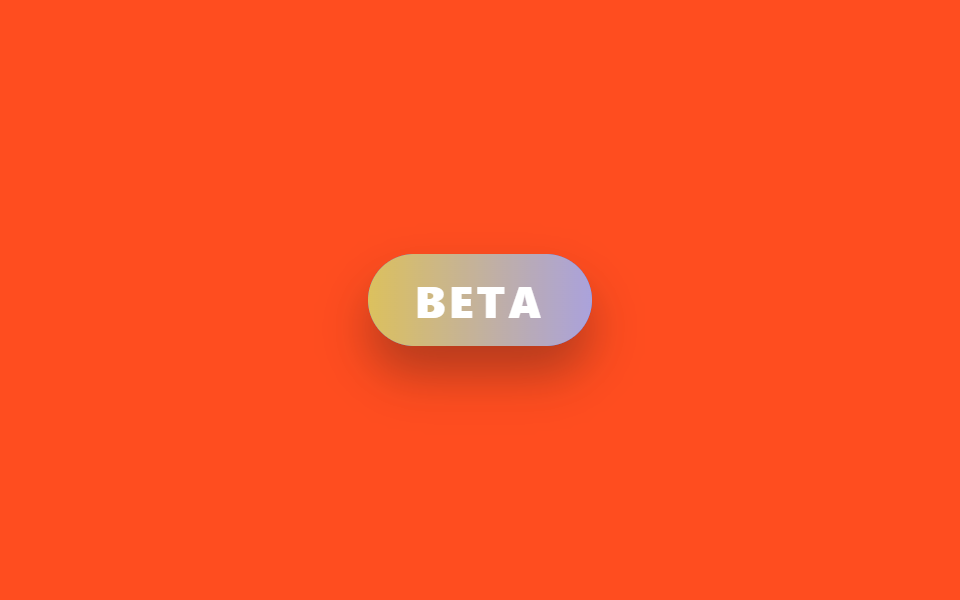
<main class="stage is-demo">
  <span class="pill" aria-label="beta feature">
    <span class="pill__glow"></span>
    <span class="pill__text">BETA</span>
  </span>
</main>
@use "../../../../site/static/demo-tokens" as *;
// ── 변수 3개 ──────────────────────────────────────────
$duration: $dur-loop; // 2s — 색이 번갈아 드러나는 한 주기
$easing: $ease-out;
$color: $subject-blue;
@include stage($stage-orange);
.pill {
position: relative;
display: inline-block;
padding: $sp-2 $sp-6;
border-radius: $r-pill;
font-family: -apple-system, "Segoe UI", "Noto Sans KR", sans-serif;
font-weight: 800;
font-size: 22px;
letter-spacing: .08em;
color: #fff;
background: $color;
box-shadow: $shadow-raised;
overflow: hidden;
}
// 보라 레이어를 겹쳐 두고 opacity 만 오르내린다 — background-position 은
// 리페인트가 스크린샷 타이밍과 안 맞아 프레임 사이 변화가 문턱 아래로 묻혔다 (213 실측)
.pill__glow {
position: absolute; inset: 0;
background: linear-gradient(90deg, $stage-yellow, #c3add7);
opacity: 0;
}
.pill__text {
position: relative;
}
.stage.is-demo .pill__glow {
animation: glow-cross $duration $easing infinite;
}
@keyframes glow-cross {
0%, 10% { opacity: 0; }
50% { opacity: 1; }
90%, 100% { opacity: 0; }
}
@media (prefers-reduced-motion: reduce) {
.stage.is-demo .pill__glow { animation: none; opacity: .5; }
}html, body {
margin: 0;
overflow: hidden;
}
.stage {
box-sizing: border-box;
min-height: 100vh;
display: grid;
place-items: center;
margin: 0;
background: #ff4d1f;
font-family: -apple-system, "Segoe UI", "Noto Sans KR", sans-serif;
padding: clamp(8px, 4vw, 24px);
}
.pill {
position: relative;
display: inline-block;
padding: 8px 24px;
border-radius: 999px;
font-family: -apple-system, "Segoe UI", "Noto Sans KR", sans-serif;
font-weight: 800;
font-size: 22px;
letter-spacing: 0.08em;
color: #fff;
background: #2f6df6;
box-shadow: 0 14px 24px rgba(23, 20, 26, 0.32);
overflow: hidden;
}
.pill__glow {
position: absolute;
inset: 0;
background: linear-gradient(90deg, #ffd23f, #c3add7);
opacity: 0;
}
.pill__text {
position: relative;
}
.stage.is-demo .pill__glow {
animation: glow-cross 2s ease-out infinite;
}
@keyframes glow-cross {
0%, 10% {
opacity: 0;
}
50% {
opacity: 1;
}
90%, 100% {
opacity: 0;
}
}
@media (prefers-reduced-motion: reduce) {
.stage.is-demo .pill__glow {
animation: none;
opacity: 0.5;
}
}import type { CSSProperties } from "react";
import styles from "./BadgeBetaPill.module.scss";
export type BadgeBetaPillProps = {
duration?: number;
easing?: string;
color?: string;
label?: string;
};
export default function BadgeBetaPill({
duration = 2000,
easing = "ease-out",
color = "#2f6df6",
label = "BETA",
}: BadgeBetaPillProps) {
const vars: CSSProperties = { "--duration": `${duration}ms`, "--easing": easing, "--color": color } as CSSProperties;
return (
<span className={styles.pill} style={vars} aria-label="beta feature">
<span className={styles.glow} />
<span className={styles.text}>{label}</span>
</span>
);
}04 Beta gradient pill badge — Measured area 2.951% · moving frames 16/23Original by GODRICH · SCSS and React ship in the zip · 9 CSS Badge Design Ideas — New, Sale, Verified
The post this demo lives in
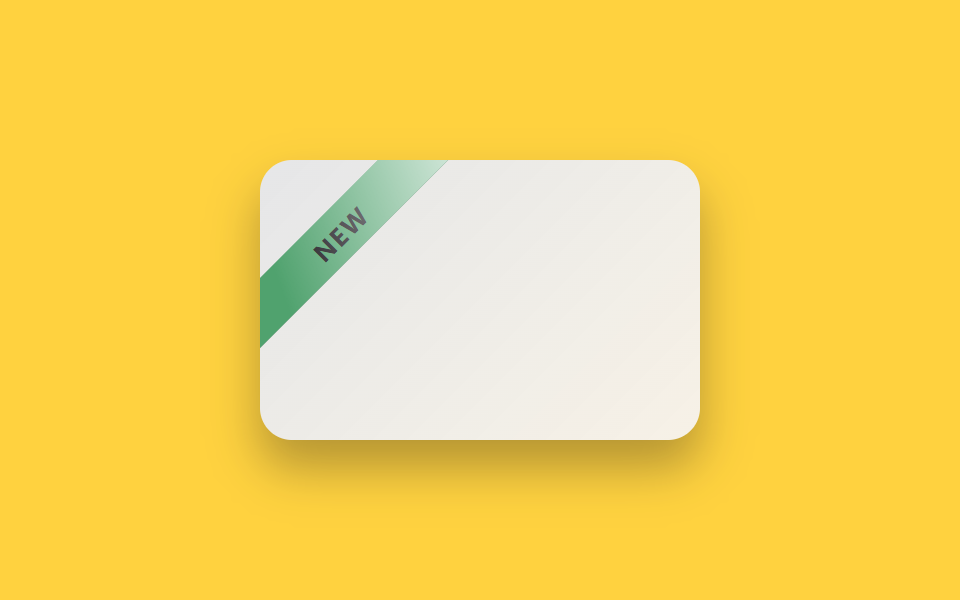 9 CSS Badge Design Ideas — New, Sale, VerifiedA badge is the small label on a thumbnail or name that shows status at a glance — new, sale, verified, sold out. Good CS See all demos in this post