04Pulse
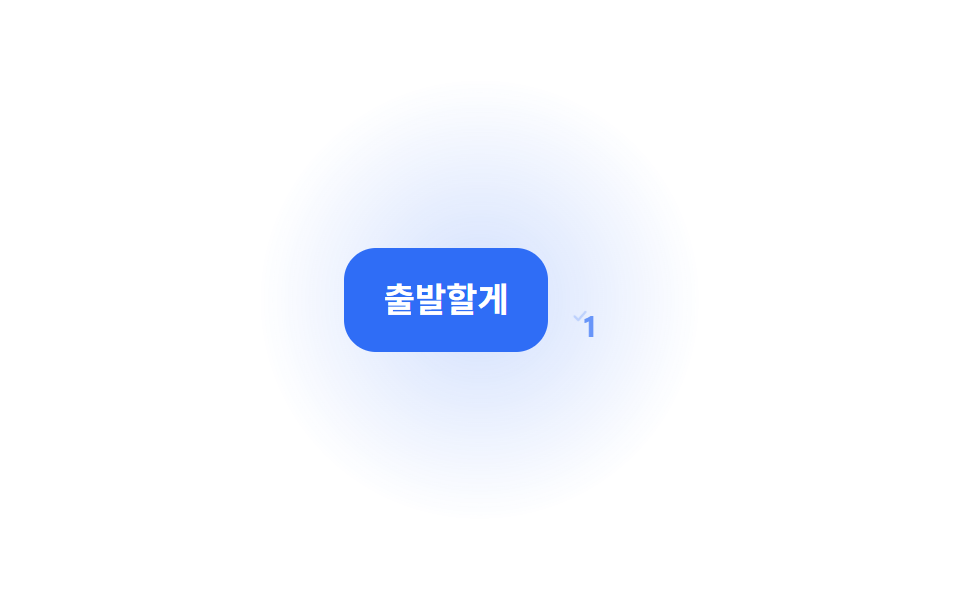
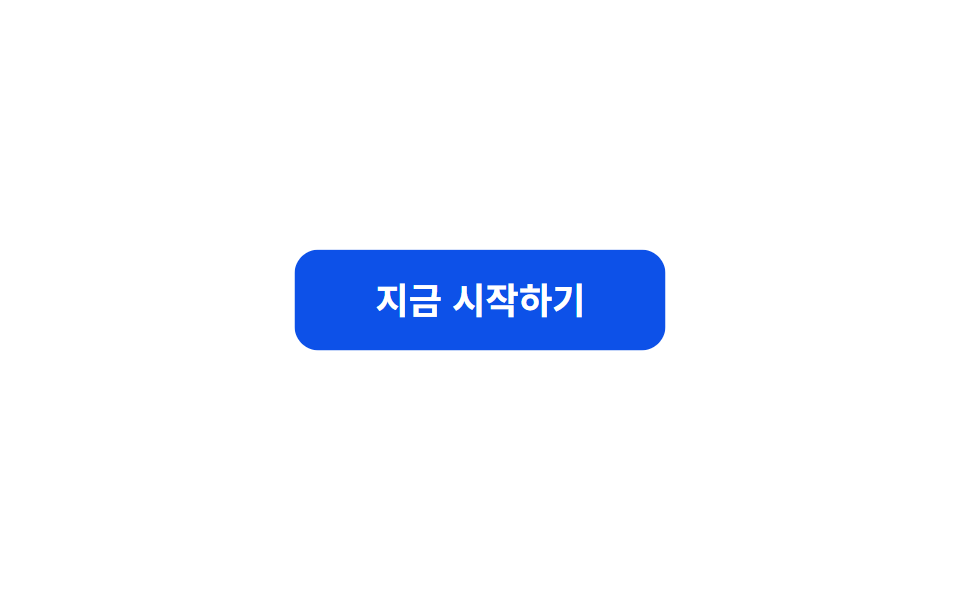
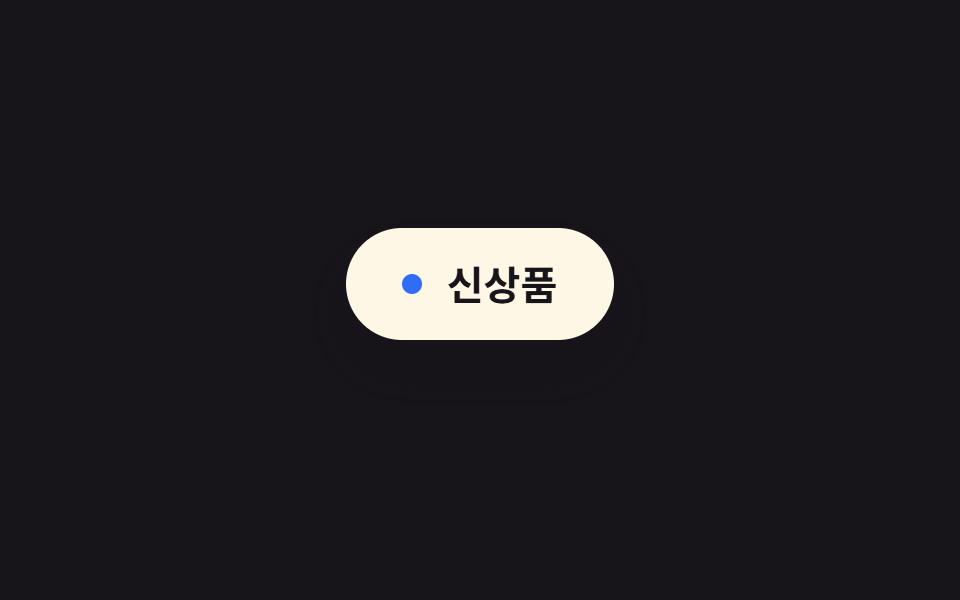
`.a-pulse` eases scale between 1 and 1.06 while opacity dips and recovers, creating a subtle attention cue without repainting layout.
Best forLive-status dots, new-feature badges, a CTA button that needs a nudge
scaleopacity2초
<main class="stage">
  <button class="btn a-pulse" type="button">Get started now</button>
</main>
@use "../../../../site/static/demo-tokens" as *;
// ── 변수 3개 ──────────────────────────────────────────
$duration: $dur-loop; // 2초 — 너무 빠르면 강조가 아니라 깜빡임으로 읽힌다
$easing: $ease-out;
$color: $subject-blue;
// ── 데모 무대 ───────────────────────────────
@include stage($stage-paper);
.btn {
border: 0;
border-radius: $r-control;
padding: 16px 40px;
background: $subject-blue-deep; // AA: 파란 면을 깊게 — 흰 글자 6.3:1
color: #fff;
font-weight: 700; font-size: clamp(15px, 4vw, 18px); line-height: 1; font-family: inherit;
cursor: pointer;
-webkit-tap-highlight-color: transparent;
}
// ── .a-pulse 는 레이아웃을 다시 그리지 않고 scale·opacity 만 쓴다 ─
.a-pulse {
animation: pulse $duration $easing infinite;
}
@keyframes pulse {
0%, 100% { transform: scale(1); opacity: 1; }
50% { transform: scale(1.06); opacity: .92; }
}
@media (prefers-reduced-motion: reduce) {
.a-pulse { animation: none; }
}html, body {
margin: 0;
overflow: hidden;
}
.stage {
box-sizing: border-box;
min-height: 100vh;
display: grid;
place-items: center;
margin: 0;
background: #ffffff;
font-family: -apple-system, "Segoe UI", "Noto Sans KR", sans-serif;
padding: clamp(8px, 4vw, 24px);
}
.btn {
border: 0;
border-radius: 12px;
padding: 16px 40px;
background: #0a4fe8;
color: #fff;
font-weight: 700;
font-size: clamp(15px, 4vw, 18px);
line-height: 1;
font-family: inherit;
cursor: pointer;
-webkit-tap-highlight-color: transparent;
}
.a-pulse {
animation: pulse 2s ease-out infinite;
}
@keyframes pulse {
0%, 100% {
transform: scale(1);
opacity: 1;
}
50% {
transform: scale(1.06);
opacity: 0.92;
}
}
@media (prefers-reduced-motion: reduce) {
.a-pulse {
animation: none;
}
}import type { CSSProperties, MouseEvent, ReactNode } from "react";
import styles from "./PulseButton.module.scss";
export type PulseButtonProps = {
children: ReactNode;
/** 한 번 오가는 데 걸리는 시간 (기본 2000ms) */
duration?: number;
/** CSS easing (기본 ease-out) */
easing?: string;
/** 버튼 색 */
color?: string;
onClick?: (e: MouseEvent<HTMLButtonElement>) => void;
type?: "button" | "submit";
};
type Vars = CSSProperties & {
"--duration"?: string;
"--easing"?: string;
"--color"?: string;
};
export default function PulseButton({
children,
duration = 2000,
easing = "ease-out",
color = "#0a4fe8",
onClick,
type = "button",
}: PulseButtonProps) {
const vars: Vars = {
"--duration": `${duration}ms`,
"--easing": easing,
"--color": color,
};
return (
<button type={type} className={styles.btn} style={vars} onClick={onClick}>
{children}
</button>
);
}04 Pulse — Measured area 7.199% · moving frames 23/23Original by GODRICH · SCSS and React ship in the zip · 9 CSS Keyframe Animations, One Line, Copy-Paste
The post this demo lives in
 9 CSS Keyframe Animations, One Line, Copy-PasteThese nine CSS keyframe animation classes each wrap one keyframes block in a single class name, so adding that one class See all demos in this post