05Image bubble loading
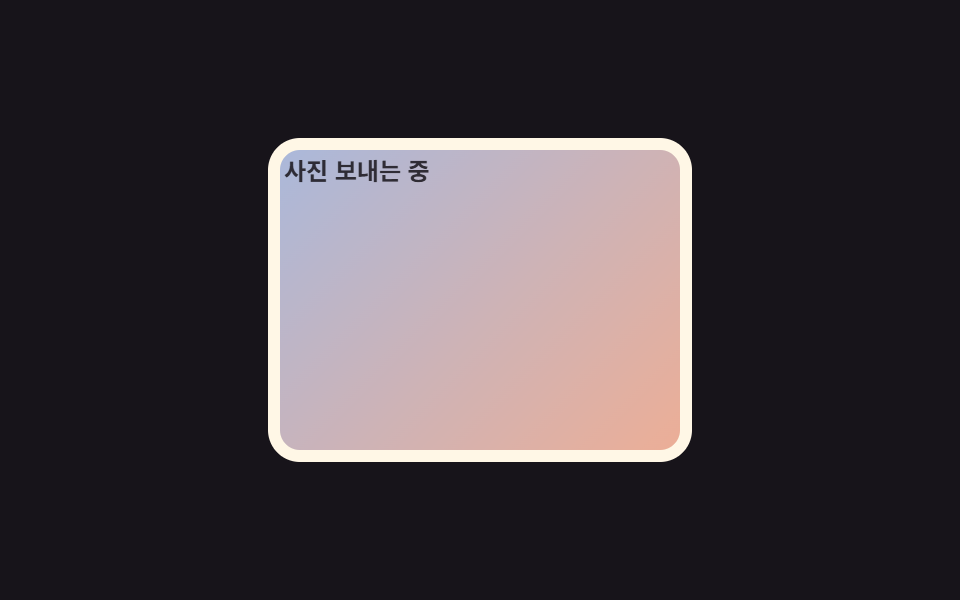
Before the image arrives, a gray skeleton shimmer fills the space, and once it loads, a blur clears to reveal the sharp photo.
Best forChats that exchange photos or GIFs, inquiry chats with attached product images
skeleton shimmer@keyframes photo-in-loop0.3초
<main class="stage">
  <figure class="bubble is-demo">
    <span class="skeleton">
      <span class="shine"></span>
    </span>
    <span class="photo"></span>
    <figcaption class="caption">Sending photo</figcaption>
  </figure>
</main>
@use "../../../../site/static/demo-tokens" as *;
// ── 변수 3개 ──────────────────────────────────────────────
$duration: $dur-enter; // 스켈레톤이 사진으로 바뀌는 데 걸리는 시간
$easing: $ease-out;
$color: $subject-cream; // 말풍선 틀 색 (ink 무대라 cream)
@include stage($stage-ink);
.bubble {
position: relative;
width: min(200px, 60vw);
aspect-ratio: 4 / 3;
margin: 0;
padding: 6px;
border-radius: $r-card;
background: $color;
overflow: hidden;
}
.skeleton, .photo {
position: absolute;
inset: 6px;
border-radius: 10px;
}
.skeleton { background: rgba($stage-ink, .12); overflow: hidden; }
.shine {
position: absolute;
top: 0;
left: -60%;
width: 60%;
height: 100%;
background: linear-gradient(100deg, rgba(255, 255, 255, 0), rgba(255, 255, 255, .55), rgba(255, 255, 255, 0));
.bubble.is-demo & { animation: shine-loop $dur-loop $easing infinite; }
}
.photo {
background: linear-gradient(135deg, $subject-blue, $stage-orange);
opacity: 0;
.bubble.is-demo & { animation: photo-in-loop $dur-loop $easing infinite; }
}
.caption {
margin: 4px 2px 0;
font-weight: 600; font-size: clamp(10px, 3vw, 12px); line-height: 1; font-family: inherit;
color: $subject-ink; // 말풍선(크림) 안 스켈레톤 위 글자 — AA 4.5 (blog-design 글자 대비)
opacity: .85;
}
// 셰이머가 두 번 훑고 지나간 뒤 사진이 opacity 로 나타난다
@keyframes shine-loop {
0% { transform: translateX(0); }
60% { transform: translateX(360%); }
100% { transform: translateX(360%); }
}
@keyframes photo-in-loop {
0% { opacity: 0; }
62% { opacity: 0; }
85% { opacity: 1; }
100% { opacity: 1; }
}
@media (prefers-reduced-motion: reduce) {
.shine, .photo { animation: none !important; }
.photo { opacity: 1; }
.shine { opacity: 0; }
}html, body {
margin: 0;
overflow: hidden;
}
.stage {
box-sizing: border-box;
min-height: 100vh;
display: grid;
place-items: center;
margin: 0;
background: #17141a;
font-family: -apple-system, "Segoe UI", "Noto Sans KR", sans-serif;
padding: clamp(8px, 4vw, 24px);
}
.bubble {
position: relative;
width: min(200px, 60vw);
aspect-ratio: 4/3;
margin: 0;
padding: 6px;
border-radius: 16px;
background: #fff7e6;
overflow: hidden;
}
.skeleton, .photo {
position: absolute;
inset: 6px;
border-radius: 10px;
}
.skeleton {
background: rgba(23, 20, 26, 0.12);
overflow: hidden;
}
.shine {
position: absolute;
top: 0;
left: -60%;
width: 60%;
height: 100%;
background: linear-gradient(100deg, rgba(255, 255, 255, 0), rgba(255, 255, 255, 0.55), rgba(255, 255, 255, 0));
}
.bubble.is-demo .shine {
animation: shine-loop 2s ease-out infinite;
}
.photo {
background: linear-gradient(135deg, #2f6df6, #ff4d1f);
opacity: 0;
}
.bubble.is-demo .photo {
animation: photo-in-loop 2s ease-out infinite;
}
.caption {
margin: 4px 2px 0;
font-weight: 600;
font-size: clamp(10px, 3vw, 12px);
line-height: 1;
font-family: inherit;
color: #17141a;
opacity: 0.85;
}
@keyframes shine-loop {
0% {
transform: translateX(0);
}
60% {
transform: translateX(360%);
}
100% {
transform: translateX(360%);
}
}
@keyframes photo-in-loop {
0% {
opacity: 0;
}
62% {
opacity: 0;
}
85% {
opacity: 1;
}
100% {
opacity: 1;
}
}
@media (prefers-reduced-motion: reduce) {
.shine, .photo {
animation: none !important;
}
.photo {
opacity: 1;
}
.shine {
opacity: 0;
}
}import type { CSSProperties } from "react";
import styles from "./ImageBubbleLoading.module.scss";
export type ImageBubbleLoadingProps = {
/** 이미지 로드가 끝났는가 */
loaded: boolean;
duration?: number;
easing?: string;
className?: string;
};
type Vars = CSSProperties & { "--duration"?: string; "--easing"?: string };
export default function ImageBubbleLoading({
loaded,
duration = 600,
easing = "ease-out",
className = "",
}: ImageBubbleLoadingProps) {
const vars: Vars = { "--duration": `${duration}ms`, "--easing": easing };
return (
<figure className={`${styles.bubble} ${className}`} style={vars}>
<span className={`${styles.skeleton} ${loaded ? styles.fade : ""}`}>
<span className={styles.shine} />
</span>
<span className={`${styles.photo} ${loaded ? styles.show : ""}`} />
</figure>
);
}05 Image bubble loading — Measured area 20.786% · moving frames 13/23Original by GODRICH · SCSS and React ship in the zip · 9 CSS Chat Bubble Animations, One Line, Copy-Paste
The post this demo lives in
 9 CSS Chat Bubble Animations, One Line, Copy-PasteA css chat bubble animation is the transform-and-opacity motion a bubble makes as it pops in, waits, gets read, or react See all demos in this post