01Fade & scale
Appears from the center with a slight scale-up and reverses on close.
Best forDefault confirm and alert modals
200ms0.9→1페이드만

<main class="stage is-demo">
  <button class="trigger" type="button">Pay now</button>
  <div class="overlay"></div>
  <div class="modal" role="dialog" aria-modal="true" aria-labelledby="t1">
    <h2 id="t1">Complete this payment?</h2>
    <p>Once your card is approved, this can't be undone.</p>
    <button class="modal__close" type="button">Confirm</button>
  </div>
</main>
@use "../../../../site/static/demo-tokens" as *;
// ── 변수 3개. 변형은 이것만 바꾼다 ──────────────────────────
$duration: $dur-quick; // 열리는 시간 (실제 클릭)
$easing: $ease-spring; // 처음 빠르고 끝은 부드럽게
$color: $subject-blue; // 강조색(버튼·포커스)
@include stage($stage-ink);
.stage { position: relative; }
.trigger {
border: 0; border-radius: $r-pill;
padding: clamp(10px, 3.4vmin, 14px) clamp(20px, 7vmin, 30px);
font-weight: 600;
font-size: clamp(13px, 4vmin, 16px);
line-height: 1;
font-family: inherit;
color: $stage-ink; background: $subject-cream;
cursor: pointer; -webkit-tap-highlight-color: transparent;
transition: filter $dur-instant;
&:hover, &:focus-visible { filter: brightness(.94); }
}
.overlay {
position: fixed; inset: 0;
background: rgba($stage-ink, .55);
opacity: 0; pointer-events: none;
transition: opacity $duration $easing;
}
.modal {
position: fixed; left: 50%; top: 50%;
transform: translate(-50%, -50%) scale(.92);
opacity: 0; pointer-events: none;
width: min(78vw, 300px);
padding: clamp(12px, 4.5vmin, 22px);
border-radius: $r-card; background: $stage-paper; color: $stage-ink;
box-shadow: $shadow-raised;
transition: opacity $duration $easing, transform $duration $easing;
h2 { margin: 0 0 6px; font-size: clamp(13px, 4.4vmin, 18px); }
p { margin: 0 0 14px; font-size: clamp(10px, 3.2vmin, 13px); color: rgba($stage-ink, .65); }
}
.modal__close {
border: 0; border-radius: $r-control; background: $color; color: $stage-paper;
padding: clamp(7px, 2.6vmin, 9px) clamp(14px, 4.6vmin, 18px);
font-weight: 600;
font-size: clamp(11px, 3.4vmin, 13px);
line-height: 1;
font-family: inherit;
cursor: pointer;
}
// 실제 조작 상태
.stage.is-open .overlay { opacity: 1; pointer-events: auto; }
.stage.is-open .modal { opacity: 1; transform: translate(-50%, -50%) scale(1); pointer-events: auto; }
// 데모: 2초 안에 열림→닫힘 반복 (실측 2026-09-09 편 001 관례: 루프 전용 keyframes 는 $dur-loop 로 고정)
.stage.is-demo .overlay { animation: overlay-loop $dur-loop ease-in-out infinite; }
.stage.is-demo .modal { animation: modal-loop $dur-loop $easing infinite; }
@keyframes overlay-loop {
0% { opacity: 0; }
15% { opacity: 1; }
70% { opacity: 1; }
85% { opacity: 0; }
100% { opacity: 0; }
}
@keyframes modal-loop {
0% { opacity: 0; transform: translate(-50%, -50%) scale(.92); }
15% { opacity: 1; transform: translate(-50%, -50%) scale(1); }
70% { opacity: 1; transform: translate(-50%, -50%) scale(1); }
85% { opacity: 0; transform: translate(-50%, -50%) scale(.92); }
100% { opacity: 0; transform: translate(-50%, -50%) scale(.92); }
}
@media (prefers-reduced-motion: reduce) {
.stage.is-demo .overlay, .stage.is-demo .modal { animation: none; }
.overlay, .modal { transition-duration: 1ms; }
}html, body {
margin: 0;
overflow: hidden;
}
.stage {
box-sizing: border-box;
min-height: 100vh;
display: grid;
place-items: center;
margin: 0;
background: #17141a;
font-family: -apple-system, "Segoe UI", "Noto Sans KR", sans-serif;
padding: clamp(8px, 4vw, 24px);
}
.stage {
position: relative;
}
.trigger {
border: 0;
border-radius: 999px;
padding: clamp(10px, 3.4vmin, 14px) clamp(20px, 7vmin, 30px);
font-weight: 600;
font-size: clamp(13px, 4vmin, 16px);
line-height: 1;
font-family: inherit;
color: #17141a;
background: #fff7e6;
cursor: pointer;
-webkit-tap-highlight-color: transparent;
transition: filter 140ms;
}
.trigger:hover, .trigger:focus-visible {
filter: brightness(0.94);
}
.overlay {
position: fixed;
inset: 0;
background: rgba(23, 20, 26, 0.55);
opacity: 0;
pointer-events: none;
transition: opacity 220ms cubic-bezier(0.2, 0.8, 0.2, 1);
}
.modal {
position: fixed;
left: 50%;
top: 50%;
transform: translate(-50%, -50%) scale(0.92);
opacity: 0;
pointer-events: none;
width: min(78vw, 300px);
padding: clamp(12px, 4.5vmin, 22px);
border-radius: 16px;
background: #ffffff;
color: #17141a;
box-shadow: 0 14px 24px rgba(23, 20, 26, 0.32);
transition: opacity 220ms cubic-bezier(0.2, 0.8, 0.2, 1), transform 220ms cubic-bezier(0.2, 0.8, 0.2, 1);
}
.modal h2 {
margin: 0 0 6px;
font-size: clamp(13px, 4.4vmin, 18px);
}
.modal p {
margin: 0 0 14px;
font-size: clamp(10px, 3.2vmin, 13px);
color: rgba(23, 20, 26, 0.65);
}
.modal__close {
border: 0;
border-radius: 12px;
background: #2f6df6;
color: #ffffff;
padding: clamp(7px, 2.6vmin, 9px) clamp(14px, 4.6vmin, 18px);
font-weight: 600;
font-size: clamp(11px, 3.4vmin, 13px);
line-height: 1;
font-family: inherit;
cursor: pointer;
}
.stage.is-open .overlay {
opacity: 1;
pointer-events: auto;
}
.stage.is-open .modal {
opacity: 1;
transform: translate(-50%, -50%) scale(1);
pointer-events: auto;
}
.stage.is-demo .overlay {
animation: overlay-loop 2s ease-in-out infinite;
}
.stage.is-demo .modal {
animation: modal-loop 2s cubic-bezier(0.2, 0.8, 0.2, 1) infinite;
}
@keyframes overlay-loop {
0% {
opacity: 0;
}
15% {
opacity: 1;
}
70% {
opacity: 1;
}
85% {
opacity: 0;
}
100% {
opacity: 0;
}
}
@keyframes modal-loop {
0% {
opacity: 0;
transform: translate(-50%, -50%) scale(0.92);
}
15% {
opacity: 1;
transform: translate(-50%, -50%) scale(1);
}
70% {
opacity: 1;
transform: translate(-50%, -50%) scale(1);
}
85% {
opacity: 0;
transform: translate(-50%, -50%) scale(0.92);
}
100% {
opacity: 0;
transform: translate(-50%, -50%) scale(0.92);
}
}
@media (prefers-reduced-motion: reduce) {
.stage.is-demo .overlay, .stage.is-demo .modal {
animation: none;
}
.overlay, .modal {
transition-duration: 1ms;
}
}// 실제 클릭: 트리거로 열고 오버레이·Confirm·ESC 로 닫는다. 데모(.is-demo)는 자동 반복하다가 실제 조작이 오면 멈춘다.
(function () {
var stage = document.querySelector('.stage');
var trigger = document.querySelector('.trigger');
var overlay = document.querySelector('.overlay');
var close = document.querySelector('.modal__close');
function open() { stage.classList.remove('is-demo'); stage.classList.add('is-open'); }
function shut() { stage.classList.remove('is-open'); }
trigger.addEventListener('click', open);
overlay.addEventListener('click', shut);
close.addEventListener('click', shut);
document.addEventListener('keydown', function (e) { if (e.key === 'Escape') shut(); });
})();import { useState } from "react";
import type { CSSProperties } from "react";
import styles from "./ModalFadeScale.module.scss";
export type ModalFadeScaleProps = {
triggerLabel: string;
title: string;
description: string;
confirmLabel: string;
/** 열리는 시간 (기본 220ms) */
duration?: number;
/** CSS easing */
easing?: string;
/** 강조색 */
color?: string;
};
type Vars = CSSProperties & { "--duration"?: string; "--easing"?: string; "--color"?: string };
export default function ModalFadeScale({
triggerLabel,
title,
description,
confirmLabel,
duration = 220,
easing = "cubic-bezier(.2,.8,.2,1)",
color = "#2f6df6",
}: ModalFadeScaleProps) {
const [open, setOpen] = useState(false);
const vars: Vars = { "--duration": `${duration}ms`, "--easing": easing, "--color": color };
return (
<div className={styles.stage} style={vars}>
<button type="button" className={styles.trigger} onClick={() => setOpen(true)}>
{triggerLabel}
</button>
<div
className={open ? `${styles.overlay} ${styles.isOpen}` : styles.overlay}
onClick={() => setOpen(false)}
/>
<div
className={open ? `${styles.modal} ${styles.isOpen}` : styles.modal}
role="dialog"
aria-modal="true"
>
<h2>{title}</h2>
<p>{description}</p>
<button type="button" className={styles.confirm} onClick={() => setOpen(false)}>
{confirmLabel}
</button>
</div>
</div>
);
}01 Fade & scale — Measured area 24.692% · moving frames 7/23Original by GODRICH · SCSS and React ship in the zip · 9 CSS Modal Animation Patterns, No Library Needed
The post this demo lives in
 9 CSS Modal Animation Patterns, No Library NeededA css modal animation is the motion a dialog uses to open and close, instead of snapping straight from hidden to visible See all demos in this post
If you like this effect - similar demos
 Transitions07 Tab content cross-fade9 CSS Page Transitions — No Library, Pure CSS
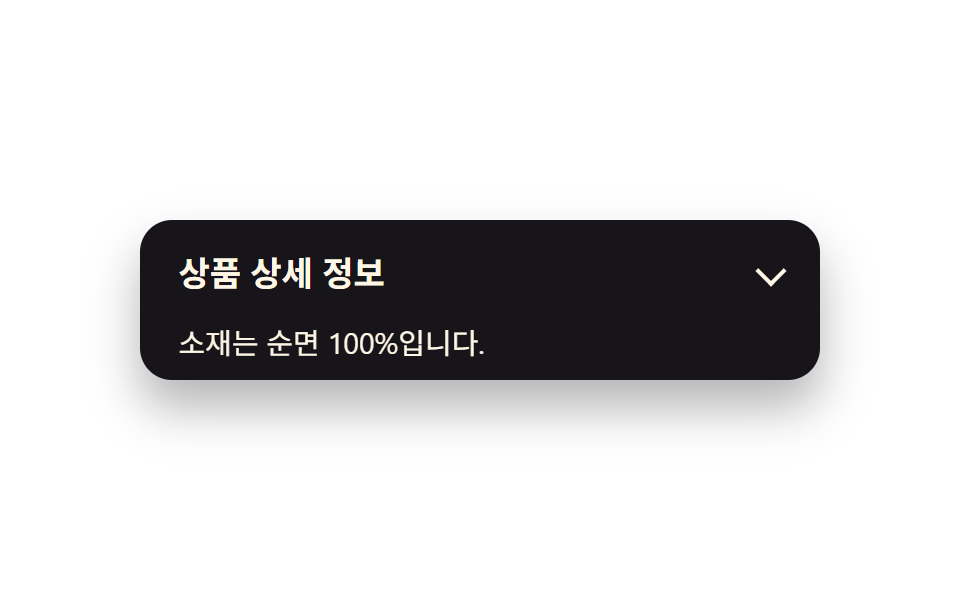 Transitions04 Content fade + slide9 CSS Accordion Animations — No Library, Pure CSS
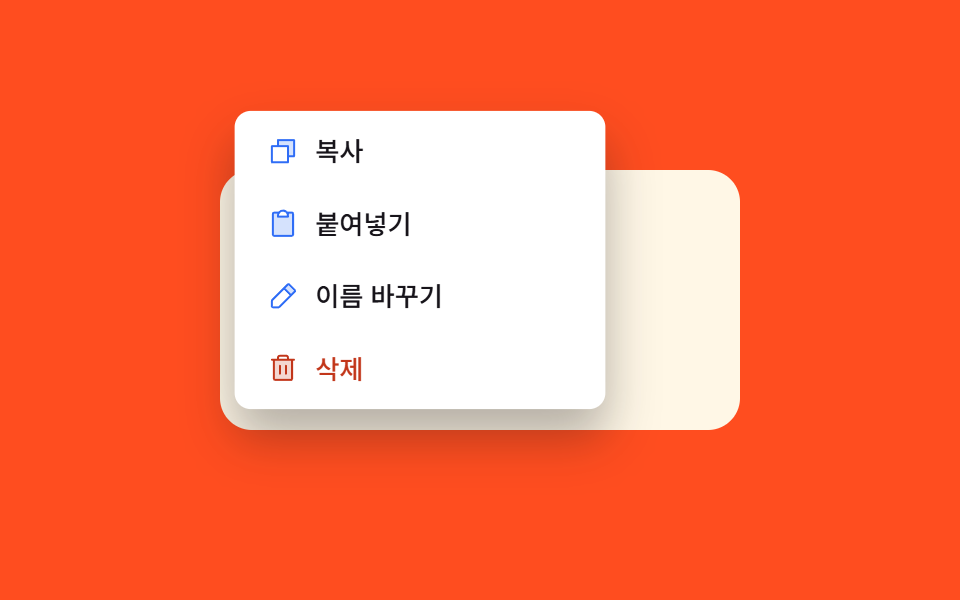 Transitions03 Scale fade-in — size and opacity values grow together from a smaller starting valueContext Menu UI: 9 Right-Click Menu Patterns