09Scroll zoom-out
An image starts zoomed in and shrinks as you scroll, revealing the layout around it.
Best forProduct-detail openers, gallery intros
scale 1.4→1scroll(root)줌아웃

<main class="stage is-demo">
  <div class="zoomout">
    <div class="zoomout__media" aria-hidden="true"></div>
    <span class="zoomout__label">Shrinks as you scroll</span>
  </div>
</main>
@use "../../../../site/static/demo-tokens" as *;
// ── 변수 3개. 변형은 이것만 바꾼다 ──────────────────────────
$scale-from: 1.45; // 처음 확대 배율
$duration: $dur-loop; // 데모 왕복 주기
$color: $subject-cream; // 라벨 글자 색 (ink 무대라 cream)
@include stage($stage-ink);
.zoomout {
position: relative;
width: 100%;
height: 100%;
overflow: hidden;
display: grid;
place-items: center;
}
.zoomout__media {
position: absolute;
inset: 6%;
border-radius: $r-card;
background: linear-gradient(135deg, rgba($color, .5), rgba($subject-blue, .5));
transform: scale(#{$scale-from});
// ── 실제 사용 코드: 확대돼 있던 화면이 스크롤할수록 줄어든다 ──
@supports (animation-timeline: scroll()) {
animation: zoom-out linear both;
animation-timeline: scroll(root);
}
}
.zoomout__label {
position: relative;
z-index: 1;
padding: 10px 18px;
border-radius: $r-pill;
background: $stage-ink;
border: 1px solid rgba($color, .5);
color: $color;
font: 700 clamp(12px, 3.8vw, 14px)/1 -apple-system, "Segoe UI", "Noto Sans KR", sans-serif;
}
@keyframes zoom-out { from { transform: scale(#{$scale-from}); } to { transform: scale(1); } }
// ── 데모(.is-demo): 왕복 루프로 흉내 ────────
.stage.is-demo .zoomout__media { animation: zoom-loop $duration ease-in-out infinite; }
@keyframes zoom-loop { 0%, 100% { transform: scale(#{$scale-from}); } 50% { transform: scale(1); } }
@media (prefers-reduced-motion: reduce) {
.zoomout__media, .stage.is-demo .zoomout__media { animation: none !important; transform: scale(1); }
}html, body {
margin: 0;
overflow: hidden;
}
.stage {
box-sizing: border-box;
min-height: 100vh;
display: grid;
place-items: center;
margin: 0;
background: #17141a;
font-family: -apple-system, "Segoe UI", "Noto Sans KR", sans-serif;
padding: clamp(8px, 4vw, 24px);
}
.zoomout {
position: relative;
width: 100%;
height: 100%;
overflow: hidden;
display: grid;
place-items: center;
}
.zoomout__media {
position: absolute;
inset: 6%;
border-radius: 16px;
background: linear-gradient(135deg, rgba(255, 247, 230, 0.5), rgba(47, 109, 246, 0.5));
transform: scale(1.45);
}
@supports (animation-timeline: scroll()) {
.zoomout__media {
animation: zoom-out linear both;
animation-timeline: scroll(root);
}
}
.zoomout__label {
position: relative;
z-index: 1;
padding: 10px 18px;
border-radius: 999px;
background: #17141a;
border: 1px solid rgba(255, 247, 230, 0.5);
color: #fff7e6;
font: 700 clamp(12px, 3.8vw, 14px)/1 -apple-system, "Segoe UI", "Noto Sans KR", sans-serif;
}
@keyframes zoom-out {
from {
transform: scale(1.45);
}
to {
transform: scale(1);
}
}
.stage.is-demo .zoomout__media {
animation: zoom-loop 2s ease-in-out infinite;
}
@keyframes zoom-loop {
0%, 100% {
transform: scale(1.45);
}
50% {
transform: scale(1);
}
}
@media (prefers-reduced-motion: reduce) {
.zoomout__media, .stage.is-demo .zoomout__media {
animation: none !important;
transform: scale(1);
}
}import type { CSSProperties, ReactNode } from "react";
import styles from "./ZoomOutScroll.module.scss";
export type ZoomOutScrollProps = {
children: ReactNode;
/** 처음 확대 배율 (기본 1.45) */
scaleFrom?: number;
/** 라벨 글자 색 */
color?: string;
className?: string;
};
type Vars = CSSProperties & { "--scale-from"?: string; "--color"?: string };
export default function ZoomOutScroll({
children,
scaleFrom = 1.45,
color = "#fff7e6",
className = "",
}: ZoomOutScrollProps) {
const vars: Vars = { "--scale-from": `${scaleFrom}`, "--color": color };
return (
<div className={`${styles.wrap} ${className}`} style={vars}>
<div className={styles.media} aria-hidden="true" />
<span className={styles.label}>{children}</span>
</div>
);
}09 Scroll zoom-out — Measured area 22.201% · moving frames 12/23Original by GODRICH · SCSS and React ship in the zip · 9 CSS Parallax Scrolling — No JS, Scroll-Driven
The post this demo lives in
 9 CSS Parallax Scrolling — No JS, Scroll-DrivenCSS parallax scrolling is scroll-linked motion — a background, a layer, a whole hero — driven entirely by animation-time See all demos in this post
If you like this effect - similar demos
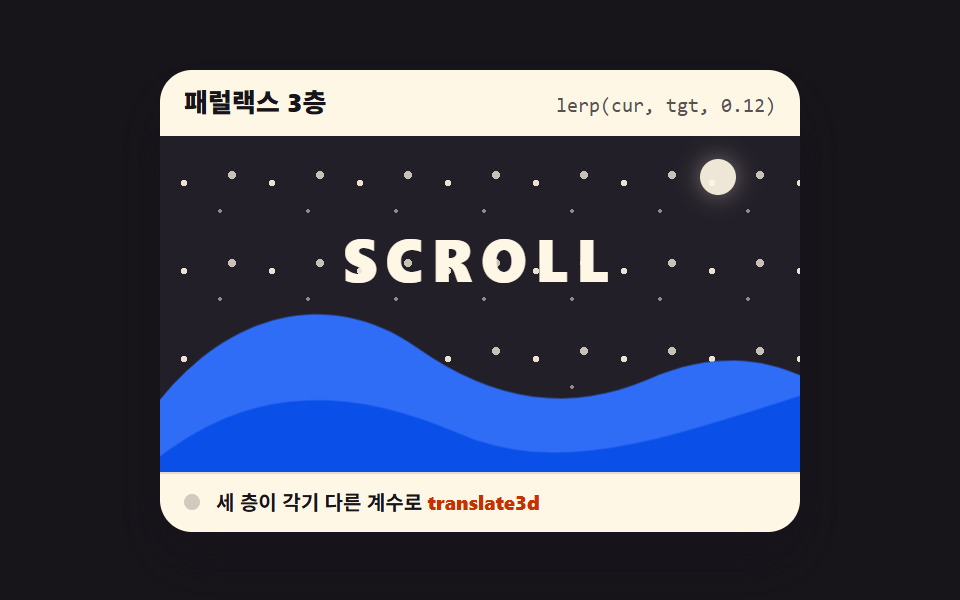 Scroll08 Three-layer parallaxScroll Trigger Animation: 9 Engines, No GSAP
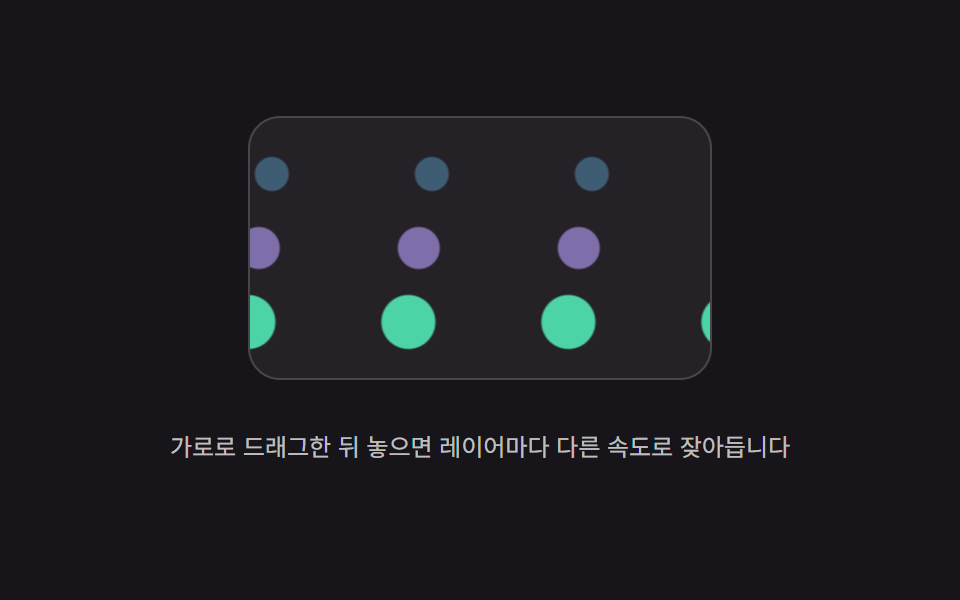 Scroll05 Per-layer decay parallax — after scrolling stops, each layer's position value keeps shrinking at its own decay rateScroll Inertia CSS — 9 Value Patterns
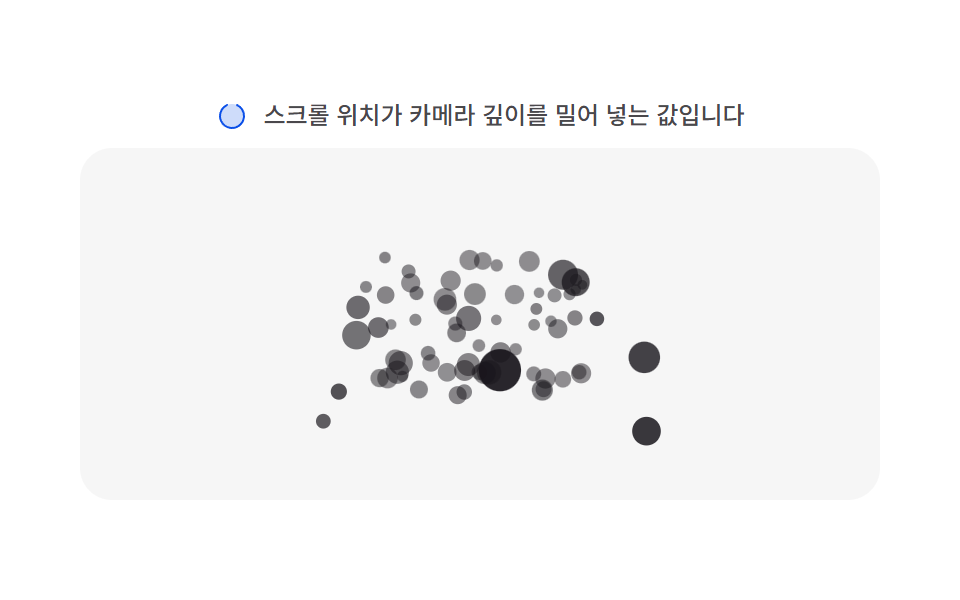 Scroll04 Depth parallax layer — each particle carries its own depth value, so the same scroll distance applies at a different distance per depth valueMoving Particles Background CSS: 9 Scroll Scenes