03Section dot nav
Among a vertical row of dots, only the one for the section you're reading grows and lights up.
Best forOne-page storytelling sites, landing-section navs
scale 1.6배점 6개세로 정렬

<main class="stage">
  <nav class="dots is-demo" aria-label="Section navigation">
    <span class="dot" aria-hidden="true"></span>
    <span class="dot" aria-hidden="true"></span>
    <span class="dot" aria-hidden="true"></span>
    <span class="dot" aria-hidden="true"></span>
    <span class="dot" aria-hidden="true"></span>
    <span class="dot" aria-hidden="true"></span>
  </nav>
</main>
@use "../../../../site/static/demo-tokens" as *;
// ── 변수 3개 ──────────────────────────────────────────
$duration: $dur-loop; // 점 하나가 켜졌다 꺼지는 한 순환
$easing: $ease-out;
$color: $subject-cream; // 활성 점 색
@include stage($stage-orange);
.dots {
position: fixed;
right: $sp-6; top: 50%;
transform: translateY(-50%);
display: flex;
flex-direction: column;
gap: $sp-3;
}
.dot {
width: 8px; height: 8px;
border-radius: 50%;
background: rgba(23, 20, 26, .28);
transition: transform 200ms $easing, background 200ms $easing;
}
// ── 실제 사용: 섹션이 뷰포트에 들어오는 순간 그 섹션의 점에 .is-active 를 켠다 (IntersectionObserver) ──
.dot.is-active { transform: scale(1.6); background: $color; }
// ── 데모: 점을 순서대로 하나씩 밝힌다 ────────────────────
.dots.is-demo .dot { animation: pulse $duration linear infinite; }
.dots.is-demo .dot:nth-child(1) { animation-delay: 0s; }
.dots.is-demo .dot:nth-child(2) { animation-delay: .333s; }
.dots.is-demo .dot:nth-child(3) { animation-delay: .667s; }
.dots.is-demo .dot:nth-child(4) { animation-delay: 1s; }
.dots.is-demo .dot:nth-child(5) { animation-delay: 1.333s; }
.dots.is-demo .dot:nth-child(6) { animation-delay: 1.667s; }
@keyframes pulse {
0%, 83.34%, 100% { transform: scale(1); background: rgba(23, 20, 26, .28); }
8.33%, 16.66% { transform: scale(1.6); background: $color; }
}
@media (prefers-reduced-motion: reduce) {
.dots.is-demo .dot { animation: none !important; }
.dots.is-demo .dot:first-child { transform: scale(1.6); background: $color; }
}html, body {
margin: 0;
overflow: hidden;
}
.stage {
box-sizing: border-box;
min-height: 100vh;
display: grid;
place-items: center;
margin: 0;
background: #ff4d1f;
font-family: -apple-system, "Segoe UI", "Noto Sans KR", sans-serif;
padding: clamp(8px, 4vw, 24px);
}
.dots {
position: fixed;
right: 24px;
top: 50%;
transform: translateY(-50%);
display: flex;
flex-direction: column;
gap: 12px;
}
.dot {
width: 8px;
height: 8px;
border-radius: 50%;
background: rgba(23, 20, 26, 0.28);
transition: transform 200ms ease-out, background 200ms ease-out;
}
.dot.is-active {
transform: scale(1.6);
background: #fff7e6;
}
.dots.is-demo .dot {
animation: pulse 2s linear infinite;
}
.dots.is-demo .dot:nth-child(1) {
animation-delay: 0s;
}
.dots.is-demo .dot:nth-child(2) {
animation-delay: 0.333s;
}
.dots.is-demo .dot:nth-child(3) {
animation-delay: 0.667s;
}
.dots.is-demo .dot:nth-child(4) {
animation-delay: 1s;
}
.dots.is-demo .dot:nth-child(5) {
animation-delay: 1.333s;
}
.dots.is-demo .dot:nth-child(6) {
animation-delay: 1.667s;
}
@keyframes pulse {
0%, 83.34%, 100% {
transform: scale(1);
background: rgba(23, 20, 26, 0.28);
}
8.33%, 16.66% {
transform: scale(1.6);
background: #fff7e6;
}
}
@media (prefers-reduced-motion: reduce) {
.dots.is-demo .dot {
animation: none !important;
}
.dots.is-demo .dot:first-child {
transform: scale(1.6);
background: #fff7e6;
}
}import { useEffect, useState } from "react";
import styles from "./SectionDots.module.scss";
export type SectionDotsProps = {
/** 관찰할 섹션 id 목록 (순서대로) */
sectionIds: string[];
/** 활성 점 색 */
color?: string;
};
// 실제 쓰임: IntersectionObserver 로 지금 뷰포트에 가장 많이 걸친 섹션을 찾아 그 점만 켠다.
export default function SectionDots({ sectionIds, color = "#fff7e6" }: SectionDotsProps) {
const [active, setActive] = useState(0);
useEffect(() => {
const els = sectionIds.map((id) => document.getElementById(id)).filter(Boolean) as HTMLElement[];
const io = new IntersectionObserver(
(entries) => {
const top = entries.filter((e) => e.isIntersecting).sort((a, b) => b.intersectionRatio - a.intersectionRatio)[0];
if (top) setActive(els.indexOf(top.target as HTMLElement));
},
{ threshold: [0.3, 0.6] }
);
els.forEach((el) => io.observe(el));
return () => io.disconnect();
}, [sectionIds]);
return (
<nav className={styles.dots} aria-label="Section navigation">
{sectionIds.map((id, i) => (
<a
key={id}
href={`#${id}`}
className={`${styles.dot} ${i === active ? styles.active : ""}`}
style={i === active ? { background: color } : undefined}
aria-hidden="true"
tabIndex={-1}
/>
))}
</nav>
);
}03 Section dot nav — Measured area 0.683% · moving frames 21/23Original by GODRICH · SCSS and React ship in the zip · 9 CSS Scroll Progress Bar Ideas, Copy-Paste
The post this demo lives in
 9 CSS Scroll Progress Bar Ideas, Copy-PasteA css scroll progress bar reads how far a reader has scrolled and turns that into a fill, a ring, a count, or a countdow See all demos in this post
If you like this effect - similar demos
 Scroll03 Dot nav via :target9 CSS Only Carousel Slider Recipes to Copy-Paste
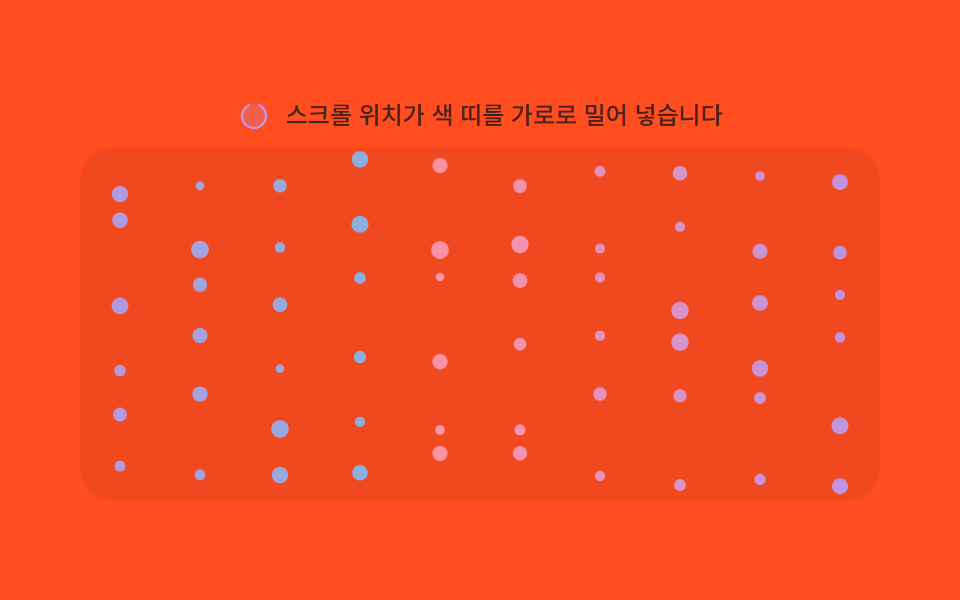 Scroll07 Section hue shift — the particles' color value steps to the next section's hue each time the scroll-progress value crosses a thresholdMoving Particles Background CSS: 9 Scroll Scenes
 Scroll05 Reading progress9 CSS Animation on Scroll Effects, No JavaScript