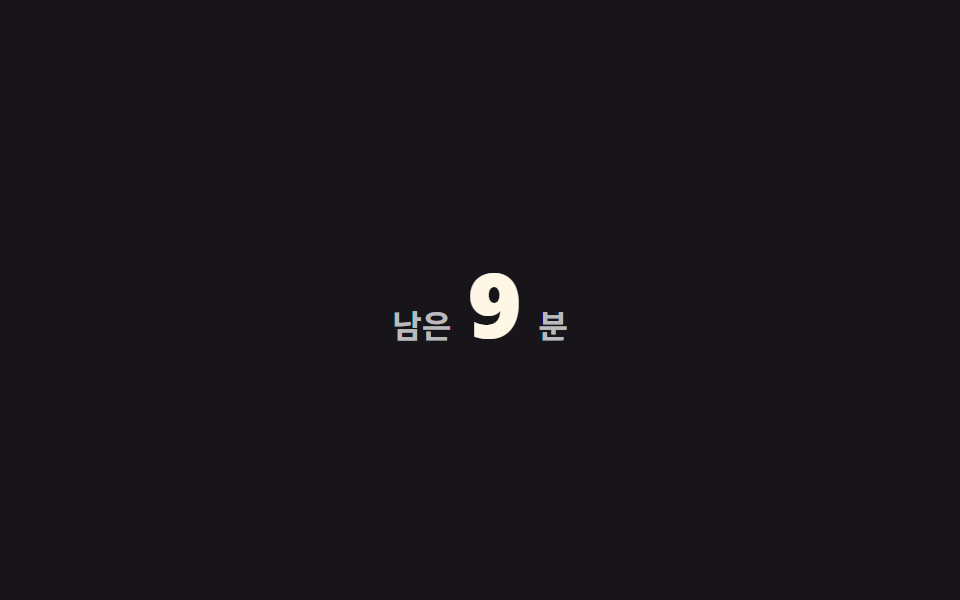
09Reading time left
The number in "3 min left" counts down as you scroll, subtracted in proportion to how much of the page you've read.
Best forLong-article headers, web versions of newsletters
카운트다운분 단위scroll() 연동
<main class="stage">
  <p class="time is-demo" role="status">
    <span class="time__label">left</span>
    <span class="time__num" aria-hidden="true"></span>
    <span class="time__label">min</span>
  </p>
</main>
@use "../../../../site/static/demo-tokens" as *;
// ── 변수 3개 ──────────────────────────────────────────
$total: 12; // 전체 예상 분 (두 자릿수로 시작해야 자릿수가 바뀌는 순간도 보인다)
$color: $subject-cream; // 숫자 색
$duration: $dur-loop;
@include stage($stage-ink);
@property --min {
syntax: '<integer>';
initial-value: #{$total};
inherits: false;
}
.time {
display: flex;
align-items: baseline;
gap: $sp-2;
margin: 0;
color: rgba(255, 255, 255, .7);
font-weight: 600;
font-size: 16px;
line-height: 1;
font-family: inherit;
}
.time__num {
--min: #{$total};
counter-reset: min var(--min);
color: $color;
font-weight: 800;
font-size: clamp(34px, 11vw, 46px);
line-height: 1;
font-family: inherit;
font-variant-numeric: tabular-nums;
&::before { content: counter(min); }
// 실제 사용: 남은 분수 = 전체 분수 × (1 − 스크롤 진행률)
@supports (animation-timeline: scroll()) {
animation: count-down linear both;
animation-timeline: scroll(root);
}
}
@keyframes count-down { from { --min: #{$total}; } to { --min: 0; } }
.time.is-demo .time__num { animation: count-down-loop $duration linear infinite; }
@keyframes count-down-loop {
0% { --min: #{$total}; }
92% { --min: 0; }
100% { --min: 0; }
}
@media (prefers-reduced-motion: reduce) {
.time__num, .time.is-demo .time__num { animation: none !important; --min: 0; }
}html, body {
margin: 0;
overflow: hidden;
}
.stage {
box-sizing: border-box;
min-height: 100vh;
display: grid;
place-items: center;
margin: 0;
background: #17141a;
font-family: -apple-system, "Segoe UI", "Noto Sans KR", sans-serif;
padding: clamp(8px, 4vw, 24px);
}
@property --min {
syntax: "<integer>";
initial-value: 12;
inherits: false;
}
.time {
display: flex;
align-items: baseline;
gap: 8px;
margin: 0;
color: rgba(255, 255, 255, 0.7);
font-weight: 600;
font-size: 16px;
line-height: 1;
font-family: inherit;
}
.time__num {
--min: 12;
counter-reset: min var(--min);
color: #fff7e6;
font-weight: 800;
font-size: clamp(34px, 11vw, 46px);
line-height: 1;
font-family: inherit;
font-variant-numeric: tabular-nums;
}
.time__num::before {
content: counter(min);
}
@supports (animation-timeline: scroll()) {
.time__num {
animation: count-down linear both;
animation-timeline: scroll(root);
}
}
@keyframes count-down {
from {
--min: 12;
}
to {
--min: 0;
}
}
.time.is-demo .time__num {
animation: count-down-loop 2s linear infinite;
}
@keyframes count-down-loop {
0% {
--min: 12;
}
92% {
--min: 0;
}
100% {
--min: 0;
}
}
@media (prefers-reduced-motion: reduce) {
.time__num, .time.is-demo .time__num {
animation: none !important;
--min: 0;
}
}import { useEffect, useState } from "react";
import styles from "./ReadingTime.module.scss";
export type ReadingTimeProps = {
/** 전체 예상 분 */
totalMinutes: number;
/** 숫자 색 */
color?: string;
};
// 실제 쓰임: 남은 분 = 전체 분 × (1 − 스크롤 진행률).
export default function ReadingTime({ totalMinutes, color = "#fff7e6" }: ReadingTimeProps) {
const [left, setLeft] = useState(totalMinutes);
useEffect(() => {
const onScroll = () => {
const max = document.documentElement.scrollHeight - window.innerHeight;
const p = max > 0 ? Math.min(1, window.scrollY / max) : 0;
setLeft(Math.max(0, Math.round(totalMinutes * (1 - p))));
};
onScroll();
window.addEventListener("scroll", onScroll, { passive: true });
return () => window.removeEventListener("scroll", onScroll);
}, [totalMinutes]);
return (
<p className={styles.time} role="status">
<span>left</span>
<span className={styles.num} style={{ color }}>{left}</span>
<span>min</span>
</p>
);
}09 Reading time left — Measured area 1.545% · moving frames 12/23Original by GODRICH · SCSS and React ship in the zip · 9 CSS Scroll Progress Bar Ideas, Copy-Paste
The post this demo lives in
 9 CSS Scroll Progress Bar Ideas, Copy-PasteA css scroll progress bar reads how far a reader has scrolled and turns that into a fill, a ring, a count, or a countdow See all demos in this post
If you like this effect - similar demos
 Scroll05 Reading progress9 CSS Animation on Scroll Effects, No JavaScript
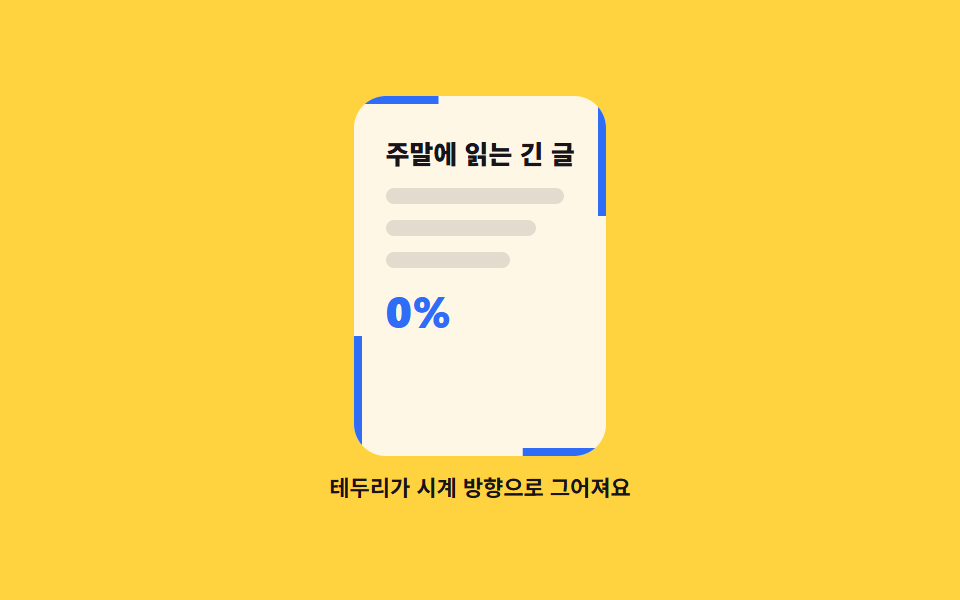 Scroll02 Reading progress that draws around the frame9 Reading Progress Bar CSS Patterns, No Library
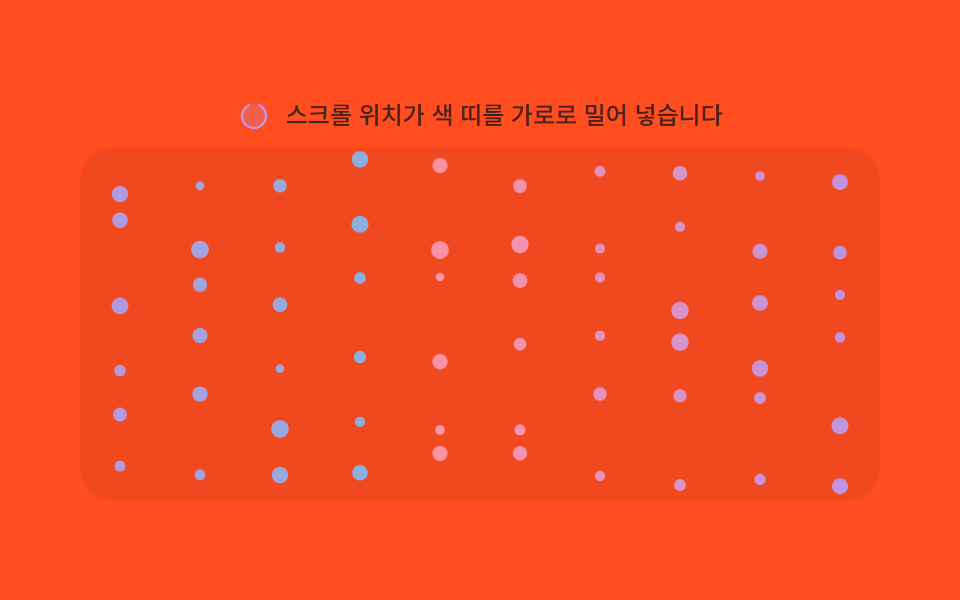 Scroll07 Section hue shift — the particles' color value steps to the next section's hue each time the scroll-progress value crosses a thresholdMoving Particles Background CSS: 9 Scroll Scenes