02Native <dialog> drawer
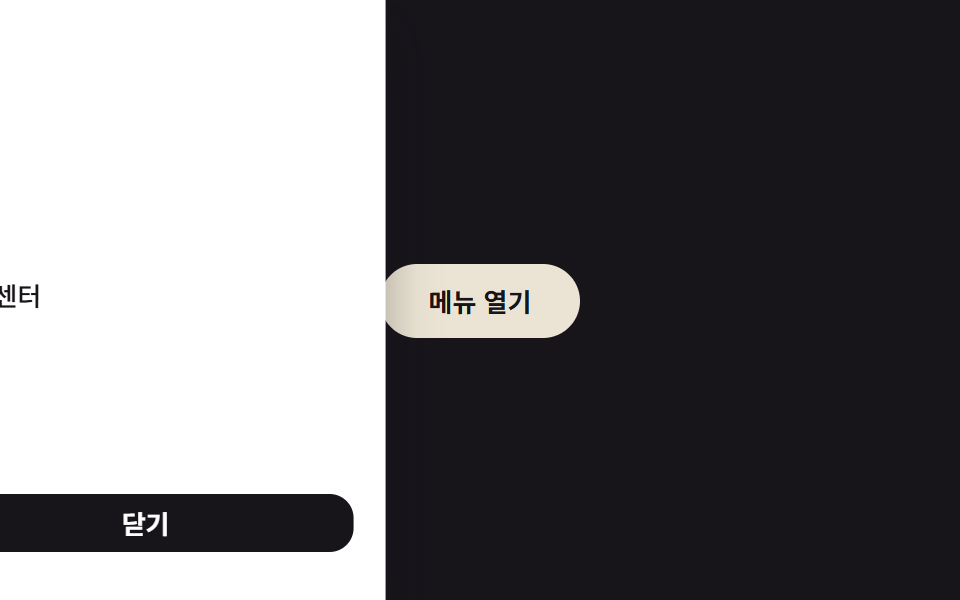
A native <dialog> pinned to the left and opened with showModal gets ESC, focus trap, and ::backdrop handled by the browser for free.
Best forSettings panels that lean on built-in browser dialog behavior
<dialog>::backdropESC 공짜
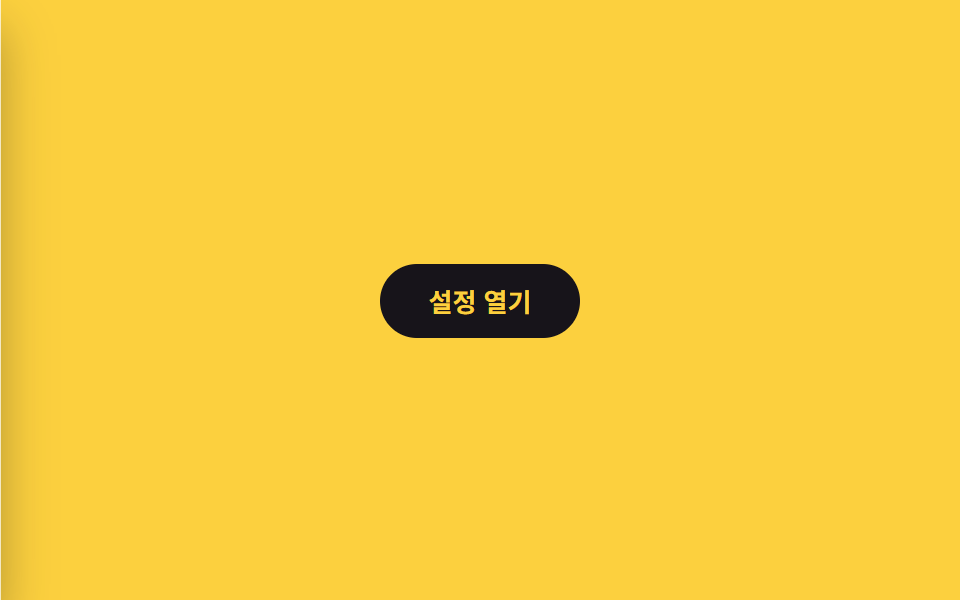
<main class="stage is-demo">
  <div class="page">
    <button class="trigger" type="button">Open settings</button>
  </div>
  <dialog class="drawer" id="d2" aria-labelledby="t2">
    <h2 id="t2">Settings</h2>
    <p>This panel is the browser's own dialog element — ESC, outside clicks, and focus trapping weren't hand-coded.</p>
    <button class="drawer__close" type="button">Close</button>
  </dialog>
</main>
@use "../../../../site/static/demo-tokens" as *;
// ── 변수 3개 ──────────────────────────────────────────
$duration: $dur-base; // 300ms — 실사용 여닫힘 속도
$easing: $ease-spring;
$color: $subject-cream; // 트리거·닫기 버튼 강조색
// ── 데모 무대 ───────────────────────────────────────────
@include stage($stage-yellow);
.stage { position: relative; }
.page { display: grid; place-items: center; }
.trigger {
border: 0; border-radius: $r-pill;
padding: $sp-3 $sp-6;
font-weight: 600;
font-size: clamp(13px, 4vmin, 16px);
line-height: 1;
font-family: inherit;
color: $stage-yellow; background: $stage-ink;
cursor: pointer; -webkit-tap-highlight-color: transparent;
}
// UA 기본(가운데 고정·테두리·max-width)을 지우고 좌측 전체 높이 패널로
.drawer {
position: fixed; inset: 0 auto 0 0; margin: 0;
width: min(76vw, 240px); height: 100%; max-height: none;
box-sizing: border-box;
display: flex; flex-direction: column; gap: $sp-2;
padding: $sp-6 $sp-4;
border: 0; border-radius: 0;
background: $stage-paper; color: $stage-ink;
box-shadow: $shadow-raised;
h2 { margin: 0 0 $sp-2; font-size: clamp(13px, 4.2vmin, 17px); }
p { margin: 0 0 $sp-4; font-size: clamp(10px, 3.2vmin, 13px); color: rgba($stage-ink, .7); }
&::backdrop { background: rgba($stage-ink, .55); }
}
.drawer__close {
margin-top: auto;
border: 0; border-radius: $r-control;
background: $color; color: $stage-ink;
padding: $sp-2 $sp-4;
font-weight: 600; font-size: 13px; line-height: 1; font-family: inherit; cursor: pointer;
}
// 실사용(모던 브라우저): [open] 이 붙는 순간·떨어지는 순간에도 트랜지션이 걸리도록
// @starting-style + transition-behavior: allow-discrete. 값은 transform 만 움직인다.
.drawer {
transition: transform $duration $easing, overlay $duration allow-discrete, display $duration allow-discrete;
transform: translateX(-100%);
}
.drawer[open] { transform: translateX(0); }
@starting-style {
.drawer[open] { transform: translateX(-100%); }
}
// 데모 루프(.is-demo): showModal 로 이미 열려 있는 상태에서 keyframes 로 2초 주기 재생
.stage.is-demo .drawer { animation: drawer-loop $dur-loop $easing infinite; }
.stage.is-demo .drawer::backdrop { animation: backdrop-loop $dur-loop ease-in-out infinite; }
@keyframes drawer-loop {
0%, 100% { transform: translateX(-100%); }
15%, 70% { transform: translateX(0); }
85% { transform: translateX(-100%); }
}
@keyframes backdrop-loop {
0%, 100% { opacity: 0; }
15%, 70% { opacity: 1; }
85% { opacity: 0; }
}
// ── 접근성: 움직임 줄이기 설정이면 애니메이션 제거. ESC·포커스 트랩은 브라우저 기본이라 그대로 남는다 ──
@media (prefers-reduced-motion: reduce) {
.stage.is-demo .drawer, .stage.is-demo .drawer::backdrop { animation: none; }
.drawer { transition-duration: 1ms; }
}html, body {
margin: 0;
overflow: hidden;
}
.stage {
box-sizing: border-box;
min-height: 100vh;
display: grid;
place-items: center;
margin: 0;
background: #ffd23f;
font-family: -apple-system, "Segoe UI", "Noto Sans KR", sans-serif;
padding: clamp(8px, 4vw, 24px);
}
.stage {
position: relative;
}
.page {
display: grid;
place-items: center;
}
.trigger {
border: 0;
border-radius: 999px;
padding: 12px 24px;
font-weight: 600;
font-size: clamp(13px, 4vmin, 16px);
line-height: 1;
font-family: inherit;
color: #ffd23f;
background: #17141a;
cursor: pointer;
-webkit-tap-highlight-color: transparent;
}
.drawer {
position: fixed;
inset: 0 auto 0 0;
margin: 0;
width: min(76vw, 240px);
height: 100%;
max-height: none;
box-sizing: border-box;
display: flex;
flex-direction: column;
gap: 8px;
padding: 24px 16px;
border: 0;
border-radius: 0;
background: #ffffff;
color: #17141a;
box-shadow: 0 14px 24px rgba(23, 20, 26, 0.32);
}
.drawer h2 {
margin: 0 0 8px;
font-size: clamp(13px, 4.2vmin, 17px);
}
.drawer p {
margin: 0 0 16px;
font-size: clamp(10px, 3.2vmin, 13px);
color: rgba(23, 20, 26, 0.7);
}
.drawer::backdrop {
background: rgba(23, 20, 26, 0.55);
}
.drawer__close {
margin-top: auto;
border: 0;
border-radius: 12px;
background: #fff7e6;
color: #17141a;
padding: 8px 16px;
font-weight: 600;
font-size: 13px;
line-height: 1;
font-family: inherit;
cursor: pointer;
}
.drawer {
transition: transform 300ms cubic-bezier(0.2, 0.8, 0.2, 1), overlay 300ms allow-discrete, display 300ms allow-discrete;
transform: translateX(-100%);
}
.drawer[open] {
transform: translateX(0);
}
@starting-style {
.drawer[open] {
transform: translateX(-100%);
}
}
.stage.is-demo .drawer {
animation: drawer-loop 2s cubic-bezier(0.2, 0.8, 0.2, 1) infinite;
}
.stage.is-demo .drawer::backdrop {
animation: backdrop-loop 2s ease-in-out infinite;
}
@keyframes drawer-loop {
0%, 100% {
transform: translateX(-100%);
}
15%, 70% {
transform: translateX(0);
}
85% {
transform: translateX(-100%);
}
}
@keyframes backdrop-loop {
0%, 100% {
opacity: 0;
}
15%, 70% {
opacity: 1;
}
85% {
opacity: 0;
}
}
@media (prefers-reduced-motion: reduce) {
.stage.is-demo .drawer, .stage.is-demo .drawer::backdrop {
animation: none;
}
.drawer {
transition-duration: 1ms;
}
}// showModal 한 줄로 열면 포커스 이동·ESC Close·바깥 클릭 차단을 브라우저가 대신 한다.
// 로드 시엔 is-demo 를 그대로 두고 열어 데모 루프(keyframes)가 재생되게 한다.
// 실제 클릭(Close·바깥·재오픈)이 오면 그때 is-demo 를 떼 실제 상호작용으로 넘긴다.
(function () {
var stage = document.querySelector('.stage');
var trigger = document.querySelector('.trigger');
var dlg = document.getElementById('d2');
var closeBtn = document.querySelector('.drawer__close');
function realOpen() { stage.classList.remove('is-demo'); dlg.showModal(); }
dlg.addEventListener('close', function () { stage.classList.remove('is-demo'); });
closeBtn.addEventListener('click', function () { dlg.close(); });
dlg.addEventListener('click', function (e) { if (e.target === dlg) dlg.close(); }); // ::backdrop 클릭과 같은 효과
trigger.addEventListener('click', realOpen);
dlg.showModal();
})();import { useEffect, useRef, useState } from "react";
import type { CSSProperties, MouseEvent } from "react";
import styles from "./DialogDrawer.module.scss";
export type DialogDrawerProps = {
duration?: number;
easing?: string;
color?: string;
/** 마운트되면 바로 열어 보여줄지(데모용) */
defaultOpen?: boolean;
};
export default function DialogDrawer({
duration = 300,
easing = "cubic-bezier(.2,.8,.2,1)",
color = "#fff7e6",
defaultOpen = false,
}: DialogDrawerProps) {
const dialogRef = useRef<HTMLDialogElement | null>(null);
const [open, setOpen] = useState(defaultOpen);
useEffect(() => {
const dlg = dialogRef.current;
if (!dlg) return;
if (open && !dlg.open) dlg.showModal();
if (!open && dlg.open) dlg.close();
}, [open]);
useEffect(() => {
const dlg = dialogRef.current;
if (!dlg) return;
const onClose = () => setOpen(false);
dlg.addEventListener("close", onClose);
return () => dlg.removeEventListener("close", onClose);
}, []);
const vars: CSSProperties = { "--duration": `${duration}ms`, "--easing": easing, "--color": color };
return (
<div className={styles.stage} style={vars}>
<button className={styles.trigger} type="button" onClick={() => setOpen(true)}>설정 열기</button>
<dialog
ref={dialogRef}
className={styles.drawer}
aria-label="설정"
onClick={(e: MouseEvent<HTMLDialogElement>) => { if (e.target === dialogRef.current) setOpen(false); }}
>
<h2>설정</h2>
<p>브라우저의 dialog 요소가 ESC·포커스 가두기를 대신 관리한다.</p>
<button className={styles.close} type="button" onClick={() => setOpen(false)}>닫기</button>
</dialog>
</div>
);
}02 Native <dialog> drawer — Measured area 98.965% · moving frames 9/23Original by GODRICH · SCSS and React ship in the zip · 9 CSS Sidebar Animations — Minimal JS
The post this demo lives in
 9 CSS Sidebar Animations — Minimal JSA css sidebar animation is a panel pinned to a screen edge that slides, fades, snaps, or scales open on a trigger, and t See all demos in this post