05Progress bar attached to header
A thin reading-progress bar is fused to the header's bottom edge, filling as you read and moving as one piece with it.
Best forLong blog post headers, tutorial doc tops
scroll() 타임라인하단 3px헤더 자식 요소
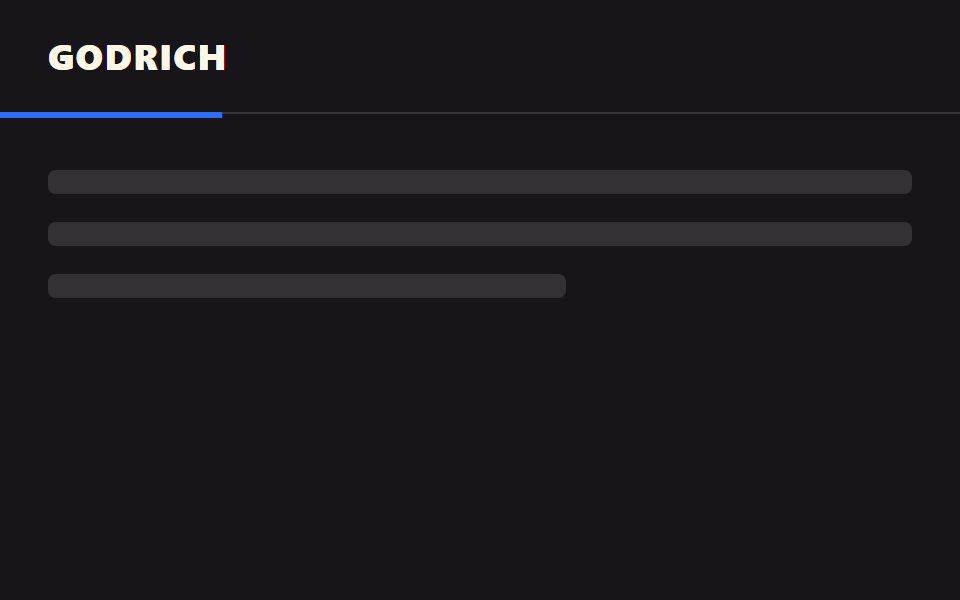
<main class="stage">
  <header class="head">
    <span class="head__logo">GODRICH</span>
    <span class="head__bar is-demo" aria-hidden="true"></span>
  </header>
  <div class="page">
    <p class="page__line"></p>
    <p class="page__line"></p>
    <p class="page__line short"></p>
  </div>
</main>
@use "../../../../site/static/demo-tokens" as *;
// ── 변수 3개 ──────────────────────────────────────────
$thickness: 3px; // 바 두께. 굵게 6px
$color: $subject-blue; // 바 색
$track: rgba(255, 255, 255, .14); // 안 읽은 구간
// ── 데모 무대 ──────────────────────────────────────────
html, body { margin: 0; overflow: hidden; }
.stage {
min-height: 100vh;
margin: 0;
background: $stage-ink;
font-family: -apple-system, "Segoe UI", "Noto Sans KR", sans-serif;
}
.head {
position: sticky;
top: 0;
height: 56px;
display: flex;
align-items: center;
padding: 0 clamp(16px, 5vw, 24px);
background: $stage-ink;
border-bottom: 1px solid $track;
&__logo { color: $subject-cream; font-weight: 800; font-size: 18px; line-height: 1; font-family: inherit; letter-spacing: .04em; }
// 진행 바는 헤더의 자식 요소라 헤더와 한 덩어리로 스크롤을 따라간다
&__bar {
position: absolute;
left: 0; bottom: -$thickness;
width: 100%;
height: $thickness;
background: $color;
transform: scaleX(0);
transform-origin: left; // 규칙8: 스크롤 진행띠 좌측 채움
// 실제 사용: 문서 전체 스크롤 진행률이 곧 바 길이다
@supports (animation-timeline: scroll()) {
animation: fill-bar linear both;
animation-timeline: scroll(root);
}
}
}
@keyframes fill-bar {
from { transform: scaleX(0); }
to { transform: scaleX(1); }
}
// ── 데모(.is-demo): 2초 루프로 흉내 ────────────────────
.head__bar.is-demo {
animation: fill-loop $dur-loop linear infinite;
}
@keyframes fill-loop {
0% { transform: scaleX(0); }
90% { transform: scaleX(1); }
100% { transform: scaleX(1); }
}
// ── 배경: 문서처럼 보이는 자리 ─────────────────────────
.page { padding: 28px 24px 0; }
.page__line {
height: 12px;
margin: 0 0 14px;
border-radius: 4px;
background: rgba(255, 255, 255, .12);
&.short { width: 60%; }
}
@media (prefers-reduced-motion: reduce) {
.head__bar, .head__bar.is-demo { animation: none !important; transform: scaleX(1); }
}html, body {
margin: 0;
overflow: hidden;
}
.stage {
min-height: 100vh;
margin: 0;
background: #17141a;
font-family: -apple-system, "Segoe UI", "Noto Sans KR", sans-serif;
}
.head {
position: sticky;
top: 0;
height: 56px;
display: flex;
align-items: center;
padding: 0 clamp(16px, 5vw, 24px);
background: #17141a;
border-bottom: 1px solid rgba(255, 255, 255, 0.14);
}
.head__logo {
color: #fff7e6;
font-weight: 800;
font-size: 18px;
line-height: 1;
font-family: inherit;
letter-spacing: 0.04em;
}
.head__bar {
position: absolute;
left: 0;
bottom: -3px;
width: 100%;
height: 3px;
background: #2f6df6;
transform: scaleX(0);
transform-origin: left;
}
@supports (animation-timeline: scroll()) {
.head__bar {
animation: fill-bar linear both;
animation-timeline: scroll(root);
}
}
@keyframes fill-bar {
from {
transform: scaleX(0);
}
to {
transform: scaleX(1);
}
}
.head__bar.is-demo {
animation: fill-loop 2s linear infinite;
}
@keyframes fill-loop {
0% {
transform: scaleX(0);
}
90% {
transform: scaleX(1);
}
100% {
transform: scaleX(1);
}
}
.page {
padding: 28px 24px 0;
}
.page__line {
height: 12px;
margin: 0 0 14px;
border-radius: 4px;
background: rgba(255, 255, 255, 0.12);
}
.page__line.short {
width: 60%;
}
@media (prefers-reduced-motion: reduce) {
.head__bar, .head__bar.is-demo {
animation: none !important;
transform: scaleX(1);
}
}import type { CSSProperties } from "react";
import styles from "./HeaderProgressBar.module.scss";
export type HeaderProgressBarProps = {
logo: string;
/** 바 두께 (기본 3px) */
thickness?: number;
color?: string;
track?: string;
};
type Vars = CSSProperties & { "--thickness"?: string; "--color"?: string; "--track"?: string };
export default function HeaderProgressBar({
logo,
thickness = 3,
color = "#2f6df6",
track = "rgba(255,255,255,.14)",
}: HeaderProgressBarProps) {
const vars: Vars = { "--thickness": `${thickness}px`, "--color": color, "--track": track };
return (
<header className={styles.head} style={vars}>
<span className={styles.logo}>{logo}</span>
{/* scroll() 타임라인만으로 채워진다 — JS 없이 */}
<span className={styles.bar} aria-hidden="true" />
</header>
);
}05 Progress bar attached to header — Measured area 1.0% · moving frames 22/23Original by GODRICH · SCSS and React ship in the zip · 9 CSS Sticky Header Effects — No JS, Scroll-Driven
The post this demo lives in
 9 CSS Sticky Header Effects — No JS, Scroll-DrivenA css sticky header is a header pinned with position: sticky so it locks to the top of the viewport once the page scroll See all demos in this post