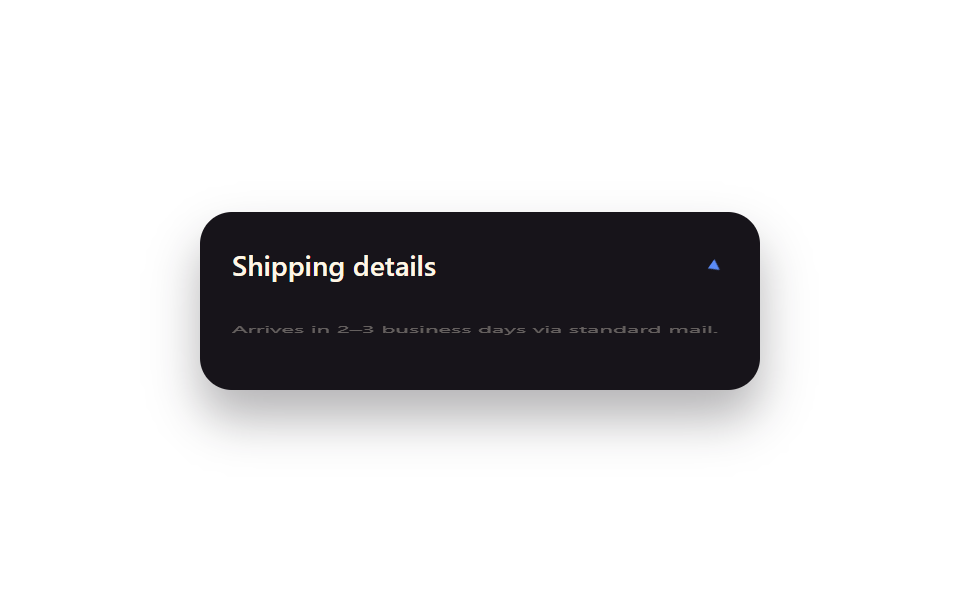
06data-state animation (shadcn)
Like shadcn's components, JS toggles only `data-state="open"` while CSS reacts with `data-[state=open]:scale-y-100` and `data-[state=open]:opacity-100`, expanding the panel with no layout-recalculating property like grid-template-rows.
Best forshadcn-style accordions, custom dropdowns
[data-state=open]scaleY(1)attr 토글 JS
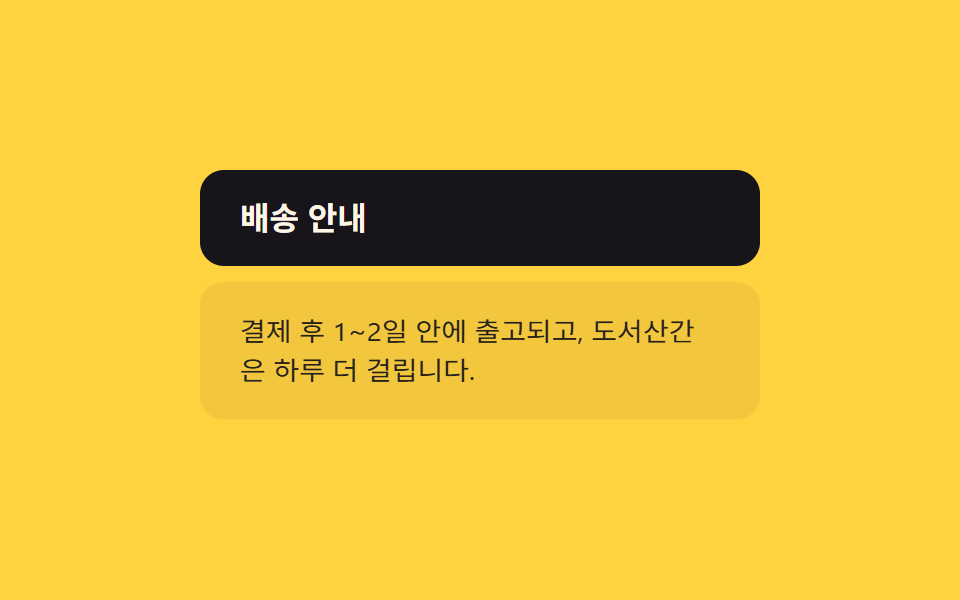
<main class="stage">
  <div class="acc">
    <button class="acc__trigger" type="button" aria-expanded="false">Shipping info</button>
    <div class="acc__panel is-demo" data-state="closed">
      <p>Ships within 1-2 days of payment; remote areas take one extra day.</p>
    </div>
  </div>
</main>
@use "../../../../site/static/demo-tokens" as *;
// ── 변수 3개 ──────────────────────────────────────────
$duration: 220ms;
$easing: ease-out;
$color: $subject-ink;
// ── 데모 무대 ──────────────────────────────────────────
@include stage($stage-yellow);
.acc {
box-sizing: border-box;
width: min(280px, 88vw);
}
.acc__trigger {
width: 100%;
padding: $sp-4 $sp-5;
border: 0;
border-radius: $r-control;
background: $color;
color: $subject-cream;
font-weight: 700;
font-size: clamp(14px, 4vw, 16px);
line-height: 1;
font-family: inherit;
text-align: left;
cursor: pointer;
}
.acc__panel {
margin-top: $sp-2;
padding: $sp-4 $sp-5;
border-radius: $r-control;
background: rgba($subject-ink, .06);
transform-origin: top center; // 규칙8: 패널 윗변에서 펼쳐짐
transform: scaleY(0);
opacity: 0;
transition: transform $duration $easing, opacity $duration $easing;
p { margin: 0; color: $subject-ink; font-weight: 400; font-size: clamp(13px, 3.6vw, 14px); line-height: 1.5; font-family: inherit; }
}
// 실사용: [data-state=open] 만 보고 움직인다. width/height 는 건드리지 않는다
.acc__panel[data-state="open"] {
transform: scaleY(1);
opacity: 1;
}
// 데모: transition 은 getAnimations() 에 안 잡혀 렌더 시계로 못 잰다 (blog-demo 실패시표) —
// is-demo 는 같은 모양을 @keyframes 로 2초마다 반복해 측정 가능하게 만든다
.acc__panel.is-demo {
animation: acc-loop 2s $easing infinite;
}
@keyframes acc-loop {
0%, 8% { transform: scaleY(0); opacity: 0; }
35%, 65% { transform: scaleY(1); opacity: 1; }
92%, 100% { transform: scaleY(0); opacity: 0; }
}
// ── 접근성 ──────────────────────────────────────────
@media (prefers-reduced-motion: reduce) {
.acc__panel { transition: opacity $duration linear; transform: none; animation: none; }
.acc__panel[data-state="closed"] { opacity: 0; }
}html, body {
margin: 0;
overflow: hidden;
}
.stage {
box-sizing: border-box;
min-height: 100vh;
display: grid;
place-items: center;
margin: 0;
background: #ffd23f;
font-family: -apple-system, "Segoe UI", "Noto Sans KR", sans-serif;
padding: clamp(8px, 4vw, 24px);
}
.acc {
box-sizing: border-box;
width: min(280px, 88vw);
}
.acc__trigger {
width: 100%;
padding: 16px 20px;
border: 0;
border-radius: 12px;
background: #17141a;
color: #fff7e6;
font-weight: 700;
font-size: clamp(14px, 4vw, 16px);
line-height: 1;
font-family: inherit;
text-align: left;
cursor: pointer;
}
.acc__panel {
margin-top: 8px;
padding: 16px 20px;
border-radius: 12px;
background: rgba(23, 20, 26, 0.06);
transform-origin: top center;
transform: scaleY(0);
opacity: 0;
transition: transform 220ms ease-out, opacity 220ms ease-out;
}
.acc__panel p {
margin: 0;
color: #17141a;
font-weight: 400;
font-size: clamp(13px, 3.6vw, 14px);
line-height: 1.5;
font-family: inherit;
}
.acc__panel[data-state=open] {
transform: scaleY(1);
opacity: 1;
}
.acc__panel.is-demo {
animation: acc-loop 2s ease-out infinite;
}
@keyframes acc-loop {
0%, 8% {
transform: scaleY(0);
opacity: 0;
}
35%, 65% {
transform: scaleY(1);
opacity: 1;
}
92%, 100% {
transform: scaleY(0);
opacity: 0;
}
}
@media (prefers-reduced-motion: reduce) {
.acc__panel {
transition: opacity 220ms linear;
transform: none;
animation: none;
}
.acc__panel[data-state=closed] {
opacity: 0;
}
}// data-state 를 토글하는 최소 로직. CSS 가 [data-state=open] 을 보고 움직인다.
var t = document.querySelector('.acc__trigger');
var p = document.querySelector('.acc__panel');
function toggle() {
var open = p.getAttribute('data-state') === 'open';
p.setAttribute('data-state', open ? 'closed' : 'open');
t.setAttribute('aria-expanded', String(!open));
}
t.addEventListener('click', toggle); // 실사용: 클릭마다 data-state 토글 (데모 루프는 .is-demo 키프레임)import { useState } from "react";
import type { CSSProperties } from "react";
import styles from "./DataStateAccordion.module.scss";
export type DataStateAccordionProps = {
trigger?: string;
children?: string;
duration?: number;
easing?: string;
color?: string;
};
type Vars = CSSProperties & { "--duration"?: string; "--easing"?: string; "--color"?: string };
export default function DataStateAccordion({
trigger = "Shipping info",
children = "Ships within 1-2 days of payment; remote areas take one extra day.",
duration = 220,
easing = "ease-out",
color = "#17141a",
}: DataStateAccordionProps) {
const [open, setOpen] = useState(false);
const vars: Vars = { "--duration": `${duration}ms`, "--easing": easing, "--color": color };
return (
<div className={styles.acc} style={vars}>
<button
type="button"
className={styles.acc__trigger}
aria-expanded={open}
onClick={() => setOpen((v) => !v)}
>
{trigger}
</button>
<div className={styles.acc__panel} data-state={open ? "open" : "closed"}>
<p>{children}</p>
</div>
</div>
);
}06 data-state animation (shadcn) — Measured area 14.289% · moving frames 13/23Original by GODRICH · SCSS and React ship in the zip · 9 Tailwind v4 Animations — One Line, Copy-Paste
The post this demo lives in
 9 Tailwind v4 Animations — One Line, Copy-PasteThese nine Tailwind v4 animations turn one utility class into a real keyframe, a hover state, or a reduced-motion guard, See all demos in this post