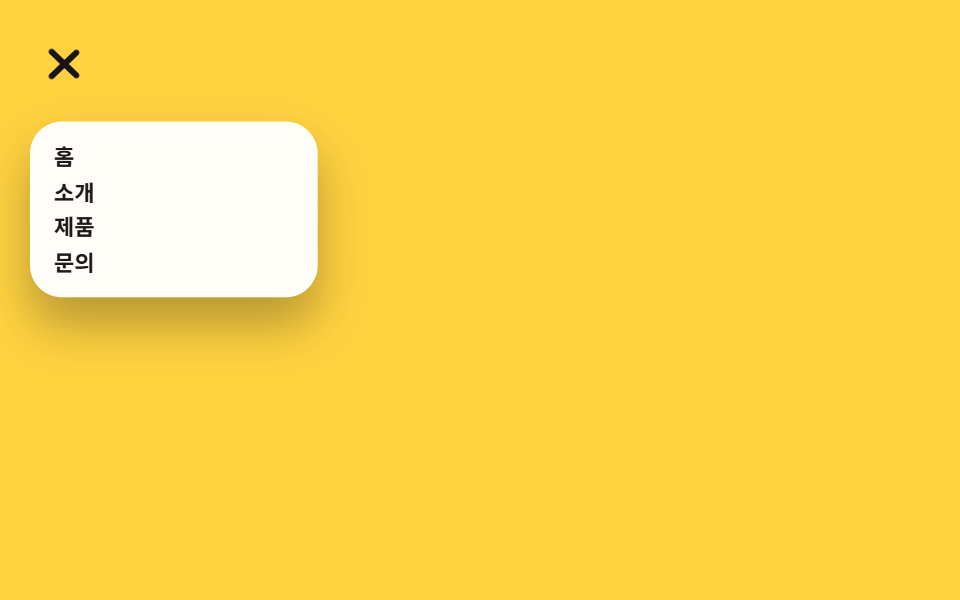
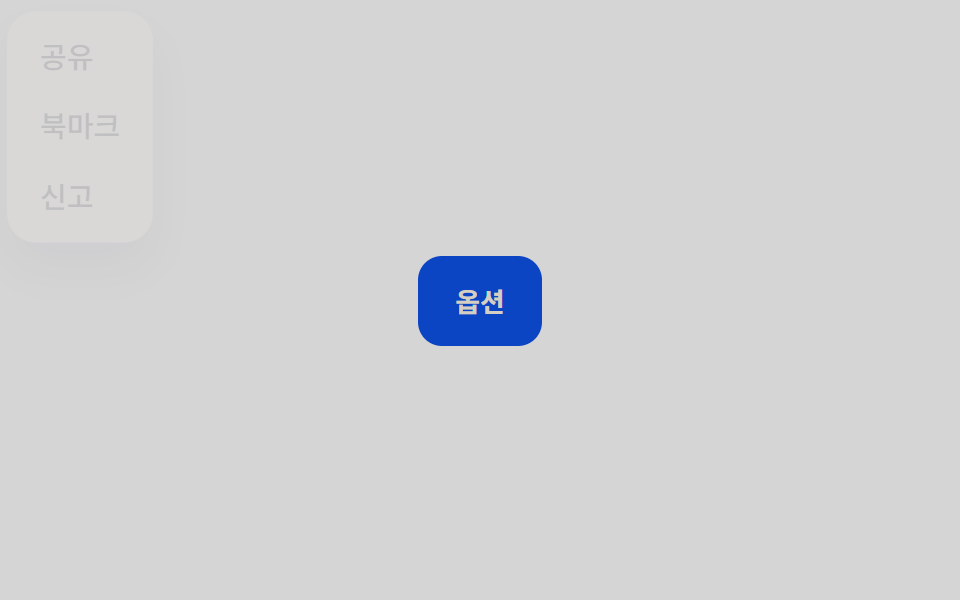
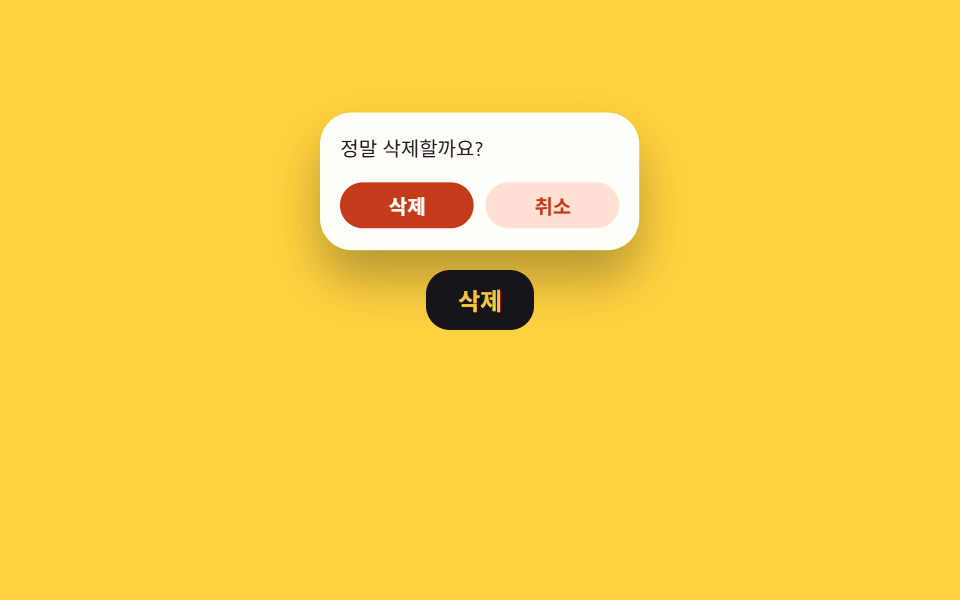
02Popover API toast
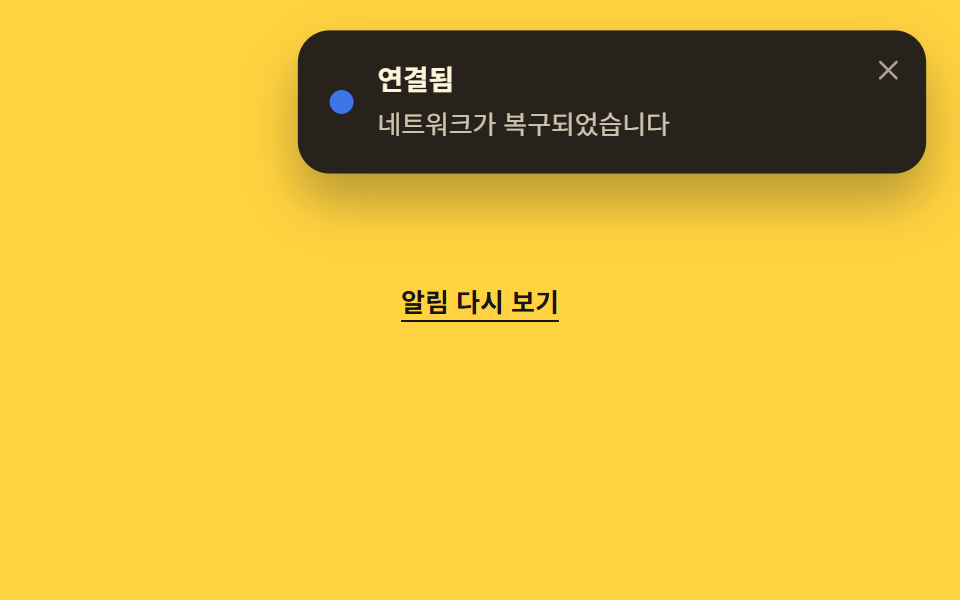
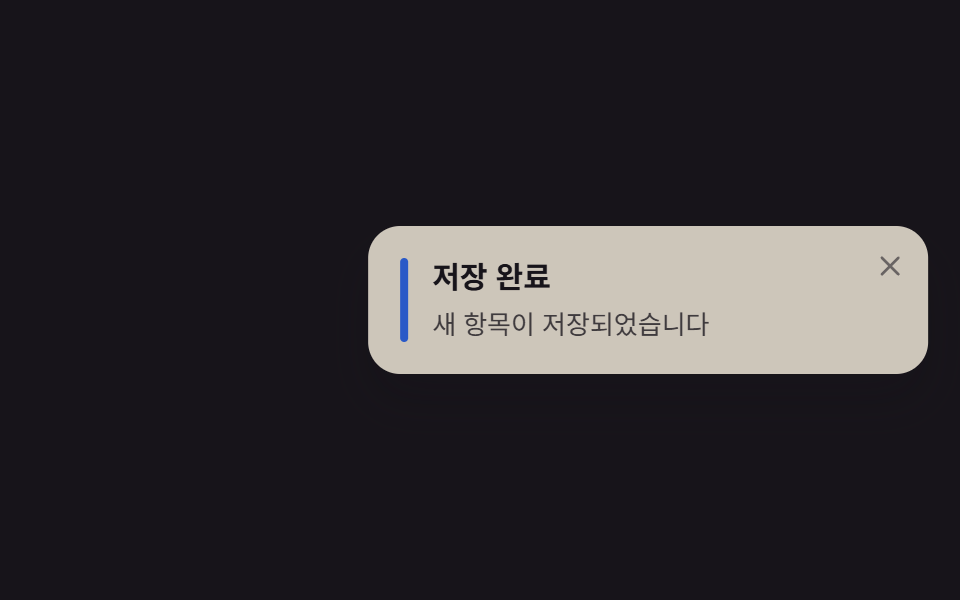
Built with just the popover attribute and a popovertarget button, it opens in the top layer and gets ESC/outside-click dismissal for free.
Best forSystem notices like network status changes, lightweight widgets
popoverpopovertargetshowPopover()
<main class="stage">
  <div class="demo">
    <button class="opener" type="button" popovertarget="ptoast048">Show notification again</button>
    <div id="ptoast048" class="toast is-demo" popover role="status" aria-live="polite">
      <span class="toast__dot" aria-hidden="true"></span>
      <div class="toast__body">
        <p class="toast__title">Connected</p>
        <p class="toast__text">Network connection restored</p>
      </div>
      <button class="toast__close" type="button" popovertarget="ptoast048" popovertargetaction="hide" aria-label="Dismiss notification">
        <svg viewBox="0 0 24 24" width="14" height="14" aria-hidden="true">
          <line x1="5" y1="5" x2="19" y2="19" stroke="currentColor" stroke-width="2.4" stroke-linecap="round"/>
          <line x1="19" y1="5" x2="5" y2="19" stroke="currentColor" stroke-width="2.4" stroke-linecap="round"/>
        </svg>
      </button>
    </div>
  </div>
</main>
@use "../../../../site/static/demo-tokens" as *;
// ── 변수 3개 ──────────────────────────────
$duration: $dur-base; // 300ms — 열리고 닫히는 속도
$easing: $ease-out;
$color: $subject-blue; // 상태 점 색
// ── 데모 무대 ───────────────────────────────
@include stage($stage-yellow);
.demo { display: grid; justify-items: center; gap: $sp-4; }
.opener {
border: 0; background: transparent;
color: $subject-ink; font-weight: 600; font-size: 13px; line-height: 1; font-family: inherit;
text-decoration: underline; text-underline-offset: $sp-1;
padding: $sp-2 $sp-1; cursor: pointer;
}
// popover 기본 스타일(테두리·배경·중앙 고정)을 지우고 화면 오른쪽 위 코너로
.toast[popover] {
position: fixed;
inset: unset;
top: $sp-4;
right: $sp-4;
margin: 0;
border: 0;
overflow: visible;
display: flex; align-items: flex-start; gap: $sp-3;
width: min(260px, 78vw);
padding: $sp-4 $sp-10 $sp-4 $sp-4;
border-radius: $r-card;
background: $subject-ink;
color: $subject-cream;
box-shadow: $shadow-raised;
}
.toast__dot {
align-self: center;
width: $sp-3; height: $sp-3;
border-radius: 50%;
background: $color;
flex: none;
}
.toast__title { margin: 0 0 $sp-1; font-weight: 700; font-size: 14px; line-height: 1.3; font-family: inherit; }
.toast__text { margin: 0; font-weight: 400; font-size: 13px; line-height: 1.4; font-family: inherit; opacity: .78; }
.toast__close {
position: absolute; top: $sp-2; right: $sp-2;
display: grid; place-items: center;
width: $sp-6; height: $sp-6;
border: 0; border-radius: $r-xs;
background: transparent; color: $subject-cream; opacity: .6;
cursor: pointer;
&:hover, &:focus-visible { opacity: 1; }
}
// 실측 2026-09-10: showPopover() 로 이미 열린 상태에서 등장→유지→살짝 접히는 루프를 계속 반복해
// "3초 뒤 자동으로 닫힌다"는 실제 동작을 무한 루프로 대신 보여준다 (전역 루프 2s)
.toast.is-demo { animation: pop-loop $dur-loop $easing infinite; }
@keyframes pop-loop {
0% { transform: translateY(-14px) scale(.92); opacity: 0; }
16% { transform: translateY(0) scale(1); opacity: 1; }
72% { transform: translateY(0) scale(1); opacity: 1; }
92% { transform: translateY(-6px) scale(.97); opacity: 0; }
100% { transform: translateY(-14px) scale(.92); opacity: 0; }
}
// ── 접근성: 움직임 줄이기 설정이면 뜬 채로 고정 ────────
@media (prefers-reduced-motion: reduce) {
.toast.is-demo { animation: none; transform: none; opacity: 1; }
}html, body {
margin: 0;
overflow: hidden;
}
.stage {
box-sizing: border-box;
min-height: 100vh;
display: grid;
place-items: center;
margin: 0;
background: #ffd23f;
font-family: -apple-system, "Segoe UI", "Noto Sans KR", sans-serif;
padding: clamp(8px, 4vw, 24px);
}
.demo {
display: grid;
justify-items: center;
gap: 16px;
}
.opener {
border: 0;
background: transparent;
color: #17141a;
font-weight: 600;
font-size: 13px;
line-height: 1;
font-family: inherit;
text-decoration: underline;
text-underline-offset: 4px;
padding: 8px 4px;
cursor: pointer;
}
.toast[popover] {
position: fixed;
inset: unset;
top: 16px;
right: 16px;
margin: 0;
border: 0;
overflow: visible;
display: flex;
align-items: flex-start;
gap: 12px;
width: min(260px, 78vw);
padding: 16px 40px 16px 16px;
border-radius: 16px;
background: #17141a;
color: #fff7e6;
box-shadow: 0 14px 24px rgba(23, 20, 26, 0.32);
}
.toast__dot {
align-self: center;
width: 12px;
height: 12px;
border-radius: 50%;
background: #2f6df6;
flex: none;
}
.toast__title {
margin: 0 0 4px;
font-weight: 700;
font-size: 14px;
line-height: 1.3;
font-family: inherit;
}
.toast__text {
margin: 0;
font-weight: 400;
font-size: 13px;
line-height: 1.4;
font-family: inherit;
opacity: 0.78;
}
.toast__close {
position: absolute;
top: 8px;
right: 8px;
display: grid;
place-items: center;
width: 24px;
height: 24px;
border: 0;
border-radius: 4px;
background: transparent;
color: #fff7e6;
opacity: 0.6;
cursor: pointer;
}
.toast__close:hover, .toast__close:focus-visible {
opacity: 1;
}
.toast.is-demo {
animation: pop-loop 2s ease-out infinite;
}
@keyframes pop-loop {
0% {
transform: translateY(-14px) scale(0.92);
opacity: 0;
}
16% {
transform: translateY(0) scale(1);
opacity: 1;
}
72% {
transform: translateY(0) scale(1);
opacity: 1;
}
92% {
transform: translateY(-6px) scale(0.97);
opacity: 0;
}
100% {
transform: translateY(-14px) scale(0.92);
opacity: 0;
}
}
@media (prefers-reduced-motion: reduce) {
.toast.is-demo {
animation: none;
transform: none;
opacity: 1;
}
}// popover 속성이 top-layer 스택·ESC 닫기·바깥 클릭 닫기를 공짜로 준다. 데모용으로 로드 즉시 한 번 연다.
document.getElementById('ptoast048').showPopover();import { useEffect, useRef } from "react";
import type { CSSProperties } from "react";
import styles from "./PopoverToast.module.scss";
export type PopoverToastProps = {
title: string;
message: string;
/** true 면 showPopover(), false 면 hidePopover() (기본 true) */
open?: boolean;
duration?: number;
easing?: string;
color?: string;
};
type Vars = CSSProperties & { "--duration"?: string; "--easing"?: string; "--color"?: string };
export default function PopoverToast({
title,
message,
open = true,
duration = 300,
easing = "ease-out",
color = "#2f6df6",
}: PopoverToastProps) {
const ref = useRef<HTMLDivElement | null>(null);
useEffect(() => {
const el = ref.current as (HTMLDivElement & { showPopover?: () => void; hidePopover?: () => void }) | null;
if (!el) return;
if (open) el.showPopover?.();
else el.hidePopover?.();
}, [open]);
const vars: Vars = { "--duration": `${duration}ms`, "--easing": easing, "--color": color };
return (
<div ref={ref} popover="" className={styles.toast} style={vars} role="status" aria-live="polite">
<span className={styles.dot} aria-hidden="true" />
<div className={styles.body}>
<p className={styles.title}>{title}</p>
<p className={styles.text}>{message}</p>
</div>
</div>
);
}02 Popover API toast — Measured area 23.62% · moving frames 9/23Original by GODRICH · SCSS and React ship in the zip · 9 CSS Toast Notifications — No Library, Pure CSS
The post this demo lives in
 9 CSS Toast Notifications — No Library, Pure CSSA CSS toast notification is a small card that appears in a corner, holds briefly, and clears itself away so a result nev See all demos in this post