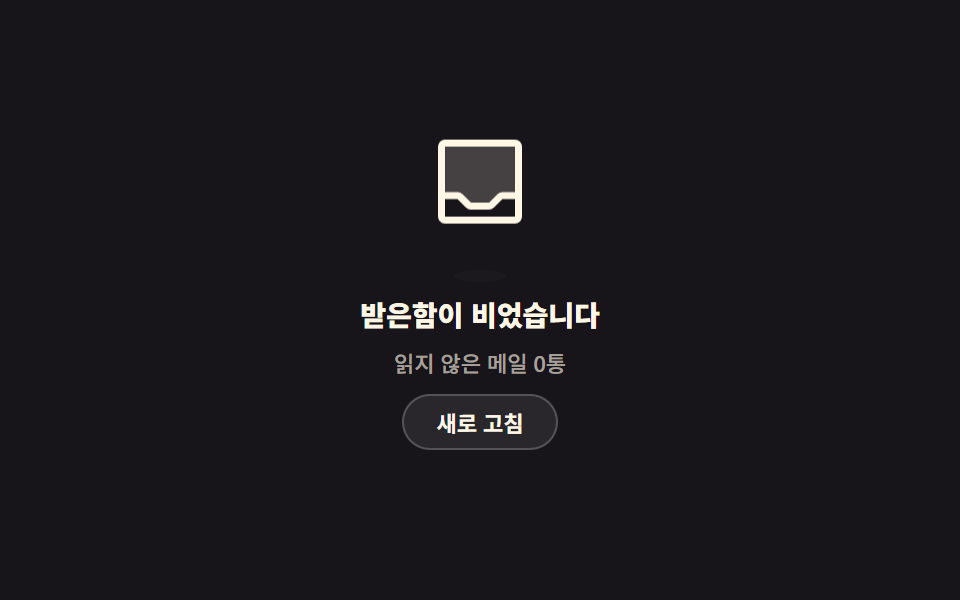
01Inbox-zero floating card
A tray icon drifts up and settles back down while the oval shadow under it narrows and widens on the same beat.
Best forFor an inbox or notification list where being empty is an achievement, not a failure
translateYscaleXaria-live

<main class="stage">
  <section class="ez is-demo" aria-labelledby="ez-t">
    <div class="ez__art">
      <span class="ez__icon" aria-hidden="true"><svg viewBox="0 0 256 256" width="1em" height="1em"><g fill="currentColor"><path d="M216 48v112h-36.69a8 8 0 0 0-5.66 2.34l-19.31 19.32a8 8 0 0 1-5.66 2.34h-41.37a8 8 0 0 1-5.66-2.34l-19.31-19.32a8 8 0 0 0-5.66-2.34H40V48a8 8 0 0 1 8-8h160a8 8 0 0 1 8 8" opacity=".2"/><path d="M208 32H48a16 16 0 0 0-16 16v160a16 16 0 0 0 16 16h160a16 16 0 0 0 16-16V48a16 16 0 0 0-16-16m0 16v104h-28.7a15.86 15.86 0 0 0-11.3 4.69L148.69 176h-41.38L88 156.68A15.9 15.9 0 0 0 76.69 152H48V48Zm0 160H48v-40h28.69L96 187.32a15.9 15.9 0 0 0 11.31 4.68h41.38a15.86 15.86 0 0 0 11.31-4.69L179.31 168H208z"/></g></svg></span>
      <span class="ez__shadow" aria-hidden="true"></span>
    </div>
    <h2 class="ez__title" id="ez-t">Your inbox is empty</h2>
    <p class="ez__sub" id="ez-s" data-busy="Checking" data-done="0 unread · checked {n}x" aria-live="polite">0 unread messages</p>
    <button class="ez__btn" type="button" id="ez-b">Refresh</button>
  </section>
</main>
@use "../../../../site/static/demo-tokens" as *;
$duration: $dur-loop;
$easing: ease-in-out;
$color: $subject-cream;
@include stage($stage-ink);
.ez {
box-sizing: border-box;
width: min(248px, 86vw);
display: flex;
flex-direction: column;
align-items: center;
gap: $sp-2;
font-family: -apple-system, "Segoe UI", "Noto Sans KR", sans-serif;
text-align: center;
color: $color;
}
.ez__art {
display: flex;
flex-direction: column;
align-items: center;
gap: $sp-1;
}
.ez__icon {
display: block;
font-size: clamp(40px, 13vw, 56px);
line-height: 0;
color: $color;
}
.ez__shadow {
display: block;
width: 36px;
height: 6px;
border-radius: 50%;
background: rgba(255, 255, 255, .18);
}
.ez__title {
margin: 0;
font-size: clamp(12px, 4vw, 14px);
line-height: 1.3;
font-weight: 800;
}
.ez__sub {
margin: 0;
min-height: 14px;
font-size: 11px;
line-height: 14px;
font-weight: 500;
color: rgba(255, 247, 230, .62);
}
.ez__btn {
height: 28px;
margin: 0;
padding: 0 $sp-4;
border: 1px solid rgba(255, 255, 255, .2);
border-radius: $r-pill;
background: rgba(255, 255, 255, .08);
color: $color;
font-family: inherit;
font-size: 11px;
font-weight: 700;
cursor: pointer;
transition: background $dur-quick $ease-out;
}
.ez__btn:hover { background: rgba(255, 255, 255, .16); }
.ez__btn:disabled { opacity: .5; cursor: default; }
.ez__btn:focus-visible { outline: 2px solid $subject-blue; outline-offset: 2px; }
// ── 자동 루프: 떠올랐다 내려앉는다. 0% 와 100% 가 같은 자리라 이어 붙어도 튀지 않는다 ──
.ez.is-demo .ez__icon { animation: ez-float $duration $easing infinite; }
.ez.is-demo .ez__shadow { animation: ez-cast $duration $easing infinite; }
@keyframes ez-float {
0%, 100% { transform: translateY(0); }
50% { transform: translateY(-14px); }
}
@keyframes ez-cast {
0%, 100% { transform: scaleX(1); opacity: .18; }
50% { transform: scaleX(.68); opacity: .1; }
}
@media (prefers-reduced-motion: reduce) {
.ez.is-demo .ez__icon,
.ez.is-demo .ez__shadow { animation: none !important; }
.ez__btn { transition: none; }
}html, body {
margin: 0;
overflow: hidden;
}
.stage {
box-sizing: border-box;
min-height: 100vh;
display: grid;
place-items: center;
margin: 0;
background: #17141a;
font-family: -apple-system, "Segoe UI", "Noto Sans KR", sans-serif;
padding: clamp(8px, 4vw, 24px);
}
.ez {
box-sizing: border-box;
width: min(248px, 86vw);
display: flex;
flex-direction: column;
align-items: center;
gap: 8px;
font-family: -apple-system, "Segoe UI", "Noto Sans KR", sans-serif;
text-align: center;
color: #fff7e6;
}
.ez__art {
display: flex;
flex-direction: column;
align-items: center;
gap: 4px;
}
.ez__icon {
display: block;
font-size: clamp(40px, 13vw, 56px);
line-height: 0;
color: #fff7e6;
}
.ez__shadow {
display: block;
width: 36px;
height: 6px;
border-radius: 50%;
background: rgba(255, 255, 255, 0.18);
}
.ez__title {
margin: 0;
font-size: clamp(12px, 4vw, 14px);
line-height: 1.3;
font-weight: 800;
}
.ez__sub {
margin: 0;
min-height: 14px;
font-size: 11px;
line-height: 14px;
font-weight: 500;
color: rgba(255, 247, 230, 0.62);
}
.ez__btn {
height: 28px;
margin: 0;
padding: 0 16px;
border: 1px solid rgba(255, 255, 255, 0.2);
border-radius: 999px;
background: rgba(255, 255, 255, 0.08);
color: #fff7e6;
font-family: inherit;
font-size: 11px;
font-weight: 700;
cursor: pointer;
transition: background 220ms ease-out;
}
.ez__btn:hover {
background: rgba(255, 255, 255, 0.16);
}
.ez__btn:disabled {
opacity: 0.5;
cursor: default;
}
.ez__btn:focus-visible {
outline: 2px solid #2f6df6;
outline-offset: 2px;
}
.ez.is-demo .ez__icon {
animation: ez-float 2s ease-in-out infinite;
}
.ez.is-demo .ez__shadow {
animation: ez-cast 2s ease-in-out infinite;
}
@keyframes ez-float {
0%, 100% {
transform: translateY(0);
}
50% {
transform: translateY(-14px);
}
}
@keyframes ez-cast {
0%, 100% {
transform: scaleX(1);
opacity: 0.18;
}
50% {
transform: scaleX(0.68);
opacity: 0.1;
}
}
@media (prefers-reduced-motion: reduce) {
.ez.is-demo .ez__icon,
.ez.is-demo .ez__shadow {
animation: none !important;
}
.ez__btn {
transition: none;
}
}// 실제 동작: 새로 고침을 누르면 확인 중 상태로 바뀌었다가 확인 횟수와 함께 다시 빈 상태로 돌아온다.
var card = document.querySelector('.ez');
var btn = document.getElementById('ez-b');
var sub = document.getElementById('ez-s');
var n = 0;
btn.addEventListener('click', function () {
card.classList.remove('is-demo');
if (btn.disabled) return;
btn.disabled = true;
sub.textContent = sub.dataset.busy;
window.setTimeout(function () {
n += 1;
sub.textContent = sub.dataset.done.replace('{n}', n);
btn.disabled = false;
}, 700);
});import { useState } from "react";
import type { CSSProperties } from "react";
import styles from "./InboxZeroCard.module.scss";
export type InboxZeroCardProps = {
title?: string;
idle?: string;
busy?: string;
done?: string;
action?: string;
duration?: number;
easing?: string;
color?: string;
};
type Vars = CSSProperties & { "--duration"?: string; "--easing"?: string; "--color"?: string };
export default function InboxZeroCard({
title = "Your inbox is empty",
idle = "0 unread messages",
busy = "Checking",
done = "0 unread · checked {n}x",
action = "Refresh",
duration = 2000,
easing = "ease-in-out",
color = "#fff7e6",
}: InboxZeroCardProps) {
const [sub, setSub] = useState(idle);
const [loop, setLoop] = useState(true);
const [busyNow, setBusyNow] = useState(false);
const [count, setCount] = useState(0);
const vars: Vars = { "--duration": `${duration}ms`, "--easing": easing, "--color": color };
function refresh() {
if (busyNow) return;
setLoop(false);
setBusyNow(true);
setSub(busy);
window.setTimeout(() => {
const n = count + 1;
setCount(n);
setSub(done.replace("{n}", String(n)));
setBusyNow(false);
}, 700);
}
return (
<section className={`${styles.ez} ${loop ? styles.isDemo : ""}`} style={vars}>
<div className={styles.art}>
<span className={styles.icon} aria-hidden="true">
<svg viewBox="0 0 256 256" width="1em" height="1em">
<g fill="currentColor">
<path d="M216 48v112h-36.69a8 8 0 0 0-5.66 2.34l-19.31 19.32a8 8 0 0 1-5.66 2.34h-41.37a8 8 0 0 1-5.66-2.34l-19.31-19.32a8 8 0 0 0-5.66-2.34H40V48a8 8 0 0 1 8-8h160a8 8 0 0 1 8 8" opacity=".2" />
<path d="M208 32H48a16 16 0 0 0-16 16v160a16 16 0 0 0 16 16h160a16 16 0 0 0 16-16V48a16 16 0 0 0-16-16m0 16v104h-28.7a15.86 15.86 0 0 0-11.3 4.69L148.69 176h-41.38L88 156.68A15.9 15.9 0 0 0 76.69 152H48V48Zm0 160H48v-40h28.69L96 187.32a15.9 15.9 0 0 0 11.31 4.68h41.38a15.86 15.86 0 0 0 11.31-4.69L179.31 168H208z" />
</g>
</svg>
</span>
<span className={styles.shadow} aria-hidden="true" />
</div>
<h2 className={styles.title}>{title}</h2>
<p className={styles.sub} aria-live="polite">{sub}</p>
<button className={styles.btn} type="button" onClick={refresh} disabled={busyNow}>{action}</button>
</section>
);
}01 Inbox-zero floating card — Measured area 1.28% · moving frames 23/23Original by GODRICH · SCSS and React ship in the zip · 9 Empty State UI Design Cards Drawn in Pure CSS
The post this demo lives in
 9 Empty State UI Design Cards Drawn in Pure CSSEmpty state UI design fills the space a list would occupy when there is no data to put in it. One of these nine is blank See all demos in this post
If you like this effect - similar demos
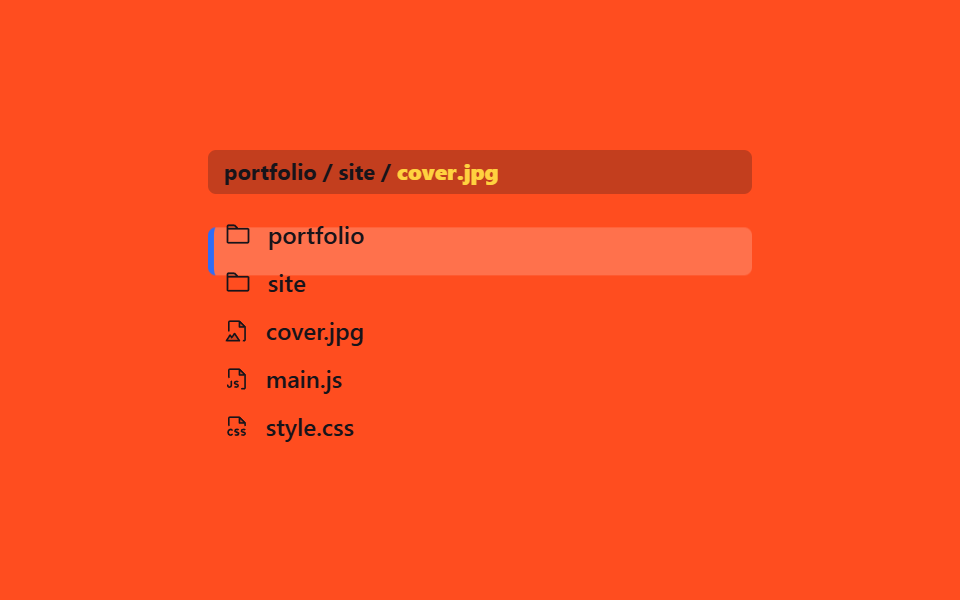 Lists & tables03 Active highlight with breadcrumb9 File Tree CSS Views — Folders That Really Open
 Lists & tables01 Priority sort that holds two columns at once9 Data Table UI Patterns — Drag, Resize, Select
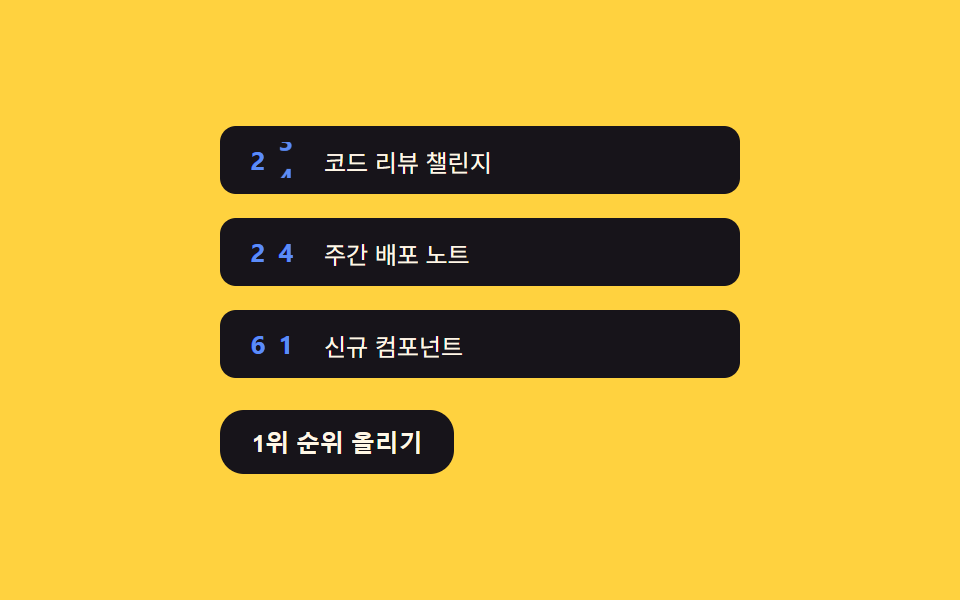 Lists & tables02 Odometer counter — splitting the counter value into digits so number markers rollCSS List Style: 9 Marker Design Patterns