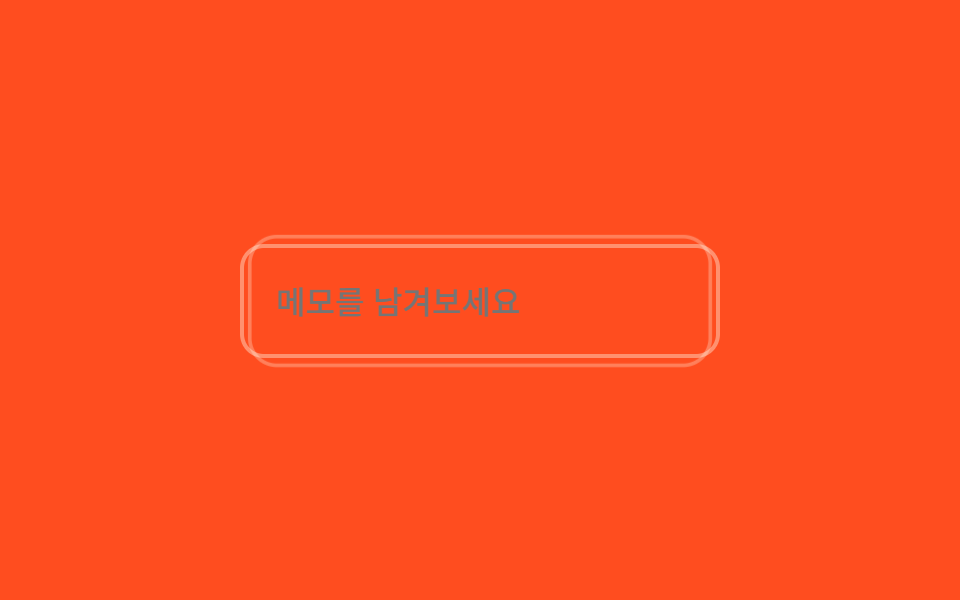
02Label color crossfade
A neutral label and a mint success label sit stacked in the same spot, crossfading via opposite opacity keyframes so the color seems to change without ever animating border-color.
Best forNickname-availability checks, username-taken indicators
opacity 크로스페이드absolute 겹침2s 루프

<main class="stage">
  <div class="fv2 is-demo">
    <span class="fv2__label-wrap">
      <span class="fv2__label fv2__label--neutral">Nickname</span>
      <span class="fv2__label fv2__label--ok">This nickname is available</span>
    </span>
    <input class="fv2__input" type="text" value="godrich_dev" readonly>
  </div>
</main>
@use "../../../../site/static/demo-tokens" as *;
// 닉네임 라벨 두 장을 겹쳐두고, 검증 상태에 따라 opacity 만 서로 교차한다
$duration: $dur-loop;
$easing: $ease-out;
$color: $subject-mint;
@include stage($stage-yellow);
.fv2 { width: min(240px, 86vw); display: flex; flex-direction: column; gap: $sp-2; }
.fv2__label-wrap { position: relative; height: 14px; display: block; }
.fv2__label {
position: absolute; left: 0; top: 0; font-weight: 600; font-size: 12px; line-height: 1; font-family: inherit;
white-space: nowrap;
}
.fv2__label--neutral { color: $subject-ink; opacity: .6; }
.fv2__label--ok { color: $color; opacity: 0; }
.fv2__input {
box-sizing: border-box; width: 100%; padding: $sp-2 $sp-3; border-radius: $r-sm;
border: 2px solid $subject-ink; background: rgba(23, 20, 26, .06);
color: $subject-ink; font-weight: 400; font-size: 14px; line-height: 1; font-family: inherit;
}
@keyframes fv2-ok {
0%, 20% { opacity: 0; }
40%, 90% { opacity: 1; }
100% { opacity: 0; }
}
@keyframes fv2-neutral {
0%, 20% { opacity: .6; }
40%, 90% { opacity: 0; }
100% { opacity: .6; }
}
.fv2.is-demo .fv2__label--ok { animation: fv2-ok $duration $easing infinite; }
.fv2.is-demo .fv2__label--neutral { animation: fv2-neutral $duration $easing infinite; }
// 한 겹(감쇠 진동): ok 라벨 등장(40%) 순간 필드에 미세 translateX 감쇠 shake + 민트 글로우가 box-shadow spread 로 한 번 번지는 surge 파동
// (input 요소엔 ::after 가 렌더되지 않으므로 링은 box-shadow spread 로 구현)
.fv2.is-demo .fv2__input {
animation: fv2-shake $duration $easing infinite, fv2-surge $duration $easing infinite;
}
@keyframes fv2-shake {
0%, 40%, 46%, 100% { transform: translateX(0); }
41.5% { transform: translateX(.8px); }
43% { transform: translateX(-.5px); }
44.5% { transform: translateX(.25px); }
}
@keyframes fv2-surge {
0%, 40% { box-shadow: 0 0 0 0 rgba($subject-mint, 0); }
42% { box-shadow: 0 0 0 6px rgba($subject-mint, .5); }
44% { box-shadow: 0 0 0 2px rgba($subject-mint, .22); }
46% { box-shadow: 0 0 0 3.5px rgba($subject-mint, .3); }
50%, 100% { box-shadow: 0 0 0 0 rgba($subject-mint, 0); }
}
@media (prefers-reduced-motion: reduce) {
.fv2.is-demo .fv2__label--ok,
.fv2.is-demo .fv2__label--neutral { animation: none !important; }
.fv2.is-demo .fv2__label--ok { opacity: 1; }
.fv2.is-demo .fv2__label--neutral { opacity: 0; }
.fv2.is-demo .fv2__input { animation: none !important; }
}html, body {
margin: 0;
overflow: hidden;
}
.stage {
box-sizing: border-box;
min-height: 100vh;
display: grid;
place-items: center;
margin: 0;
background: #ffd23f;
font-family: -apple-system, "Segoe UI", "Noto Sans KR", sans-serif;
padding: clamp(8px, 4vw, 24px);
}
.fv2 {
width: min(240px, 86vw);
display: flex;
flex-direction: column;
gap: 8px;
}
.fv2__label-wrap {
position: relative;
height: 14px;
display: block;
}
.fv2__label {
position: absolute;
left: 0;
top: 0;
font-weight: 600;
font-size: 12px;
line-height: 1;
font-family: inherit;
white-space: nowrap;
}
.fv2__label--neutral {
color: #17141a;
opacity: 0.6;
}
.fv2__label--ok {
color: #4cd4a6;
opacity: 0;
}
.fv2__input {
box-sizing: border-box;
width: 100%;
padding: 8px 12px;
border-radius: 8px;
border: 2px solid #17141a;
background: rgba(23, 20, 26, 0.06);
color: #17141a;
font-weight: 400;
font-size: 14px;
line-height: 1;
font-family: inherit;
}
@keyframes fv2-ok {
0%, 20% {
opacity: 0;
}
40%, 90% {
opacity: 1;
}
100% {
opacity: 0;
}
}
@keyframes fv2-neutral {
0%, 20% {
opacity: 0.6;
}
40%, 90% {
opacity: 0;
}
100% {
opacity: 0.6;
}
}
.fv2.is-demo .fv2__label--ok {
animation: fv2-ok 2s ease-out infinite;
}
.fv2.is-demo .fv2__label--neutral {
animation: fv2-neutral 2s ease-out infinite;
}
.fv2.is-demo .fv2__input {
animation: fv2-shake 2s ease-out infinite, fv2-surge 2s ease-out infinite;
}
@keyframes fv2-shake {
0%, 40%, 46%, 100% {
transform: translateX(0);
}
41.5% {
transform: translateX(0.8px);
}
43% {
transform: translateX(-0.5px);
}
44.5% {
transform: translateX(0.25px);
}
}
@keyframes fv2-surge {
0%, 40% {
box-shadow: 0 0 0 0 rgba(76, 212, 166, 0);
}
42% {
box-shadow: 0 0 0 6px rgba(76, 212, 166, 0.5);
}
44% {
box-shadow: 0 0 0 2px rgba(76, 212, 166, 0.22);
}
46% {
box-shadow: 0 0 0 3.5px rgba(76, 212, 166, 0.3);
}
50%, 100% {
box-shadow: 0 0 0 0 rgba(76, 212, 166, 0);
}
}
@media (prefers-reduced-motion: reduce) {
.fv2.is-demo .fv2__label--ok,
.fv2.is-demo .fv2__label--neutral {
animation: none !important;
}
.fv2.is-demo .fv2__label--ok {
opacity: 1;
}
.fv2.is-demo .fv2__label--neutral {
opacity: 0;
}
.fv2.is-demo .fv2__input {
animation: none !important;
}
}import type { CSSProperties } from "react";
import styles from "./LabelColorShift.module.scss";
export type LabelColorShiftProps = { duration?: number; easing?: string; color?: string };
type Vars = CSSProperties & { "--duration"?: string; "--easing"?: string; "--color"?: string };
export default function LabelColorShift({ duration = 2000, easing = "ease-out", color = "#4cd4a6" }: LabelColorShiftProps) {
const vars: Vars = { "--duration": `${duration}ms`, "--easing": easing, "--color": color };
return (
<div className={styles.fv2} style={vars}>
<span className={styles.wrap}>
<span className={`${styles.label} ${styles.neutral}`}>닉네임</span>
<span className={`${styles.label} ${styles.ok}`}>사용할 수 있는 닉네임이에요</span>
</span>
<input className={styles.input} type="text" defaultValue="godrich_dev" readOnly />
</div>
);
}02 Label color crossfade — Measured area 3.418% · moving frames 10/23Original by GODRICH · SCSS and React ship in the zip · 9 Form Validation CSS Animations You Can Paste
The post this demo lives in
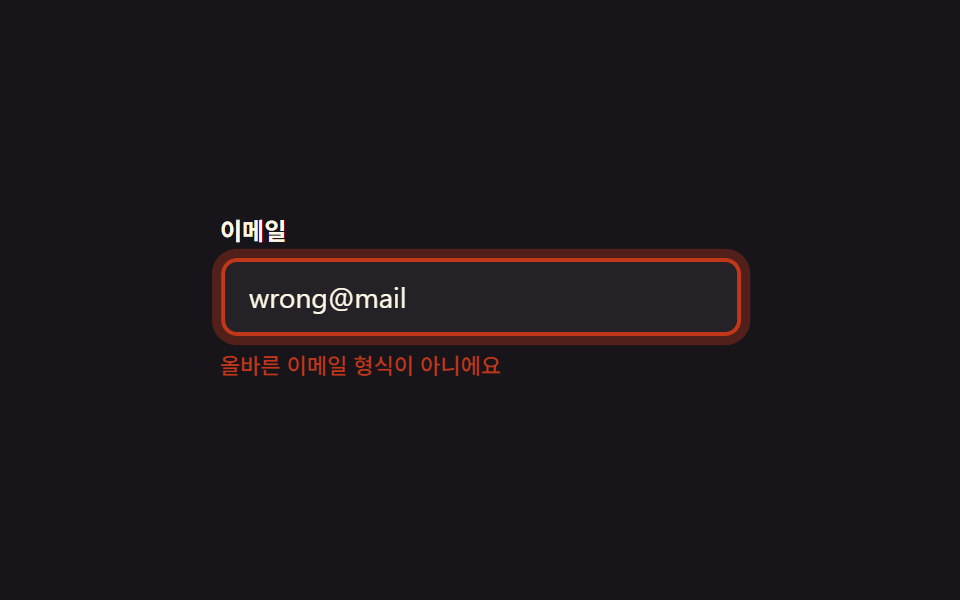 9 Form Validation CSS Animations You Can PasteForm validation CSS animations are small signals — color, icon, glow — that show a field is right or wrong, no shaking r See all demos in this post