05Optimistic move that changes only the title first and lets the body catch up
The instant a tab is pressed the title cuts to the new one with steps(1, end), while the body keeps aria-busy on, holds its place, and rises late with translateY.
Best forInstant response in dashboards and settings screens where people hop between tabs
steps(1, end)aria-busytranslateY

<main class="stage">
  <section class="oh is-demo" id="oh" data-tab="1" aria-label="Optimistic screen move">
    <h2 class="oh__title">
      <span class="oh__t oh__t--1">This week</span>
      <span class="oh__t oh__t--2">Recent activity</span>
      <span class="oh__t oh__t--3">Alert settings</span>
    </h2>
    <div class="oh__tabs" role="tablist" id="oh-tabs" aria-label="Pick a screen">
      <button class="oh__tab oh__tab--1" type="button" role="tab" id="oh-tab-1" aria-controls="oh-body" aria-selected="true">
        <span class="oh__pill" aria-hidden="true"></span><span class="oh__lab">Summary</span>
      </button>
      <button class="oh__tab oh__tab--2" type="button" role="tab" id="oh-tab-2" aria-controls="oh-body" aria-selected="false">
        <span class="oh__pill" aria-hidden="true"></span><span class="oh__lab">Activity</span>
      </button>
      <button class="oh__tab oh__tab--3" type="button" role="tab" id="oh-tab-3" aria-controls="oh-body" aria-selected="false">
        <span class="oh__pill" aria-hidden="true"></span><span class="oh__lab">Settings</span>
      </button>
    </div>
    <div class="oh__body" id="oh-body" role="tabpanel" aria-labelledby="oh-tab-1" aria-busy="false">
      <div class="oh__panel oh__panel--1">
        <p class="oh__lead">1,284 visits</p>
        <p class="oh__sub">12% more than last week</p>
      </div>
      <div class="oh__panel oh__panel--2">
        <p class="oh__lead">7 new comments</p>
        <p class="oh__sub">2 posts still unanswered</p>
      </div>
      <div class="oh__panel oh__panel--3">
        <p class="oh__lead">Alerts on</p>
        <p class="oh__sub">Weekly digest mail is on</p>
      </div>
      <div class="oh__sk" aria-hidden="true">
        <span class="oh__sk-bar"><span class="oh__shine"></span></span>
        <span class="oh__sk-bar"><span class="oh__shine"></span></span>
        <span class="oh__sk-bar"><span class="oh__shine"></span></span>
      </div>
    </div>
  </section>
</main>@use "../../../../site/static/demo-tokens" as *;
// 낙관적 이동 — 탭을 누른 그 순간 제목이 steps(1, end) 로 컷 교체되고,
// 본문은 아직 오지 않아 aria-busy 를 켠 채 자리만 지키다 translateY 로 뒤늦게 올라온다.
// 제목 두 장은 grid-area 로 겹쳐 두고 컷으로만 갈아 끼운다 — opacity 크로스페이드는 반투명 유령을 만든다.
// 본문 자리표시(스켈레톤)는 교체가 시작되는 그 프레임에 켜서, 중간 프레임이 빈 구멍이 되지 않게 한다.
$duration: $dur-base;
$easing: $ease-spring;
$color: $subject-cream;
@include stage($stage-ink);
$line: rgba(255, 247, 230, .18);
.oh {
box-sizing: border-box;
display: grid;
gap: $sp-3;
width: min(300px, 94vw);
color: $color;
}
.oh * { box-sizing: border-box; }
// ── 헤더 제목: 세 장을 같은 칸에 겹쳐 두고 컷으로 바꾼다 ──
.oh__title {
display: grid;
margin: 0;
font-size: 19px;
font-weight: 800;
line-height: 1.2;
}
.oh__t {
grid-area: 1 / 1;
opacity: 0;
}
.oh[data-tab="1"] .oh__t--1,
.oh[data-tab="2"] .oh__t--2,
.oh[data-tab="3"] .oh__t--3 { opacity: 1; }
// ── 탭 줄: 1fr 세 칸. 인디케이터를 고정 px 로 옮기지 않고 탭마다 제 알약을 켠다 ──
.oh__tabs {
display: grid;
grid-template-columns: repeat(3, 1fr);
gap: $sp-1;
}
.oh__tab {
position: relative;
margin: 0;
padding: $sp-2 0;
border: 0;
border-radius: $r-pill;
background: none;
color: inherit;
font-family: inherit;
font-size: 13px;
font-weight: 700;
line-height: 1;
cursor: pointer;
}
.oh__tab:focus-visible { outline: 2px solid $color; outline-offset: 2px; }
.oh__pill {
position: absolute;
inset: 0;
border-radius: $r-pill;
background: $color;
opacity: 0;
}
.oh__lab { position: relative; }
.oh[data-tab="1"] .oh__tab--1 .oh__pill,
.oh[data-tab="2"] .oh__tab--2 .oh__pill,
.oh[data-tab="3"] .oh__tab--3 .oh__pill { opacity: .16; }
// ── 본문: 패널 셋과 자리표시가 같은 칸에 겹친다 ──
.oh__body {
display: grid;
height: 96px;
padding: $sp-3;
border: 1px solid $line;
border-radius: $r-card;
}
.oh__panel,
.oh__sk { grid-area: 1 / 1; }
.oh__panel {
display: grid;
align-content: start;
gap: $sp-2;
opacity: 0;
transform: translateY(10px);
transition: transform $duration $easing, opacity $dur-instant linear;
}
.oh[data-tab="1"] .oh__panel--1,
.oh[data-tab="2"] .oh__panel--2,
.oh[data-tab="3"] .oh__panel--3 { opacity: 1; transform: translateY(0); }
// 아직 안 온 본문 — 위 규칙과 같은 특이도라 뒤에 오는 이 규칙이 이긴다
.oh.is-loading .oh__panel { opacity: 0; transform: translateY(10px); }
.oh__lead {
margin: 0;
font-size: 17px;
font-weight: 800;
line-height: 1.3;
}
.oh__sub {
margin: 0;
color: rgba(255, 247, 230, .66);
font-size: 12px;
font-weight: 700;
line-height: 1.4;
}
// ── 자리표시: 본문이 오기 전까지 같은 크기의 자리를 지킨다 ──
.oh__sk {
display: grid;
align-content: start;
gap: $sp-2;
opacity: 0;
}
.oh.is-loading .oh__sk { opacity: 1; }
.oh__sk-bar {
position: relative;
overflow: hidden;
height: 12px;
border-radius: $r-pill;
background: rgba(255, 247, 230, .14);
}
.oh__sk-bar:nth-child(1) { width: 64%; }
.oh__sk-bar:nth-child(2) { width: 92%; }
.oh__sk-bar:nth-child(3) { width: 48%; }
.oh__shine {
position: absolute;
inset: 0;
background: linear-gradient(90deg, rgba(255, 247, 230, 0), rgba(255, 247, 230, .4), rgba(255, 247, 230, 0));
transform: translateX(-100%);
}
// ── 격자 미리보기 전용 2초 루프 ──
// 10% 에 탭 1 → 탭 2 로 넘어가고(제목·알약은 컷), 자리표시는 같은 프레임에 켜진다.
// 40% 에 본문이 도착해 컷으로 나타나며 translateY 로 올라오고, 86% 에 한 프레임 컷으로 처음 상태로 돌아온다.
@keyframes oh-a-on {
0%, 9% { opacity: 1; }
10%, 85% { opacity: 0; }
86%, 100% { opacity: 1; }
}
// 제목은 누른 그 프레임(10%)에 바뀐다 — 낙관적이라는 말의 뜻이 여기 있다
@keyframes oh-b-now {
0%, 9% { opacity: 0; }
10%, 85% { opacity: 1; }
86%, 100% { opacity: 0; }
}
// 본문은 0.6초쯤 늦은 40% 에야 도착한다
@keyframes oh-b-on {
0%, 39% { opacity: 0; }
40%, 85% { opacity: 1; }
86%, 100% { opacity: 0; }
}
@keyframes oh-pill-a {
0%, 9% { opacity: .16; }
10%, 85% { opacity: 0; }
86%, 100% { opacity: .16; }
}
@keyframes oh-pill-b {
0%, 9% { opacity: 0; }
10%, 85% { opacity: .16; }
86%, 100% { opacity: 0; }
}
@keyframes oh-sk-on {
0%, 9% { opacity: 0; }
10%, 39% { opacity: 1; }
40%, 100% { opacity: 0; }
}
// 컷만 있으면 움직인 프레임이 모자라니 transform 기반 움직임을 옆에 붙인다
@keyframes oh-a-rise {
0%, 85% { transform: translateY(0); }
86% { transform: translateY(10px); }
97%, 100% { transform: translateY(0); }
}
@keyframes oh-b-rise {
0%, 40% { transform: translateY(10px); }
64%, 85% { transform: translateY(0); }
86%, 100% { transform: translateY(10px); }
}
@keyframes oh-shine {
0% { transform: translateX(-100%); }
46% { transform: translateX(220%); }
47%, 100% { transform: translateX(-100%); }
}
.oh.is-demo {
.oh__t--1 {
animation-name: oh-a-on;
animation-duration: $dur-loop;
animation-timing-function: steps(1, end);
animation-iteration-count: infinite;
}
.oh__t--2 {
animation-name: oh-b-now;
animation-duration: $dur-loop;
animation-timing-function: steps(1, end);
animation-iteration-count: infinite;
}
.oh__tab--1 .oh__pill {
animation-name: oh-pill-a;
animation-duration: $dur-loop;
animation-timing-function: steps(1, end);
animation-iteration-count: infinite;
}
.oh__tab--2 .oh__pill {
animation-name: oh-pill-b;
animation-duration: $dur-loop;
animation-timing-function: steps(1, end);
animation-iteration-count: infinite;
}
.oh__sk {
animation-name: oh-sk-on;
animation-duration: $dur-loop;
animation-timing-function: steps(1, end);
animation-iteration-count: infinite;
}
// 보임은 컷(steps), 자리 잡기는 이징 — 한 요소에 두 애니메이션을 낱개 속성으로 나란히 건다
.oh__panel--1 {
animation-name: oh-a-on, oh-a-rise;
animation-duration: $dur-loop, $dur-loop;
animation-timing-function: steps(1, end), $easing;
animation-iteration-count: infinite, infinite;
}
.oh__panel--2 {
animation-name: oh-b-on, oh-b-rise;
animation-duration: $dur-loop, $dur-loop;
animation-timing-function: steps(1, end), $easing;
animation-iteration-count: infinite, infinite;
}
.oh__shine {
animation-name: oh-shine;
animation-duration: $dur-loop;
animation-timing-function: linear;
animation-iteration-count: infinite;
animation-fill-mode: backwards;
}
.oh__sk-bar:nth-child(2) .oh__shine { animation-delay: 120ms; }
.oh__sk-bar:nth-child(3) .oh__shine { animation-delay: 240ms; }
}
// 손으로 조작할 때도 자리표시는 살아 움직인다
.oh.is-loading .oh__shine {
animation-name: oh-shine;
animation-duration: $dur-loop;
animation-timing-function: linear;
animation-iteration-count: infinite;
}
@media (max-width: 340px) {
.oh { gap: $sp-2; width: min(248px, 96vw); }
.oh__title { font-size: 16px; }
.oh__tab { padding: $sp-1 0; font-size: 11px; }
.oh__body { height: 76px; padding: $sp-2; }
.oh__lead { font-size: 15px; }
.oh__sub { font-size: 11px; }
.oh__sk-bar { height: 10px; }
}
@media (prefers-reduced-motion: reduce) {
.oh.is-demo .oh__t--1,
.oh.is-demo .oh__t--2,
.oh.is-demo .oh__tab--1 .oh__pill,
.oh.is-demo .oh__tab--2 .oh__pill,
.oh.is-demo .oh__sk,
.oh.is-demo .oh__panel--1,
.oh.is-demo .oh__panel--2,
.oh.is-demo .oh__shine,
.oh.is-loading .oh__shine { animation: none !important; }
// 움직임만 끄고 "이미 도착한 본문" 이라는 결과 상태는 남긴다
.oh.is-demo .oh__t--1 { opacity: 1 !important; }
.oh.is-demo .oh__tab--1 .oh__pill { opacity: .16 !important; }
.oh.is-demo .oh__panel--1 { opacity: 1 !important; transform: translateY(0) !important; }
.oh.is-demo .oh__sk { opacity: 0 !important; }
.oh__panel { transition: none !important; }
}html, body {
margin: 0;
overflow: hidden;
}
.stage {
box-sizing: border-box;
min-height: 100vh;
display: grid;
place-items: center;
margin: 0;
background: #17141a;
font-family: -apple-system, "Segoe UI", "Noto Sans KR", sans-serif;
padding: clamp(8px, 4vw, 24px);
}
.oh {
box-sizing: border-box;
display: grid;
gap: 12px;
width: min(300px, 94vw);
color: #fff7e6;
}
.oh * {
box-sizing: border-box;
}
.oh__title {
display: grid;
margin: 0;
font-size: 19px;
font-weight: 800;
line-height: 1.2;
}
.oh__t {
grid-area: 1/1;
opacity: 0;
}
.oh[data-tab="1"] .oh__t--1,
.oh[data-tab="2"] .oh__t--2,
.oh[data-tab="3"] .oh__t--3 {
opacity: 1;
}
.oh__tabs {
display: grid;
grid-template-columns: repeat(3, 1fr);
gap: 4px;
}
.oh__tab {
position: relative;
margin: 0;
padding: 8px 0;
border: 0;
border-radius: 999px;
background: none;
color: inherit;
font-family: inherit;
font-size: 13px;
font-weight: 700;
line-height: 1;
cursor: pointer;
}
.oh__tab:focus-visible {
outline: 2px solid #fff7e6;
outline-offset: 2px;
}
.oh__pill {
position: absolute;
inset: 0;
border-radius: 999px;
background: #fff7e6;
opacity: 0;
}
.oh__lab {
position: relative;
}
.oh[data-tab="1"] .oh__tab--1 .oh__pill,
.oh[data-tab="2"] .oh__tab--2 .oh__pill,
.oh[data-tab="3"] .oh__tab--3 .oh__pill {
opacity: 0.16;
}
.oh__body {
display: grid;
height: 96px;
padding: 12px;
border: 1px solid rgba(255, 247, 230, 0.18);
border-radius: 16px;
}
.oh__panel,
.oh__sk {
grid-area: 1/1;
}
.oh__panel {
display: grid;
align-content: start;
gap: 8px;
opacity: 0;
transform: translateY(10px);
transition: transform 300ms cubic-bezier(0.2, 0.8, 0.2, 1), opacity 140ms linear;
}
.oh[data-tab="1"] .oh__panel--1,
.oh[data-tab="2"] .oh__panel--2,
.oh[data-tab="3"] .oh__panel--3 {
opacity: 1;
transform: translateY(0);
}
.oh.is-loading .oh__panel {
opacity: 0;
transform: translateY(10px);
}
.oh__lead {
margin: 0;
font-size: 17px;
font-weight: 800;
line-height: 1.3;
}
.oh__sub {
margin: 0;
color: rgba(255, 247, 230, 0.66);
font-size: 12px;
font-weight: 700;
line-height: 1.4;
}
.oh__sk {
display: grid;
align-content: start;
gap: 8px;
opacity: 0;
}
.oh.is-loading .oh__sk {
opacity: 1;
}
.oh__sk-bar {
position: relative;
overflow: hidden;
height: 12px;
border-radius: 999px;
background: rgba(255, 247, 230, 0.14);
}
.oh__sk-bar:nth-child(1) {
width: 64%;
}
.oh__sk-bar:nth-child(2) {
width: 92%;
}
.oh__sk-bar:nth-child(3) {
width: 48%;
}
.oh__shine {
position: absolute;
inset: 0;
background: linear-gradient(90deg, rgba(255, 247, 230, 0), rgba(255, 247, 230, 0.4), rgba(255, 247, 230, 0));
transform: translateX(-100%);
}
@keyframes oh-a-on {
0%, 9% {
opacity: 1;
}
10%, 85% {
opacity: 0;
}
86%, 100% {
opacity: 1;
}
}
@keyframes oh-b-now {
0%, 9% {
opacity: 0;
}
10%, 85% {
opacity: 1;
}
86%, 100% {
opacity: 0;
}
}
@keyframes oh-b-on {
0%, 39% {
opacity: 0;
}
40%, 85% {
opacity: 1;
}
86%, 100% {
opacity: 0;
}
}
@keyframes oh-pill-a {
0%, 9% {
opacity: 0.16;
}
10%, 85% {
opacity: 0;
}
86%, 100% {
opacity: 0.16;
}
}
@keyframes oh-pill-b {
0%, 9% {
opacity: 0;
}
10%, 85% {
opacity: 0.16;
}
86%, 100% {
opacity: 0;
}
}
@keyframes oh-sk-on {
0%, 9% {
opacity: 0;
}
10%, 39% {
opacity: 1;
}
40%, 100% {
opacity: 0;
}
}
@keyframes oh-a-rise {
0%, 85% {
transform: translateY(0);
}
86% {
transform: translateY(10px);
}
97%, 100% {
transform: translateY(0);
}
}
@keyframes oh-b-rise {
0%, 40% {
transform: translateY(10px);
}
64%, 85% {
transform: translateY(0);
}
86%, 100% {
transform: translateY(10px);
}
}
@keyframes oh-shine {
0% {
transform: translateX(-100%);
}
46% {
transform: translateX(220%);
}
47%, 100% {
transform: translateX(-100%);
}
}
.oh.is-demo .oh__t--1 {
animation-name: oh-a-on;
animation-duration: 2s;
animation-timing-function: steps(1, end);
animation-iteration-count: infinite;
}
.oh.is-demo .oh__t--2 {
animation-name: oh-b-now;
animation-duration: 2s;
animation-timing-function: steps(1, end);
animation-iteration-count: infinite;
}
.oh.is-demo .oh__tab--1 .oh__pill {
animation-name: oh-pill-a;
animation-duration: 2s;
animation-timing-function: steps(1, end);
animation-iteration-count: infinite;
}
.oh.is-demo .oh__tab--2 .oh__pill {
animation-name: oh-pill-b;
animation-duration: 2s;
animation-timing-function: steps(1, end);
animation-iteration-count: infinite;
}
.oh.is-demo .oh__sk {
animation-name: oh-sk-on;
animation-duration: 2s;
animation-timing-function: steps(1, end);
animation-iteration-count: infinite;
}
.oh.is-demo .oh__panel--1 {
animation-name: oh-a-on, oh-a-rise;
animation-duration: 2s, 2s;
animation-timing-function: steps(1, end), cubic-bezier(0.2, 0.8, 0.2, 1);
animation-iteration-count: infinite, infinite;
}
.oh.is-demo .oh__panel--2 {
animation-name: oh-b-on, oh-b-rise;
animation-duration: 2s, 2s;
animation-timing-function: steps(1, end), cubic-bezier(0.2, 0.8, 0.2, 1);
animation-iteration-count: infinite, infinite;
}
.oh.is-demo .oh__shine {
animation-name: oh-shine;
animation-duration: 2s;
animation-timing-function: linear;
animation-iteration-count: infinite;
animation-fill-mode: backwards;
}
.oh.is-demo .oh__sk-bar:nth-child(2) .oh__shine {
animation-delay: 120ms;
}
.oh.is-demo .oh__sk-bar:nth-child(3) .oh__shine {
animation-delay: 240ms;
}
.oh.is-loading .oh__shine {
animation-name: oh-shine;
animation-duration: 2s;
animation-timing-function: linear;
animation-iteration-count: infinite;
}
@media (max-width: 340px) {
.oh {
gap: 8px;
width: min(248px, 96vw);
}
.oh__title {
font-size: 16px;
}
.oh__tab {
padding: 4px 0;
font-size: 11px;
}
.oh__body {
height: 76px;
padding: 8px;
}
.oh__lead {
font-size: 15px;
}
.oh__sub {
font-size: 11px;
}
.oh__sk-bar {
height: 10px;
}
}
@media (prefers-reduced-motion: reduce) {
.oh.is-demo .oh__t--1,
.oh.is-demo .oh__t--2,
.oh.is-demo .oh__tab--1 .oh__pill,
.oh.is-demo .oh__tab--2 .oh__pill,
.oh.is-demo .oh__sk,
.oh.is-demo .oh__panel--1,
.oh.is-demo .oh__panel--2,
.oh.is-demo .oh__shine,
.oh.is-loading .oh__shine {
animation: none !important;
}
.oh.is-demo .oh__t--1 {
opacity: 1 !important;
}
.oh.is-demo .oh__tab--1 .oh__pill {
opacity: 0.16 !important;
}
.oh.is-demo .oh__panel--1 {
opacity: 1 !important;
transform: translateY(0) !important;
}
.oh.is-demo .oh__sk {
opacity: 0 !important;
}
.oh__panel {
transition: none !important;
}
}// 낙관적 이동: 제목과 탭 표시는 누른 즉시 바뀌고, 본문만 aria-busy 를 켠 채 뒤따라온다.
var oh = document.getElementById('oh');
var ohBody = document.getElementById('oh-body');
var ohTabs = oh.querySelectorAll('.oh__tab');
var ohTimer = 0;
function ohGo(i) {
oh.classList.remove('is-demo');
oh.setAttribute('data-tab', String(i));
oh.classList.add('is-loading');
ohBody.setAttribute('aria-busy', 'true');
ohBody.setAttribute('aria-labelledby', 'oh-tab-' + i);
for (var k = 0; k < ohTabs.length; k++) {
ohTabs[k].setAttribute('aria-selected', k === i - 1 ? 'true' : 'false');
}
clearTimeout(ohTimer);
ohTimer = setTimeout(function () {
oh.classList.remove('is-loading');
ohBody.setAttribute('aria-busy', 'false');
}, 600);
}
for (var i = 0; i < ohTabs.length; i++) {
(function (n) {
ohTabs[n].addEventListener('click', function () { ohGo(n + 1); });
})(i);
}
oh.addEventListener('keydown', function (e) {
var cur = Number(oh.getAttribute('data-tab'));
var next = e.key === 'ArrowRight' ? cur % 3 : (e.key === 'ArrowLeft' ? (cur + 1) % 3 : -1);
if (next < 0) return;
e.preventDefault();
ohGo(next + 1);
ohTabs[next].focus({ preventScroll: true });
});import { useRef, useState } from "react";
import type { CSSProperties } from "react";
import styles from "./OptimisticHeader.module.scss";
export type OptimisticTab = {
/** 탭 줄에 보이는 짧은 이름 */
label: string;
/** 헤더 제목 — 탭을 누른 그 순간 바로 이 제목으로 바뀐다 */
title: string;
lead: string;
sub: string;
};
export type OptimisticHeaderProps = {
tabs?: OptimisticTab[];
groupLabel?: string;
tablistLabel?: string;
/** 본문이 도착하기까지 걸리는 시간(ms) */
delay?: number;
/** 격자 미리보기용 2초 자동 루프. 사람이 손대면 꺼진다 */
demo?: boolean;
duration?: number;
easing?: string;
color?: string;
};
type Vars = CSSProperties & { "--duration"?: string; "--easing"?: string; "--color"?: string };
// ambient 가 얇아 KeyboardEvent 를 못 쓴다 — 필요한 꼴만 로컬 타입으로 선언
type KeyEvt = { key: string; preventDefault(): void };
type Box<T> = { current: T };
const DEFAULT_TABS: OptimisticTab[] = [
{ label: "Summary", title: "This week", lead: "1,284 visits", sub: "12% more than last week" },
{ label: "Activity", title: "Recent activity", lead: "7 new comments", sub: "2 posts still unanswered" },
{ label: "Alerts", title: "Alert settings", lead: "Alerts on", sub: "Weekly digest mail is on" },
];
let seq = 0;
export default function OptimisticHeader({
tabs = DEFAULT_TABS,
groupLabel = "Optimistic screen move",
tablistLabel = "Pick a screen",
delay = 600,
demo = true,
duration = 300,
easing = "cubic-bezier(.2,.8,.2,1)",
color = "#fff7e6",
}: OptimisticHeaderProps) {
const [tab, setTab] = useState(0);
const [loading, setLoading] = useState(false);
const [live, setLive] = useState(demo);
const [uid] = useState<string>(() => "optimistic-header-" + String(++seq));
const timer = useRef<number>(0) as Box<number>;
const tabsRef = useRef<any>(null);
const vars: Vars = { "--duration": `${duration}ms`, "--easing": easing, "--color": color };
function go(i: number) {
setLive(false);
setTab(i); // 제목과 탭 표시는 누른 즉시 바뀐다 — 낙관적
setLoading(true); // 본문만 아직 오지 않았다
clearTimeout(timer.current);
timer.current = setTimeout(() => setLoading(false), delay);
}
function onKeyDown(e: KeyEvt) {
const n = tabs.length;
const next = e.key === "ArrowRight" ? (tab + 1) % n : e.key === "ArrowLeft" ? (tab + n - 1) % n : -1;
if (next < 0) return;
e.preventDefault();
go(next);
const row = tabsRef.current;
const btn = row && row.children ? row.children[next] : null;
if (btn) btn.focus({ preventScroll: true });
}
const cls = [styles.oh, live ? styles.isDemo : "", loading ? styles.isLoading : ""].filter(Boolean).join(" ");
const bodyId = uid + "-body";
return (
<section className={cls} style={vars} data-tab={String(tab + 1)} aria-label={groupLabel} onKeyDown={onKeyDown}>
<h2 className={styles.title}>
{tabs.map((t) => (
<span className={styles.t} key={t.title}>{t.title}</span>
))}
</h2>
<div className={styles.tabs} role="tablist" aria-label={tablistLabel} ref={tabsRef}>
{tabs.map((t, i) => (
<button
className={styles.tab}
type="button"
role="tab"
key={t.label}
id={uid + "-tab-" + String(i + 1)}
aria-controls={bodyId}
aria-selected={i === tab}
onClick={() => go(i)}
>
<span className={styles.pill} aria-hidden="true" />
<span className={styles.lab}>{t.label}</span>
</button>
))}
</div>
<div
className={styles.body}
id={bodyId}
role="tabpanel"
aria-labelledby={uid + "-tab-" + String(tab + 1)}
aria-busy={loading}
>
{tabs.map((t) => (
<div className={styles.panel} key={t.lead}>
<p className={styles.lead}>{t.lead}</p>
<p className={styles.sub}>{t.sub}</p>
</div>
))}
<div className={styles.sk} aria-hidden="true">
<span className={styles.skBar}><span className={styles.shine} /></span>
<span className={styles.skBar}><span className={styles.shine} /></span>
<span className={styles.skBar}><span className={styles.shine} /></span>
</div>
</div>
</section>
);
}05 Optimistic move that changes only the title first and lets the body catch up — Measured area 9.949% · moving frames 16/23Original by GODRICH · SCSS and React ship in the zip · Page Loading Animation CSS: 9 Route-Change Demos
The post this demo lives in
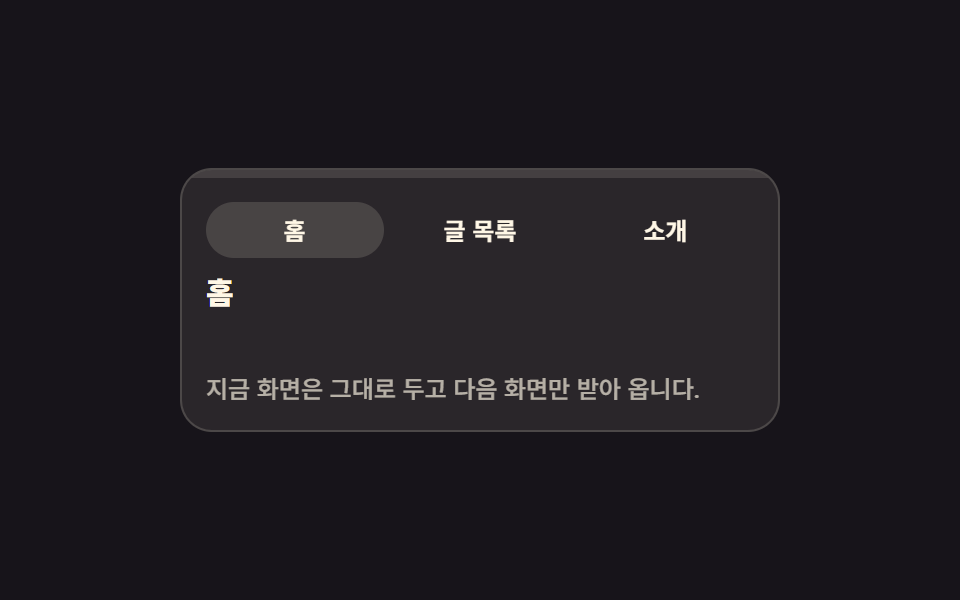 Page Loading Animation CSS: 9 Route-Change DemosPage loading animation css is the feedback layer covering the moment one screen gives way to the next. The nine here are See all demos in this post
If you like this effect - similar demos
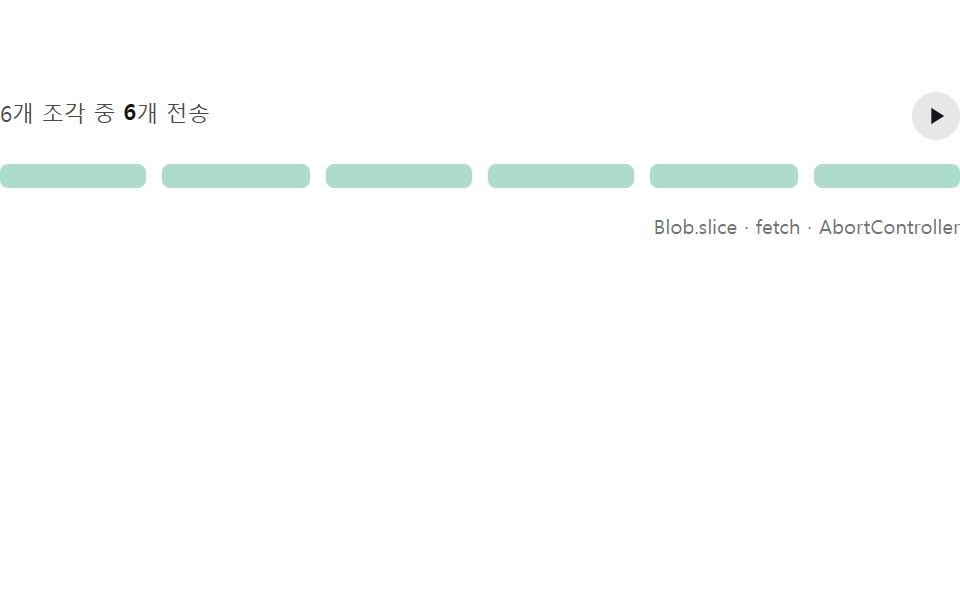 Loaders08 Chunked pause and resume that only re-fills the sent partFile Upload Progress Bar Loader: 9 UI Demos
 Loaders07 Button That Dims and Locks Out Clicks While LoadingLoading Button UI — 9 States, Spinner to Success
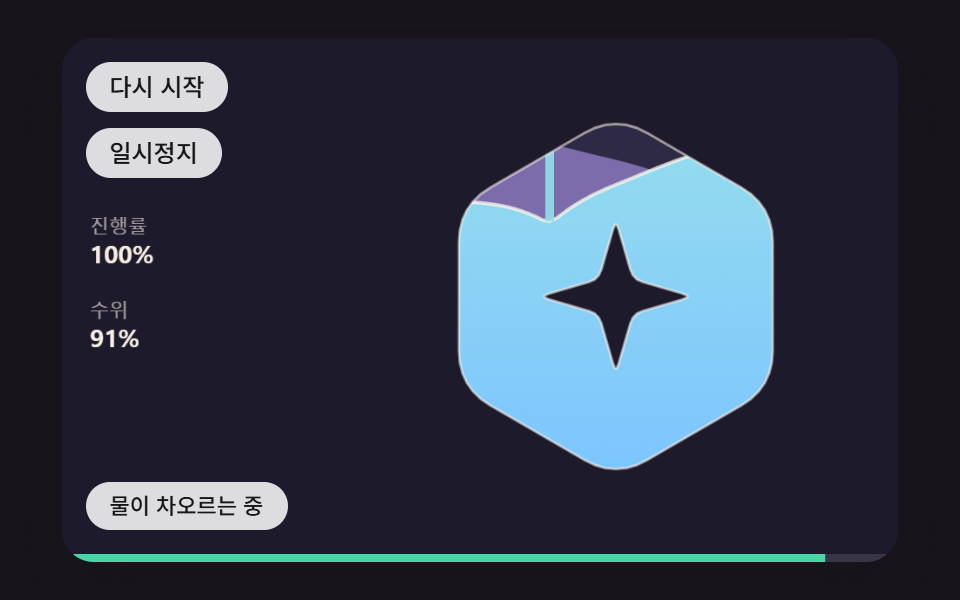 Loaders02 A Loader That Fills the Logo Shape With Water and a Sloshing SurfaceLogo Loading Animation: 9 Progress-Driven Marks