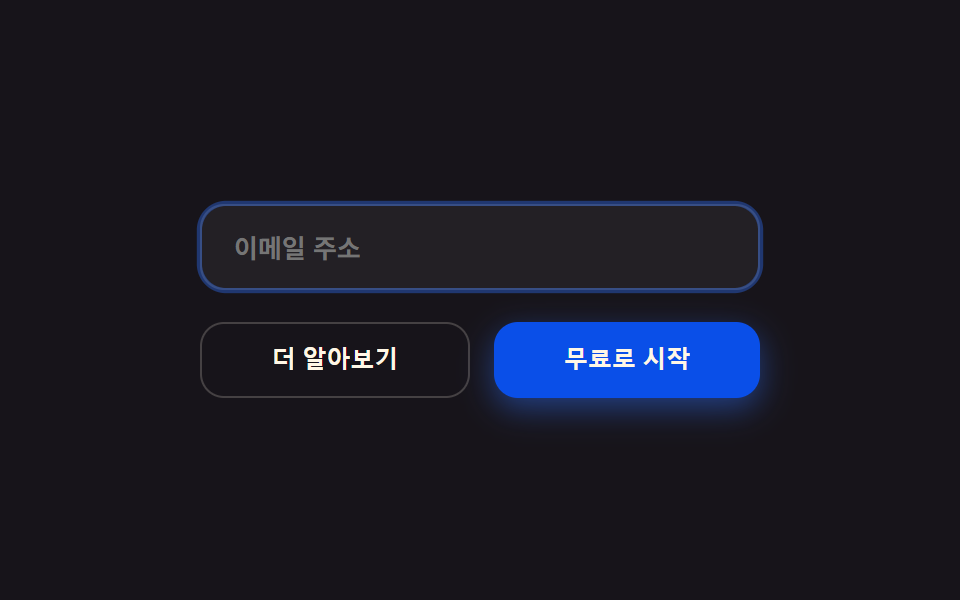
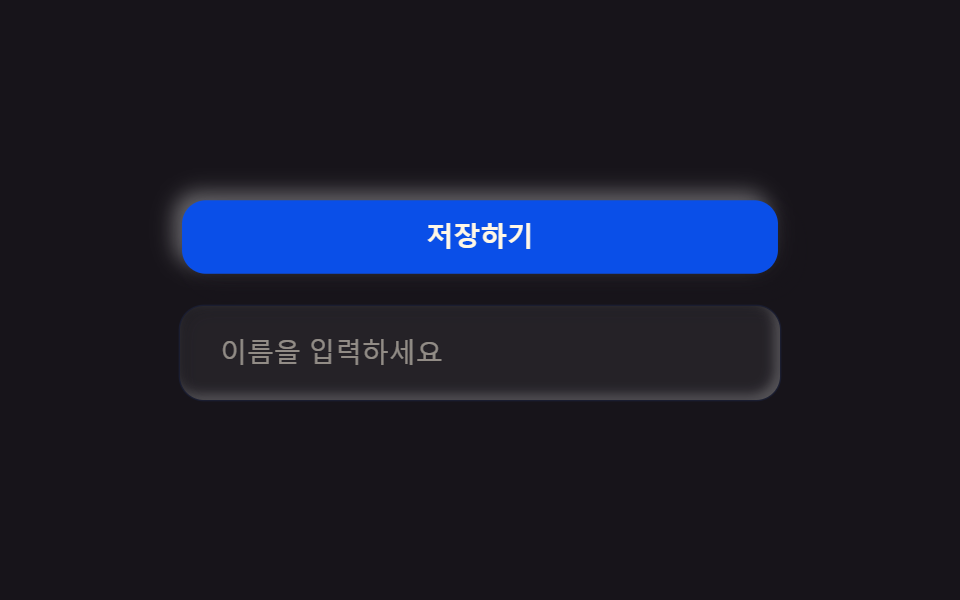
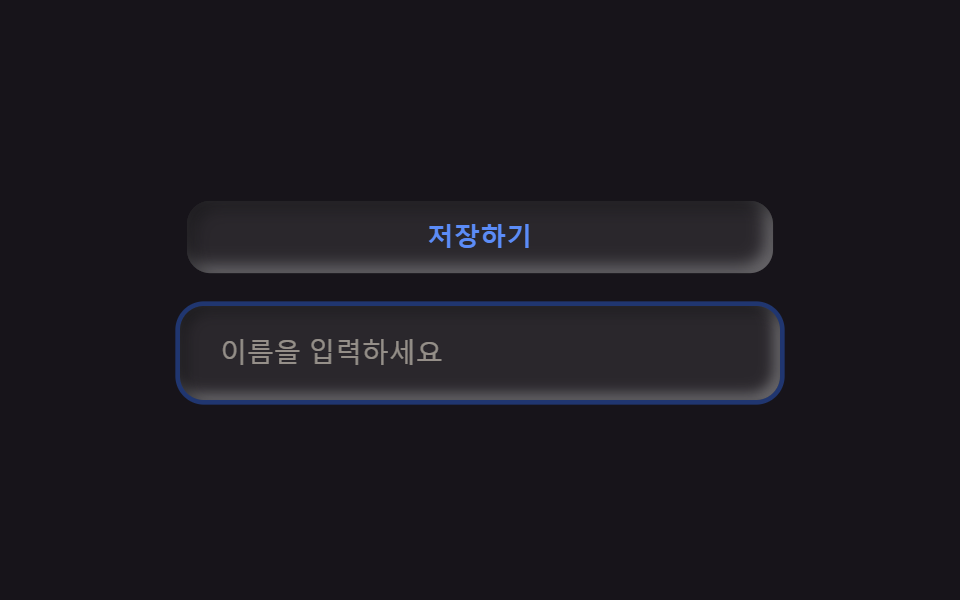
09radius12のピルボタン
ボタンと入力欄の角をカードと同じ半径にそろえ、画面全体が一つの規格に見える。
使いどころフォーム送信ボタン・検索やメール入力欄
radius 12포커스 링 2px높이 44px
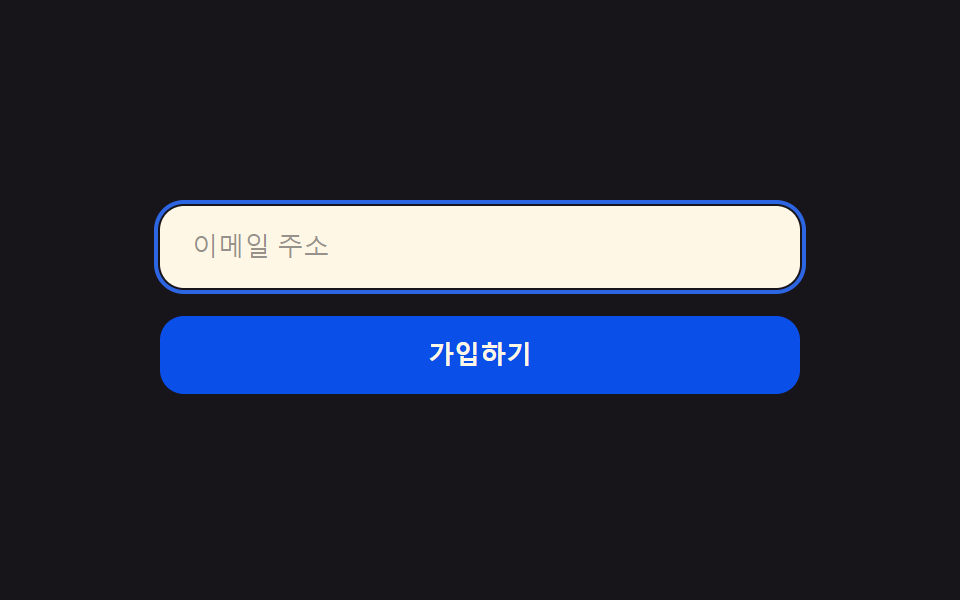
<main class="stage">
  <form class="form">
    <label class="form__field is-demo">
      <span class="form__ring" aria-hidden="true"></span>
      <input class="form__input" type="email" placeholder="メールアドレス" readonly>
    </label>
    <button class="form__btn is-demo" type="button">登録する</button>
  </form>
</main>
@use "../../../../site/static/demo-tokens" as *;
$duration: $dur-loop; // 포커스 링과 버튼이 도는 한 주기
$easing: $ease-spring; // 눌리는 곡선
$color: $subject-blue; // 포커스 색
@include stage($stage-ink);
.form {
width: clamp(220px, 76vw, 320px);
display: flex;
flex-direction: column;
gap: clamp(10px, 3vw, 14px);
}
.form__field {
position: relative;
display: block;
border-radius: $r-control;
background: $subject-cream;
}
.form__ring {
position: absolute;
inset: -3px;
border-radius: calc(#{$r-control} + 3px);
border: 2px solid $color;
opacity: 0;
animation: ringPulse $duration $easing infinite;
}
.form__input {
width: 100%;
box-sizing: border-box;
border: 0;
border-radius: $r-control;
background: transparent;
padding: clamp(11px, 3vw, 13px) clamp(14px, 3.6vw, 16px);
color: $subject-ink;
font-weight: 500; font-size: clamp(11px, 2.8vw, 13px); line-height: 1;
}
.form__input::placeholder { color: rgba($subject-ink, .45); }
.form__btn {
border: 0;
border-radius: $r-control;
background: $subject-blue-deep;
color: $subject-cream;
padding: clamp(11px, 3vw, 13px);
font-weight: 700; font-size: clamp(11px, 2.8vw, 13px); line-height: 1;
animation: btnPress $duration $easing infinite;
}
// 데모: 입력창에 포커스 링이 떴다 사라지고, 이어서 버튼이 한 번 눌린다
@keyframes ringPulse {
0%, 20% { opacity: 0; }
32%, 55% { opacity: 1; }
68%, 100% { opacity: 0; }
}
@keyframes btnPress {
0%, 68% { transform: scale(1); }
78% { transform: scale(.96); }
88%, 100% { transform: scale(1); }
}
@media (prefers-reduced-motion: reduce) {
.form__ring,
.form__btn {
animation: none !important;
transform: none;
}
.form__ring { opacity: 0; }
}html, body {
margin: 0;
overflow: hidden;
}
.stage {
box-sizing: border-box;
min-height: 100vh;
display: grid;
place-items: center;
margin: 0;
background: #17141a;
font-family: -apple-system, "Segoe UI", "Noto Sans KR", sans-serif;
padding: clamp(8px, 4vw, 24px);
}
.form {
width: clamp(220px, 76vw, 320px);
display: flex;
flex-direction: column;
gap: clamp(10px, 3vw, 14px);
}
.form__field {
position: relative;
display: block;
border-radius: 12px;
background: #fff7e6;
}
.form__ring {
position: absolute;
inset: -3px;
border-radius: calc(12px + 3px);
border: 2px solid #2f6df6;
opacity: 0;
animation: ringPulse 2s cubic-bezier(0.2, 0.8, 0.2, 1) infinite;
}
.form__input {
width: 100%;
box-sizing: border-box;
border: 0;
border-radius: 12px;
background: transparent;
padding: clamp(11px, 3vw, 13px) clamp(14px, 3.6vw, 16px);
color: #17141a;
font-weight: 500;
font-size: clamp(11px, 2.8vw, 13px);
line-height: 1;
}
.form__input::placeholder {
color: rgba(23, 20, 26, 0.45);
}
.form__btn {
border: 0;
border-radius: 12px;
background: #0a4fe8;
color: #fff7e6;
padding: clamp(11px, 3vw, 13px);
font-weight: 700;
font-size: clamp(11px, 2.8vw, 13px);
line-height: 1;
animation: btnPress 2s cubic-bezier(0.2, 0.8, 0.2, 1) infinite;
}
@keyframes ringPulse {
0%, 20% {
opacity: 0;
}
32%, 55% {
opacity: 1;
}
68%, 100% {
opacity: 0;
}
}
@keyframes btnPress {
0%, 68% {
transform: scale(1);
}
78% {
transform: scale(0.96);
}
88%, 100% {
transform: scale(1);
}
}
@media (prefers-reduced-motion: reduce) {
.form__ring,
.form__btn {
animation: none !important;
transform: none;
}
.form__ring {
opacity: 0;
}
}import type { CSSProperties } from "react";
import styles from "./BentoButtonsInputs.module.scss";
export type BentoButtonsInputsProps = {
placeholder?: string;
cta?: string;
duration?: number;
easing?: string;
color?: string;
};
type Vars = CSSProperties & { "--duration"?: string; "--easing"?: string; "--color"?: string };
export default function BentoButtonsInputs({
placeholder = "Email address",
cta = "Sign up",
duration = 2000,
easing = "cubic-bezier(.2,.8,.2,1)",
color = "#2f6df6",
}: BentoButtonsInputsProps) {
const vars: Vars = { "--duration": `${duration}ms`, "--easing": easing, "--color": color };
return (
<form className={styles.form} style={vars}>
<label className={styles.field}>
<span className={styles.ring} aria-hidden="true" />
<input className={styles.input} type="email" placeholder={placeholder} readOnly />
</label>
<button type="button" className={styles.btn}>{cta}</button>
</form>
);
}09 radius12のピルボタン — 計測 累積面積 2.1% · 動いたフレーム 10/23GODRICH オリジナル · SCSS と React は zip に同梱 · 【コピペOK】ベントグリッド 今どきのLPパーツ9選
このデモが属する記事
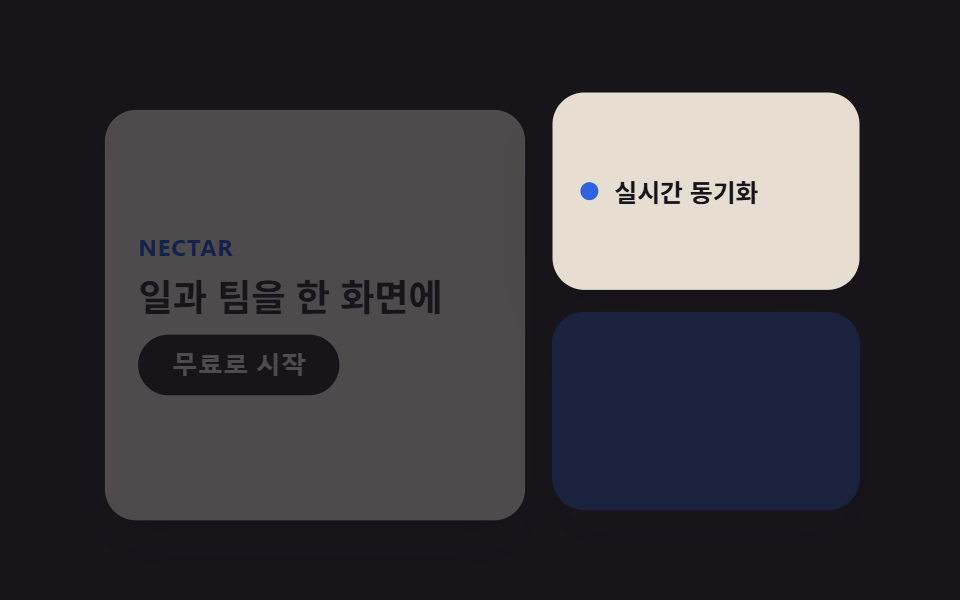 【コピペOK】ベントグリッド 今どきのLPパーツ9選ベントグリッドは、日本の弁当箱のように大きさの異なる区画を隙間なく組み合わせ、ランディングページ全体を一枚の格子に見せるレイアウト手法です。ヒーローから料金表まで、すべてのセクションが同じ角丸と影の強さの上に乗ります。 この記事のデモをすべて見る