09CTAグロー
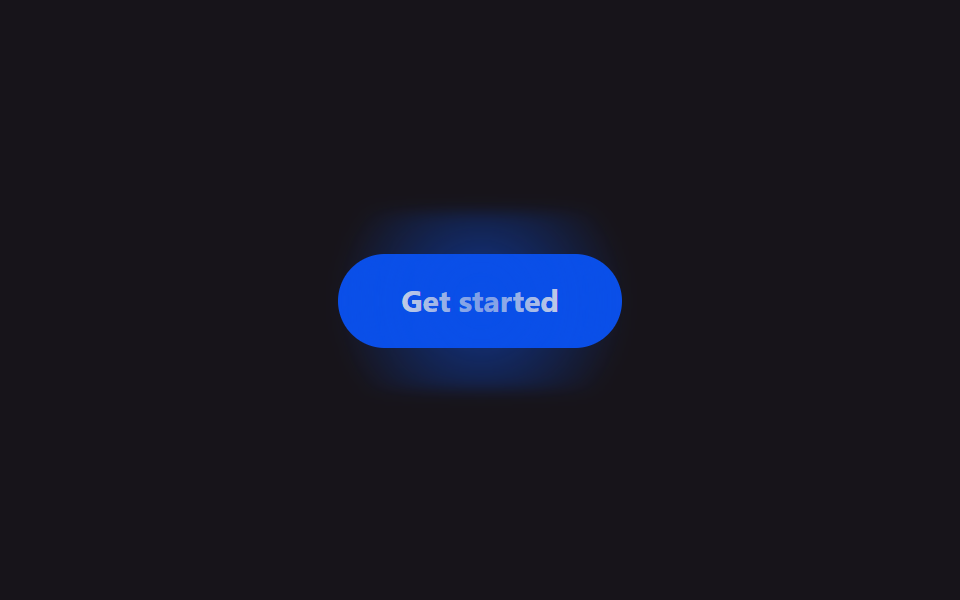
決済ボタンの背後で柔らかい光が一定間隔で膨らんではしぼみ、クリックする場所を静かに示します。
使いどころ料金表下部の決済・登録ボタン、LPのCTA
radial-gradientscale1.8s
<main class="stage">
  <button class="cg-btn" type="button">Get started</button>
</main>
@use "../../../../site/static/demo-tokens" as *;
// ── 변수 3개 ──────────────────────────────────────────
$duration: 1.8s;
$easing: $ease-spring;
$color: $subject-blue-deep; // 크림 글자가 얹히므로 진한 파랑
@include stage($stage-ink);
.cg-btn {
position: relative;
border: 0;
border-radius: $r-pill;
padding: $sp-4 $sp-8;
background: $color;
color: $subject-cream;
font: 700 15px/1 -apple-system, "Segoe UI", sans-serif;
cursor: pointer;
}
// 글로우 — 버튼 뒤에 흐린 원, opacity·scale 만 움직인다 (filter 값 자체는 고정)
.cg-btn::before {
content: "";
position: absolute;
inset: -#{$sp-3};
border-radius: $r-pill;
background: radial-gradient(circle, rgba($color, .9), transparent 65%);
filter: blur(3px);
opacity: .2;
transform: scale(1);
}
// 자동 재생 — 결제 버튼은 항상 은은하게 맥동한다
.cg-btn::before {
animation: cg-pulse $duration $easing infinite;
}
@keyframes cg-pulse {
0%, 100% { transform: scale(1); opacity: .2; }
50% { transform: scale(1.45); opacity: .95; }
}
@media (prefers-reduced-motion: reduce) {
.cg-btn::before { animation: none !important; opacity: .2 !important; transform: scale(1) !important; }
}html, body {
margin: 0;
overflow: hidden;
}
.stage {
box-sizing: border-box;
min-height: 100vh;
display: grid;
place-items: center;
margin: 0;
background: #17141a;
font-family: -apple-system, "Segoe UI", "Noto Sans KR", sans-serif;
padding: clamp(8px, 4vw, 24px);
}
.cg-btn {
position: relative;
border: 0;
border-radius: 999px;
padding: 16px 32px;
background: #0a4fe8;
color: #fff7e6;
font: 700 15px/1 -apple-system, "Segoe UI", sans-serif;
cursor: pointer;
}
.cg-btn::before {
content: "";
position: absolute;
inset: -12px;
border-radius: 999px;
background: radial-gradient(circle, rgba(10, 79, 232, 0.9), transparent 65%);
filter: blur(3px);
opacity: 0.2;
transform: scale(1);
}
.cg-btn::before {
animation: cg-pulse 1.8s cubic-bezier(0.2, 0.8, 0.2, 1) infinite;
}
@keyframes cg-pulse {
0%, 100% {
transform: scale(1);
opacity: 0.2;
}
50% {
transform: scale(1.45);
opacity: 0.95;
}
}
@media (prefers-reduced-motion: reduce) {
.cg-btn::before {
animation: none !important;
opacity: 0.2 !important;
transform: scale(1) !important;
}
}import { CSSProperties } from "react";
import styles from "./CtaGlow.module.scss";
export interface CtaGlowProps {
duration?: string;
easing?: string;
label?: string;
}
export default function CtaGlow({
duration = "1.8s",
easing = "cubic-bezier(.2, 1.4, .4, 1)",
label = "Get started",
}: CtaGlowProps) {
const style = { "--duration": duration, "--easing": easing } as CSSProperties;
return (
<button className={styles.btn} style={style} type="button">
{label}
</button>
);
}09 CTAグロー — 計測 累積面積 6.998% · 動いたフレーム 9/23GODRICH オリジナル · SCSS と React は zip に同梱 · 【コピペOK】料金表 CSSアニメーション9選
このデモが属する記事
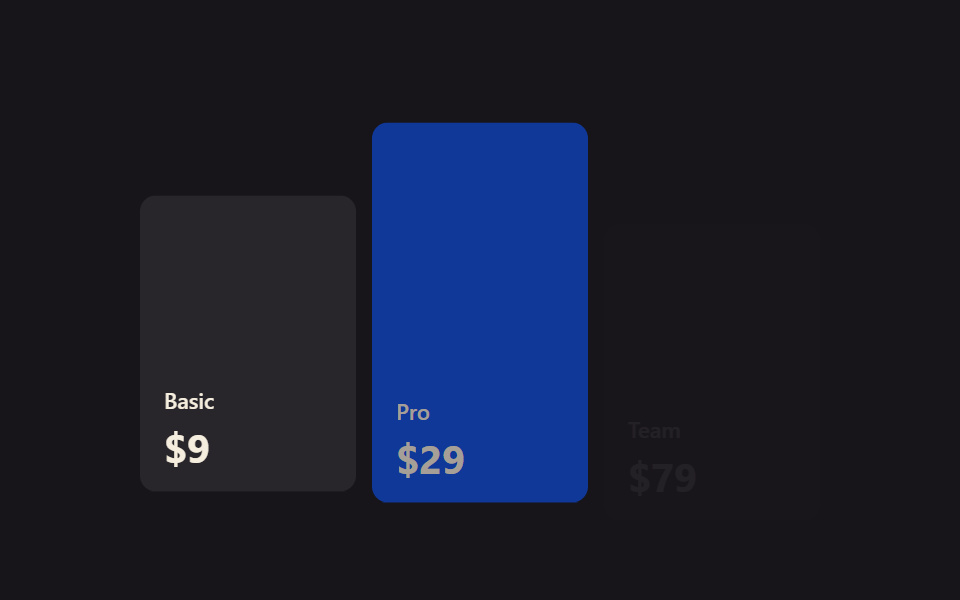 【コピペOK】料金表 CSSアニメーション9選サブスクの料金プランを比較するとき、カードにマウスを乗せた瞬間にふわっと浮かんだり、金額の表示がパッと切り替わったりするページを見たことはありませんか。どのプランを選ぶか迷っているその一瞬に、こうした小さな動きが視線を誘導してくれます。この この記事のデモをすべて見る