0116進コード確定
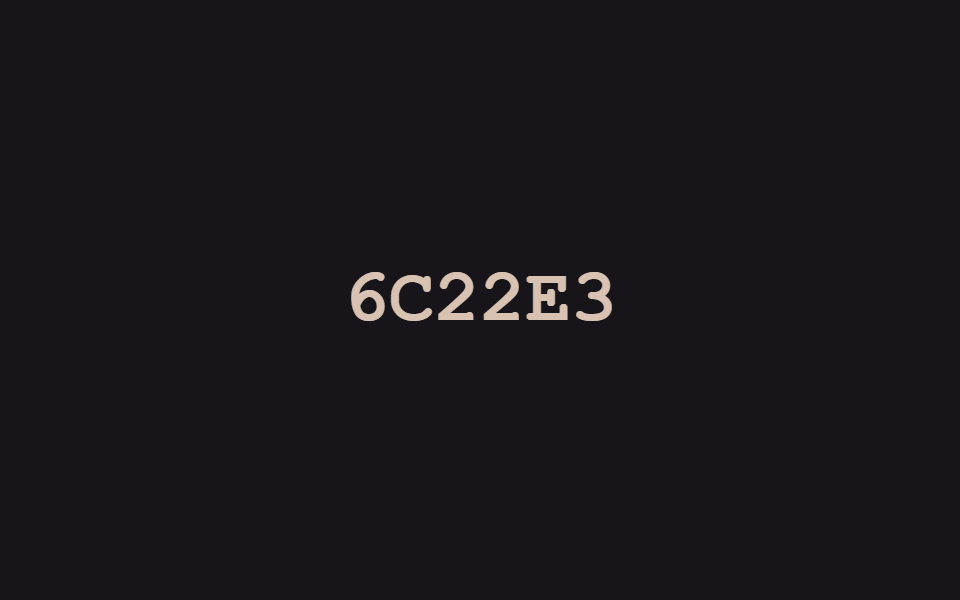
文字の位置ごとにランダムな16進コードが高速で点滅し、右側から一文字ずつ本物の文字に固定されます。確定前はオレンジ、確定後は緑に色も変わります。
使いどころログイン成功メッセージ、開発者ポートフォリオの見出し
setIntervalJS 10줄color transition
<main class="stage">
  <p class="hb-text" aria-live="polite">
    <span class="hb-c">A</span><span class="hb-c">C</span><span class="hb-c">C</span><span class="hb-c">E</span><span class="hb-c">S</span><span class="hb-c">S</span>
  </p>
</main>
@use "../../../../site/static/demo-tokens" as *;
// ── 변수 3개 ──────────────────────────────────────────
$duration: $dur-loop;
$easing: $ease-out;
$color: $subject-cream;
@include stage($stage-ink);
.hb-text {
margin: 0;
display: flex;
gap: 0;
font: 800 clamp(24px, 8vw, 38px)/1.2 "Space Mono", "Courier New", monospace;
}
.hb-c {
display: inline-block;
min-width: 1ch;
text-align: center;
color: $color;
}
.hb-off { color: #d8c2b1; }
.hb-on { color: #8bc6a5; }
// 이 데모는 CSS keyframes 가 아니라 짧은 JS(setInterval)로 글자 자리를 무작위 16진수로 바꾼다 —
// reduced-motion 은 CSS 가 아니라 스크립트 안의 matchMedia 체크로 처리한다 (index.html 참고)
@media (prefers-reduced-motion: reduce) {
.hb-c { color: $color; }
}html, body {
margin: 0;
overflow: hidden;
}
.stage {
box-sizing: border-box;
min-height: 100vh;
display: grid;
place-items: center;
margin: 0;
background: #17141a;
font-family: -apple-system, "Segoe UI", "Noto Sans KR", sans-serif;
padding: clamp(8px, 4vw, 24px);
}
.hb-text {
margin: 0;
display: flex;
gap: 0;
font: 800 clamp(24px, 8vw, 38px)/1.2 "Space Mono", "Courier New", monospace;
}
.hb-c {
display: inline-block;
min-width: 1ch;
text-align: center;
color: #fff7e6;
}
.hb-off {
color: #d8c2b1;
}
.hb-on {
color: #8bc6a5;
}
@media (prefers-reduced-motion: reduce) {
.hb-c {
color: #fff7e6;
}
}var target = "ACCESS", hex = "0123456789ABCDEF";
var spans = document.querySelectorAll(".hb-c");
var reduced = window.matchMedia("(prefers-reduced-motion: reduce)").matches;
var n = 0;
setInterval(function () {
n++;
var settled = reduced ? target.length : Math.max(0, Math.floor((n % 44) / 5) - 1);
spans.forEach(function (s, i) {
var on = i >= target.length - settled;
s.textContent = on ? target[i] : hex[Math.random() * 16 | 0];
s.className = on ? "hb-c hb-on" : "hb-c hb-off";
});
}, 90);import { useEffect, useRef, useState } from "react";
import styles from "./HexByteSettle.module.scss";
export interface HexByteSettleProps {
text?: string;
interval?: number;
}
const HEX = "0123456789ABCDEF";
// 실사용: 뷰포트에 들어오면 오른쪽부터 한 자리씩 무작위 16진수가 실제 글자로 잠긴다. 다 풀리면 멈춘다.
export default function HexByteSettle({ text = "ACCESS", interval = 90 }: HexByteSettleProps) {
const ref = useRef<HTMLParagraphElement>(null);
const [chars, setChars] = useState<{ ch: string; on: boolean }[]>(
text.split("").map((ch) => ({ ch, on: false }))
);
useEffect(() => {
const el = ref.current;
if (!el) return;
let timer: ReturnType<typeof setInterval> | null = null;
const io = new IntersectionObserver((entries) => {
entries.forEach((entry) => {
if (!entry.isIntersecting || timer) return;
io.unobserve(entry.target);
const reduced = window.matchMedia("(prefers-reduced-motion: reduce)").matches;
if (reduced) { setChars(text.split("").map((ch) => ({ ch, on: true }))); return; }
let n = 0;
timer = setInterval(() => {
n += 1;
const settled = Math.min(text.length, Math.max(0, Math.floor(n / 5) - 1));
setChars(text.split("").map((ch, i) => (
i >= text.length - settled
? { ch, on: true }
: { ch: HEX[Math.floor(Math.random() * 16)], on: false }
)));
if (settled >= text.length && timer) { clearInterval(timer); timer = null; }
}, interval);
});
}, { threshold: 0.3 });
io.observe(el);
return () => { io.disconnect(); if (timer) clearInterval(timer); };
}, [text, interval]);
return (
<p ref={ref} className={styles.text} aria-live="polite">
{chars.map((c, i) => (
<span key={i} className={c.on ? styles.on : styles.off}>{c.ch}</span>
))}
</p>
);
}01 16進コード確定 — 計測 累積面積 2.084% · 動いたフレーム 23/23GODRICH オリジナル · SCSS と React は zip に同梱 · css テキスト エフェクト 9選 — デコード演出
このデモが属する記事
 css テキスト エフェクト 9選 — デコード演出css テキスト エフェクトとは、見出しや文章が画面に現れる瞬間に文字そのものが動く演出のことで、コードが分からなくてもファイルをそのまま貼り付ければすぐ使えます。この9個はハッキング画面のように文字が解読される瞬間を狙い、16進コードや2 この記事のデモをすべて見る