02ドットが順番にポップ
線上のドットが上から順にtransform: scale(0)からscale(1)へ弾むように現れる。SCSSの@forで作ったnth-child別のanimation-delayだけが違う。
使いどころオンボーディングのチェックリスト、注文処理ステップ表示
scaleanimation-delaynth-child

<main class="stage">
  <div class="ts02-row is-demo">
    <span class="ts02-dot"></span>
    <span class="ts02-dot"></span>
    <span class="ts02-dot"></span>
    <span class="ts02-dot"></span>
    <span class="ts02-dot"></span>
  </div>
</main>
@use "../../../../site/static/demo-tokens" as *;
// ── 변수 3개 ──────────────────────────────────────────
$duration: $dur-loop;
$easing: $ease-pop;
$color: $stage-ink;
@include stage($stage-yellow);
.ts02-row {
display: flex;
align-items: center;
gap: $sp-4;
}
.ts02-dot {
width: 28px;
height: 28px;
border-radius: 50%;
background: $color;
transform: scale(0);
opacity: 0;
}
// 실제 사용 코드: 뷰포트에 들어오면 순서대로 팝 (nth-child 델레이만 다르다)
@for $i from 1 through 5 {
.ts02-row .ts02-dot:nth-child(#{$i}) {
animation-delay: #{($i - 1) * 140}ms;
}
}
.ts02-row.is-demo .ts02-dot {
animation: ts02-pop $duration $easing infinite;
}
@keyframes ts02-pop {
0% { transform: scale(0); opacity: 0; }
10% { transform: scale(1.25); opacity: 1; }
20% { transform: scale(1); opacity: 1; }
85% { transform: scale(1); opacity: 1; }
92% { transform: scale(0); opacity: 0; }
100% { transform: scale(0); opacity: 0; }
}
@media (prefers-reduced-motion: reduce) {
.ts02-dot, .ts02-row.is-demo .ts02-dot { animation: none !important; transform: scale(1) !important; opacity: 1 !important; }
}html, body {
margin: 0;
overflow: hidden;
}
.stage {
box-sizing: border-box;
min-height: 100vh;
display: grid;
place-items: center;
margin: 0;
background: #ffd23f;
font-family: -apple-system, "Segoe UI", "Noto Sans KR", sans-serif;
padding: clamp(8px, 4vw, 24px);
}
.ts02-row {
display: flex;
align-items: center;
gap: 16px;
}
.ts02-dot {
width: 28px;
height: 28px;
border-radius: 50%;
background: #17141a;
transform: scale(0);
opacity: 0;
}
.ts02-row .ts02-dot:nth-child(1) {
animation-delay: 0ms;
}
.ts02-row .ts02-dot:nth-child(2) {
animation-delay: 140ms;
}
.ts02-row .ts02-dot:nth-child(3) {
animation-delay: 280ms;
}
.ts02-row .ts02-dot:nth-child(4) {
animation-delay: 420ms;
}
.ts02-row .ts02-dot:nth-child(5) {
animation-delay: 560ms;
}
.ts02-row.is-demo .ts02-dot {
animation: ts02-pop 2s cubic-bezier(0.2, 1.4, 0.4, 1) infinite;
}
@keyframes ts02-pop {
0% {
transform: scale(0);
opacity: 0;
}
10% {
transform: scale(1.25);
opacity: 1;
}
20% {
transform: scale(1);
opacity: 1;
}
85% {
transform: scale(1);
opacity: 1;
}
92% {
transform: scale(0);
opacity: 0;
}
100% {
transform: scale(0);
opacity: 0;
}
}
@media (prefers-reduced-motion: reduce) {
.ts02-dot, .ts02-row.is-demo .ts02-dot {
animation: none !important;
transform: scale(1) !important;
opacity: 1 !important;
}
}import { CSSProperties } from "react";
import styles from "./DotPopStagger.module.scss";
type Vars = CSSProperties & {
"--duration"?: string;
"--easing"?: string;
"--color"?: string;
};
export interface DotPopStaggerProps {
duration?: string;
easing?: string;
color?: string;
count?: number;
stepDelay?: number;
}
export default function DotPopStagger({
duration = "2s",
easing = "cubic-bezier(.2, 1.4, .4, 1)",
color = "#17141a",
count = 5,
stepDelay = 140,
}: DotPopStaggerProps) {
const style: Vars = { "--duration": duration, "--easing": easing, "--color": color };
return (
<div className={styles.row} style={style}>
{Array.from({ length: count }).map((_, i) => (
<span key={i} className={styles.dot} style={{ animationDelay: `${i * stepDelay}ms` }} />
))}
</div>
);
}02 ドットが順番にポップ — 計測 累積面積 4.049% · 動いたフレーム 6/23GODRICH オリジナル · SCSS と React は zip に同梱 · 【コピペOK】タイムライン デザイン css 9選
このデモが属する記事
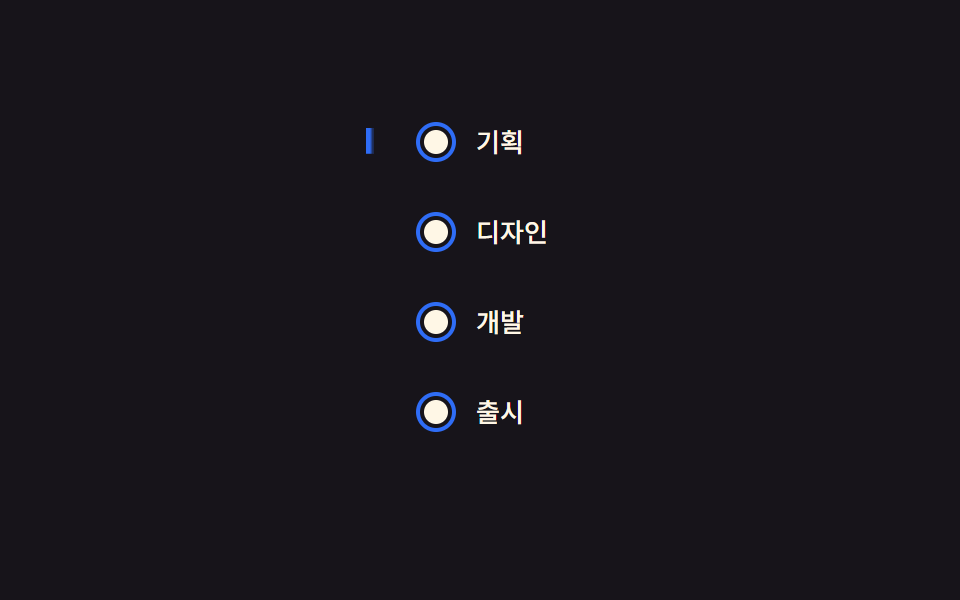 【コピペOK】タイムライン デザイン css 9選会社の沿革ページや通販サイトの注文状況のように、いくつかの段階を線と丸でつないで順番に見せる部品を「タイムライン」と呼びます。タイムライン デザイン cssで検索して出てくるような、線が伸びたり丸が光ったりする動きを、AOS・GSAPなしの この記事のデモをすべて見る