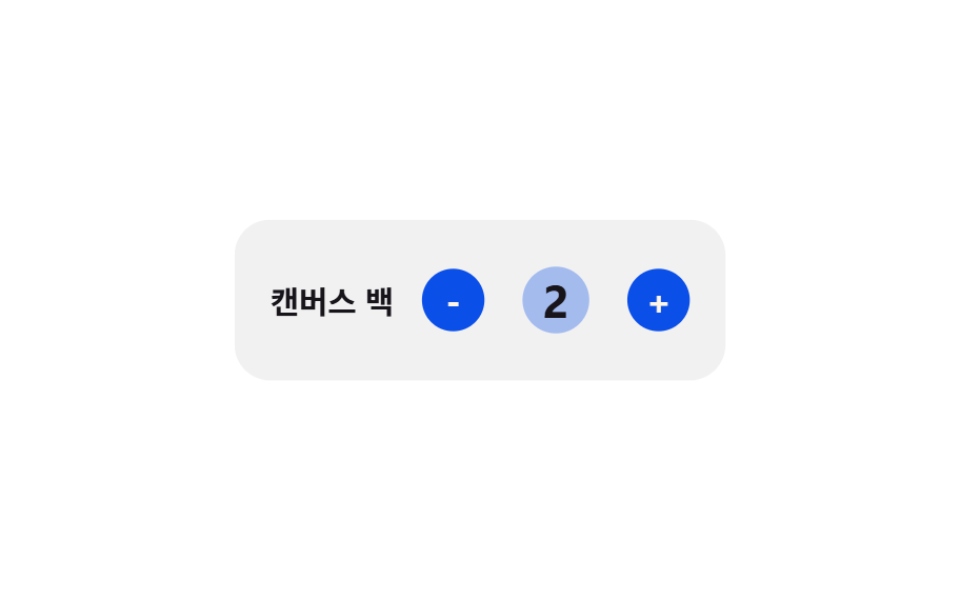
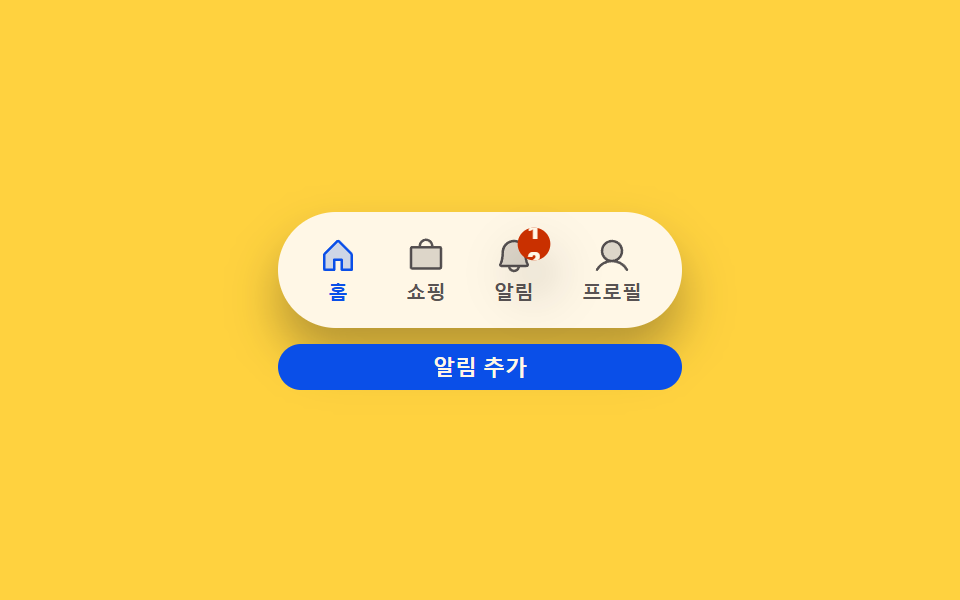
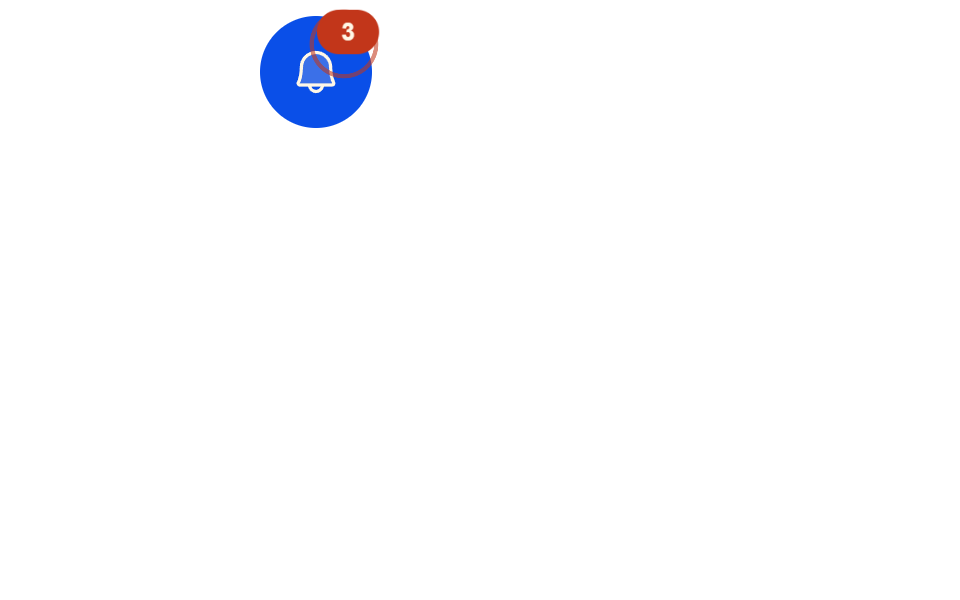
05アクティブ数バッジパルス — 増減の値だけ膨らんでから戻る数字バッジ
アクティブなフィルター数が変わった状態になると、前の値と新しい値の差の大きさだけバッジが膨らみ、差が大きいほど大きく膨らんでから元の大きさに戻ります。
使いどころフィルターボタン横のアクティブ数バッジ、モバイルのフィルターアイコンの数字バッジ
transformscale(transitionend

<main class="stage">
  <div class="icon-btn" aria-hidden="true">
    <svg viewBox="0 0 256 256" width="28" height="28"><g fill="currentColor"><path d="M230.6 49.53A15.81 15.81 0 0 0 216 40H40a15.81 15.81 0 0 0-14.6 9.53a16 16 0 0 0 1.59 15.72L96 155.32V208a16 16 0 0 0 24.87 13.32l32-21.34a16 16 0 0 0 7.13-13.32v-31.34l68.99-90.07a16 16 0 0 0 1.61-15.72" opacity=".2"/><path d="M239.12 44.32A23.82 23.82 0 0 0 216 32H40a23.84 23.84 0 0 0-19.09 38.29L88 156.86v51.14a24 24 0 0 0 37.32 20l32-21.34A24 24 0 0 0 168 187.68v-30.82l67.09-86.57a23.84 23.84 0 0 0 4.03-25.97M152 148.79V187.7l-32 21.34v-60.25L40 40h176Z"/></g></svg>
    <span class="badge" id="badge" aria-label="適用中のフィルター数">1</span>
  </div>
</main>
@use "../../../../site/static/demo-tokens" as *;
$duration: $dur-quick;
$easing: $ease-pop;
$color: $subject-blue-deep;
@include stage($stage-ink);
.icon-btn {
position: relative;
display: inline-flex;
align-items: center;
justify-content: center;
width: 64px;
height: 64px;
border-radius: $r-pill;
background: rgba($stage-paper, .1);
color: $subject-cream;
}
.badge {
box-sizing: border-box;
position: absolute;
top: -4px;
right: -4px;
min-width: 20px;
height: 20px;
padding: 0 $sp-1;
border-radius: $r-pill;
background: $color;
color: $subject-cream;
display: inline-flex;
align-items: center;
justify-content: center;
font-weight: 700;
font-size: 11px;
line-height: 1;
transform: scale(1);
transform-origin: center;
transition: transform $duration $easing;
}
@media (max-width: 340px) {
.icon-btn { width: 52px; height: 52px; }
}
@media (prefers-reduced-motion: reduce) {
.badge { transition: none; }
}html, body {
margin: 0;
overflow: hidden;
}
.stage {
box-sizing: border-box;
min-height: 100vh;
display: grid;
place-items: center;
margin: 0;
background: #17141a;
font-family: -apple-system, "Segoe UI", "Noto Sans KR", sans-serif;
padding: clamp(8px, 4vw, 24px);
}
.icon-btn {
position: relative;
display: inline-flex;
align-items: center;
justify-content: center;
width: 64px;
height: 64px;
border-radius: 999px;
background: rgba(255, 255, 255, 0.1);
color: #fff7e6;
}
.badge {
box-sizing: border-box;
position: absolute;
top: -4px;
right: -4px;
min-width: 20px;
height: 20px;
padding: 0 4px;
border-radius: 999px;
background: #0a4fe8;
color: #fff7e6;
display: inline-flex;
align-items: center;
justify-content: center;
font-weight: 700;
font-size: 11px;
line-height: 1;
transform: scale(1);
transform-origin: center;
transition: transform 220ms cubic-bezier(0.2, 1.4, 0.4, 1);
}
@media (max-width: 340px) {
.icon-btn {
width: 52px;
height: 52px;
}
}
@media (prefers-reduced-motion: reduce) {
.badge {
transition: none;
}
}// 활성 フィルター 개수가 바뀌면 배지를 한 번 키웠다가(scale) 되돌린다 — transitionend 로 커진 상태가 끝났음을 확인한 뒤에만 되돌린다.
// 자동 시연만, 실사용 리스너 없음.
(function () {
var badge = document.getElementById('badge');
if (!badge) return;
var VALUES = [1, 3, 2, 5, 0, 2];
var HOLD_MS = 480;
var idx = 0;
function grow() {
idx = (idx + 1) % VALUES.length;
badge.textContent = String(VALUES[idx]);
badge.style.transform = 'scale(1.4)';
}
badge.addEventListener('transitionend', function (e) {
if (e.propertyName !== 'transform') return;
if (badge.style.transform === 'scale(1.4)') {
badge.style.transform = 'scale(1)';
} else {
setTimeout(grow, HOLD_MS);
}
});
setTimeout(grow, HOLD_MS);
})();import { useEffect, useRef } from "react";
import styles from "./ActiveCountBadgePulse.module.scss";
// 활성 필터 개수가 바뀌면 배지를 한 번 키웠다가(scale) 되돌린다 — transitionend 로 커진 상태가 끝났음을 확인한 뒤에만 되돌린다.
// 자동 시연만, 실사용 리스너 없음.
const VALUES = [1, 3, 2, 5, 0, 2];
const HOLD_MS = 480;
export default function ActiveCountBadgePulse() {
const badgeRef = useRef<HTMLSpanElement>(null);
useEffect(() => {
const badge = badgeRef.current;
if (!badge) return;
let alive = true;
let idx = 0;
let timeoutId = 0;
function grow() {
if (!alive) return;
idx = (idx + 1) % VALUES.length;
badge!.textContent = String(VALUES[idx]);
badge!.style.transform = "scale(1.4)";
}
function onTransitionEnd(e: TransitionEvent) {
if (!alive) return;
if (e.propertyName !== "transform") return;
if (badge!.style.transform === "scale(1.4)") {
badge!.style.transform = "scale(1)";
} else {
timeoutId = window.setTimeout(grow, HOLD_MS);
}
}
badge.addEventListener("transitionend", onTransitionEnd);
timeoutId = window.setTimeout(grow, HOLD_MS);
return () => {
alive = false;
badge.removeEventListener("transitionend", onTransitionEnd);
window.clearTimeout(timeoutId);
};
}, []);
return (
<main className={styles.stage}>
<div className={styles["icon-btn"]} aria-hidden="true">
<svg viewBox="0 0 256 256" width="28" height="28">
<g fill="currentColor">
<path
d="M230.6 49.53A15.81 15.81 0 0 0 216 40H40a15.81 15.81 0 0 0-14.6 9.53a16 16 0 0 0 1.59 15.72L96 155.32V208a16 16 0 0 0 24.87 13.32l32-21.34a16 16 0 0 0 7.13-13.32v-31.34l68.99-90.07a16 16 0 0 0 1.61-15.72"
opacity=".2"
/>
<path d="M239.12 44.32A23.82 23.82 0 0 0 216 32H40a23.84 23.84 0 0 0-19.09 38.29L88 156.86v51.14a24 24 0 0 0 37.32 20l32-21.34A24 24 0 0 0 168 187.68v-30.82l67.09-86.57a23.84 23.84 0 0 0 4.03-25.97M152 148.79V187.7l-32 21.34v-60.25L40 40h176Z" />
</g>
</svg>
<span ref={badgeRef} className={styles.badge} aria-label="적용된 필터 개수">
1
</span>
</div>
</main>
);
}05 アクティブ数バッジパルス — 増減の値だけ膨らんでから戻る数字バッジ — 計測 累積面積 0.34% · 動いたフレーム 14/23GODRICH オリジナル · SCSS と React は zip に同梱 · 絞り込み ui9選 — パネルスライドからチップ削除まで
このデモが属する記事
 絞り込み ui9選 — パネルスライドからチップ削除まで絞り込み uiは、実は一つの動きではなく複数の小さな計算でできています。9つのうち1つはチップが消えた分だけ残るチップの合計幅を求め直して詰め、1つはアクティブなフィルター数の変化量でバッジを膨らませてから戻し、もう1つは2つのスライダー値 この記事のデモをすべて見る