07区間ごとに変わる背景色
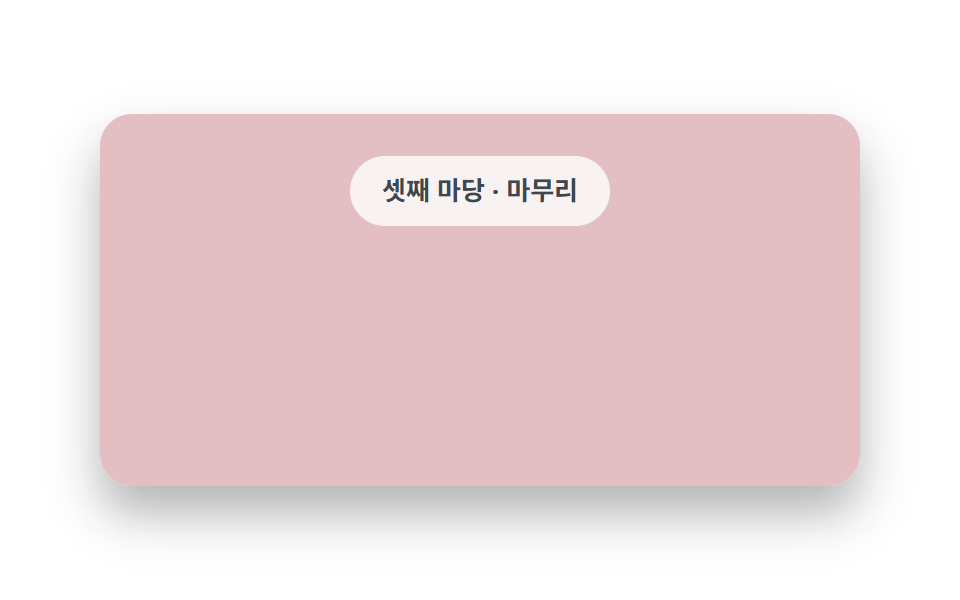
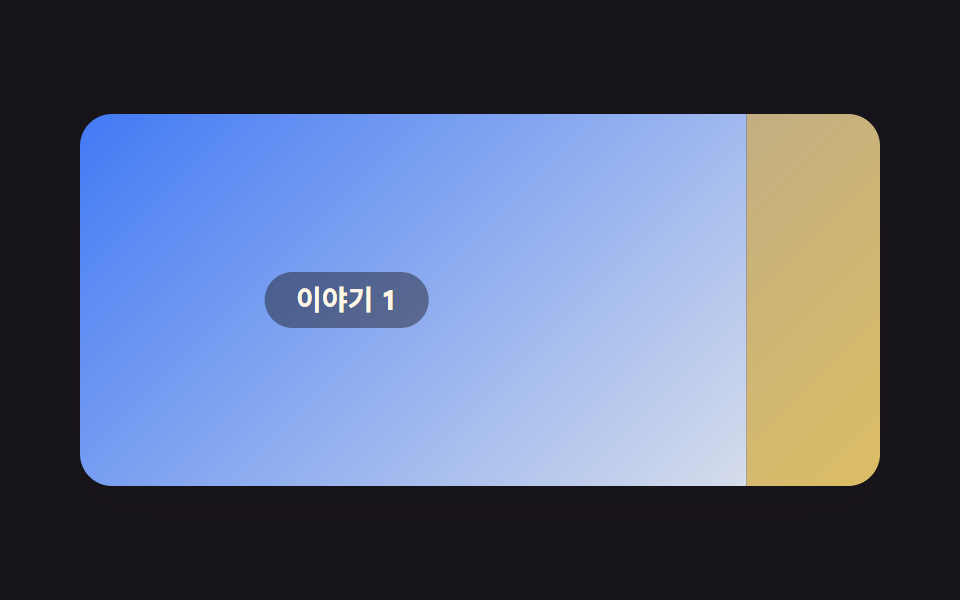
ページを下へスクロールする間、背景色がセクションごとに滑らかに入れ替わり、場面が変わるような感覚を与えます。
使いどころストーリー型ランディング、ルーティン・料金案内
animation-timeline: scroll()background-colorroot 타임라인
<main class="stage">
  <div class="ts">
    <div class="ts__scroll">
      <div class="ts__bg is-demo"></div>
      <section class="ts__sec"><span class="ts__chip">第一幕 ・あいさつ</span></section>
      <section class="ts__sec"><span class="ts__chip">第二幕 ・物語</span></section>
      <section class="ts__sec"><span class="ts__chip">第三幕 ・しまい</span></section>
    </div>
  </div>
</main>
@use "../../../../site/static/demo-tokens" as *;
// ── 변수 3개 ──────────────────────────────────────────
$duration: $dur-loop;
$easing: linear;
$color: $subject-blue;
@include stage($stage-paper);
.ts {
width: min(380px, 88vw);
height: clamp(150px, 62vh, 216px);
border-radius: $r-card;
overflow: hidden;
box-shadow: $shadow-raised;
}
// 세로 스크롤 상자의 위치가 곧 배경색. 배경은 뒤에 붙어 있고 글은 앞에 있다
.ts__scroll {
position: relative;
height: 100%;
overflow-y: auto;
scroll-timeline: --ts-scroll block;
scrollbar-width: none;
&::-webkit-scrollbar { display: none; }
}
// ── 실제 동작: 스크롤 처음부터 끝까지를 배경색 세 개가 이어 받는다 ──
.ts__bg {
position: sticky;
top: 0;
height: 100%;
margin-bottom: -100%; // 배경 칸만큼 다음 콘텐츠를 끌어올려 섹션이 배경 위에 오게 한다
background: $subject-cream;
}
@supports (animation-timeline: scroll()) {
.ts__bg:not(.is-demo) {
animation: ts-bg linear both;
animation-timeline: --ts-scroll;
}
}
@keyframes ts-bg {
0% { background-color: $subject-cream; } // 크림
50% { background-color: #b8f0d0; } // 민트
100% { background-color: #ff9db8; } // 피치
}
.ts__sec {
position: relative;
z-index: 1;
height: 50%;
display: grid;
place-items: center;
}
.ts__chip {
padding: $sp-2 $sp-4;
border-radius: $r-pill;
background: rgba(255, 255, 255, .8);
color: #3c4750;
font: 700 13px/1.4 -apple-system, "Segoe UI", "Noto Sans KR", sans-serif;
}
// 데모 루프: 실제 스크롤 대신 배경색이 세 파스텔을 순회하는 걸 흉내(캡처용).
// 색 전환을 짧게 잡은 이유: 프레임 사이 차이가 픽셀 문턱(12)을 넘어야 움직임으로 잡히기 때문
.ts__bg.is-demo { animation: ts-loop $duration $easing infinite; }
@keyframes ts-loop {
0%, 14% { background-color: $subject-cream; }
24%, 44% { background-color: #b8f0d0; }
54%, 90% { background-color: #ff9db8; }
100% { background-color: $subject-cream; }
}
@media (prefers-reduced-motion: reduce) {
.ts__bg.is-demo { animation: none !important; background-color: $subject-cream !important; }
.ts__scroll { scroll-behavior: auto; }
}html, body {
margin: 0;
overflow: hidden;
}
.stage {
box-sizing: border-box;
min-height: 100vh;
display: grid;
place-items: center;
margin: 0;
background: #ffffff;
font-family: -apple-system, "Segoe UI", "Noto Sans KR", sans-serif;
padding: clamp(8px, 4vw, 24px);
}
.ts {
width: min(380px, 88vw);
height: clamp(150px, 62vh, 216px);
border-radius: 16px;
overflow: hidden;
box-shadow: 0 14px 24px rgba(23, 20, 26, 0.32);
}
.ts__scroll {
position: relative;
height: 100%;
overflow-y: auto;
scroll-timeline: --ts-scroll block;
scrollbar-width: none;
}
.ts__scroll::-webkit-scrollbar {
display: none;
}
.ts__bg {
position: sticky;
top: 0;
height: 100%;
margin-bottom: -100%;
background: #fff7e6;
}
@supports (animation-timeline: scroll()) {
.ts__bg:not(.is-demo) {
animation: ts-bg linear both;
animation-timeline: --ts-scroll;
}
}
@keyframes ts-bg {
0% {
background-color: #fff7e6;
}
50% {
background-color: #b8f0d0;
}
100% {
background-color: #ff9db8;
}
}
.ts__sec {
position: relative;
z-index: 1;
height: 50%;
display: grid;
place-items: center;
}
.ts__chip {
padding: 8px 16px;
border-radius: 999px;
background: rgba(255, 255, 255, 0.8);
color: #3c4750;
font: 700 13px/1.4 -apple-system, "Segoe UI", "Noto Sans KR", sans-serif;
}
.ts__bg.is-demo {
animation: ts-loop 2s linear infinite;
}
@keyframes ts-loop {
0%, 14% {
background-color: #fff7e6;
}
24%, 44% {
background-color: #b8f0d0;
}
54%, 90% {
background-color: #ff9db8;
}
100% {
background-color: #fff7e6;
}
}
@media (prefers-reduced-motion: reduce) {
.ts__bg.is-demo {
animation: none !important;
background-color: #fff7e6 !important;
}
.ts__scroll {
scroll-behavior: auto;
}
}// 실제 동작: 스크롤 상자의 scroll-timeline 이 배경색 키프레임을 직접 돌린다(0줄).
// is-demo 클래스는 캡처용 미리보기 루프일 뿐 — 실제 스크롤 반응은 그대로 살아있다.import type { CSSProperties } from "react";
import styles from "./ThemeShift.module.scss";
export type ThemeShiftProps = {
duration?: number;
easing?: string;
color?: string;
sections?: string[];
};
type Vars = CSSProperties & { "--duration"?: string; "--easing"?: string; "--color"?: string };
export default function ThemeShift({
duration = 300,
easing = "linear",
color = "#2f6df6",
sections = ["첫째 마당 · 인사", "둘째 마당 · 이야기", "셋째 마당 · 마무리"],
}: ThemeShiftProps) {
const vars: Vars = { "--duration": `${duration}ms`, "--easing": easing, "--color": color };
return (
<div className={styles.ts} style={vars}>
{/* 스크롤 상자의 위치가 곧 배경색 — sticky 배경이 뒤에 붙고 섹션이 앞을 지나간다 */}
<div className={styles.scroll}>
<div className={styles.bg} />
{sections.map((s, i) => (
<section key={i} className={styles.sec}>
<span className={styles.chip}>{s}</span>
</section>
))}
</div>
</div>
);
}07 区間ごとに変わる背景色 — 計測 累積面積 48.633% · 動いたフレーム 8/23GODRICH オリジナル · SCSS と React は zip に同梱 · スクロール アニメーション CSSで作る9種 — コピペでApple風
このデモが属する記事
 スクロール アニメーション CSSで作る9種 — コピペでApple風スクロール アニメーション CSSは、指でページを下へスクロールする動きに画面が応える仕組みで、Appleの製品ページがその基準です。スクロール用ライブラリ一切なしのCSSだけで、横流しパネル・固定画面の切替・単語の着色・背景色の入れ替えま この記事のデモをすべて見る