06絵文字バーストカウント
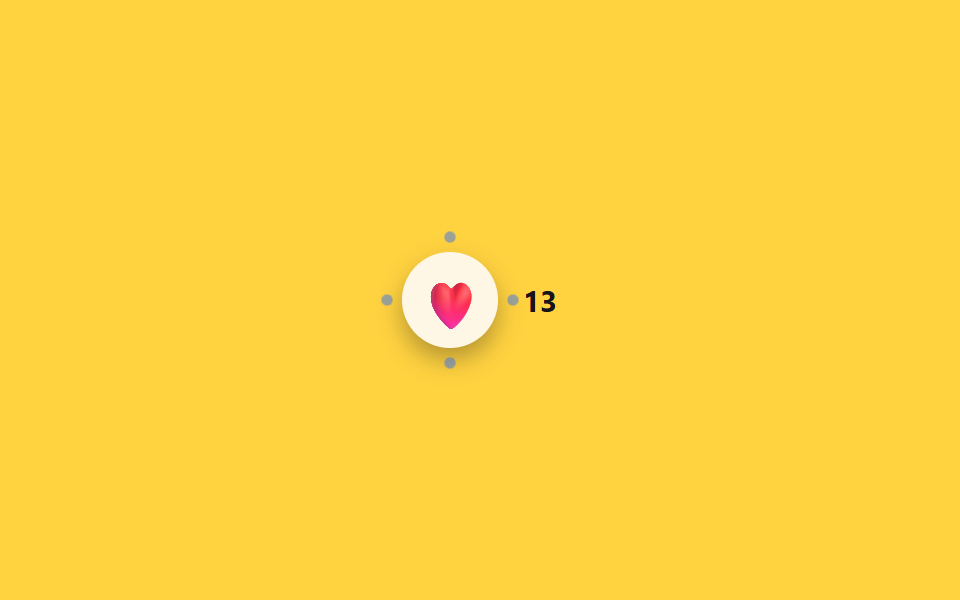
絵文字を選ぶとその絵文字がscaleで大きく弾み、周りの点4つが外側に散って消える間に、隣のバッジの数字が1つ増える。
使いどころショート動画のハートリアクション、コミュニティ投稿の反応数表示
scale 바운스burst dot ×4aria-live
<main class="stage">
  <div class="bc is-demo">
    <button type="button" class="bc__btn" aria-label="ハートリアクションを送る">
      <span class="bc__emoji" aria-hidden="true">❤️</span>
      <span class="bc__burst" aria-hidden="true"></span>
    </button>
    <span class="bc__count" aria-live="polite"><span class="sr-only">リアクション数</span> 12</span>
  </div>
</main>
@use "../../../../site/static/demo-tokens" as *;
// ── 변수 3개 ──────────────────────────────
$duration: $dur-enter;
$easing: $ease-pop;
$color: $subject-blue;
@include stage($stage-yellow);
.sr-only {
position: absolute; width: 1px; height: 1px; padding: 0; margin: -1px;
overflow: hidden; clip: rect(0, 0, 0, 0); white-space: nowrap; border: 0;
}
.bc { display: flex; align-items: center; gap: $sp-3; }
.bc__btn {
position: relative;
display: grid; place-items: center;
width: $sp-12; height: $sp-12;
border: 0; border-radius: 50%;
background: $subject-cream;
box-shadow: $shadow-press;
cursor: pointer;
-webkit-tap-highlight-color: transparent;
}
.bc__emoji { display: inline-block; font-size: 24px; transform: scale(1); }
.bc__burst {
position: absolute; inset: 0; border-radius: 50%;
background:
radial-gradient($color 40%, transparent 41%) 50% 4% / 6px 6px no-repeat,
radial-gradient($color 40%, transparent 41%) 96% 50% / 6px 6px no-repeat,
radial-gradient($color 40%, transparent 41%) 50% 96% / 6px 6px no-repeat,
radial-gradient($color 40%, transparent 41%) 4% 50% / 6px 6px no-repeat;
opacity: 0;
transform: scale(.4);
}
.bc__count {
font-weight: 700; font-size: 15px; font-family: inherit; color: $subject-ink;
}
.bc.is-play .bc__emoji { animation: bc-emoji-jelly $duration $easing; }
.bc.is-play .bc__burst { animation: bc-burst $duration $easing; }
@keyframes bc-emoji {
0% { transform: scale(1); }
35% { transform: scale(1.5); }
60% { transform: scale(.9); }
100% { transform: scale(1); }
}
// 젤리 스트레치: 피크에서 x/y 눌림-늘림을 교차시켜 바운스에 물성을 얹는다
@keyframes bc-emoji-jelly {
0% { transform: scale(1); }
35% { transform: scaleX(1.35) scaleY(.8); }
60% { transform: scaleX(.85) scaleY(1.15); }
100% { transform: scale(1); }
}
@keyframes bc-burst {
0% { opacity: 1; transform: scale(.4); }
70% { opacity: .5; }
100% { opacity: 0; transform: scale(1.6); }
}
@media (prefers-reduced-motion: reduce) {
.bc.is-play .bc__emoji, .bc.is-play .bc__burst { animation: none !important; }
}html, body {
margin: 0;
overflow: hidden;
}
.stage {
box-sizing: border-box;
min-height: 100vh;
display: grid;
place-items: center;
margin: 0;
background: #ffd23f;
font-family: -apple-system, "Segoe UI", "Noto Sans KR", sans-serif;
padding: clamp(8px, 4vw, 24px);
}
.sr-only {
position: absolute;
width: 1px;
height: 1px;
padding: 0;
margin: -1px;
overflow: hidden;
clip: rect(0, 0, 0, 0);
white-space: nowrap;
border: 0;
}
.bc {
display: flex;
align-items: center;
gap: 12px;
}
.bc__btn {
position: relative;
display: grid;
place-items: center;
width: 48px;
height: 48px;
border: 0;
border-radius: 50%;
background: #fff7e6;
box-shadow: 0 6px 12px rgba(23, 20, 26, 0.32);
cursor: pointer;
-webkit-tap-highlight-color: transparent;
}
.bc__emoji {
display: inline-block;
font-size: 24px;
transform: scale(1);
}
.bc__burst {
position: absolute;
inset: 0;
border-radius: 50%;
background: radial-gradient(#2f6df6 40%, transparent 41%) 50% 4%/6px 6px no-repeat, radial-gradient(#2f6df6 40%, transparent 41%) 96% 50%/6px 6px no-repeat, radial-gradient(#2f6df6 40%, transparent 41%) 50% 96%/6px 6px no-repeat, radial-gradient(#2f6df6 40%, transparent 41%) 4% 50%/6px 6px no-repeat;
opacity: 0;
transform: scale(0.4);
}
.bc__count {
font-weight: 700;
font-size: 15px;
font-family: inherit;
color: #17141a;
}
.bc.is-play .bc__emoji {
animation: bc-emoji-jelly 600ms cubic-bezier(0.2, 1.4, 0.4, 1);
}
.bc.is-play .bc__burst {
animation: bc-burst 600ms cubic-bezier(0.2, 1.4, 0.4, 1);
}
@keyframes bc-emoji {
0% {
transform: scale(1);
}
35% {
transform: scale(1.5);
}
60% {
transform: scale(0.9);
}
100% {
transform: scale(1);
}
}
@keyframes bc-emoji-jelly {
0% {
transform: scale(1);
}
35% {
transform: scaleX(1.35) scaleY(0.8);
}
60% {
transform: scaleX(0.85) scaleY(1.15);
}
100% {
transform: scale(1);
}
}
@keyframes bc-burst {
0% {
opacity: 1;
transform: scale(0.4);
}
70% {
opacity: 0.5;
}
100% {
opacity: 0;
transform: scale(1.6);
}
}
@media (prefers-reduced-motion: reduce) {
.bc.is-play .bc__emoji, .bc.is-play .bc__burst {
animation: none !important;
}
}// 실제 동작: 누를 때마다 이모지가 튀고 점이 흩어지며 카운트가 1 올라간다 (12줄)
var bc = document.querySelector('.bc'), btn = bc.querySelector('.bc__btn'), countEl = bc.querySelector('.bc__count');
var n = 12;
function burst() {
bc.classList.remove('is-play'); void bc.offsetWidth; bc.classList.add('is-play');
n++; countEl.lastChild.textContent = ' ' + n;
}
btn.addEventListener('click', function () { bc.classList.remove('is-demo'); clearInterval(loop); burst(); });
// .is-demo 자동 순환 — 일정 간격으로 스스로 누른다 (실제 클릭이 오면 멈춘다)
burst();
var loop = setInterval(burst, 1100);import { useState } from "react";
import type { CSSProperties } from "react";
import styles from "./EmojiReactionBurstCountBadge.module.scss";
export type EmojiReactionBurstCountBadgeProps = {
ariaLabel?: string;
emoji?: string;
initialCount?: number;
duration?: number;
easing?: string;
burstColor?: string;
};
type Vars = CSSProperties & { "--duration"?: string; "--easing"?: string; "--burst"?: string };
export default function EmojiReactionBurstCountBadge({
ariaLabel = "Leave a heart reaction",
emoji = "❤️",
initialCount = 12,
duration = 600,
easing = "cubic-bezier(.2,1.4,.4,1)",
burstColor = "#2f6df6",
}: EmojiReactionBurstCountBadgeProps) {
const [count, setCount] = useState(initialCount);
const [playKey, setPlayKey] = useState(0);
const vars: Vars = { "--duration": `${duration}ms`, "--easing": easing, "--burst": burstColor };
function react() {
setCount((c) => c + 1);
setPlayKey((k) => k + 1);
}
return (
<div className={styles.bc} style={vars}>
<button type="button" className={styles.btn} aria-label={ariaLabel} onClick={react}>
<span className={styles.emoji} key={`e${playKey}`} data-play={playKey > 0}>{emoji}</span>
<span className={styles.burst} key={`b${playKey}`} data-play={playKey > 0} aria-hidden="true" />
</button>
<span className={styles.count} aria-live="polite">
<span className={styles.srOnly}>Reaction count</span> {count}
</span>
</div>
);
}06 絵文字バーストカウント — 計測 累積面積 0.487% · 動いたフレーム 9/23GODRICH オリジナル · SCSS と React は zip に同梱 · セグメントコントロールUI 9選 — コピペOK
このデモが属する記事
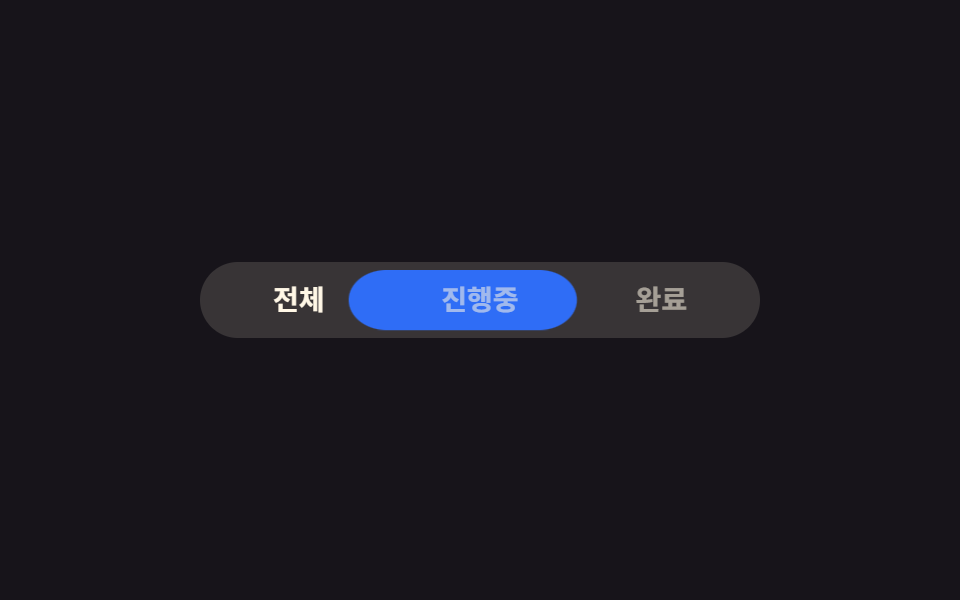 セグメントコントロールUI 9選 — コピペOKセグメントコントロールとは、iOSの設定画面でよく見る、いくつかの選択肢から一つを選ぶと背景のピルがその位置までスライドするタブ切り替えボタンです。セグメントコントロールから絵文字リアクション・カラースウォッチまで、名前は知らなくてもアプリ この記事のデモをすべて見る