02드래그 핸들 비교 슬라이더
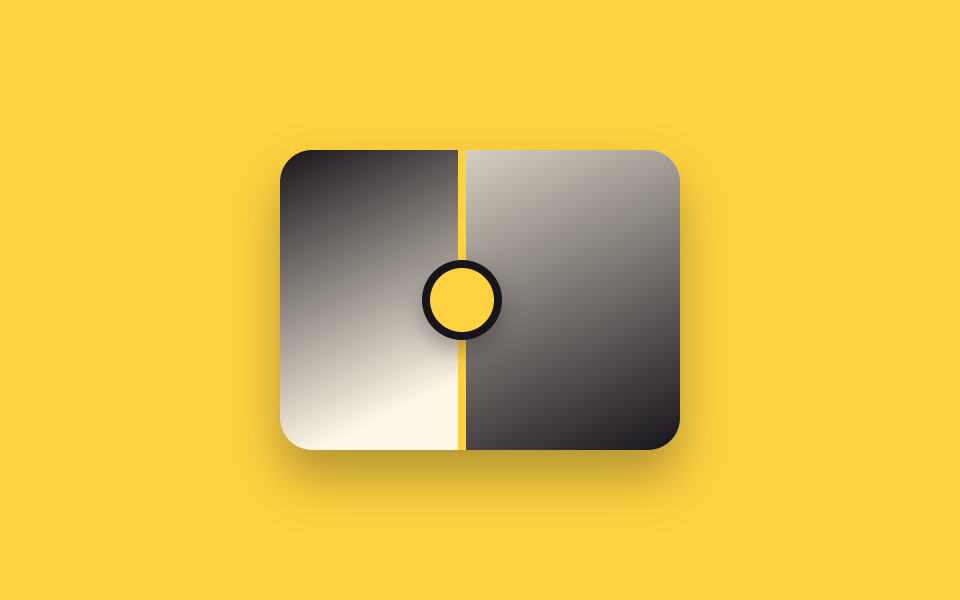
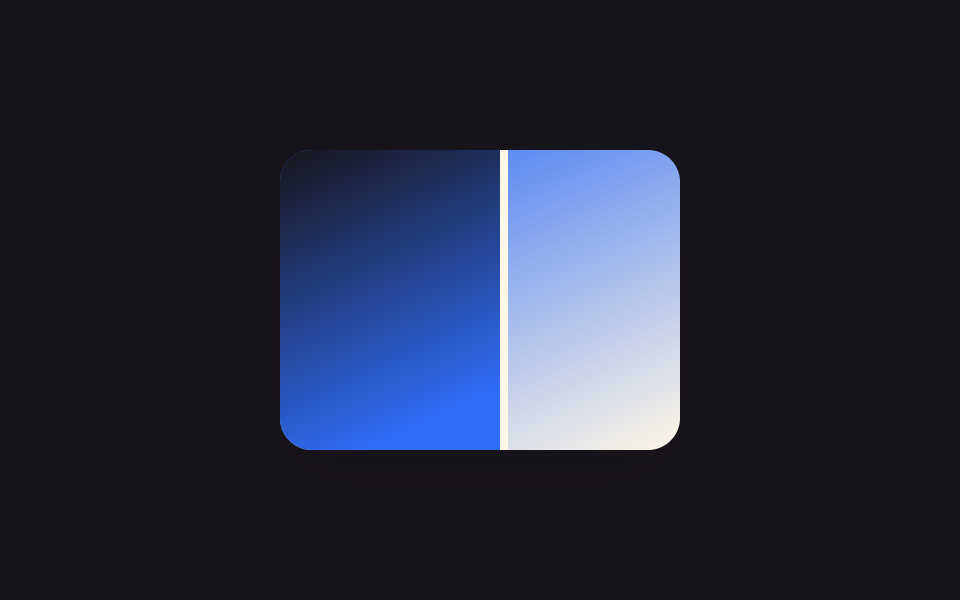
가운데 원형 핸들을 손가락처럼 이리저리 끌면 세로선이 실시간으로 따라오고, 등록된 CSS 커스텀 프로퍼티 하나만 갱신해 경계가 부드럽게 이동합니다.
쓰임인테리어 시공 전후 상세페이지, 눈썹문신·왁싱 시술 전후 후기
pointer 드래그@property 변수handle translateX
<main class="stage">
  <div class="ba is-demo" id="ba">
    <div class="ba__after"></div>
    <div class="ba__before"></div>
    <div class="ba__handle" id="grip"><span class="ba__grip"></span></div>
  </div>
</main>
@use "../../../../site/static/demo-tokens" as *;
$duration: $dur-loop;
$easing: $ease-spring;
$color: $subject-ink;
@property --reveal {
syntax: "<percentage>";
inherits: true;
initial-value: 50%;
}
@include stage($stage-yellow);
.ba {
position: relative;
width: 200px;
max-width: 100%;
aspect-ratio: 4 / 3;
border-radius: $r-card;
overflow: hidden;
box-shadow: $shadow-raised;
--reveal: 50%;
}
.ba__after,
.ba__before {
position: absolute;
inset: 0;
}
.ba__after { background: linear-gradient(155deg, $subject-cream 0%, $color 100%); }
.ba__before {
background: linear-gradient(155deg, $color 0%, $subject-cream 65%);
clip-path: inset(0 calc(100% - var(--reveal)) 0 0);
}
.ba__handle {
position: absolute;
top: 0;
bottom: 0;
left: var(--reveal);
width: $sp-1;
transform: translateX(-50%);
background: $stage-yellow;
cursor: ew-resize;
touch-action: none;
}
.ba__grip {
position: absolute;
top: 50%;
left: 50%;
width: $sp-8;
height: $sp-8;
border-radius: $r-pill;
background: $stage-yellow;
border: $sp-1 solid $color;
transform: translate(-50%, -50%);
box-shadow: $shadow-press;
}
.ba.is-demo .ba__handle { pointer-events: none; }
.ba.is-demo { animation: reveal-loop $dur-loop $easing infinite; }
@keyframes reveal-loop {
0%, 8% { --reveal: 20%; }
50% { --reveal: 80%; }
92%, 100% { --reveal: 20%; }
}
@media (prefers-reduced-motion: reduce) {
.ba.is-demo { animation: none; --reveal: 50%; }
}@property --reveal {
syntax: "<percentage>";
inherits: true;
initial-value: 50%;
}
html, body {
margin: 0;
overflow: hidden;
}
.stage {
box-sizing: border-box;
min-height: 100vh;
display: grid;
place-items: center;
margin: 0;
background: #ffd23f;
font-family: -apple-system, "Segoe UI", "Noto Sans KR", sans-serif;
padding: clamp(8px, 4vw, 24px);
}
.ba {
position: relative;
width: 200px;
max-width: 100%;
aspect-ratio: 4/3;
border-radius: 16px;
overflow: hidden;
box-shadow: 0 14px 24px rgba(23, 20, 26, 0.32);
--reveal: 50%;
}
.ba__after,
.ba__before {
position: absolute;
inset: 0;
}
.ba__after {
background: linear-gradient(155deg, #fff7e6 0%, #17141a 100%);
}
.ba__before {
background: linear-gradient(155deg, #17141a 0%, #fff7e6 65%);
clip-path: inset(0 calc(100% - var(--reveal)) 0 0);
}
.ba__handle {
position: absolute;
top: 0;
bottom: 0;
left: var(--reveal);
width: 4px;
transform: translateX(-50%);
background: #ffd23f;
cursor: ew-resize;
touch-action: none;
}
.ba__grip {
position: absolute;
top: 50%;
left: 50%;
width: 32px;
height: 32px;
border-radius: 999px;
background: #ffd23f;
border: 4px solid #17141a;
transform: translate(-50%, -50%);
box-shadow: 0 6px 12px rgba(23, 20, 26, 0.32);
}
.ba.is-demo .ba__handle {
pointer-events: none;
}
.ba.is-demo {
animation: reveal-loop 2s cubic-bezier(0.2, 0.8, 0.2, 1) infinite;
}
@keyframes reveal-loop {
0%, 8% {
--reveal: 20%;
}
50% {
--reveal: 80%;
}
92%, 100% {
--reveal: 20%;
}
}
@media (prefers-reduced-motion: reduce) {
.ba.is-demo {
animation: none;
--reveal: 50%;
}
}(function () {
var el = document.getElementById("ba");
var grip = document.getElementById("grip");
var dragging = false;
function set(pct) {
pct = Math.max(0, Math.min(100, pct));
el.style.setProperty("--reveal", pct + "%");
}
function fromX(x) {
var r = el.getBoundingClientRect();
return ((x - r.left) / r.width) * 100;
}
grip.addEventListener("pointerdown", function (e) {
el.classList.remove("is-demo");
dragging = true;
grip.setPointerCapture(e.pointerId);
set(fromX(e.clientX));
});
grip.addEventListener("pointermove", function (e) {
if (dragging) set(fromX(e.clientX));
});
grip.addEventListener("pointerup", function () { dragging = false; });
grip.addEventListener("pointercancel", function () { dragging = false; });
})();import { useRef, useState, useCallback } from "react";
import type { CSSProperties, PointerEvent } from "react";
import styles from "./BeforeAfterDragHandle.module.scss";
export type BeforeAfterDragHandleProps = {
duration?: string;
easing?: string;
color?: string;
};
type Vars = CSSProperties & { "--reveal"?: string };
/** 원형 핸들을 드래그하면 세로선이 실시간으로 따라온다. pointer capture 로 손이 빠르게 움직여도 안 놓친다. */
export default function BeforeAfterDragHandle({
duration = "2s",
easing = "cubic-bezier(.2,.8,.2,1)",
color = "#17141a",
}: BeforeAfterDragHandleProps) {
const ref = useRef<HTMLDivElement | null>(null);
const [reveal, setReveal] = useState(50);
const [demo, setDemo] = useState(true);
const dragging = useRef(false);
const setFromX = useCallback((x: number) => {
const el = ref.current;
if (!el) return;
const r = el.getBoundingClientRect();
const pct = ((x - r.left) / r.width) * 100;
setReveal(Math.max(0, Math.min(100, pct)));
}, []);
const onDown = useCallback((e: PointerEvent<HTMLSpanElement>) => {
setDemo(false);
dragging.current = true;
(e.currentTarget as any).setPointerCapture?.(e.pointerId);
setFromX(e.clientX);
}, [setFromX]);
const onMove = useCallback((e: PointerEvent<HTMLSpanElement>) => {
if (dragging.current) setFromX(e.clientX);
}, [setFromX]);
const onUp = useCallback(() => { dragging.current = false; }, []);
const vars: Vars = { "--reveal": `${reveal}%`, ["--duration" as string]: duration, ["--easing" as string]: easing, ["--color" as string]: color };
return (
<div ref={ref} className={demo ? `${styles.ba} ${styles.isDemo}` : styles.ba} style={vars}>
<div className={styles.after} />
<div className={styles.before} />
<div className={styles.handle}>
<span
className={styles.grip}
onPointerDown={onDown}
onPointerMove={onMove}
onPointerUp={onUp}
onPointerCancel={onUp}
/>
</div>
</div>
);
}02 드래그 핸들 비교 슬라이더 — 측정 누적면적 13.55% · 움직인 프레임 19/23GODRICH 원작 · zip 에 SCSS·React 포함 · 이미지 비교 슬라이더 UI 9종 — 드래그하면 바로 보이는
이 데모가 속한 글
 이미지 비교 슬라이더 UI 9종 — 드래그하면 바로 보이는이미지 비교 슬라이더는 사진 한 장 위에 다른 사진을 겹쳐 놓고, 경계선을 움직이면 전과 후가 갈라져 보이는 UI입니다. 리모델링·시술 후기 페이지에서 흔히 보지만 클릭 한 번에 바로 켜지는 동작이라 CSS만으로는 이 글의 데모 전부 보기