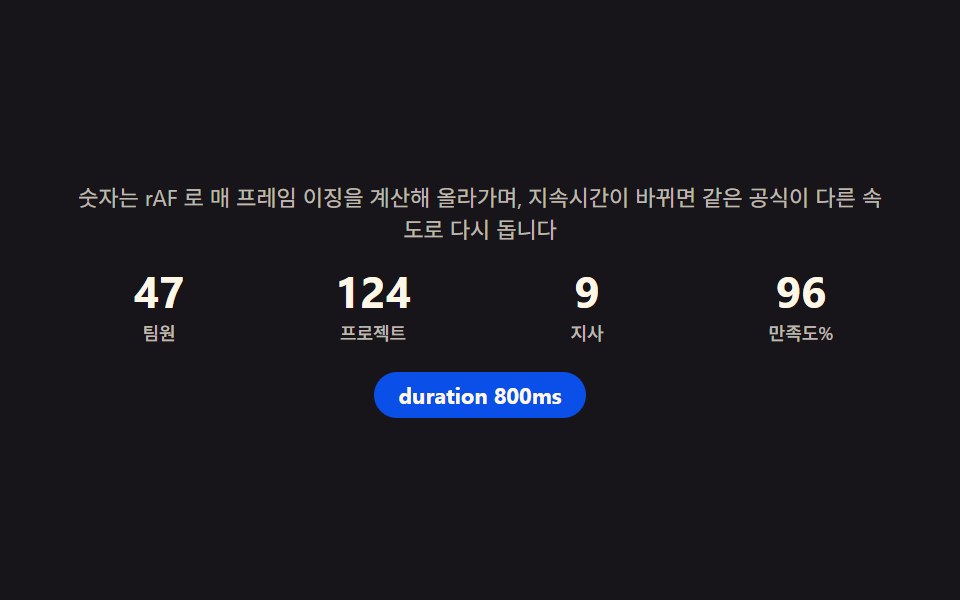
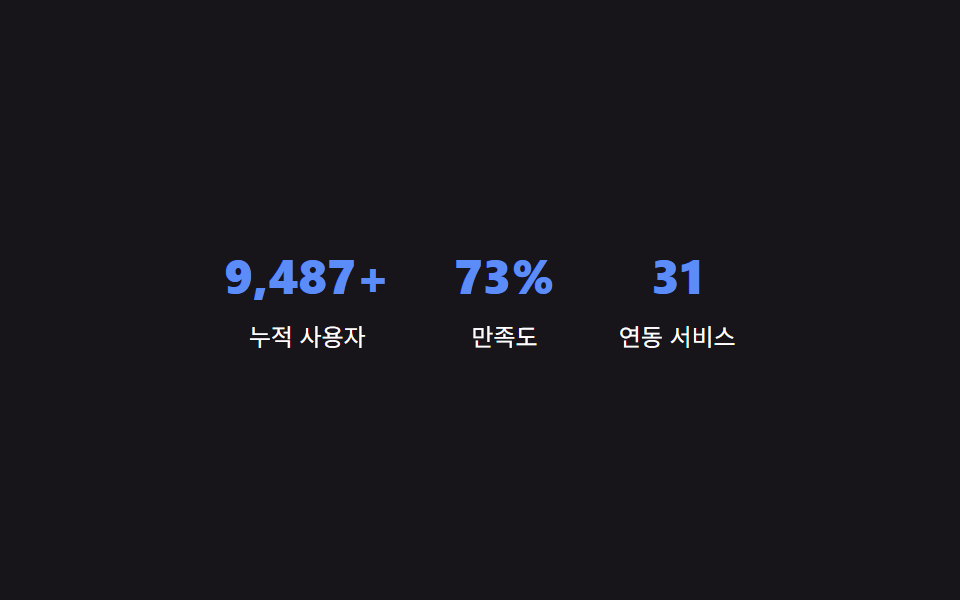
01사례 히어로 — 성과 수치를 매 프레임 다시 구해 카운트업하는 상단
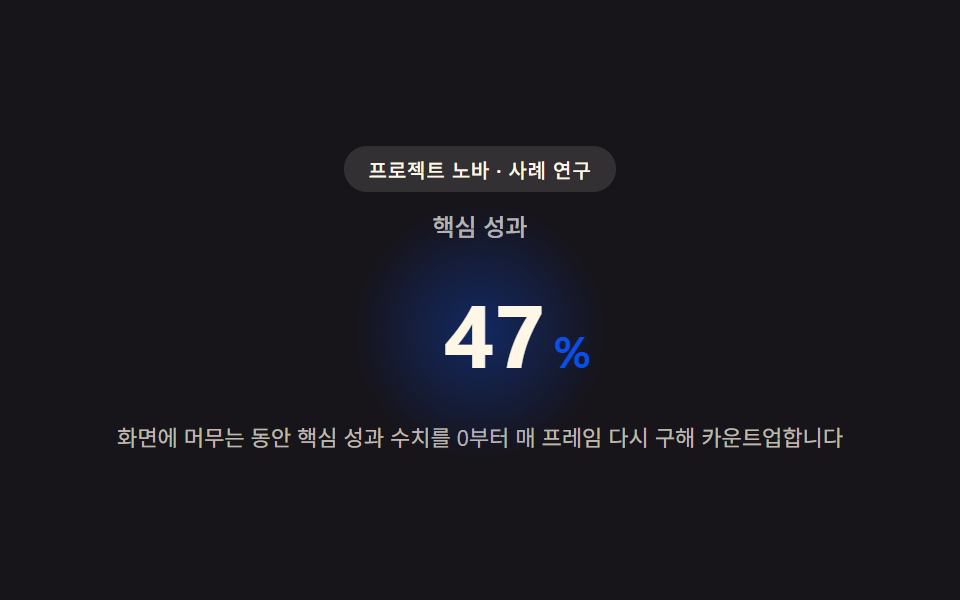
화면에 들어오는 순간부터 핵심 성과 수치를 0에서 목표값까지 매 프레임 다시 구해 자연스럽게 올라가는 숫자로 보여주고, 자릿수가 늘어나는 순간도 값에 맞춰 함께 계산합니다.
쓰임에이전시 사례 연구 페이지 최상단, 클라이언트 성과 하이라이트 섹션
getContext('2d')measureTextrequestAnimationFrame
<main class="stage">
<section class="hero" id="hero">
  <p class="eyebrow" id="eyebrow">프로젝트 노바 · 사례 연구</p>
  <p class="metricLabel" id="metricLabel">핵심 성과</p>
  <p class="metricRow">
    <span class="metricNum" id="metricNum">0</span><span class="metricUnit" id="metricUnit">%</span>
  </p>
  <p class="hint" id="hint">화면에 머무는 동안 핵심 성과 수치를 0부터 매 프레임 다시 구해 카운트업합니다</p>
</section>
</main>
@use "../../../../site/static/demo-tokens" as *;
$duration: $dur-loop;
$easing: $ease-out;
$color: $subject-blue-deep;
@include stage($stage-ink);
.hero {
position: relative;
width: 100%;
max-width: 420px;
display: flex;
flex-direction: column;
align-items: center;
gap: $sp-2;
text-align: center;
}
.eyebrow {
margin: 0;
padding: $sp-1 $sp-3;
border-radius: $r-pill;
background: rgba($subject-cream, .12);
color: $subject-cream;
font-weight: 500;
font-size: 10px;
letter-spacing: .04em;
}
.metricLabel {
margin: 0;
color: rgba($subject-cream, .72);
font-weight: 500;
font-size: 12px;
}
.metricRow {
position: relative;
margin: 0;
display: flex;
align-items: baseline;
justify-content: center;
gap: $sp-1;
padding: $sp-2 $sp-6;
}
.metricRow::before {
content: "";
position: absolute;
inset: 0;
margin: auto;
width: 120px;
height: 120px;
border-radius: $r-pill;
background: radial-gradient(circle, rgba($color, .38), rgba($color, 0) 70%);
animation: halo $duration $easing infinite;
z-index: 0;
}
.metricNum {
--num-w: 88px;
position: relative;
z-index: 1;
display: inline-block;
min-width: var(--num-w);
text-align: right;
font-weight: 700;
font-size: 44px;
font-variant-numeric: tabular-nums;
color: $subject-cream;
}
.metricUnit {
position: relative;
z-index: 1;
font-weight: 700;
font-size: 22px;
color: $color;
}
.hint {
margin: 0;
padding: 0 $sp-2;
color: rgba($subject-cream, .72);
font-weight: 400;
font-size: 11px;
line-height: 1.4;
}
@keyframes halo {
0%, 100% { transform: scale(.86); opacity: .5; }
50% { transform: scale(1.12); opacity: 1; }
}
@media (max-width: 340px) {
.hero { max-width: 300px; gap: $sp-1; }
.metricNum { font-size: 32px; }
.metricUnit { font-size: 16px; }
.hint { font-size: 9px; }
.metricRow { padding: $sp-1 $sp-4; }
}
@media (prefers-reduced-motion: reduce) {
.metricRow::before {
animation: none;
opacity: .7;
}
}html, body {
margin: 0;
overflow: hidden;
}
.stage {
box-sizing: border-box;
min-height: 100vh;
display: grid;
place-items: center;
margin: 0;
background: #17141a;
font-family: -apple-system, "Segoe UI", "Noto Sans KR", sans-serif;
padding: clamp(8px, 4vw, 24px);
}
.hero {
position: relative;
width: 100%;
max-width: 420px;
display: flex;
flex-direction: column;
align-items: center;
gap: 8px;
text-align: center;
}
.eyebrow {
margin: 0;
padding: 4px 12px;
border-radius: 999px;
background: rgba(255, 247, 230, 0.12);
color: #fff7e6;
font-weight: 500;
font-size: 10px;
letter-spacing: 0.04em;
}
.metricLabel {
margin: 0;
color: rgba(255, 247, 230, 0.72);
font-weight: 500;
font-size: 12px;
}
.metricRow {
position: relative;
margin: 0;
display: flex;
align-items: baseline;
justify-content: center;
gap: 4px;
padding: 8px 24px;
}
.metricRow::before {
content: "";
position: absolute;
inset: 0;
margin: auto;
width: 120px;
height: 120px;
border-radius: 999px;
background: radial-gradient(circle, rgba(10, 79, 232, 0.38), rgba(10, 79, 232, 0) 70%);
animation: halo 2s ease-out infinite;
z-index: 0;
}
.metricNum {
--num-w: 88px;
position: relative;
z-index: 1;
display: inline-block;
min-width: var(--num-w);
text-align: right;
font-weight: 700;
font-size: 44px;
font-variant-numeric: tabular-nums;
color: #fff7e6;
}
.metricUnit {
position: relative;
z-index: 1;
font-weight: 700;
font-size: 22px;
color: #0a4fe8;
}
.hint {
margin: 0;
padding: 0 8px;
color: rgba(255, 247, 230, 0.72);
font-weight: 400;
font-size: 11px;
line-height: 1.4;
}
@keyframes halo {
0%, 100% {
transform: scale(0.86);
opacity: 0.5;
}
50% {
transform: scale(1.12);
opacity: 1;
}
}
@media (max-width: 340px) {
.hero {
max-width: 300px;
gap: 4px;
}
.metricNum {
font-size: 32px;
}
.metricUnit {
font-size: 16px;
}
.hint {
font-size: 9px;
}
.metricRow {
padding: 4px 16px;
}
}
@media (prefers-reduced-motion: reduce) {
.metricRow::before {
animation: none;
opacity: 0.7;
}
}// 사례 히어로(01) — 값을 누적하지 않고, 매 애니메이션 프레임마다 경과 비율(t)로부터
// 목표값까지의 값을 공식(eased(t) * target)으로 처음부터 다시 구해 카운트업한다(계산 한 겹).
// 자릿수가 늘어나는 순간에는 canvas measureText 로 그 시점 문자열의 실제 렌더 폭을 다시 재
// 숫자 칸의 폭(--num-w)을 갱신해, 다음 문자가 밀리지 않고 자리에 맞춰 넓어지게 한다.
(function () {
var numEl = document.getElementById('metricNum');
var wrapEl = numEl ? numEl.parentElement : null;
if (!numEl || !wrapEl) return;
var reduce = window.matchMedia('(prefers-reduced-motion: reduce)').matches;
var TARGET = 128;
var EASE_POW = 2; // 변형: 2 → 4
var ANIM_MS = 1300;
var CYCLE_MS = 1900;
var measureCv = document.createElement('canvas');
var measureCtx = measureCv.getContext('2d');
function measureWidth(text, px) {
if (!measureCtx) return text.length * px * 0.62;
measureCtx.font = '700 ' + px + 'px -apple-system, "Segoe UI", sans-serif';
return measureCtx.measureText(text).width;
}
var lastDigits = -1;
function applyValue(v) {
numEl.textContent = String(v);
var digits = String(v).length;
if (digits !== lastDigits) {
lastDigits = digits;
var px = parseFloat(getComputedStyle(numEl).fontSize) || 44;
var w = measureWidth(String(v), px);
wrapEl.style.setProperty('--num-w', Math.ceil(w) + 'px');
}
}
function runCycle() {
if (reduce) { applyValue(TARGET); return; }
var start = null;
function frame(ts) {
if (start === null) start = ts;
var t = Math.min((ts - start) / ANIM_MS, 1);
var eased = 1 - Math.pow(1 - t, EASE_POW);
var val = Math.round(TARGET * eased);
applyValue(val);
if (t < 1) requestAnimationFrame(frame);
}
applyValue(0);
requestAnimationFrame(frame);
}
runCycle();
if (!reduce) setInterval(runCycle, CYCLE_MS);
})();// CaseHero — vanilla 판(run/340/demo/01-case-hero/index.html) 의 React 포트.
// 값을 누적하지 않고 매 프레임 경과 비율(t)로부터 목표값까지의 값을 공식으로 처음부터 다시 구해
// 카운트업하고, 자릿수가 늘어나는 순간엔 canvas measureText 로 실제 렌더 폭을 다시 재 숫자 칸 폭을 갱신한다.
import { useEffect, useRef } from "react";
import styles from "./CaseHero.module.scss";
export type CaseHeroProps = {
duration?: string;
easing?: string;
color?: string;
};
const EYEBROW = "프로젝트 노바 · 사례 연구";
const METRIC_LABEL = "핵심 성과";
const HINT = "화면에 머무는 동안 핵심 성과 수치를 0부터 매 프레임 다시 구해 카운트업합니다";
const TARGET = 128;
const EASE_POW = 2;
const ANIM_MS = 1300;
const CYCLE_MS = 1900;
export default function CaseHero({
duration = "2s",
easing = "ease-out",
color = "#0a4fe8"
}: CaseHeroProps) {
const numRef = useRef<HTMLSpanElement | null>(null);
const wrapRef = useRef<HTMLParagraphElement | null>(null);
useEffect(() => {
const numEl = numRef.current;
const wrapEl = wrapRef.current;
if (!numEl || !wrapEl) return;
const reduce = window.matchMedia("(prefers-reduced-motion: reduce)").matches;
const measureCv = document.createElement("canvas");
const measureCtx = measureCv.getContext("2d");
function measureWidth(text: string, px: number): number {
if (!measureCtx) return text.length * px * 0.62;
measureCtx.font = "700 " + px + 'px -apple-system, "Segoe UI", sans-serif';
return measureCtx.measureText(text).width;
}
let lastDigits = -1;
function applyValue(v: number): void {
numEl!.textContent = String(v);
const digits = String(v).length;
if (digits !== lastDigits) {
lastDigits = digits;
const px = parseFloat(getComputedStyle(numEl!).fontSize) || 44;
const w = measureWidth(String(v), px);
wrapEl!.style.setProperty("--num-w", Math.ceil(w) + "px");
}
}
function runCycle(): void {
if (reduce) { applyValue(TARGET); return; }
let start: number | null = null;
function frame(ts: number): void {
if (start === null) start = ts;
const t = Math.min((ts - start) / ANIM_MS, 1);
const eased = 1 - Math.pow(1 - t, EASE_POW);
const val = Math.round(TARGET * eased);
applyValue(val);
if (t < 1) requestAnimationFrame(frame);
}
applyValue(0);
requestAnimationFrame(frame);
}
runCycle();
let timer = 0;
if (!reduce) timer = window.setInterval(runCycle, CYCLE_MS);
return () => {
if (timer) window.clearInterval(timer);
};
// eslint-disable-next-line react-hooks/exhaustive-deps
}, []);
return (
<main className={styles.stage}>
<section className={styles.hero}>
<p className={styles.eyebrow}>{EYEBROW}</p>
<p className={styles.metricLabel}>{METRIC_LABEL}</p>
<p className={styles.metricRow} ref={wrapRef}>
<span className={styles.metricNum} ref={numRef}>0</span>
<span className={styles.metricUnit}>%</span>
</p>
<p className={styles.hint}>{HINT}</p>
</section>
</main>
);
}01 사례 히어로 — 성과 수치를 매 프레임 다시 구해 카운트업하는 상단 — 측정 누적면적 6.476% · 움직인 프레임 17/23GODRICH 원작 · zip 에 SCSS·React 포함 · 케이스 스터디 사이트 UI 9종 — 성과 수치까지 계산해 보여주는
이 데모가 속한 글
 케이스 스터디 사이트 UI 9종 — 성과 수치까지 계산해 보여주는화면에 들어오는 순간 성과 수치가 매 프레임 다시 구해지며 카운트업되고, 사례마다 계산한 임팩트 점수로 그리드 타일 크기가 정해지며, 인용문 길이에 맞춰 폰트 크기가 거꾸로 구해지는 사례 연구 페이지 섹션 9종입니다 이 글의 데모 전부 보기