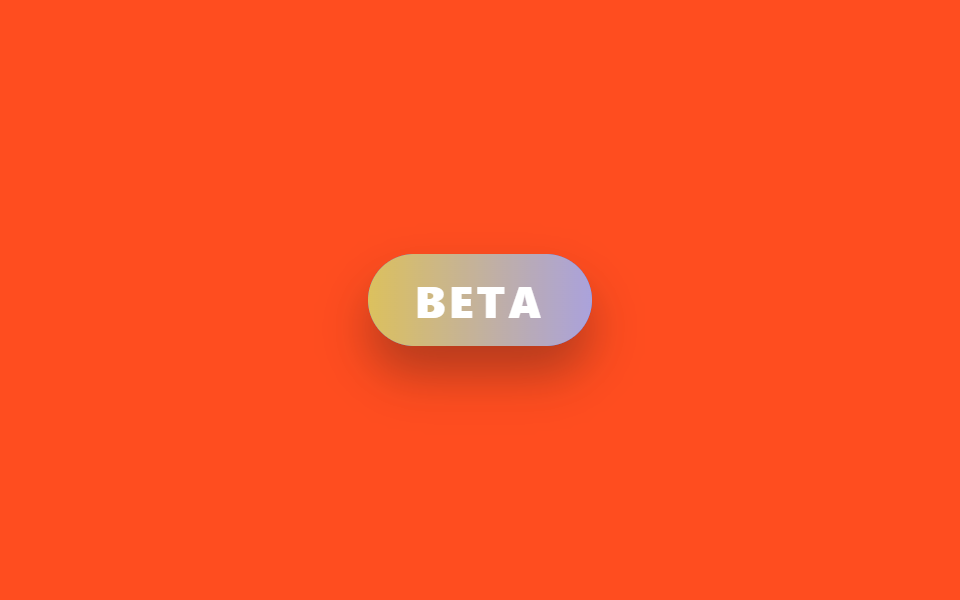
04베타 그라데이션 필 뱃지
보라색 그라데이션 레이어를 필 배경 위에 겹쳐 opacity 만 0→1→0 으로 오르내려, 두 색이 서로 스며들듯 교차하는 베타 라벨을 만든다.
쓰임실험적 기능 라벨, 대시보드 신규 메뉴 옆 상태 표시
겹친 레이어 opacity 크로스페이드position: absolute; inset: 0border-radius: $r-pill
<main class="stage is-demo">
  <span class="pill" aria-label="beta feature">
    <span class="pill__glow"></span>
    <span class="pill__text">BETA</span>
  </span>
</main>
@use "../../../../site/static/demo-tokens" as *;
// ── 변수 3개 ──────────────────────────────────────────
$duration: $dur-loop; // 2s — 색이 번갈아 드러나는 한 주기
$easing: $ease-out;
$color: $subject-blue;
@include stage($stage-orange);
.pill {
position: relative;
display: inline-block;
padding: $sp-2 $sp-6;
border-radius: $r-pill;
font-family: -apple-system, "Segoe UI", "Noto Sans KR", sans-serif;
font-weight: 800;
font-size: 22px;
letter-spacing: .08em;
color: #fff;
background: $color;
box-shadow: $shadow-raised;
overflow: hidden;
}
// 보라 레이어를 겹쳐 두고 opacity 만 오르내린다 — background-position 은
// 리페인트가 스크린샷 타이밍과 안 맞아 프레임 사이 변화가 문턱 아래로 묻혔다 (213 실측)
.pill__glow {
position: absolute; inset: 0;
background: linear-gradient(90deg, $stage-yellow, #c3add7);
opacity: 0;
}
.pill__text {
position: relative;
}
.stage.is-demo .pill__glow {
animation: glow-cross $duration $easing infinite;
}
@keyframes glow-cross {
0%, 10% { opacity: 0; }
50% { opacity: 1; }
90%, 100% { opacity: 0; }
}
@media (prefers-reduced-motion: reduce) {
.stage.is-demo .pill__glow { animation: none; opacity: .5; }
}html, body {
margin: 0;
overflow: hidden;
}
.stage {
box-sizing: border-box;
min-height: 100vh;
display: grid;
place-items: center;
margin: 0;
background: #ff4d1f;
font-family: -apple-system, "Segoe UI", "Noto Sans KR", sans-serif;
padding: clamp(8px, 4vw, 24px);
}
.pill {
position: relative;
display: inline-block;
padding: 8px 24px;
border-radius: 999px;
font-family: -apple-system, "Segoe UI", "Noto Sans KR", sans-serif;
font-weight: 800;
font-size: 22px;
letter-spacing: 0.08em;
color: #fff;
background: #2f6df6;
box-shadow: 0 14px 24px rgba(23, 20, 26, 0.32);
overflow: hidden;
}
.pill__glow {
position: absolute;
inset: 0;
background: linear-gradient(90deg, #ffd23f, #c3add7);
opacity: 0;
}
.pill__text {
position: relative;
}
.stage.is-demo .pill__glow {
animation: glow-cross 2s ease-out infinite;
}
@keyframes glow-cross {
0%, 10% {
opacity: 0;
}
50% {
opacity: 1;
}
90%, 100% {
opacity: 0;
}
}
@media (prefers-reduced-motion: reduce) {
.stage.is-demo .pill__glow {
animation: none;
opacity: 0.5;
}
}import type { CSSProperties } from "react";
import styles from "./BadgeBetaPill.module.scss";
export type BadgeBetaPillProps = {
duration?: number;
easing?: string;
color?: string;
label?: string;
};
export default function BadgeBetaPill({
duration = 2000,
easing = "ease-out",
color = "#2f6df6",
label = "BETA",
}: BadgeBetaPillProps) {
const vars: CSSProperties = { "--duration": `${duration}ms`, "--easing": easing, "--color": color } as CSSProperties;
return (
<span className={styles.pill} style={vars} aria-label="beta feature">
<span className={styles.glow} />
<span className={styles.text}>{label}</span>
</span>
);
}04 베타 그라데이션 필 뱃지 — 측정 누적면적 2.951% · 움직인 프레임 16/23GODRICH 원작 · zip 에 SCSS·React 포함 · 뱃지 디자인 UI 9종 — 신상·세일·인증 배지 코드
이 데모가 속한 글
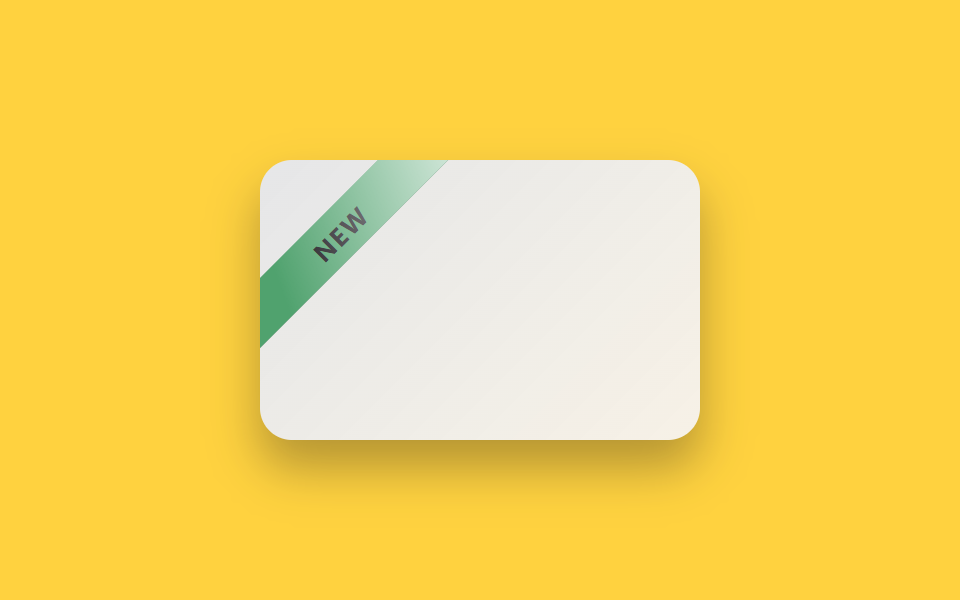 뱃지 디자인 UI 9종 — 신상·세일·인증 배지 코드뱃지 디자인 UI는 상품 썸네일이나 이름 옆에 작게 붙어 지금 상태를 알려주는 라벨 장식이다. NEW·세일·인증·품절처럼 사진 없이 코드 몇 줄로 만들 수 있고, 움직임 하나만 더하면 복붙 몇 줄로도 훨씬 눈에 띈다 이 글의 데모 전부 보기