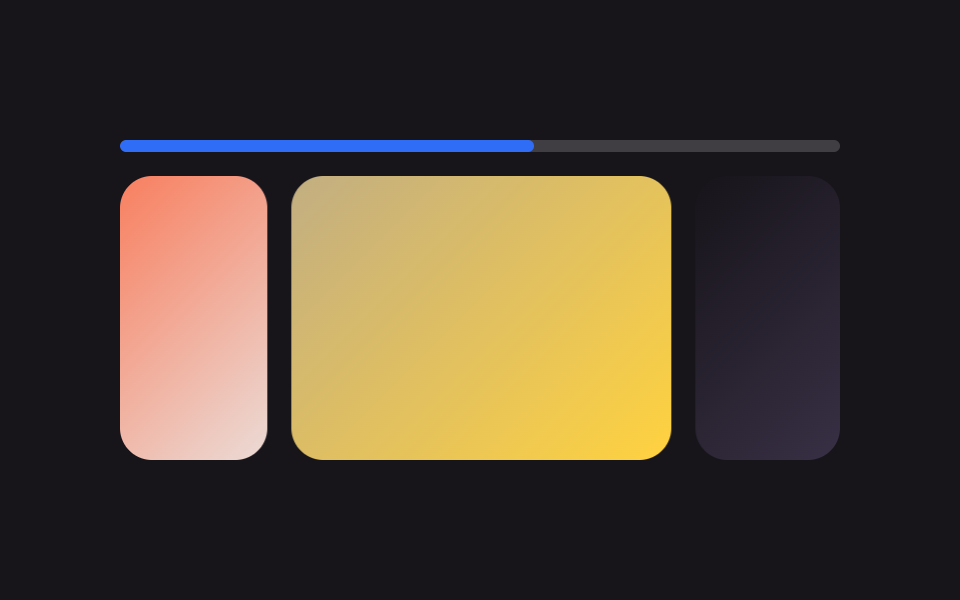
01상단 얇은 바
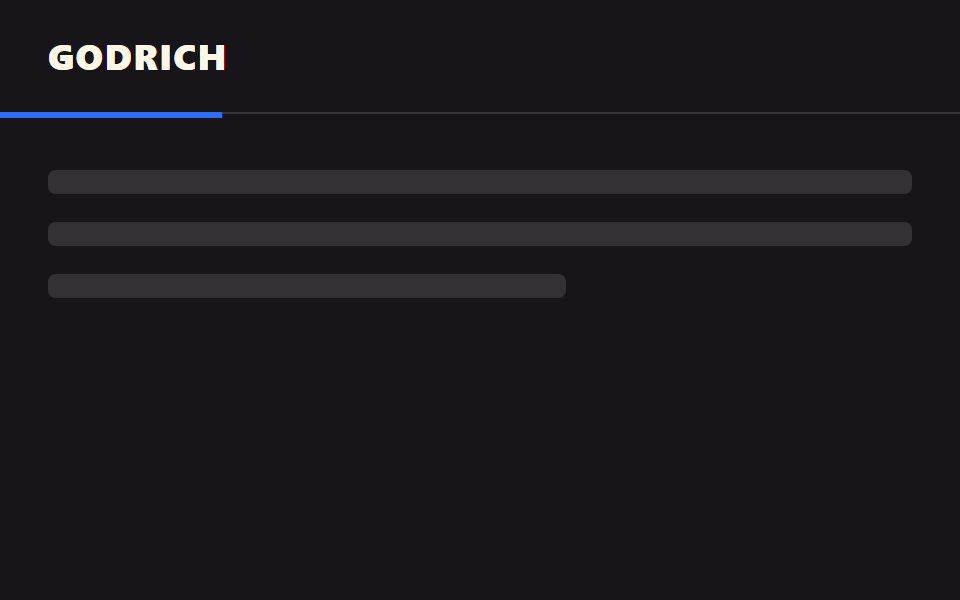
화면 맨 위 3px 바가 읽은 만큼 왼쪽부터 채워진다. animation-timeline: scroll() 하나로 JS 없이 움직인다.
쓰임블로그 글 최상단, 튜토리얼 문서 헤더 밑
scroll()3px왼쪽 정렬

<main class="stage">
  <div class="track" role="progressbar" aria-label="읽기 진행률" aria-valuemin="0" aria-valuemax="100" aria-valuenow="0">
    <div class="bar is-demo"></div>
  </div>
  <div class="page">
    <div class="page__block"></div>
    <div class="page__block"></div>
    <div class="page__block short"></div>
  </div>
</main>
@use "../../../../site/static/demo-tokens" as *;
// ── 변수 3개. 변형은 이것만 바꾼다 ──────────────────────────
$thickness: 3px; // 바 두께. 굵게 6px
$color: $subject-blue; // 채워진 구간 색
$track: rgba(255, 255, 255, .16); // 안 읽은 구간
@include stage($stage-ink);
.track {
position: fixed;
top: 0; left: 0; right: 0;
height: $thickness;
background: $track;
}
.bar {
height: 100%;
width: 100%;
background: $color;
transform: scaleX(0);
transform-origin: left; // 규칙8: 진행바 left 채움
// 실제 사용: 문서 스크롤 진행률이 곧 바 길이 (Chrome·Edge 115+ · Safari 26+ · Firefox 158+ 플래그, 편브리프 표)
@supports (animation-timeline: scroll()) {
animation: fill linear both;
animation-timeline: scroll(root);
}
}
@keyframes fill { to { transform: scaleX(1); } }
// ── 데모(.is-demo): 스크롤 없이 2초 루프로 흉내 ────────────────
.bar.is-demo { animation: fill-loop $dur-loop linear infinite; }
@keyframes fill-loop {
0% { transform: scaleX(0); }
92% { transform: scaleX(1); }
100% { transform: scaleX(1); }
}
.page { padding: $sp-10 $sp-6 0; }
.page__block {
height: $sp-6;
margin: 0 0 $sp-4;
border-radius: $r-sm;
background: rgba(255, 255, 255, .12);
&.short { width: 55%; }
}
// ── 접근성: 움직임 줄이기 — 다 채워진 상태로 고정 ────────────
@media (prefers-reduced-motion: reduce) {
.bar, .bar.is-demo { animation: none !important; transform: scaleX(1); }
}html, body {
margin: 0;
overflow: hidden;
}
.stage {
box-sizing: border-box;
min-height: 100vh;
display: grid;
place-items: center;
margin: 0;
background: #17141a;
font-family: -apple-system, "Segoe UI", "Noto Sans KR", sans-serif;
padding: clamp(8px, 4vw, 24px);
}
.track {
position: fixed;
top: 0;
left: 0;
right: 0;
height: 3px;
background: rgba(255, 255, 255, 0.16);
}
.bar {
height: 100%;
width: 100%;
background: #2f6df6;
transform: scaleX(0);
transform-origin: left;
}
@supports (animation-timeline: scroll()) {
.bar {
animation: fill linear both;
animation-timeline: scroll(root);
}
}
@keyframes fill {
to {
transform: scaleX(1);
}
}
.bar.is-demo {
animation: fill-loop 2s linear infinite;
}
@keyframes fill-loop {
0% {
transform: scaleX(0);
}
92% {
transform: scaleX(1);
}
100% {
transform: scaleX(1);
}
}
.page {
padding: 40px 24px 0;
}
.page__block {
height: 24px;
margin: 0 0 16px;
border-radius: 8px;
background: rgba(255, 255, 255, 0.12);
}
.page__block.short {
width: 55%;
}
@media (prefers-reduced-motion: reduce) {
.bar, .bar.is-demo {
animation: none !important;
transform: scaleX(1);
}
}import { useEffect, useState } from "react";
import type { CSSProperties } from "react";
import styles from "./TopBar.module.scss";
export type TopBarProps = {
/** 바 두께 (기본 3px) */
thickness?: number;
/** 바 색 */
color?: string;
};
type Vars = CSSProperties & { "--thickness"?: string; "--color"?: string };
// 실제 쓰임: 문서 스크롤 비율을 window scroll 로 재서 --scale 에 반영한다.
// scroll() 타임라인을 쓸 수 있는 브라우저(Chrome·Edge 115+, Safari 26+)에서는 CSS 만으로도 되지만,
// React 컴포넌트는 아직 지원이 갈린 Firefox 를 포함해 항상 움직여야 하므로 스크롤 리스너로 재계산한다.
export default function TopBar({ thickness = 3, color = "#2f6df6" }: TopBarProps) {
const [scale, setScale] = useState(0);
useEffect(() => {
const onScroll = () => {
const max = document.documentElement.scrollHeight - window.innerHeight;
setScale(max > 0 ? Math.min(1, window.scrollY / max) : 0);
};
onScroll();
window.addEventListener("scroll", onScroll, { passive: true });
return () => window.removeEventListener("scroll", onScroll);
}, []);
const vars: Vars = { "--thickness": `${thickness}px`, "--color": color };
return (
<div className={styles.track} style={vars} role="progressbar" aria-label="Reading progress"
aria-valuemin={0} aria-valuemax={100} aria-valuenow={Math.round(scale * 100)}>
<div className={styles.bar} style={{ transform: `scaleX(${scale})` }} />
</div>
);
}01 상단 얇은 바 — 측정 누적면적 1.0% · 움직인 프레임 23/23GODRICH 원작 · zip 에 SCSS·React 포함 · CSS 프로그레스바 애니메이션 9종 — 스크롤 읽기 진행 표시
이 데모가 속한 글
 CSS 프로그레스바 애니메이션 9종 — 스크롤 읽기 진행 표시CSS 프로그레스바 애니메이션은 지금까지 얼마나 읽었는지를 스크롤 위치만으로 계산해 보여주는 장치입니다. AOS·GSAP 없이, JS 0줄로 아홉 가지 형태를 모았습니다 — 상단 바, 원형 배지, 점 내비, 세로 바 이 글의 데모 전부 보기