07체크섬 카운트다운
처음엔 밑줄만 나열돼 있다가 옆의 진행률 숫자가 올라가는 것과 맞춰 왼쪽부터 글자가 하나씩 채워지고, 채워질 때마다 살짝 튕깁니다.
쓰임파일 검증·체크섬 확인 화면, 온보딩 진행 단계 타이틀
JS 10줄content 채우기scale pop
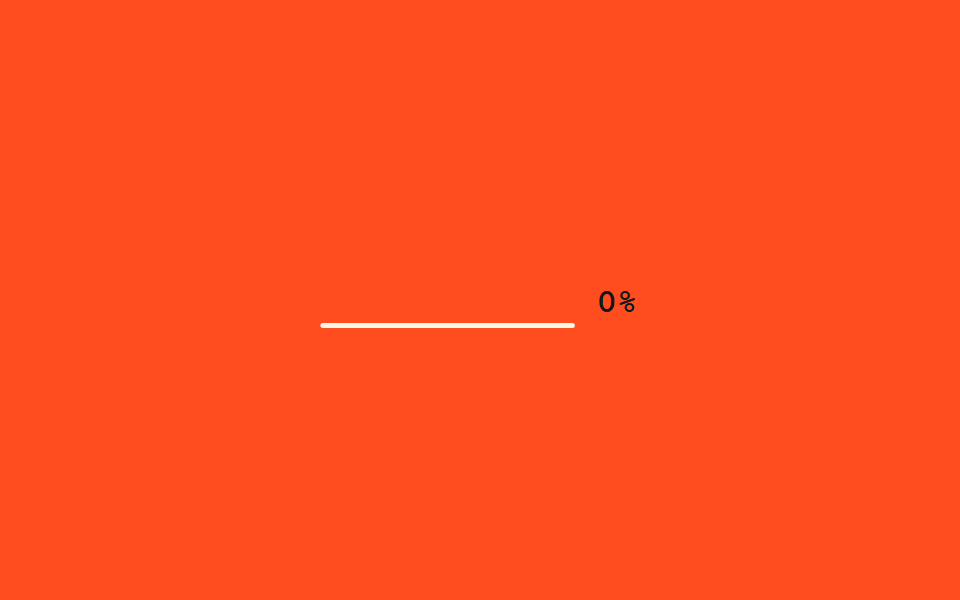
<main class="stage">
  <p class="cc-row">
    <span class="cc-text" aria-live="polite">
      <span class="cc-c">V</span><span class="cc-c">E</span><span class="cc-c">R</span><span class="cc-c">I</span><span class="cc-c">F</span><span class="cc-c">I</span><span class="cc-c">E</span><span class="cc-c">D</span>
    </span>
    <span class="cc-pct">0%</span>
  </p>
</main>
@use "../../../../site/static/demo-tokens" as *;
// ── 변수 3개 ──────────────────────────────────────────
$duration: $dur-loop;
$easing: $ease-pop;
$color: $subject-cream;
@include stage($stage-orange);
.cc-row {
margin: 0;
display: flex;
flex-wrap: wrap;
justify-content: center;
align-items: baseline;
gap: $sp-3;
}
.cc-text {
display: inline-flex;
gap: 0;
font: 800 clamp(18px, 6vw, 26px)/1.2 "Space Mono", "Courier New", monospace;
color: $color;
}
.cc-c { display: inline-block; min-width: 1ch; }
.cc-c.cc-pop { animation: cc-pop $easing 220ms; }
.cc-pct {
font: 700 clamp(13px, 4vw, 17px)/1 "Space Mono", "Courier New", monospace;
color: $subject-ink; // 주황 무대 위 % 글자 — AA 4.5 (크림+opacity .8 은 2.45:1 이었다)
}
@keyframes cc-pop {
0% { transform: scale(1.6); }
100% { transform: scale(1); }
}
// 이 데모는 CSS keyframes 가 아니라 짧은 JS 로 밑줄을 글자로 채운다 —
// reduced-motion 은 스크립트 안의 matchMedia 체크로 처리한다 (index.html 참고)
@media (prefers-reduced-motion: reduce) {
.cc-c, .cc-pct { color: $color; }
}html, body {
margin: 0;
overflow: hidden;
}
.stage {
box-sizing: border-box;
min-height: 100vh;
display: grid;
place-items: center;
margin: 0;
background: #ff4d1f;
font-family: -apple-system, "Segoe UI", "Noto Sans KR", sans-serif;
padding: clamp(8px, 4vw, 24px);
}
.cc-row {
margin: 0;
display: flex;
flex-wrap: wrap;
justify-content: center;
align-items: baseline;
gap: 12px;
}
.cc-text {
display: inline-flex;
gap: 0;
font: 800 clamp(18px, 6vw, 26px)/1.2 "Space Mono", "Courier New", monospace;
color: #fff7e6;
}
.cc-c {
display: inline-block;
min-width: 1ch;
}
.cc-c.cc-pop {
animation: cc-pop cubic-bezier(0.2, 1.4, 0.4, 1) 220ms;
}
.cc-pct {
font: 700 clamp(13px, 4vw, 17px)/1 "Space Mono", "Courier New", monospace;
color: #17141a;
}
@keyframes cc-pop {
0% {
transform: scale(1.6);
}
100% {
transform: scale(1);
}
}
@media (prefers-reduced-motion: reduce) {
.cc-c, .cc-pct {
color: #fff7e6;
}
}var target = "VERIFIED";
var spans = document.querySelectorAll(".cc-c");
var pct = document.querySelector(".cc-pct");
var reduced = window.matchMedia("(prefers-reduced-motion: reduce)").matches;
var n = 0;
setInterval(function () {
n++;
var filled = reduced ? target.length : Math.min(target.length, Math.floor((n % 50) / 5));
spans.forEach(function (s, i) {
s.textContent = i < filled ? target[i] : "_";
s.classList.toggle("cc-pop", i === filled - 1);
});
pct.textContent = Math.round(filled / target.length * 100) + "%";
}, 90);import { useEffect, useRef, useState } from "react";
import styles from "./CountdownChecksum.module.scss";
export interface CountdownChecksumProps {
text?: string;
interval?: number;
}
// 실사용: 뷰포트에 들어오면 밑줄이 진행률에 맞춰 왼쪽부터 글자로 채워진다. 다 채우면 멈춘다.
export default function CountdownChecksum({ text = "VERIFIED", interval = 90 }: CountdownChecksumProps) {
const ref = useRef<HTMLParagraphElement>(null);
const [filled, setFilled] = useState(0);
useEffect(() => {
const el = ref.current;
if (!el) return;
let timer: ReturnType<typeof setInterval> | null = null;
const io = new IntersectionObserver((entries) => {
entries.forEach((entry) => {
if (!entry.isIntersecting || timer) return;
io.unobserve(entry.target);
const reduced = window.matchMedia("(prefers-reduced-motion: reduce)").matches;
if (reduced) { setFilled(text.length); return; }
timer = setInterval(() => {
setFilled((f) => {
const next = f + 1;
if (next >= text.length && timer) { clearInterval(timer); timer = null; }
return Math.min(text.length, next);
});
}, interval);
});
}, { threshold: 0.3 });
io.observe(el);
return () => { io.disconnect(); if (timer) clearInterval(timer); };
}, [text, interval]);
return (
<p ref={ref} className={styles.row} aria-live="polite">
<span className={styles.text}>
{text.split("").map((ch, i) => (
<span key={i} className={i === filled - 1 ? styles.pop : undefined}>{i < filled ? ch : "_"}</span>
))}
</span>
<span className={styles.pct}>{Math.round((filled / text.length) * 100)}%</span>
</p>
);
}07 체크섬 카운트다운 — 측정 누적면적 1.409% · 움직인 프레임 16/23GODRICH 원작 · zip 에 SCSS·React 포함 · CSS 텍스트 효과 9종 — 해킹처럼 풀리는 디코드 연출
이 데모가 속한 글
 CSS 텍스트 효과 9종 — 해킹처럼 풀리는 디코드 연출CSS 텍스트 효과는 제목이나 문장이 화면에 나타날 때 함께 움직이는 연출로, 코드를 몰라도 파일을 그대로 붙이면 바로 쓸 수 있습니다. 이 아홉 가지는 해킹 화면처럼 문장이 풀리는 순간을 노려, 헥스 코드나 이진수 이 글의 데모 전부 보기