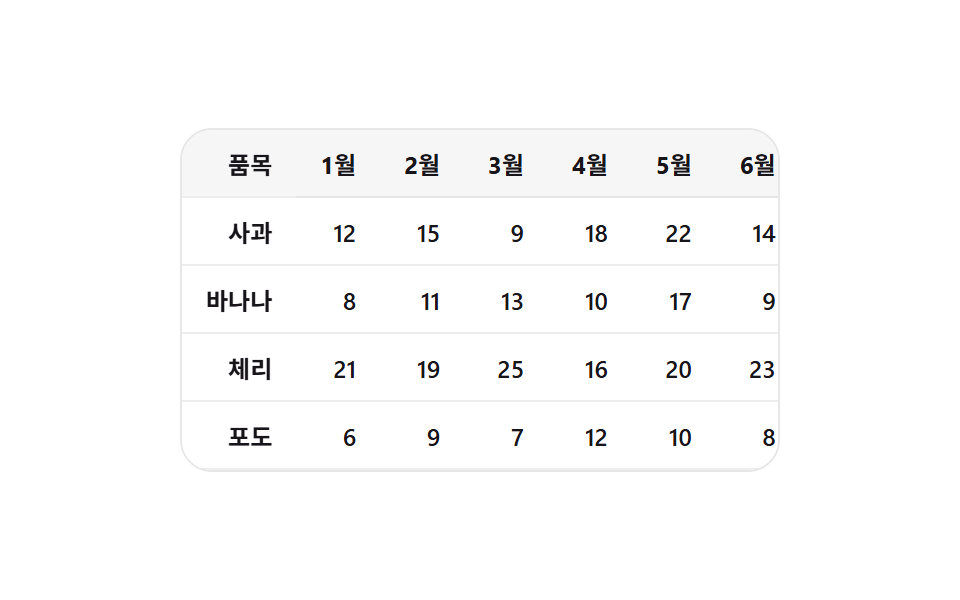
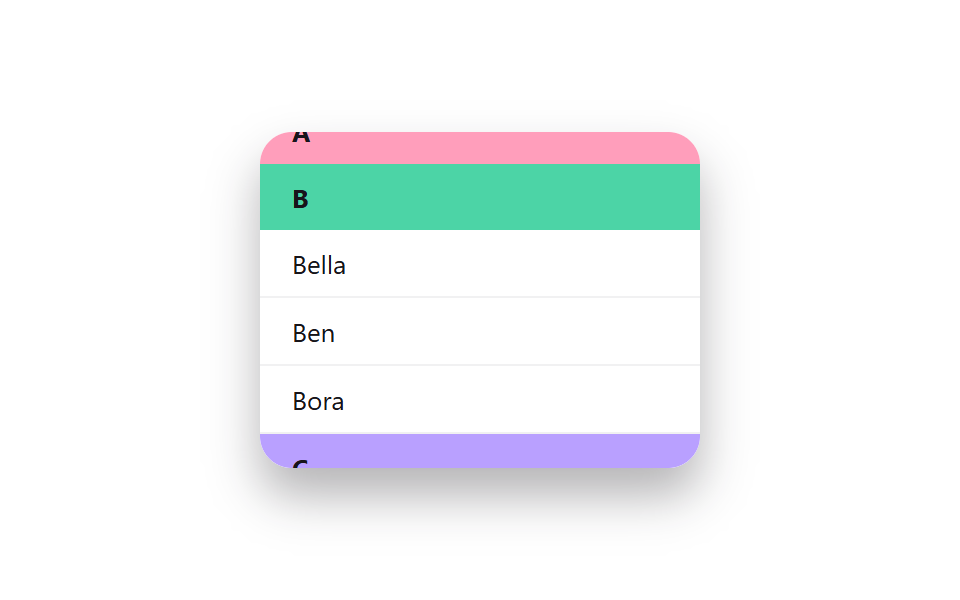
06고정 헤더 + 첫 열
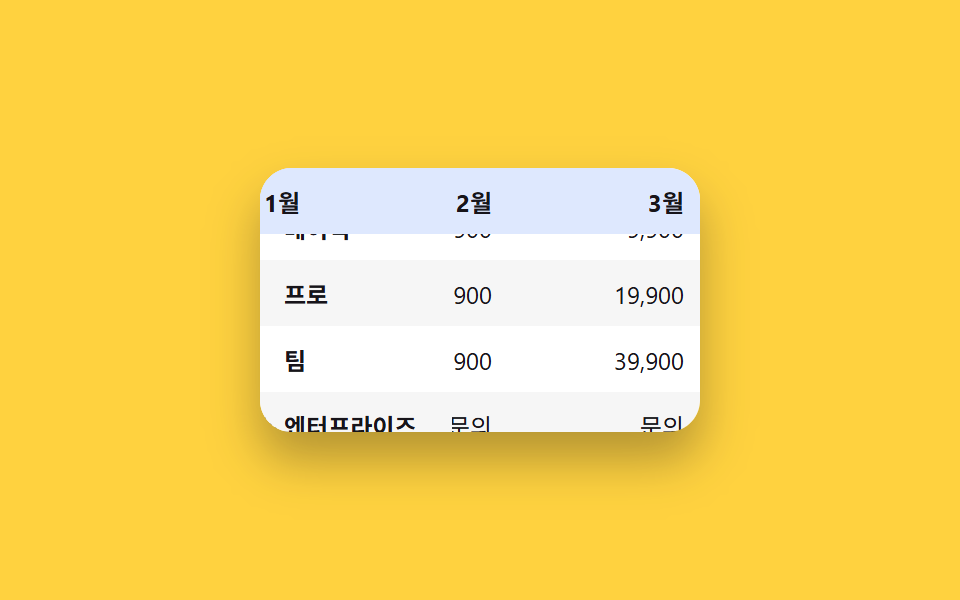
표를 가로세로로 스크롤해도 맨 위 헤더 행과 맨 왼쪽 열은 화면에 그대로 붙어 따라온다.
쓰임큰 스프레드시트형 표, 기능 비교 매트릭스
position:sticky top+leftz-index 겹침 순서border 겹선 보정
<main class="stage">
  <div class="freeze-wrap is-demo" tabindex="0" aria-label="가격 비교표. 화살표 키나 드래그로 스크롤">
    <table class="freeze-table">
      <thead>
        <tr>
          <th class="freeze-table__corner">플랜</th>
          <th>1월</th><th>2월</th><th>3월</th><th>4월</th>
        </tr>
      </thead>
      <tbody>
        <tr><th scope="row">베이직</th><td>9,900</td><td>9,900</td><td>9,900</td><td>9,900</td></tr>
        <tr><th scope="row">프로</th><td>19,900</td><td>19,900</td><td>19,900</td><td>19,900</td></tr>
        <tr><th scope="row">팀</th><td>39,900</td><td>39,900</td><td>39,900</td><td>39,900</td></tr>
        <tr><th scope="row">엔터프라이즈</th><td>문의</td><td>문의</td><td>문의</td><td>문의</td></tr>
      </tbody>
    </table>
  </div>
</main>
@use "../../../../site/static/demo-tokens" as *;
$duration: $dur-base; // 스크롤 자동 시연 왕복 시간(스크립트 값과 맞춤)
$easing: $ease-out;
$color: $subject-blue; // 헤더·첫 열 배경
@include stage($stage-yellow);
.freeze-wrap {
width: 220px;
height: 132px;
overflow: auto;
border-radius: $r-card;
background: $stage-paper;
box-shadow: $shadow-raised;
}
.freeze-wrap:focus-visible { outline: 2px solid $stage-ink; outline-offset: 2px; }
.freeze-table {
border-collapse: separate;
border-spacing: 0;
font-size: 12px;
color: $stage-ink;
}
.freeze-table th, .freeze-table td {
padding: $sp-2 $sp-3;
min-width: 72px;
white-space: nowrap;
text-align: right;
background: $stage-paper;
}
// 스티키 셀은 스크롤되는 내용 위로 겹쳐 그려지므로 배경이 완전 불투명해야 한다.
// rgba(..., .16) 처럼 반투명으로 두면 아래로 스크롤되는 글자가 비쳐 보여 겹침(고스팅)이 생긴다 — 실측으로 확인
.freeze-table thead th {
position: sticky;
top: 0;
z-index: 2;
background: #dee8fe; // $subject-blue 를 흰 배경에 16% 섞은 불투명 값
text-align: right;
font-weight: 700;
}
.freeze-table tbody th[scope="row"] {
position: sticky;
left: 0;
z-index: 1;
text-align: left;
font-weight: 700;
background: $stage-paper;
}
.freeze-table__corner {
position: sticky;
top: 0;
left: 0;
z-index: 3;
text-align: left !important;
background: #c5d6fc !important; // $subject-blue 를 28% 섞은 불투명 값
}
// 여기도 th[scope="row"]는 스티키(왼쪽 고정)라 불투명해야 한다 — td는 스크롤에 그냥 같이 움직이니 상관없다
.freeze-table tbody tr:nth-child(even) td { background: rgba(23, 20, 26, .04); }
.freeze-table tbody tr:nth-child(even) th[scope="row"] { background: #f6f6f6; }
@media (prefers-reduced-motion: reduce) {
.freeze-wrap { scroll-behavior: auto; }
}html, body {
margin: 0;
overflow: hidden;
}
.stage {
box-sizing: border-box;
min-height: 100vh;
display: grid;
place-items: center;
margin: 0;
background: #ffd23f;
font-family: -apple-system, "Segoe UI", "Noto Sans KR", sans-serif;
padding: clamp(8px, 4vw, 24px);
}
.freeze-wrap {
width: 220px;
height: 132px;
overflow: auto;
border-radius: 16px;
background: #ffffff;
box-shadow: 0 14px 24px rgba(23, 20, 26, 0.32);
}
.freeze-wrap:focus-visible {
outline: 2px solid #17141a;
outline-offset: 2px;
}
.freeze-table {
border-collapse: separate;
border-spacing: 0;
font-size: 12px;
color: #17141a;
}
.freeze-table th, .freeze-table td {
padding: 8px 12px;
min-width: 72px;
white-space: nowrap;
text-align: right;
background: #ffffff;
}
.freeze-table thead th {
position: sticky;
top: 0;
z-index: 2;
background: #dee8fe;
text-align: right;
font-weight: 700;
}
.freeze-table tbody th[scope=row] {
position: sticky;
left: 0;
z-index: 1;
text-align: left;
font-weight: 700;
background: #ffffff;
}
.freeze-table__corner {
position: sticky;
top: 0;
left: 0;
z-index: 3;
text-align: left !important;
background: #c5d6fc !important;
}
.freeze-table tbody tr:nth-child(even) td {
background: rgba(23, 20, 26, 0.04);
}
.freeze-table tbody tr:nth-child(even) th[scope=row] {
background: #f6f6f6;
}
@media (prefers-reduced-motion: reduce) {
.freeze-wrap {
scroll-behavior: auto;
}
}(function () {
var wrap = document.querySelector('.freeze-wrap');
var reduce = window.matchMedia('(prefers-reduced-motion: reduce)').matches;
var raf = null, t0 = null;
function maxX() { return wrap.scrollWidth - wrap.clientWidth; }
function maxY() { return wrap.scrollHeight - wrap.clientHeight; }
function loop(ts) {
if (!wrap.classList.contains('is-demo')) return;
if (t0 === null) t0 = ts;
var p = ((ts - t0) / 2000) % 1;
var s = p < .5 ? p * 2 : 2 - p * 2;
wrap.scrollLeft = s * maxX();
wrap.scrollTop = s * maxY();
raf = requestAnimationFrame(loop);
}
function stop() {
wrap.classList.remove('is-demo');
if (raf) cancelAnimationFrame(raf);
}
wrap.addEventListener('pointerdown', stop);
wrap.addEventListener('wheel', stop, { passive: true });
wrap.addEventListener('keydown', function (e) {
var step = 24;
if (e.key === 'ArrowRight') { stop(); wrap.scrollLeft += step; }
else if (e.key === 'ArrowLeft') { stop(); wrap.scrollLeft -= step; }
else if (e.key === 'ArrowDown') { stop(); wrap.scrollTop += step; }
else if (e.key === 'ArrowUp') { stop(); wrap.scrollTop -= step; }
else return;
e.preventDefault();
});
if (!reduce) requestAnimationFrame(loop);
})();import { useRef, type CSSProperties } from "react";
import styles from "./StickyHeaderColumnFreeze.module.scss";
export type StickyHeaderColumnFreezeProps = {
columns: string[];
rows: { label: string; values: string[] }[];
/** 헤더·첫 열 배경 색 */
color?: string;
};
type Vars = CSSProperties & { "--color"?: string };
export default function StickyHeaderColumnFreeze({ columns, rows, color = "#2f6df6" }: StickyHeaderColumnFreezeProps) {
const wrap = useRef<HTMLDivElement | null>(null);
const vars: Vars = { "--color": color };
const key = (e: any) => {
const el = wrap.current;
if (!el) return;
const step = 24;
if (e.key === "ArrowRight") { e.preventDefault(); el.scrollLeft += step; }
else if (e.key === "ArrowLeft") { e.preventDefault(); el.scrollLeft -= step; }
else if (e.key === "ArrowDown") { e.preventDefault(); el.scrollTop += step; }
else if (e.key === "ArrowUp") { e.preventDefault(); el.scrollTop -= step; }
};
return (
<div
className={styles.wrap}
style={vars}
ref={wrap}
tabIndex={0}
aria-label="가격 비교표. 화살표 키나 드래그로 스크롤"
onKeyDown={key}
>
<table className={styles.table}>
<thead>
<tr>
<th className={styles.corner}>플랜</th>
{columns.map((c) => <th key={c}>{c}</th>)}
</tr>
</thead>
<tbody>
{rows.map((r) => (
<tr key={r.label}>
<th scope="row">{r.label}</th>
{r.values.map((v, i) => <td key={i}>{v}</td>)}
</tr>
))}
</tbody>
</table>
</div>
);
}06 고정 헤더 + 첫 열 — 측정 누적면적 11.599% · 움직인 프레임 23/23GODRICH 원작 · zip 에 SCSS·React 포함 · 스와이프 삭제 리스트 UI 9가지 — 페이지네이션까지
이 데모가 속한 글
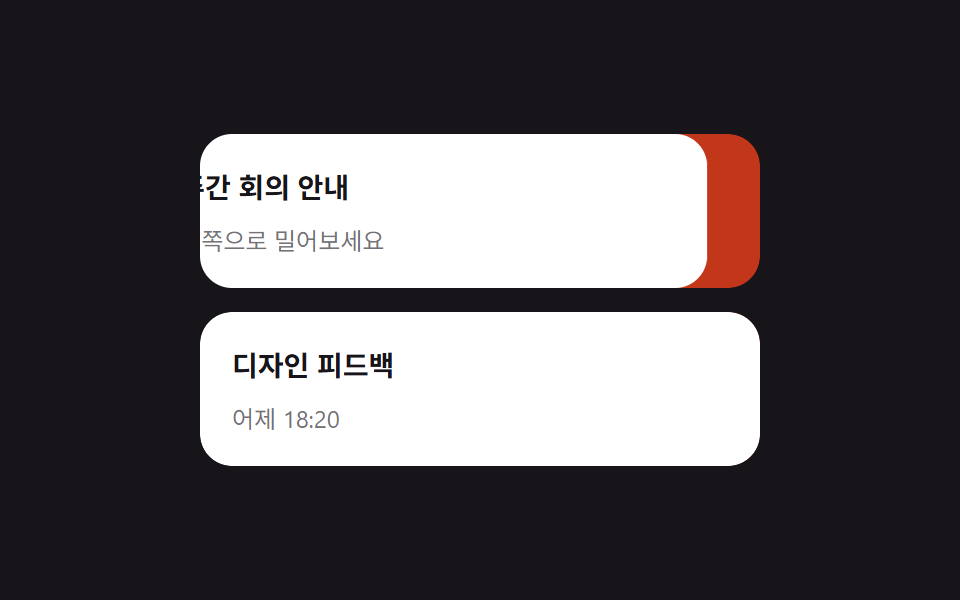 스와이프 삭제 리스트 UI 9가지 — 페이지네이션까지스와이프 삭제는 리스트 항목을 옆으로 밀면 뒤에 숨어 있던 삭제 버튼이 드러나는 동작으로, 인스타·배민 앱에서 본 그 동작입니다. 이 글은 스와이프 삭제를 포함해 당겨서 새로고침·드래그 정렬·고정 헤더·페이지네이션까 이 글의 데모 전부 보기