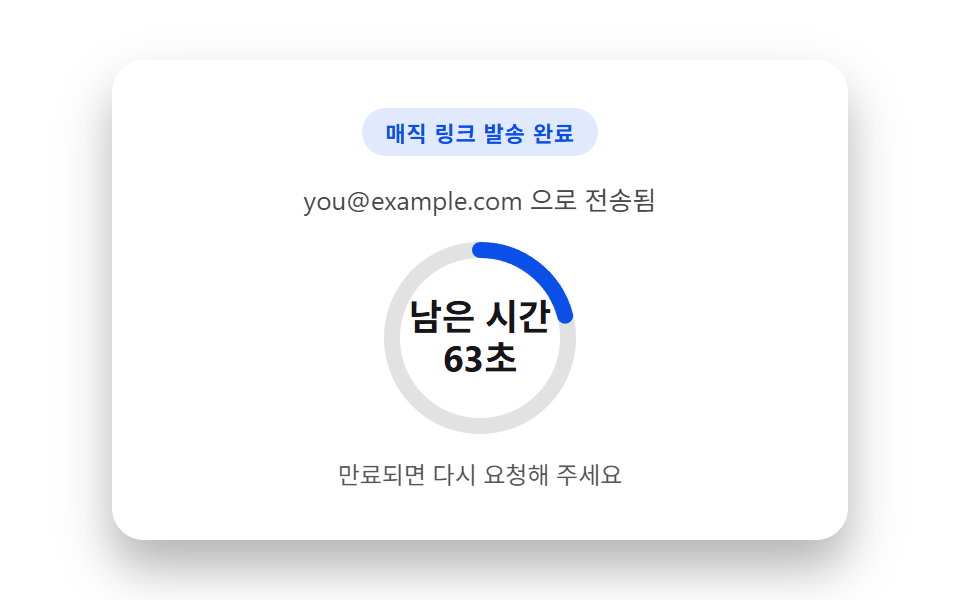
07매직 링크 발송 완료 카드
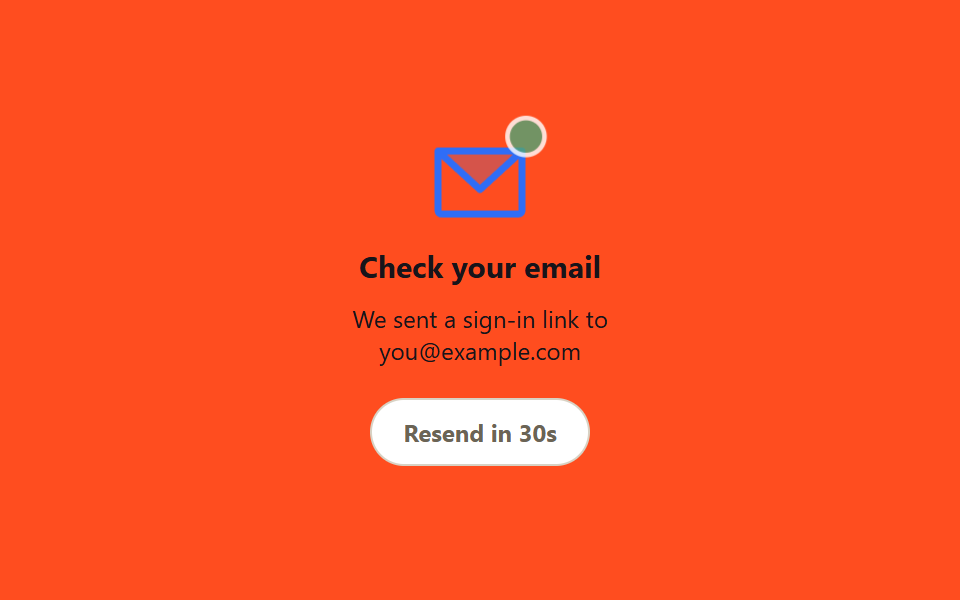
비밀번호 없이 링크로 로그인하는 방식에서, 메일을 보낸 직후 봉투 아이콘이 통통 튀고 재전송 버튼은 카운트다운이 끝날 때까지 눌리지 않습니다.
쓰임비밀번호 없는 로그인(매직 링크)을 쓰는 서비스, 이메일 인증 대기 화면
setInterval 카운트다운disabled 토글@keyframes bounce
<main class="stage">
  <div class="magic-card">
    <span class="envelope" aria-hidden="true">
      <svg class="envelope__icon" viewBox="0 0 256 256"><g fill="currentColor"><path d="m224 56l-96 88l-96-88Z" opacity=".2"/><path d="M224 48H32a8 8 0 0 0-8 8v136a16 16 0 0 0 16 16h176a16 16 0 0 0 16-16V56a8 8 0 0 0-8-8m-20.57 16L128 133.15L52.57 64ZM216 192H40V74.19l82.59 75.71a8 8 0 0 0 10.82 0L216 74.19z"/></g></svg>
      <span class="envelope__badge"></span>
    </span>
    <h2 class="magic-card__title">Check your email</h2>
    <p class="magic-card__desc">We sent a sign-in link to [email protected]</p>
    <button class="magic-card__resend" type="button" disabled>Resend in <span class="magic-card__count">30</span>s</button>
  </div>
</main>
@use "../../../../site/static/demo-tokens" as *;
$duration: $dur-loop; // 봉투가 통통 튀는 주기
$easing: $ease-out;
$color: $subject-blue; // 봉투 색
@include stage($stage-orange);
.magic-card {
width: min(220px, 82vw);
display: flex;
flex-direction: column;
align-items: center;
text-align: center;
gap: $sp-2;
}
.envelope {
position: relative;
width: 56px;
height: 40px;
margin-bottom: $sp-2;
animation: bounce $duration $easing infinite;
}
.envelope__icon {
position: absolute; inset: 0;
color: $color; // Phosphor duotone: g fill="currentColor" 가 이 값을 물려받는다
}
.envelope__badge {
position: absolute;
top: -4px; right: -4px;
width: 14px; height: 14px;
border-radius: 50%;
background: #51a474;
border: 2px solid $stage-paper;
animation: pulse $duration $easing infinite;
}
.magic-card__title { margin: 0; font-size: 15px; font-weight: 700; color: $stage-ink; font-family: inherit; }
.magic-card__desc { margin: 0; font-size: 12px; color: $subject-ink; font-family: inherit; }
.magic-card__resend {
margin-top: $sp-2;
padding: $sp-2 $sp-4;
border: 1.5px solid #d8d2c4;
border-radius: $r-pill;
background: $stage-paper;
color: #6b6455;
font-size: 12px;
font-weight: 700;
font-family: inherit;
cursor: not-allowed;
&:not(:disabled) {
color: $color;
border-color: $color;
cursor: pointer;
}
&:not(:disabled):hover, &:not(:disabled):focus-visible { background: rgba($color, .08); }
}
@keyframes bounce {
0%, 100% { transform: translateY(0); }
50% { transform: translateY(-6px); }
}
@keyframes pulse {
0%, 100% { transform: scale(1); opacity: 1; }
50% { transform: scale(1.25); opacity: .7; }
}
@media (prefers-reduced-motion: reduce) {
.envelope, .envelope__badge { animation: none; }
}html, body {
margin: 0;
overflow: hidden;
}
.stage {
box-sizing: border-box;
min-height: 100vh;
display: grid;
place-items: center;
margin: 0;
background: #ff4d1f;
font-family: -apple-system, "Segoe UI", "Noto Sans KR", sans-serif;
padding: clamp(8px, 4vw, 24px);
}
.magic-card {
width: min(220px, 82vw);
display: flex;
flex-direction: column;
align-items: center;
text-align: center;
gap: 8px;
}
.envelope {
position: relative;
width: 56px;
height: 40px;
margin-bottom: 8px;
animation: bounce 2s ease-out infinite;
}
.envelope__icon {
position: absolute;
inset: 0;
color: #2f6df6;
}
.envelope__badge {
position: absolute;
top: -4px;
right: -4px;
width: 14px;
height: 14px;
border-radius: 50%;
background: #51a474;
border: 2px solid #ffffff;
animation: pulse 2s ease-out infinite;
}
.magic-card__title {
margin: 0;
font-size: 15px;
font-weight: 700;
color: #17141a;
font-family: inherit;
}
.magic-card__desc {
margin: 0;
font-size: 12px;
color: #17141a;
font-family: inherit;
}
.magic-card__resend {
margin-top: 8px;
padding: 8px 16px;
border: 1.5px solid #d8d2c4;
border-radius: 999px;
background: #ffffff;
color: #6b6455;
font-size: 12px;
font-weight: 700;
font-family: inherit;
cursor: not-allowed;
}
.magic-card__resend:not(:disabled) {
color: #2f6df6;
border-color: #2f6df6;
cursor: pointer;
}
.magic-card__resend:not(:disabled):hover, .magic-card__resend:not(:disabled):focus-visible {
background: rgba(47, 109, 246, 0.08);
}
@keyframes bounce {
0%, 100% {
transform: translateY(0);
}
50% {
transform: translateY(-6px);
}
}
@keyframes pulse {
0%, 100% {
transform: scale(1);
opacity: 1;
}
50% {
transform: scale(1.25);
opacity: 0.7;
}
}
@media (prefers-reduced-motion: reduce) {
.envelope, .envelope__badge {
animation: none;
}
}var btn=document.querySelector('.magic-card__resend'),
cnt=document.querySelector('.magic-card__count'),
n=30,
timer=setInterval(function(){
n--; cnt.textContent=n;
if(n<=0){clearInterval(timer);btn.disabled=false;btn.firstChild.textContent='Resend link';cnt.remove();}
},1000);
btn.addEventListener('click',function(){
if(btn.disabled)return;
n=30; btn.disabled=true; btn.textContent='Resend in ';
var span=document.createElement('span'); span.className='magic-card__count'; span.textContent=n;
btn.appendChild(span); btn.appendChild(document.createTextNode('s'));
cnt=span;
timer=setInterval(function(){
n--; cnt.textContent=n;
if(n<=0){clearInterval(timer);btn.disabled=false;btn.textContent='Resend link';}
},1000);
});import { useEffect, useState } from "react";
import styles from "./MagicLinkSentCard.module.scss";
export type MagicLinkSentCardProps = {
email: string;
/** 재전송 대기 초 (기본 30) */
cooldown?: number;
onResend?: () => void;
};
/** 마운트·재전송마다 cooldown 초를 세고, 0 이 되면 재전송 버튼이 풀린다 */
export default function MagicLinkSentCard({ email, cooldown = 30, onResend }: MagicLinkSentCardProps) {
const [left, setLeft] = useState(cooldown);
useEffect(() => {
if (left <= 0) return;
const id = setInterval(() => setLeft((n) => n - 1), 1000);
return () => clearInterval(id);
}, [left]);
const resend = () => {
if (left > 0) return;
onResend?.();
setLeft(cooldown);
};
return (
<div className={styles.card}>
<span className={styles.envelope} aria-hidden="true">
<svg className={styles.icon} viewBox="0 0 256 256">
<g fill="currentColor"><path d="m224 56l-96 88l-96-88Z" opacity=".2" /><path d="M224 48H32a8 8 0 0 0-8 8v136a16 16 0 0 0 16 16h176a16 16 0 0 0 16-16V56a8 8 0 0 0-8-8m-20.57 16L128 133.15L52.57 64ZM216 192H40V74.19l82.59 75.71a8 8 0 0 0 10.82 0L216 74.19z" /></g>
</svg>
<span className={styles.badge} />
</span>
<h2 className={styles.title}>Check your email</h2>
<p className={styles.desc}>We sent a sign-in link to {email}</p>
<button className={styles.resend} type="button" disabled={left > 0} onClick={resend}>
{left > 0 ? `Resend in ${left}s` : "Resend link"}
</button>
</div>
);
}07 매직 링크 발송 완료 카드 — 측정 누적면적 1.242% · 움직인 프레임 23/23GODRICH 원작 · zip 에 SCSS·React 포함 · 로그인 화면 디자인 9가지 — 복붙 가능한 카드 UI
이 데모가 속한 글
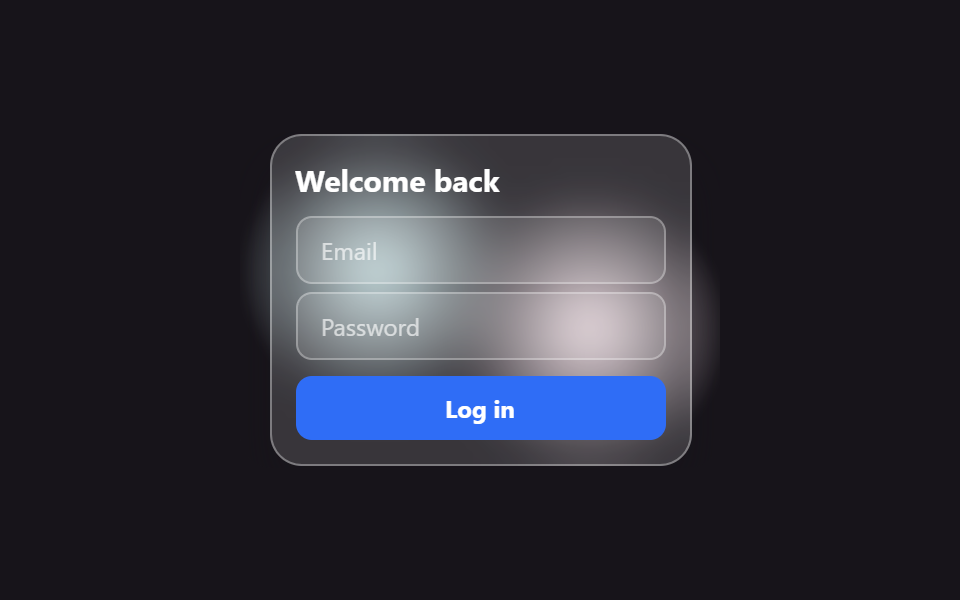 로그인 화면 디자인 9가지 — 복붙 가능한 카드 UI로그인 화면 디자인은 이메일·비밀번호 칸과 버튼 몇 개로 끝나는 것 같지만, 실제로는 카드 재질·화면 분할·단계 진행·오류 알림까지 아홉 가지 결정이 쌓여 만들어집니다. 그중 하나는 팝업 모달 대신 이미 열린 화면 이 글의 데모 전부 보기