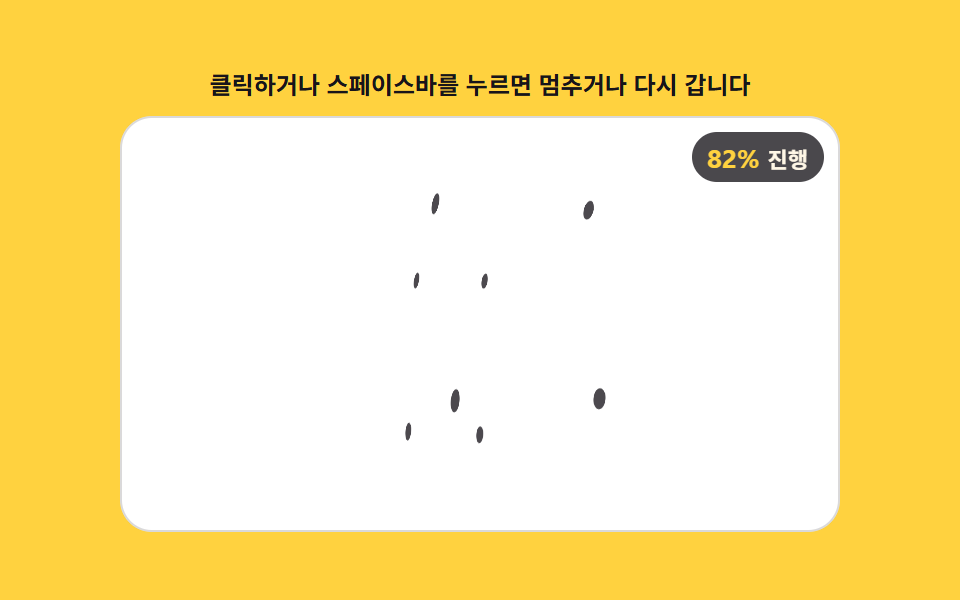
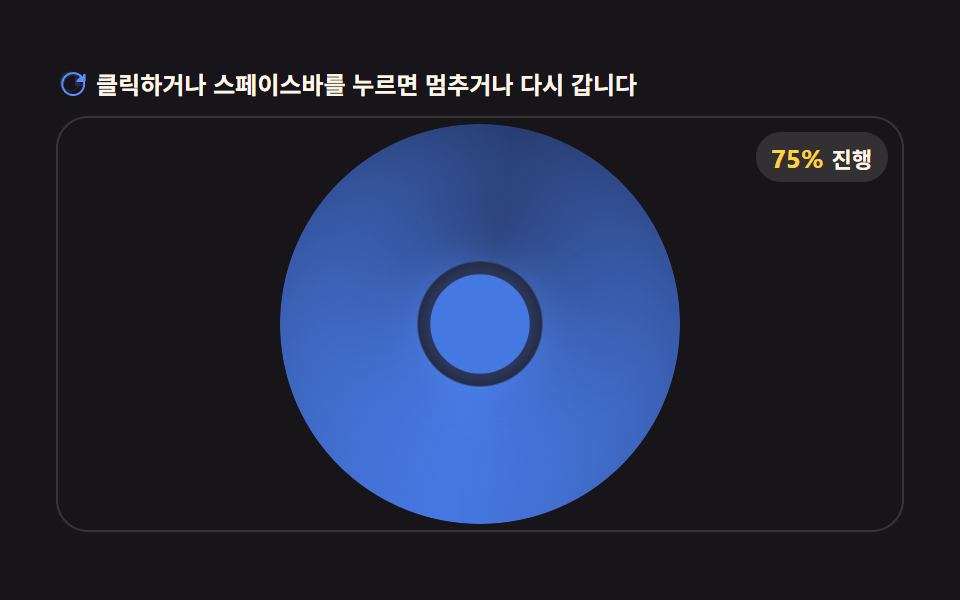
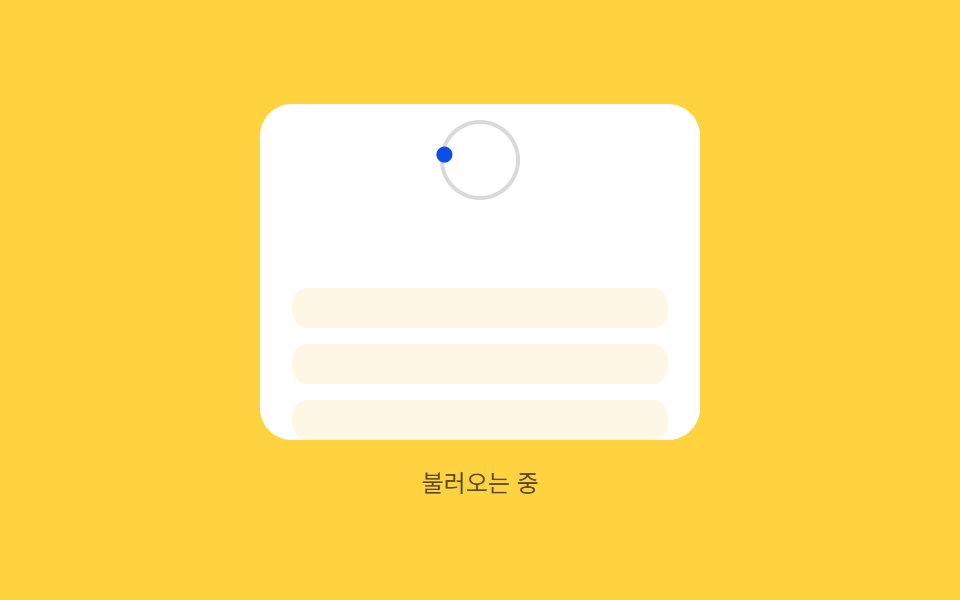
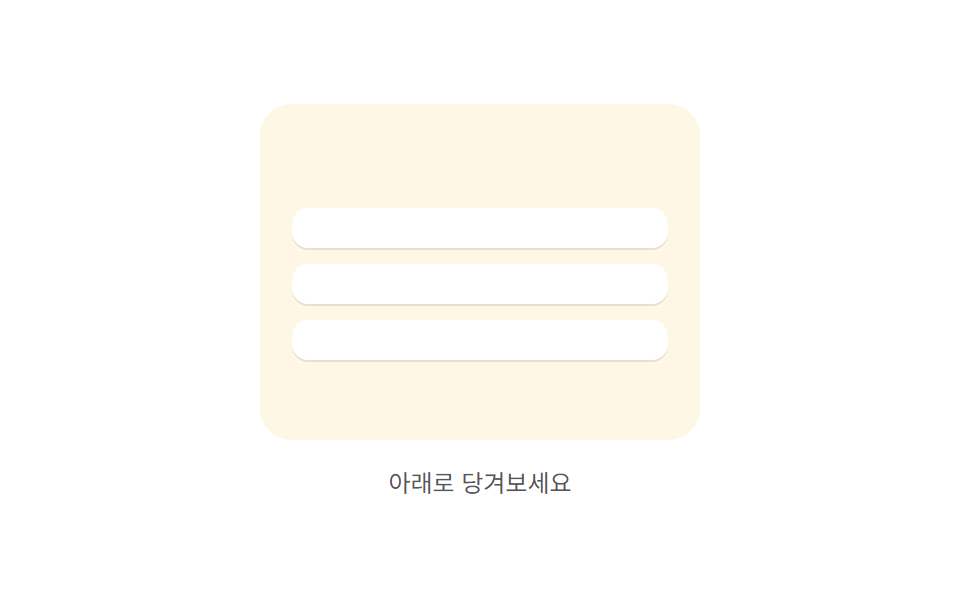
02회전 연동 — 당긴 거리 값의 비율만큼 회전 값이 함께 도는 표시
당긴 거리 값을 기준 거리로 나눈 비율 값만큼 표시의 회전 값이 함께 돌아가고, 비율 값이 1이 된 상태가 되면 회전이 계속 이어지는 상태로 바뀝니다.
쓰임뉴스 피드 상단 표시, 받은편지함 새로고침
SWEEPRADIUSspinFrame
<main class="stage">
<div class="prrb is-demo" id="prrb">
  <div class="prrb__phone" id="prrbPhone">
    <div class="prrb__zone">
      <span class="prrb__ring"></span>
      <span class="prrb__knob" id="prrbKnob"></span>
    </div>
    <div class="prrb__list" id="prrbList">
      <div class="prrb__row"></div>
      <div class="prrb__row"></div>
      <div class="prrb__row"></div>
    </div>
  </div>
  <span class="prrb__hint" id="prrbHint">당겨서 새로고침</span>
</div>
</main>
@use "../../../../site/static/demo-tokens" as *;
// 계산 겹(비율→각도 place())은 JS 에 있다 — 여기는 정적 배치만.
@include stage($stage-yellow);
.prrb {
position: relative;
display: flex;
flex-direction: column;
align-items: center;
gap: $sp-3;
}
.prrb__phone {
position: relative;
width: 220px;
height: 168px;
overflow: hidden;
border-radius: $r-card;
background: $stage-paper;
touch-action: none;
cursor: grab;
}
.prrb__zone {
position: relative;
height: 56px;
display: grid;
place-items: center;
}
.prrb__ring {
position: absolute;
width: 36px;
height: 36px;
border-radius: $r-pill;
border: 2px solid rgba($subject-ink, .16);
}
.prrb__knob {
position: relative;
width: 8px;
height: 8px;
border-radius: $r-pill;
background: $subject-blue-deep;
}
.prrb__list {
position: relative;
display: flex;
flex-direction: column;
gap: $sp-2;
padding: $sp-3 $sp-4;
}
.prrb__row {
height: 20px;
border-radius: $r-sm;
background: $subject-cream;
}
.prrb__hint {
color: rgba($subject-ink, .72);
font-size: 12px;
text-align: center;
}
@media (max-width: 340px) {
.prrb__phone { width: 176px; height: 132px; }
.prrb__zone { height: 44px; }
.prrb__ring { width: 28px; height: 28px; }
.prrb__list { padding: $sp-2 $sp-3; gap: $sp-1; }
.prrb__row { height: 16px; }
}
@media (prefers-reduced-motion: reduce) {
.prrb__knob, .prrb__list { transition: none !important; }
}html, body {
margin: 0;
overflow: hidden;
}
.stage {
box-sizing: border-box;
min-height: 100vh;
display: grid;
place-items: center;
margin: 0;
background: #ffd23f;
font-family: -apple-system, "Segoe UI", "Noto Sans KR", sans-serif;
padding: clamp(8px, 4vw, 24px);
}
.prrb {
position: relative;
display: flex;
flex-direction: column;
align-items: center;
gap: 12px;
}
.prrb__phone {
position: relative;
width: 220px;
height: 168px;
overflow: hidden;
border-radius: 16px;
background: #ffffff;
touch-action: none;
cursor: grab;
}
.prrb__zone {
position: relative;
height: 56px;
display: grid;
place-items: center;
}
.prrb__ring {
position: absolute;
width: 36px;
height: 36px;
border-radius: 999px;
border: 2px solid rgba(23, 20, 26, 0.16);
}
.prrb__knob {
position: relative;
width: 8px;
height: 8px;
border-radius: 999px;
background: #0a4fe8;
}
.prrb__list {
position: relative;
display: flex;
flex-direction: column;
gap: 8px;
padding: 12px 16px;
}
.prrb__row {
height: 20px;
border-radius: 8px;
background: #fff7e6;
}
.prrb__hint {
color: rgba(23, 20, 26, 0.72);
font-size: 12px;
text-align: center;
}
@media (max-width: 340px) {
.prrb__phone {
width: 176px;
height: 132px;
}
.prrb__zone {
height: 44px;
}
.prrb__ring {
width: 28px;
height: 28px;
}
.prrb__list {
padding: 8px 12px;
gap: 4px;
}
.prrb__row {
height: 16px;
}
}
@media (prefers-reduced-motion: reduce) {
.prrb__knob, .prrb__list {
transition: none !important;
}
}(function () {
var phone = document.getElementById('prrbPhone');
var knob = document.getElementById('prrbKnob');
var list = document.getElementById('prrbList');
var hint = document.getElementById('prrbHint');
var root = document.getElementById('prrb');
// 계산 겹: 당긴 거리(raw)를 기준 거리(REF)로 나눈 비율(ratio)만큼 knob 을 궤도(SWEEP도)로 돌린다.
// ratio 가 1 이 되면 거리 연동을 놓고 각속도(SPIN_SPEED)로 계속 도는 로딩 상태로 넘어간다.
var REF = 120, SWEEP = 270, RADIUS = 18, SPIN_SPEED = 0.62; // deg / ms
function place(angleDeg, pullPx) {
var rad = (angleDeg - 90) * Math.PI / 180;
var x = Math.cos(rad) * RADIUS, y = Math.sin(rad) * RADIUS;
knob.style.transform = 'translate(' + x.toFixed(1) + 'px,' + y.toFixed(1) + 'px)';
list.style.transform = 'translateY(' + pullPx.toFixed(1) + 'px)';
}
var state = 'idle'; // idle -> dragging -> spinning -> idle
var raw = 0, ratio = 0, spinAngle = 0, spinStart = 0, spinRaf = null;
function fromRatio() { return ratio * SWEEP; }
function spinFrame(ts) {
if (!spinStart) { spinStart = ts; }
var el = ts - spinStart;
spinAngle = (el * SPIN_SPEED) % 360;
place(spinAngle, 24);
if (el < 900) {
spinRaf = requestAnimationFrame(spinFrame);
} else {
state = 'idle'; ratio = 0; raw = 0; spinStart = 0;
hint.textContent = '당겨서 새로고침';
place(0, 0);
}
}
function startSpin() {
state = 'spinning';
hint.textContent = '불러오는 중';
spinStart = 0;
spinRaf = requestAnimationFrame(spinFrame);
}
function apply(r) {
raw = r;
ratio = Math.max(0, Math.min(1, raw / REF));
place(fromRatio(), ratio * 24);
hint.textContent = ratio > 0.05 ? ('회전 ' + Math.round(fromRatio()) + '도 · 비율 ' + Math.round(ratio * 100) + '%') : '당겨서 새로고침';
}
var dragging = false, startY = 0, startRaw = 0;
function onDown(y) {
if (state === 'spinning') { return; }
dragging = true; state = 'dragging'; startY = y; startRaw = raw;
}
function onMove(y) {
if (!dragging) { return; }
apply(Math.max(0, Math.min(REF * 1.3, startRaw + (y - startY))));
}
function onUp() {
if (!dragging) { return; }
dragging = false;
if (ratio >= 1) { startSpin(); } else { state = 'idle'; apply(0); }
}
function wireReal() {
phone.addEventListener('pointerdown', function (e) { root.classList.remove('is-demo'); stopAutoplay(); onDown(e.clientY); });
window.addEventListener('pointermove', function (e) { onMove(e.clientY); });
window.addEventListener('pointerup', onUp);
}
phone.style.touchAction = 'none';
wireReal();
place(0, 0);
// 자동 루프: raw 를 단계적으로 REF 까지 올려 같은 apply()·startSpin() 경로를 탄다.
var autoRaw = 0, autoTimer = null;
function autoTick() {
if (state === 'spinning') { return; }
autoRaw += 30;
if (autoRaw >= REF) { apply(REF); startSpin(); autoRaw = 0; return; }
apply(autoRaw);
}
var reduce = window.matchMedia('(prefers-reduced-motion: reduce)').matches;
function stopAutoplay() { if (autoTimer) { clearInterval(autoTimer); autoTimer = null; } if (spinRaf) { cancelAnimationFrame(spinRaf); } }
if (!reduce) { autoTimer = setInterval(autoTick, 170); }
})();import { useEffect, useRef } from "react";
import styles from "./PullRefreshRotationBind.module.scss";
export type PullRefreshRotationBindProps = {
color?: string;
};
export default function PullRefreshRotationBind({
color = "#0a4fe8",
}: PullRefreshRotationBindProps) {
const rootRef = useRef<HTMLDivElement | null>(null);
useEffect(() => {
const root = rootRef.current;
if (!root) return;
const phone = root.querySelector<HTMLDivElement>(`.${styles.phone}`);
const knob = root.querySelector<HTMLSpanElement>(`.${styles.knob}`);
const list = root.querySelector<HTMLDivElement>(`.${styles.list}`);
const hint = root.querySelector<HTMLSpanElement>(`.${styles.hint}`);
if (!phone || !knob || !list || !hint) return;
// 계산 겹: 당긴 거리(raw)를 기준 거리(REF)로 나눈 비율(ratio)만큼 knob 을 궤도(SWEEP도)로 돌린다.
// ratio 가 1 이 되면 거리 연동을 놓고 각속도(SPIN_SPEED)로 계속 도는 로딩 상태로 넘어간다.
const REF = 120, SWEEP = 270, RADIUS = 18, SPIN_SPEED = 0.62;
function place(angleDeg: number, pullPx: number) {
const rad = (angleDeg - 90) * Math.PI / 180;
const x = Math.cos(rad) * RADIUS, y = Math.sin(rad) * RADIUS;
knob!.style.transform = "translate(" + x.toFixed(1) + "px," + y.toFixed(1) + "px)";
list!.style.transform = "translateY(" + pullPx.toFixed(1) + "px)";
}
let state: "idle" | "dragging" | "spinning" = "idle";
let raw = 0, ratio = 0, spinAngle = 0, spinStart = 0, spinRaf: number | null = null;
function fromRatio() { return ratio * SWEEP; }
function spinFrame(ts: number) {
if (!spinStart) { spinStart = ts; }
const el = ts - spinStart;
spinAngle = (el * SPIN_SPEED) % 360;
place(spinAngle, 24);
if (el < 900) {
spinRaf = requestAnimationFrame(spinFrame);
} else {
state = "idle"; ratio = 0; raw = 0; spinStart = 0;
hint!.textContent = "당겨서 새로고침";
place(0, 0);
}
}
function startSpin() {
state = "spinning";
hint!.textContent = "불러오는 중";
spinStart = 0;
spinRaf = requestAnimationFrame(spinFrame);
}
function apply(r: number) {
raw = r;
ratio = Math.max(0, Math.min(1, raw / REF));
place(fromRatio(), ratio * 24);
hint!.textContent = ratio > 0.05 ? ("회전 " + Math.round(fromRatio()) + "도 · 비율 " + Math.round(ratio * 100) + "%") : "당겨서 새로고침";
}
let dragging = false, startY = 0, startRaw = 0;
function onDown(y: number) {
if (state === "spinning") return;
dragging = true; state = "dragging"; startY = y; startRaw = raw;
}
function onMove(y: number) {
if (!dragging) return;
apply(Math.max(0, Math.min(REF * 1.3, startRaw + (y - startY))));
}
function onUp() {
if (!dragging) return;
dragging = false;
if (ratio >= 1) { startSpin(); } else { state = "idle"; apply(0); }
}
function onPointerDown(e: PointerEvent) { stopAutoplay(); onDown(e.clientY); }
function onPointerMove(e: PointerEvent) { onMove(e.clientY); }
phone.addEventListener("pointerdown", onPointerDown);
window.addEventListener("pointermove", onPointerMove);
window.addEventListener("pointerup", onUp);
place(0, 0);
let autoRaw = 0, autoTimer: number | null = null;
function autoTick() {
if (state === "spinning") return;
autoRaw += 30;
if (autoRaw >= REF) { apply(REF); startSpin(); autoRaw = 0; return; }
apply(autoRaw);
}
function stopAutoplay() {
if (autoTimer !== null) { window.clearInterval(autoTimer); autoTimer = null; }
if (spinRaf !== null) { cancelAnimationFrame(spinRaf); }
}
const reduce = window.matchMedia("(prefers-reduced-motion: reduce)").matches;
if (!reduce) { autoTimer = window.setInterval(autoTick, 170); }
return () => {
stopAutoplay();
phone.removeEventListener("pointerdown", onPointerDown);
window.removeEventListener("pointermove", onPointerMove);
window.removeEventListener("pointerup", onUp);
};
}, []);
return (
<div ref={rootRef} className={styles.stage}>
<div className={styles.prrb}>
<div className={styles.phone}>
<div className={styles.zone}>
<span className={styles.ring} />
<span className={styles.knob} style={{ background: color }} />
</div>
<div className={styles.list}>
<div className={styles.row} />
<div className={styles.row} />
<div className={styles.row} />
</div>
</div>
<span className={styles.hint}>당겨서 새로고침</span>
</div>
</div>
);
}02 회전 연동 — 당긴 거리 값의 비율만큼 회전 값이 함께 도는 표시 — 측정 누적면적 14.129% · 움직인 프레임 20/23GODRICH 원작 · zip 에 SCSS·React 포함 · 당겨서 새로고침 9종 — 당긴 거리 값이 새로고침을 만드는 방식
이 데모가 속한 글
 당겨서 새로고침 9종 — 당긴 거리 값이 새로고침을 만드는 방식당겨서 새로고침은 리스트를 위로 당겼다가 놓는 손짓에 거리 값을 계산해 새로고침을 트리거하는 동작인데, 아홉 개 중 하나는 당긴 거리 값이 커질수록 실제로 밀리는 폭 값이 점점 좁아지고, 하나는 그 거리의 비율 값만 이 글의 데모 전부 보기