05Trượt vào từ bên cạnh
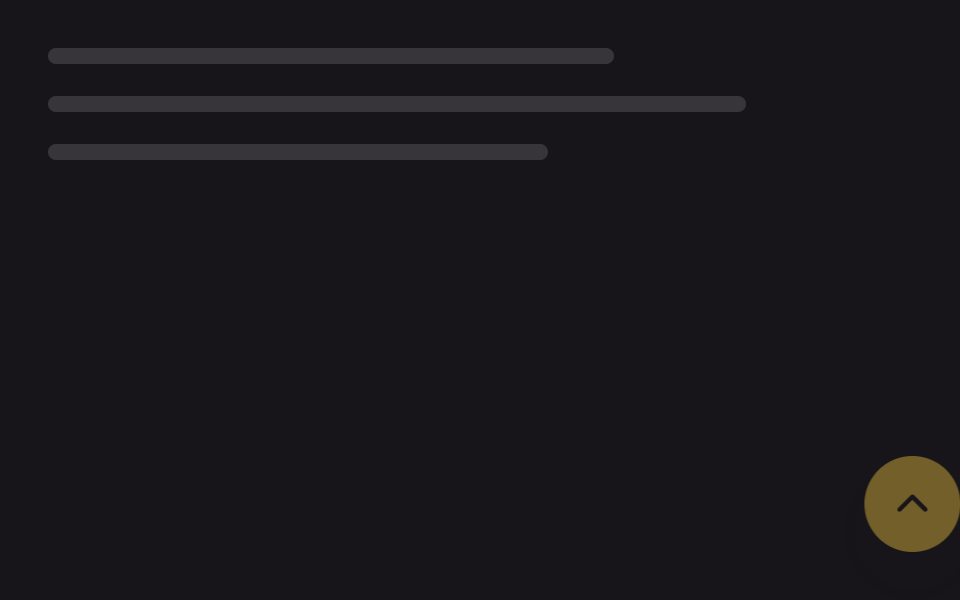
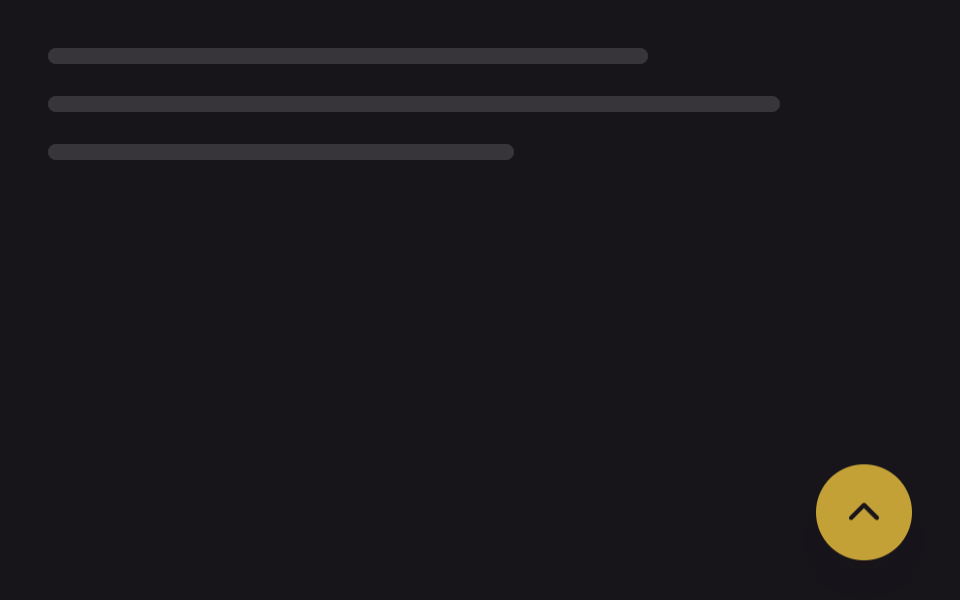
Nút lướt vào từ ngoài mép phải màn hình, cho cảm giác xuất hiện khác hẳn kiểu hiện dần từ dưới lên của mục 01.
Dùng choDashboard có sidebar, trang tài liệu lề phải rộng
translateX@starting-style320ms
<main class="stage">
  <div class="page-mock" aria-hidden="true">
    <span class="page-mock__line"></span>
    <span class="page-mock__line"></span>
    <span class="page-mock__line"></span>
  </div>
  <button type="button" class="totop is-demo" aria-label="Lên đầu trang">
    <svg class="totop__arrow" viewBox="0 0 24 24" aria-hidden="true"><polyline points="5,15 12,8 19,15"/></svg>
  </button>
</main>
@use "../../../../site/static/demo-tokens" as *;
// ── 변수 3개 ──────────────────────────────────────────
$duration: 320ms;
$easing: $ease-spring;
$color: $subject-ink; // 화살표 색
@include stage($stage-ink);
.stage { position: relative; }
.page-mock {
position: absolute;
inset: $sp-6 $sp-10 auto $sp-6;
display: flex;
flex-direction: column;
gap: $sp-4;
}
.page-mock__line {
display: block;
height: $sp-2;
border-radius: $r-xs;
background: rgba(#fff, .14);
}
.page-mock__line:nth-child(1) { width: 68%; }
.page-mock__line:nth-child(2) { width: 84%; }
.page-mock__line:nth-child(3) { width: 60%; }
// 실제 사용: 평소엔 표시 안 함 → .is-visible 이 더해지면 display 전환 + @starting-style 로 오른쪽에서 미끄러져 들어온다
.totop {
position: absolute;
right: $sp-6; bottom: $sp-6;
width: 48px; height: 48px;
border: 0;
border-radius: $r-pill;
background: $stage-yellow;
display: none;
place-items: center;
box-shadow: $shadow-raised;
cursor: pointer;
opacity: 0;
transform: translateX($sp-10);
transition: opacity $duration $easing, transform $duration $easing, display $duration allow-discrete;
}
.totop.is-visible {
display: grid;
opacity: 1;
transform: translateX(0);
@starting-style { opacity: 0; transform: translateX($sp-10); }
}
// 데모 루프 — 실사용 트리거와 별도로 항상 보이며 2초마다 들어왔다 나간다
.totop.is-demo {
display: grid !important;
animation: totop-slide-loop $dur-loop $easing infinite;
}
@keyframes totop-slide-loop {
0%, 100% { opacity: 0; transform: translateX($sp-10); }
20%, 80% { opacity: 1; transform: translateX(0); }
}
.totop__arrow {
width: 22px; height: 22px;
fill: none;
stroke: $color;
stroke-width: 2.4;
stroke-linecap: round;
stroke-linejoin: round;
}
@media (prefers-reduced-motion: reduce) {
.totop, .totop.is-demo { transition: none; animation: none; opacity: 1; transform: translateX(0); }
}html, body {
margin: 0;
overflow: hidden;
}
.stage {
box-sizing: border-box;
min-height: 100vh;
display: grid;
place-items: center;
margin: 0;
background: #17141a;
font-family: -apple-system, "Segoe UI", "Noto Sans KR", sans-serif;
padding: clamp(8px, 4vw, 24px);
}
.stage {
position: relative;
}
.page-mock {
position: absolute;
inset: 24px 40px auto 24px;
display: flex;
flex-direction: column;
gap: 16px;
}
.page-mock__line {
display: block;
height: 8px;
border-radius: 4px;
background: rgba(255, 255, 255, 0.14);
}
.page-mock__line:nth-child(1) {
width: 68%;
}
.page-mock__line:nth-child(2) {
width: 84%;
}
.page-mock__line:nth-child(3) {
width: 60%;
}
.totop {
position: absolute;
right: 24px;
bottom: 24px;
width: 48px;
height: 48px;
border: 0;
border-radius: 999px;
background: #ffd23f;
display: none;
place-items: center;
box-shadow: 0 14px 24px rgba(23, 20, 26, 0.32);
cursor: pointer;
opacity: 0;
transform: translateX(40px);
transition: opacity 320ms cubic-bezier(0.2, 0.8, 0.2, 1), transform 320ms cubic-bezier(0.2, 0.8, 0.2, 1), display 320ms allow-discrete;
}
.totop.is-visible {
display: grid;
opacity: 1;
transform: translateX(0);
}
@starting-style {
.totop.is-visible {
opacity: 0;
transform: translateX(40px);
}
}
.totop.is-demo {
display: grid !important;
animation: totop-slide-loop 2s cubic-bezier(0.2, 0.8, 0.2, 1) infinite;
}
@keyframes totop-slide-loop {
0%, 100% {
opacity: 0;
transform: translateX(40px);
}
20%, 80% {
opacity: 1;
transform: translateX(0);
}
}
.totop__arrow {
width: 22px;
height: 22px;
fill: none;
stroke: #17141a;
stroke-width: 2.4;
stroke-linecap: round;
stroke-linejoin: round;
}
@media (prefers-reduced-motion: reduce) {
.totop, .totop.is-demo {
transition: none;
animation: none;
opacity: 1;
transform: translateX(0);
}
}// 실제 사용: 스크롤이 임계값을 넘으면 .is-visible 을 더한다. display 전환 + @starting-style 이 등장을 맡는다 (5줄)
var btn = document.querySelector('.totop');
function sync() { btn.classList.toggle('is-visible', window.scrollY > 240); }
window.addEventListener('scroll', sync, { passive: true });import { useEffect, useState, type CSSProperties } from "react";
import styles from "./SlideInButton.module.scss";
export type SlideInButtonProps = {
threshold?: number;
/** translateX 전환 시간 (기본 320ms) */
duration?: number;
easing?: string;
};
type Vars = CSSProperties & { "--duration"?: string; "--easing"?: string };
// 실제 사용: 스크롤이 threshold 를 넘으면 display 전환 + @starting-style 로 오른쪽에서 미끄러져 들어온다
export default function SlideInButton({
threshold = 240,
duration = 320,
easing = "cubic-bezier(.2,.8,.2,1)",
}: SlideInButtonProps) {
const [visible, setVisible] = useState(false);
useEffect(() => {
const sync = () => setVisible(window.scrollY > threshold);
sync();
window.addEventListener("scroll", sync, { passive: true });
return () => window.removeEventListener("scroll", sync);
}, [threshold]);
const vars: Vars = { "--duration": `${duration}ms`, "--easing": easing };
if (!visible) return null;
return (
<button
type="button"
className={styles.totop}
style={vars}
aria-label="맨 위로"
onClick={() => window.scrollTo({ top: 0, behavior: "smooth" })}
>
<svg className={styles.arrow} viewBox="0 0 24 24" aria-hidden="true">
<polyline points="5,15 12,8 19,15" />
</svg>
</button>
);
}05 Trượt vào từ bên cạnh — Diện tích đo được 2.232% · khung hình chuyển động 8/23Nguyên tác GODRICH · SCSS và React nằm trong tệp zip · 9 nút back to top button css — hiện khi cuộn
Bài viết chứa demo này
 9 nút back to top button css — hiện khi cuộnNút back to top button css là nút nhỏ đưa bạn về đầu trang khi đã cuộn xuống sâu. Chín kiểu dưới đây chạy từ bản không A Xem tất cả demo trong bài này