9 nút back to top button css — hiện khi cuộn
Nút back to top button css là nút nhỏ đưa bạn về đầu trang khi đã cuộn xuống sâu. Chín kiểu dưới đây chạy từ bản không AOS·GSAP, 0 dòng JS đến bản tự đọc vị
 01 back-to-top-button-totop-fade-scroll
 02 back-to-top-button-totop-arrow-bounce
 03 back-to-top-button-totop-circle-progress
 04 back-to-top-button-totop-rocket
 05 back-to-top-button-totop-slide-in
 06 back-to-top-button-totop-text-rotate
 07 back-to-top-button-totop-stop-footer
 08 back-to-top-button-totop-pill-expand
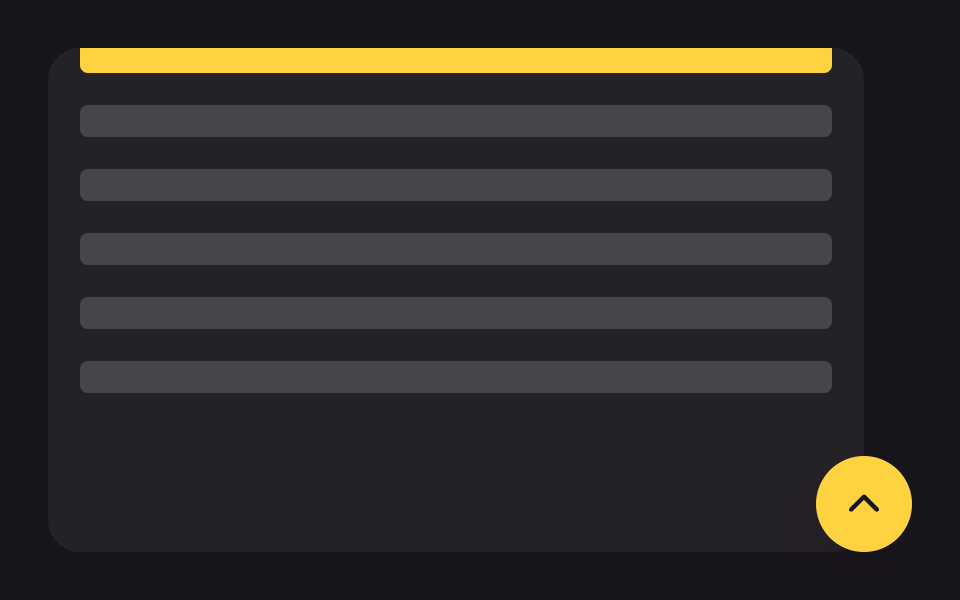 09 back-to-top-button-totop-smooth-anchor
Tự chạy · bấm ô để tới mục đó · cả 9 trong một zip
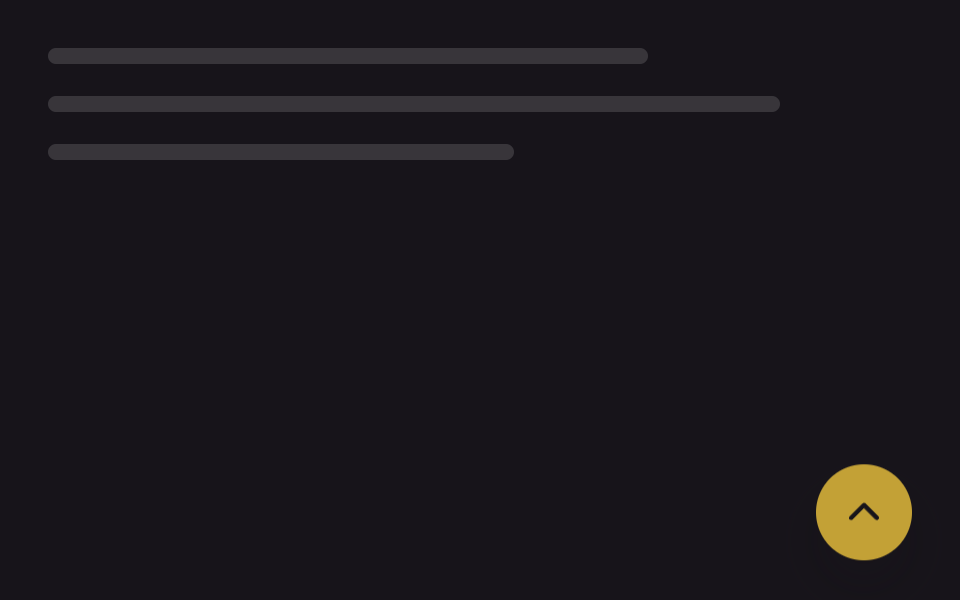
- 01 Hiện dần khi cuộn
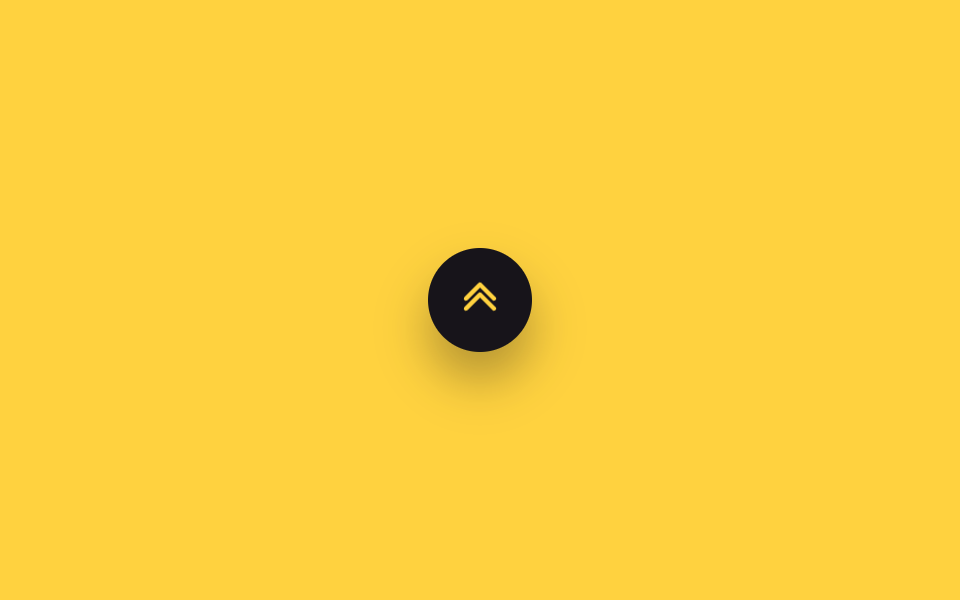
- 02 Mũi tên nảy lên
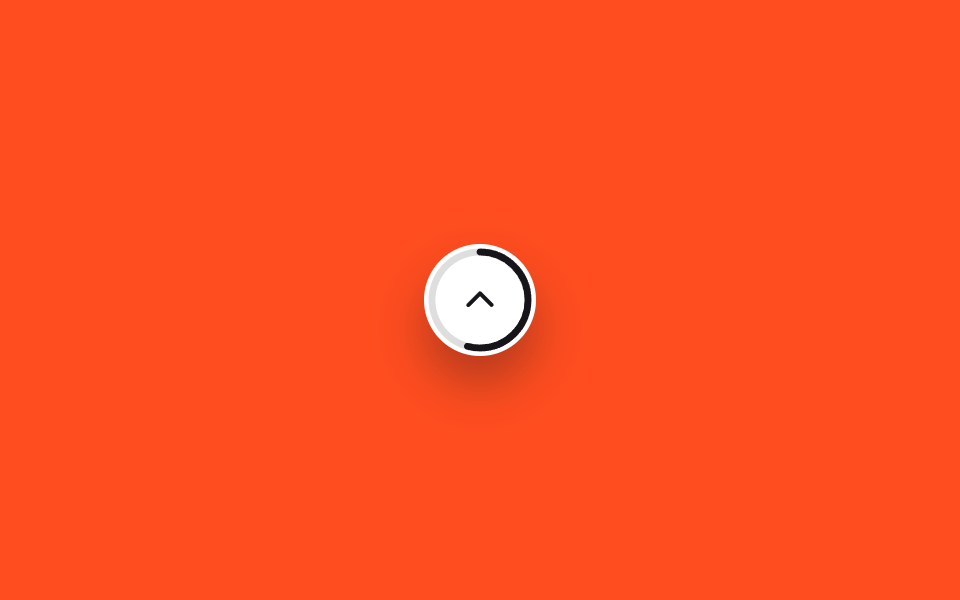
- 03 Vòng tiến trình tròn
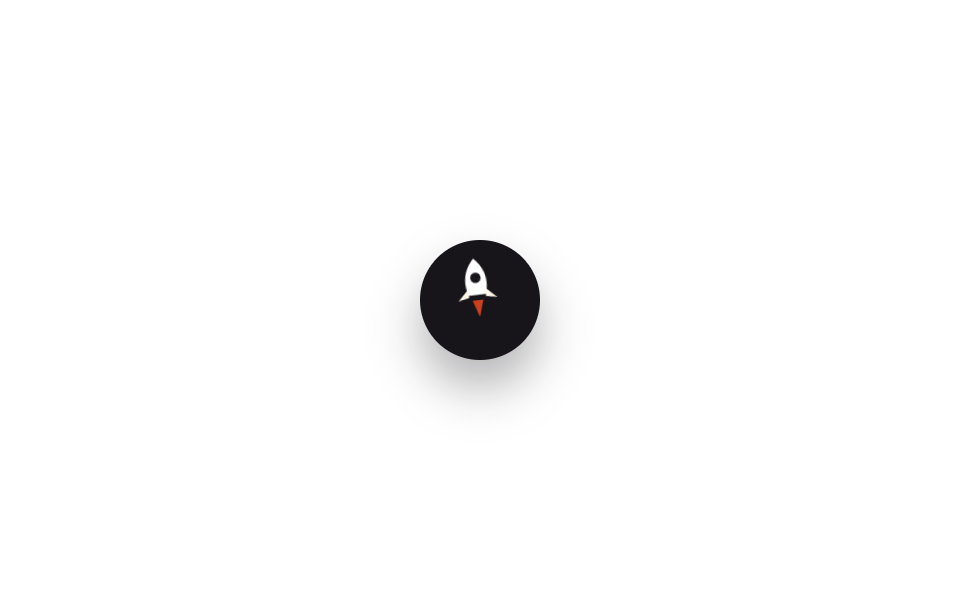
- 04 Hình tên lửa
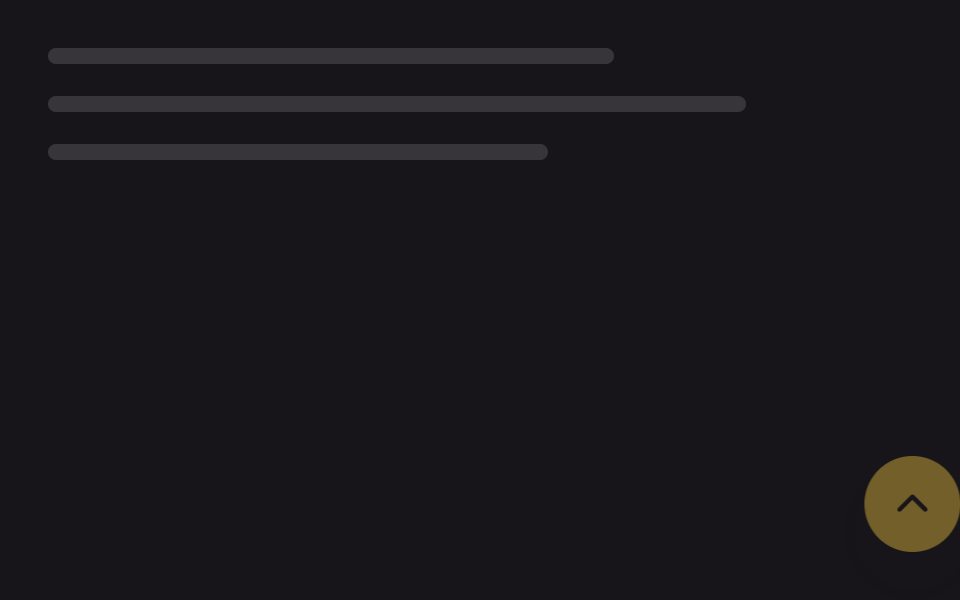
- 05 Trượt vào từ bên cạnh
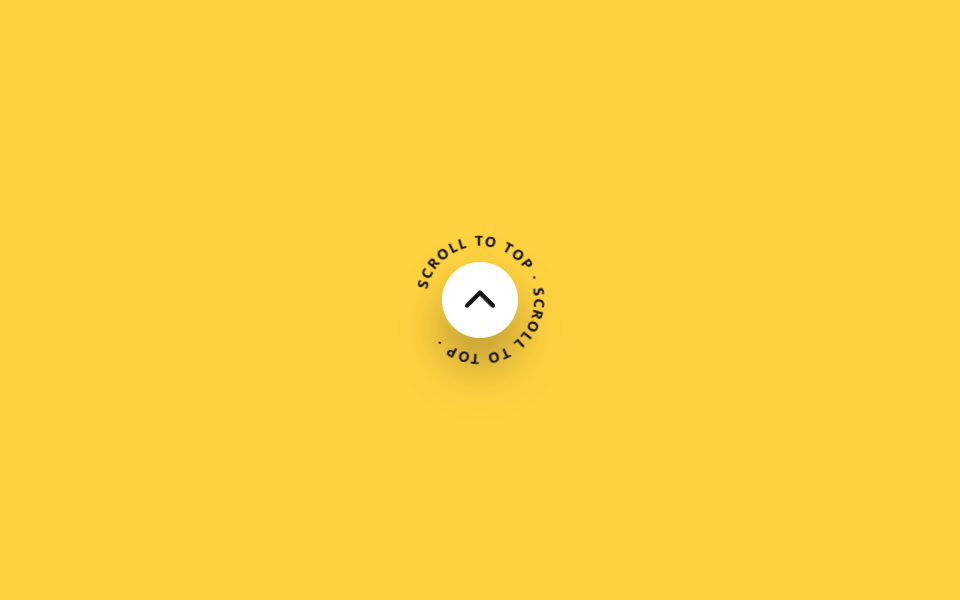
- 06 Chữ chạy vòng quanh
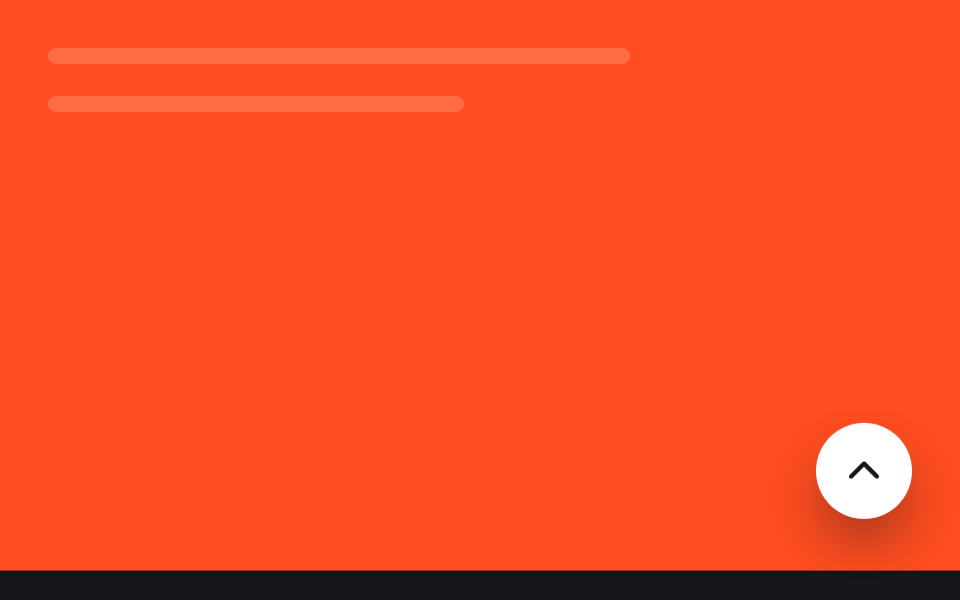
- 07 Dừng lại trên footer
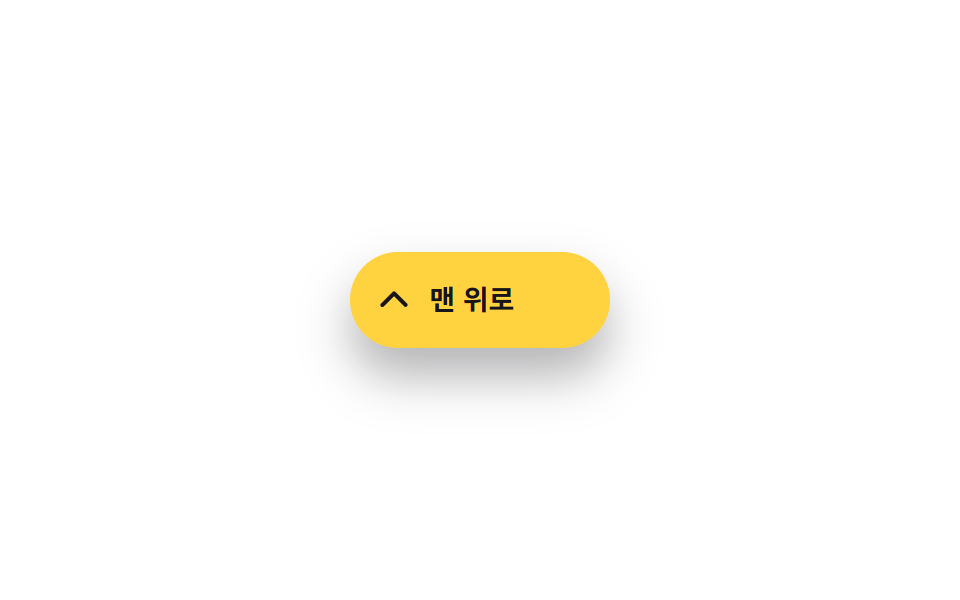
- 08 Nút pill giãn khi hover
- 09 Trượt mượt bằng scroll-behavior
Chín mục không xếp theo bảng chữ cái mà theo đúng quãng đời của một nút trên màn hình. Trước hết là cách nút xuất hiện (01~03), kế đến hai kiểu hình khối đậm chất ý tưởng (04·06), rồi một hướng vào khác hẳn (05), cách né khỏi vùng footer (07), phản ứng khi bạn rê chuột lên (08), và cuối cùng là giao việc di chuyển cho trình duyệt mà không cần animation (09). Theo tinh thần scroll to top button css only, JavaScript nếu có cũng chỉ đọc vị trí cuộn, còn mọi chuyển động đều thuộc về CSS.
| Mục | Kỹ thuật | Thời lượng | Kích hoạt |
|---|---|---|---|
| 01 Hiện dần khi cuộn | opacity+translateY | 260ms | cuộn (JS) |
| 02 Mũi tên nảy liên tục | translateY | 1.4s | luôn chạy |
| 03 Vòng tiến trình đọc | stroke-dashoffset | 2s (demo) | cuộn (JS) |
| 04 Hình tên lửa | translateY+rotate | 700ms | hover·focus |
| 05 Trượt vào từ cạnh | translateX+@starting-style | 320ms | cuộn (JS) |
| 06 Chữ quay quanh nút | rotate | 8s | luôn chạy |
| 07 Dừng trên footer | translateY | 220ms | cuộn (JS) |
| 08 Pill giãn khi hover | width | 220ms | hover·focus |
| 09 scroll-behavior | (cuộn gốc của trình duyệt) | — | nhấp |
01Hiện dần khi cuộn
Nút lên đầu trang xuất hiện khi nào
Nút nằm ẩn với opacity:0, và chỉ khi cuộn vượt quá 240px thì bảy dòng JavaScript mới gắn lớp .is-visible để nút trồi lên một cách từ tốn.
<main class="stage">
  <div class="page-mock" aria-hidden="true">
    <span class="page-mock__line"></span>
    <span class="page-mock__line"></span>
    <span class="page-mock__line"></span>
  </div>
  <button type="button" class="totop is-demo" aria-label="Lên đầu trang">
    <svg class="totop__arrow" viewBox="0 0 24 24" aria-hidden="true"><polyline points="5,15 12,8 19,15"/></svg>
  </button>
</main>
@use "../../../../site/static/demo-tokens" as *;
// ── 변수 3개 ──────────────────────────────────────────
$duration: 260ms; // opacity·translateY 전환 시간 (실사용 값)
$easing: $ease-out;
$color: $subject-ink; // 화살표 색
@include stage($stage-ink);
.stage { position: relative; }
.page-mock {
position: absolute;
inset: $sp-6 $sp-10 auto $sp-6;
display: flex;
flex-direction: column;
gap: $sp-4;
}
.page-mock__line {
display: block;
height: $sp-2;
border-radius: $r-xs;
background: rgba(#fff, .14);
}
.page-mock__line:nth-child(1) { width: 72%; }
.page-mock__line:nth-child(2) { width: 88%; }
.page-mock__line:nth-child(3) { width: 56%; }
.totop {
position: absolute;
right: $sp-6; bottom: $sp-6;
width: 48px; height: 48px;
border: 0;
border-radius: $r-pill;
background: $stage-yellow;
display: grid;
place-items: center;
box-shadow: $shadow-raised;
cursor: pointer;
opacity: 0;
transform: translateY($sp-4);
transition: opacity $duration $easing, transform $duration $easing;
}
.totop.is-visible { opacity: 1; transform: translateY(0); }
// 데모 루프 — 실제 스크롤 대신 자동으로 나타났다 사라진다 (실사용 트리거와는 별도 규칙, 캡처 주기 2s 고정)
.totop.is-demo { animation: totop-loop 2s $easing infinite; }
@keyframes totop-loop {
0%, 100% { opacity: 0; transform: translateY($sp-4); }
20%, 80% { opacity: 1; transform: translateY(0); }
}
.totop__arrow {
width: 22px; height: 22px;
fill: none;
stroke: $color;
stroke-width: 2.4;
stroke-linecap: round;
stroke-linejoin: round;
}
@media (prefers-reduced-motion: reduce) {
.totop, .totop.is-demo { transition: none; animation: none; opacity: 1; transform: translateY(0); }
}html, body {
margin: 0;
overflow: hidden;
}
.stage {
box-sizing: border-box;
min-height: 100vh;
display: grid;
place-items: center;
margin: 0;
background: #17141a;
font-family: -apple-system, "Segoe UI", "Noto Sans KR", sans-serif;
padding: clamp(8px, 4vw, 24px);
}
.stage {
position: relative;
}
.page-mock {
position: absolute;
inset: 24px 40px auto 24px;
display: flex;
flex-direction: column;
gap: 16px;
}
.page-mock__line {
display: block;
height: 8px;
border-radius: 4px;
background: rgba(255, 255, 255, 0.14);
}
.page-mock__line:nth-child(1) {
width: 72%;
}
.page-mock__line:nth-child(2) {
width: 88%;
}
.page-mock__line:nth-child(3) {
width: 56%;
}
.totop {
position: absolute;
right: 24px;
bottom: 24px;
width: 48px;
height: 48px;
border: 0;
border-radius: 999px;
background: #ffd23f;
display: grid;
place-items: center;
box-shadow: 0 14px 24px rgba(23, 20, 26, 0.32);
cursor: pointer;
opacity: 0;
transform: translateY(16px);
transition: opacity 260ms ease-out, transform 260ms ease-out;
}
.totop.is-visible {
opacity: 1;
transform: translateY(0);
}
.totop.is-demo {
animation: totop-loop 2s ease-out infinite;
}
@keyframes totop-loop {
0%, 100% {
opacity: 0;
transform: translateY(16px);
}
20%, 80% {
opacity: 1;
transform: translateY(0);
}
}
.totop__arrow {
width: 22px;
height: 22px;
fill: none;
stroke: #17141a;
stroke-width: 2.4;
stroke-linecap: round;
stroke-linejoin: round;
}
@media (prefers-reduced-motion: reduce) {
.totop, .totop.is-demo {
transition: none;
animation: none;
opacity: 1;
transform: translateY(0);
}
}// 실제 사용: 스크롤이 임계값을 넘으면 .is-visible 을 더해 opacity·translateY 전환이 켜진다 (7줄)
var btn = document.querySelector('.totop');
var threshold = 240;
function sync() { btn.classList.toggle('is-visible', window.scrollY > threshold); }
window.addEventListener('scroll', sync, { passive: true });
sync();import { useEffect, useState, type CSSProperties } from "react";
import styles from "./FadeScrollButton.module.scss";
export type FadeScrollButtonProps = {
/** 몇 px 내려가야 나타나는가 (기본 240) */
threshold?: number;
/** opacity·translateY 전환 시간 (기본 300ms) */
duration?: number;
easing?: string;
};
type Vars = CSSProperties & { "--duration"?: string; "--easing"?: string };
// 실제 사용: 스크롤이 threshold 를 넘으면 opacity·translateY 전환으로 떠오른다
export default function FadeScrollButton({
threshold = 240,
duration = 260,
easing = "ease-out",
}: FadeScrollButtonProps) {
const [visible, setVisible] = useState(false);
useEffect(() => {
const sync = () => setVisible(window.scrollY > threshold);
sync();
window.addEventListener("scroll", sync, { passive: true });
return () => window.removeEventListener("scroll", sync);
}, [threshold]);
const vars: Vars = { "--duration": `${duration}ms`, "--easing": easing };
return (
<button
type="button"
className={`${styles.totop} ${visible ? styles.visible : ""}`}
style={vars}
aria-label="맨 위로"
onClick={() => window.scrollTo({ top: 0, behavior: "smooth" })}
>
<svg className={styles.arrow} viewBox="0 0 24 24" aria-hidden="true">
<polyline points="5,15 12,8 19,15" />
</svg>
</button>
);
}01 · Hiện dần khi cuộn — Diện tích đo được 1.764% · khung hình chuyển động 9/23Nguyên tác GODRICH · SCSS và React nằm trong tệp zip · Xem mật khẩu
Điểm đáng ghi nhớ
Đây là kiểu gặp nhiều nhất ở phần dưới trang danh sách dài hoặc bài blog, nơi người đọc thường xuyên muốn quay về đầu.
$duration: 260ms;
$easing: ease-out;

.totop {
  opacity: 0;
  transform: translateY(16px);
  transition: opacity $duration $easing, transform $duration $easing;
}
.totop.is-visible { opacity: 1; transform: translateY(0); }
var btn = document.querySelector('.totop');
function sync() { btn.classList.toggle('is-visible', window.scrollY > 240); }
window.addEventListener('scroll', sync, { passive: true });
sync();
02Mũi tên nảy liên tục
Những gì bạn nhìn thấy
Nền nút giữ nguyên, riêng biểu tượng mũi tên bên trong cứ nảy lên xuống không ngừng.
<main class="stage">
  <button type="button" class="totop" aria-label="Lên đầu trang">
    <svg class="totop__arrow is-demo" viewBox="0 0 24 24" aria-hidden="true"><polyline points="5,14 12,7 19,14"/><polyline points="5,19 12,12 19,19"/></svg>
  </button>
</main>
@use "../../../../site/static/demo-tokens" as *;
// ── 변수 3개 ──────────────────────────────────────────
$duration: 1.4s;
$easing: $ease-out;
$color: $stage-yellow; // 화살표 색
@include stage($stage-yellow);
.totop {
position: relative;
width: 52px; height: 52px;
border: 0;
border-radius: $r-pill;
background: $subject-ink;
display: grid;
place-items: center;
overflow: hidden;
box-shadow: $shadow-raised;
cursor: pointer;
}
.totop__arrow {
width: 24px; height: 24px;
fill: none;
stroke: $color;
stroke-width: 2.2;
stroke-linecap: round;
stroke-linejoin: round;
}
// 상시 반복 — 실제 사용도 버튼이 화면에 있는 동안 계속 튄다
.totop__arrow.is-demo { animation: arrow-bounce $duration $easing infinite; }
@keyframes arrow-bounce {
0%, 100% { transform: translateY(0); }
50% { transform: translateY(-5px); }
}
@media (prefers-reduced-motion: reduce) {
.totop__arrow.is-demo { animation: none; }
}html, body {
margin: 0;
overflow: hidden;
}
.stage {
box-sizing: border-box;
min-height: 100vh;
display: grid;
place-items: center;
margin: 0;
background: #ffd23f;
font-family: -apple-system, "Segoe UI", "Noto Sans KR", sans-serif;
padding: clamp(8px, 4vw, 24px);
}
.totop {
position: relative;
width: 52px;
height: 52px;
border: 0;
border-radius: 999px;
background: #17141a;
display: grid;
place-items: center;
overflow: hidden;
box-shadow: 0 14px 24px rgba(23, 20, 26, 0.32);
cursor: pointer;
}
.totop__arrow {
width: 24px;
height: 24px;
fill: none;
stroke: #ffd23f;
stroke-width: 2.2;
stroke-linecap: round;
stroke-linejoin: round;
}
.totop__arrow.is-demo {
animation: arrow-bounce 1.4s ease-out infinite;
}
@keyframes arrow-bounce {
0%, 100% {
transform: translateY(0);
}
50% {
transform: translateY(-5px);
}
}
@media (prefers-reduced-motion: reduce) {
.totop__arrow.is-demo {
animation: none;
}
}import type { CSSProperties } from "react";
import styles from "./ArrowBounceButton.module.scss";
export type ArrowBounceButtonProps = {
/** 한 번 튕기는 데 걸리는 시간 (기본 1.4s) */
duration?: number;
easing?: string;
color?: string;
};
type Vars = CSSProperties & { "--duration"?: string; "--easing"?: string; "--color"?: string };
export default function ArrowBounceButton({
duration = 1400,
easing = "ease-out",
color = "#ffd23f",
}: ArrowBounceButtonProps) {
const vars: Vars = { "--duration": `${duration}ms`, "--easing": easing, "--color": color };
return (
<button
type="button"
className={styles.totop}
style={vars}
aria-label="맨 위로"
onClick={() => window.scrollTo({ top: 0, behavior: "smooth" })}
>
<svg className={styles.arrow} viewBox="0 0 24 24" aria-hidden="true">
<polyline points="5,14 12,7 19,14" />
<polyline points="5,19 12,12 19,19" />
</svg>
</button>
);
}02 · Mũi tên nảy lên — Diện tích đo được 0.17% · khung hình chuyển động 23/23Nguyên tác GODRICH · SCSS và React nằm trong tệp zip · Xem mật khẩu
Cách làm ra
Chỉ với một keyframes CSS và hoàn toàn không có JavaScript, kiểu này vẫn báo hiệu không cần lời rằng nhấn vào đây là bạn sẽ đi lên.
.totop__arrow {
  animation: arrow-bounce 1.4s ease-out infinite;
}
@keyframes arrow-bounce {
  0%, 100% { transform: translateY(0); }
  50%      { transform: translateY(-5px); }
}
03Vòng tiến trình đọc
Bối cảnh của mục này là gì
Một vòng SVG ôm sát viền nút, và stroke-dashoffset tô dần vòng ấy đúng theo tỷ lệ phần trang bạn đã cuộn qua.
<main class="stage">
  <button type="button" class="totop is-demo" role="progressbar" aria-label="Tỷ lệ đã đọc" aria-valuemin="0" aria-valuemax="100" aria-valuenow="0">
    <svg class="totop__ring" viewBox="0 0 56 56" aria-hidden="true">
      <circle class="totop__track" cx="28" cy="28" r="24"/>
      <circle class="totop__fill" cx="28" cy="28" r="24"/>
    </svg>
    <svg class="totop__arrow" viewBox="0 0 24 24" aria-hidden="true"><polyline points="5,15 12,8 19,15"/></svg>
  </button>
</main>
@use "../../../../site/static/demo-tokens" as *;
// ── 변수 3개 ──────────────────────────────────────────
$duration: $dur-loop;
$easing: linear;
$color: $subject-ink; // 링 색
@include stage($stage-orange);
// 정수라야 링이 매끄럽게 보간된다 (047 스크롤 진행 배지와 같은 기법)
// inherits:true — .totop 에서 애니메이션하고 자식 SVG 원(.totop__fill)이 그 값을 물려받아 쓴다
@property --p {
syntax: '<number>';
initial-value: 0;
inherits: true;
}
.totop {
--p: 0;
position: relative;
width: 56px; height: 56px;
border: 0;
border-radius: $r-pill;
background: $stage-paper;
display: grid;
place-items: center;
box-shadow: $shadow-raised;
cursor: pointer;
}
// 데모 루프 — 실제로는 JS 가 스크롤 비율을 --p 에 직접 대입하지만, 여기선 0→100 을 자동으로 돈다
.totop.is-demo { animation: totop-fill $duration $easing infinite; }
@keyframes totop-fill { from { --p: 0; } to { --p: 100; } }
.totop__ring {
position: absolute;
inset: 0;
width: 56px; height: 56px;
transform: rotate(-90deg);
}
.totop__track, .totop__fill {
fill: none;
stroke-width: 3.4;
}
.totop__track { stroke: rgba($stage-ink, .14); }
.totop__fill {
stroke: $color;
stroke-linecap: round;
stroke-dasharray: 150.8px;
stroke-dashoffset: calc(150.8px * (1 - var(--p) / 100));
}
.totop__arrow {
width: 20px; height: 20px;
fill: none;
stroke: $color;
stroke-width: 2.4;
stroke-linecap: round;
stroke-linejoin: round;
}
@media (prefers-reduced-motion: reduce) {
.totop.is-demo { animation: none; --p: 100; }
}html, body {
margin: 0;
overflow: hidden;
}
.stage {
box-sizing: border-box;
min-height: 100vh;
display: grid;
place-items: center;
margin: 0;
background: #ff4d1f;
font-family: -apple-system, "Segoe UI", "Noto Sans KR", sans-serif;
padding: clamp(8px, 4vw, 24px);
}
@property --p {
syntax: "<number>";
initial-value: 0;
inherits: true;
}
.totop {
--p: 0;
position: relative;
width: 56px;
height: 56px;
border: 0;
border-radius: 999px;
background: #ffffff;
display: grid;
place-items: center;
box-shadow: 0 14px 24px rgba(23, 20, 26, 0.32);
cursor: pointer;
}
.totop.is-demo {
animation: totop-fill 2s linear infinite;
}
@keyframes totop-fill {
from {
--p: 0;
}
to {
--p: 100;
}
}
.totop__ring {
position: absolute;
inset: 0;
width: 56px;
height: 56px;
transform: rotate(-90deg);
}
.totop__track, .totop__fill {
fill: none;
stroke-width: 3.4;
}
.totop__track {
stroke: rgba(23, 20, 26, 0.14);
}
.totop__fill {
stroke: #17141a;
stroke-linecap: round;
stroke-dasharray: 150.8px;
stroke-dashoffset: calc(150.8px * (1 - var(--p) / 100));
}
.totop__arrow {
width: 20px;
height: 20px;
fill: none;
stroke: #17141a;
stroke-width: 2.4;
stroke-linecap: round;
stroke-linejoin: round;
}
@media (prefers-reduced-motion: reduce) {
.totop.is-demo {
animation: none;
--p: 100;
}
}// 실제 사용: 스크롤 비율을 계산해 --p 에 직접 대입한다 (7줄). 데모 루프는 별도 keyframes 가 담당한다
var el = document.querySelector('.totop');
function sync() {
var max = document.documentElement.scrollHeight - window.innerHeight;
var ratio = max > 0 ? Math.min(100, (window.scrollY / max) * 100) : 0;
el.style.setProperty('--p', ratio);
}
window.addEventListener('scroll', sync, { passive: true });import { useEffect, useState, type CSSProperties } from "react";
import styles from "./CircleProgressButton.module.scss";
export type CircleProgressButtonProps = {
color?: string;
};
type Vars = CSSProperties & { "--p"?: number };
// 실제 사용: 스크롤 비율을 계산해 --p 에 직접 대입한다. 애니메이션이 아니라 값 그대로 반영한다
export default function CircleProgressButton({ color = "#17141a" }: CircleProgressButtonProps) {
const [p, setP] = useState(0);
useEffect(() => {
const sync = () => {
const max = document.documentElement.scrollHeight - window.innerHeight;
setP(max > 0 ? Math.min(100, (window.scrollY / max) * 100) : 0);
};
sync();
window.addEventListener("scroll", sync, { passive: true });
return () => window.removeEventListener("scroll", sync);
}, []);
const vars: Vars = { "--p": p };
const circumference = 150.8;
return (
<button
type="button"
className={styles.totop}
style={{ ...vars, color }}
role="progressbar"
aria-label="읽은 비율"
aria-valuemin={0}
aria-valuemax={100}
aria-valuenow={Math.round(p)}
onClick={() => window.scrollTo({ top: 0, behavior: "smooth" })}
>
<svg className={styles.ring} viewBox="0 0 56 56" aria-hidden="true">
<circle className={styles.track} cx="28" cy="28" r="24" />
<circle
className={styles.fill}
cx="28"
cy="28"
r="24"
style={{ strokeDasharray: circumference, strokeDashoffset: circumference * (1 - p / 100) }}
/>
</svg>
<svg className={styles.arrow} viewBox="0 0 24 24" aria-hidden="true">
<polyline points="5,15 12,8 19,15" />
</svg>
</button>
);
}03 · Vòng tiến trình tròn — Diện tích đo được 0.454% · khung hình chuyển động 23/23Nguyên tác GODRICH · SCSS và React nằm trong tệp zip · Xem mật khẩu
Đọc code như thế nào
Điểm mấu chốt là đăng ký @property --p với inherits: true để giá trị thay đổi trên nút cha được vòng SVG con kế thừa nguyên vẹn.
@property --p {
  syntax: '<number>';
  initial-value: 0;
  inherits: true;
}
.totop { --p: 0; }
.totop__fill {
  stroke-dasharray: 150.8px;
  stroke-dashoffset: calc(150.8px * (1 - var(--p) / 100));
}
var max = document.documentElement.scrollHeight - window.innerHeight;
var ratio = max > 0 ? Math.min(100, (window.scrollY / max) * 100) : 0;
el.style.setProperty('--p', ratio);
04Hình tên lửa
Điều gì đang diễn ra
Chính nút là biểu tượng tên lửa; khi bạn rê chuột lên hoặc focus bằng bàn phím, thân tên lửa nghiêng đi nhô lên nhẹ nhàng, còn đuôi lửa phía sau chớp tắt liên hồi.
<main class="stage">
  <button type="button" class="totop is-demo" aria-label="Phóng lên đầu trang">
    <svg class="totop__rocket" viewBox="0 0 24 28" aria-hidden="true">
      <path class="totop__body" d="M12 1 C17 6 18 12 16 18 L8 18 C6 12 7 6 12 1 Z"/>
      <circle class="totop__window" cx="12" cy="10" r="2.4"/>
      <path class="totop__fin totop__fin--l" d="M8 15 L3 20 L8 19 Z"/>
      <path class="totop__fin totop__fin--r" d="M16 15 L21 20 L16 19 Z"/>
      <path class="totop__flame" d="M9.5 18 L12 25 L14.5 18 Z"/>
    </svg>
  </button>
</main>
@use "../../../../site/static/demo-tokens" as *;
// ── 변수 3개 ──────────────────────────────────────────
$duration: 700ms;
$easing: $ease-out;
$color: $stage-orange; // 불꽃 색
@include stage($stage-paper);
.totop {
width: 60px; height: 60px;
border: 0;
border-radius: $r-pill;
background: $subject-ink;
display: grid;
place-items: center;
box-shadow: $shadow-raised;
cursor: pointer;
}
.totop__rocket {
width: 26px; height: 30px;
transform-origin: center bottom;
}
.totop__body { fill: $stage-paper; }
.totop__window { fill: $subject-ink; }
.totop__fin { fill: $subject-cream; }
.totop__flame {
fill: $color;
transform-origin: center top;
opacity: 0;
}
// 실제 사용: 마우스를 올리거나 포커스하면 1회 발사
.totop:hover .totop__rocket,
.totop:focus-visible .totop__rocket { animation: rocket-launch $duration $easing 1; }
.totop:hover .totop__flame,
.totop:focus-visible .totop__flame { animation: flame-flicker $duration $easing 1; }
// 데모 루프 — 같은 모양을 2초 주기 뒤쪽에 압축해 자동 재생 (064-02 와 같은 기법)
.totop.is-demo .totop__rocket { animation: rocket-launch-loop 2s $easing infinite; }
.totop.is-demo .totop__flame { animation: flame-flicker-loop 2s $easing infinite; }
@keyframes rocket-launch {
0% { transform: translateY(0) rotate(0deg); }
40% { transform: translateY(-9px) rotate(-9deg); }
100% { transform: translateY(-2px) rotate(-4deg); }
}
@keyframes flame-flicker {
0%, 100% { opacity: 0; transform: scaleY(.6); }
40% { opacity: 1; transform: scaleY(1.3); }
70% { opacity: .7; transform: scaleY(.9); }
}
@keyframes rocket-launch-loop {
0%, 55% { transform: translateY(0) rotate(0deg); }
75% { transform: translateY(-9px) rotate(-9deg); }
100% { transform: translateY(-2px) rotate(-4deg); }
}
@keyframes flame-flicker-loop {
0%, 55%, 100% { opacity: 0; transform: scaleY(.6); }
75% { opacity: 1; transform: scaleY(1.3); }
90% { opacity: .7; transform: scaleY(.9); }
}
@media (prefers-reduced-motion: reduce) {
.totop:hover .totop__rocket, .totop:focus-visible .totop__rocket,
.totop.is-demo .totop__rocket,
.totop:hover .totop__flame, .totop:focus-visible .totop__flame,
.totop.is-demo .totop__flame { animation: none; }
}html, body {
margin: 0;
overflow: hidden;
}
.stage {
box-sizing: border-box;
min-height: 100vh;
display: grid;
place-items: center;
margin: 0;
background: #ffffff;
font-family: -apple-system, "Segoe UI", "Noto Sans KR", sans-serif;
padding: clamp(8px, 4vw, 24px);
}
.totop {
width: 60px;
height: 60px;
border: 0;
border-radius: 999px;
background: #17141a;
display: grid;
place-items: center;
box-shadow: 0 14px 24px rgba(23, 20, 26, 0.32);
cursor: pointer;
}
.totop__rocket {
width: 26px;
height: 30px;
transform-origin: center bottom;
}
.totop__body {
fill: #ffffff;
}
.totop__window {
fill: #17141a;
}
.totop__fin {
fill: #fff7e6;
}
.totop__flame {
fill: #ff4d1f;
transform-origin: center top;
opacity: 0;
}
.totop:hover .totop__rocket,
.totop:focus-visible .totop__rocket {
animation: rocket-launch 700ms ease-out 1;
}
.totop:hover .totop__flame,
.totop:focus-visible .totop__flame {
animation: flame-flicker 700ms ease-out 1;
}
.totop.is-demo .totop__rocket {
animation: rocket-launch-loop 2s ease-out infinite;
}
.totop.is-demo .totop__flame {
animation: flame-flicker-loop 2s ease-out infinite;
}
@keyframes rocket-launch {
0% {
transform: translateY(0) rotate(0deg);
}
40% {
transform: translateY(-9px) rotate(-9deg);
}
100% {
transform: translateY(-2px) rotate(-4deg);
}
}
@keyframes flame-flicker {
0%, 100% {
opacity: 0;
transform: scaleY(0.6);
}
40% {
opacity: 1;
transform: scaleY(1.3);
}
70% {
opacity: 0.7;
transform: scaleY(0.9);
}
}
@keyframes rocket-launch-loop {
0%, 55% {
transform: translateY(0) rotate(0deg);
}
75% {
transform: translateY(-9px) rotate(-9deg);
}
100% {
transform: translateY(-2px) rotate(-4deg);
}
}
@keyframes flame-flicker-loop {
0%, 55%, 100% {
opacity: 0;
transform: scaleY(0.6);
}
75% {
opacity: 1;
transform: scaleY(1.3);
}
90% {
opacity: 0.7;
transform: scaleY(0.9);
}
}
@media (prefers-reduced-motion: reduce) {
.totop:hover .totop__rocket, .totop:focus-visible .totop__rocket,
.totop.is-demo .totop__rocket,
.totop:hover .totop__flame, .totop:focus-visible .totop__flame,
.totop.is-demo .totop__flame {
animation: none;
}
}import type { CSSProperties } from "react";
import styles from "./RocketButton.module.scss";
export type RocketButtonProps = {
/** 발사 애니메이션 시간 (기본 700ms) */
duration?: number;
easing?: string;
flameColor?: string;
};
type Vars = CSSProperties & { "--duration"?: string; "--easing"?: string; "--flame"?: string };
// 실제 사용: 마우스를 올리거나 키보드로 포커스하면 로켓이 한 번 발사된다. 상태 없이 CSS 로 처리한다
export default function RocketButton({
duration = 700,
easing = "ease-out",
flameColor = "#ff4d1f",
}: RocketButtonProps) {
const vars: Vars = { "--duration": `${duration}ms`, "--easing": easing, "--flame": flameColor };
return (
<button
type="button"
className={styles.totop}
style={vars}
aria-label="맨 위로 발사"
onClick={() => window.scrollTo({ top: 0, behavior: "smooth" })}
>
<svg className={styles.rocket} viewBox="0 0 24 28" aria-hidden="true">
<path className={styles.body} d="M12 1 C17 6 18 12 16 18 L8 18 C6 12 7 6 12 1 Z" />
<circle className={styles.window} cx="12" cy="10" r="2.4" />
<path className={styles.fin} d="M8 15 L3 20 L8 19 Z" />
<path className={styles.fin} d="M16 15 L21 20 L16 19 Z" />
<path className={styles.flame} d="M9.5 18 L12 25 L14.5 18 Z" />
</svg>
</button>
);
}04 · Hình tên lửa — Diện tích đo được 0.289% · khung hình chuyển động 10/23Nguyên tác GODRICH · SCSS và React nằm trong tệp zip · Xem mật khẩu
Điểm chính trong code
Nếu bạn đang sưu tầm back to top button design css dạng hình khối thì mục 04 và 06 là hai kiểu đáng xem nhất, rất hợp với landing page của game hay startup cần một chút vui nhộn.
.totop:hover .totop__rocket,
.totop:focus-visible .totop__rocket { animation: rocket-launch 700ms ease-out 1; }
.totop:hover .totop__flame,
.totop:focus-visible .totop__flame { animation: flame-flicker 700ms ease-out 1; }

@keyframes rocket-launch {
  0%   { transform: translateY(0) rotate(0deg); }
  40%  { transform: translateY(-9px) rotate(-9deg); }
  100% { transform: translateY(-2px) rotate(-4deg); }
}
@keyframes flame-flicker {
  0%, 100% { opacity: 0; transform: scaleY(.6); }
  40%      { opacity: 1; transform: scaleY(1.3); }
  70%      { opacity: .7; transform: scaleY(.9); }
}
05Trượt vào từ cạnh
Trên màn hình xảy ra chuyện gì
Nút lướt vào từ bên ngoài mép phải của màn hình, tạo ấn tượng nhập cuộc khác hẳn kiểu trồi lên từ dưới của mục 01.
<main class="stage">
  <div class="page-mock" aria-hidden="true">
    <span class="page-mock__line"></span>
    <span class="page-mock__line"></span>
    <span class="page-mock__line"></span>
  </div>
  <button type="button" class="totop is-demo" aria-label="Lên đầu trang">
    <svg class="totop__arrow" viewBox="0 0 24 24" aria-hidden="true"><polyline points="5,15 12,8 19,15"/></svg>
  </button>
</main>
@use "../../../../site/static/demo-tokens" as *;
// ── 변수 3개 ──────────────────────────────────────────
$duration: 320ms;
$easing: $ease-spring;
$color: $subject-ink; // 화살표 색
@include stage($stage-ink);
.stage { position: relative; }
.page-mock {
position: absolute;
inset: $sp-6 $sp-10 auto $sp-6;
display: flex;
flex-direction: column;
gap: $sp-4;
}
.page-mock__line {
display: block;
height: $sp-2;
border-radius: $r-xs;
background: rgba(#fff, .14);
}
.page-mock__line:nth-child(1) { width: 68%; }
.page-mock__line:nth-child(2) { width: 84%; }
.page-mock__line:nth-child(3) { width: 60%; }
// 실제 사용: 평소엔 표시 안 함 → .is-visible 이 더해지면 display 전환 + @starting-style 로 오른쪽에서 미끄러져 들어온다
.totop {
position: absolute;
right: $sp-6; bottom: $sp-6;
width: 48px; height: 48px;
border: 0;
border-radius: $r-pill;
background: $stage-yellow;
display: none;
place-items: center;
box-shadow: $shadow-raised;
cursor: pointer;
opacity: 0;
transform: translateX($sp-10);
transition: opacity $duration $easing, transform $duration $easing, display $duration allow-discrete;
}
.totop.is-visible {
display: grid;
opacity: 1;
transform: translateX(0);
@starting-style { opacity: 0; transform: translateX($sp-10); }
}
// 데모 루프 — 실사용 트리거와 별도로 항상 보이며 2초마다 들어왔다 나간다
.totop.is-demo {
display: grid !important;
animation: totop-slide-loop $dur-loop $easing infinite;
}
@keyframes totop-slide-loop {
0%, 100% { opacity: 0; transform: translateX($sp-10); }
20%, 80% { opacity: 1; transform: translateX(0); }
}
.totop__arrow {
width: 22px; height: 22px;
fill: none;
stroke: $color;
stroke-width: 2.4;
stroke-linecap: round;
stroke-linejoin: round;
}
@media (prefers-reduced-motion: reduce) {
.totop, .totop.is-demo { transition: none; animation: none; opacity: 1; transform: translateX(0); }
}html, body {
margin: 0;
overflow: hidden;
}
.stage {
box-sizing: border-box;
min-height: 100vh;
display: grid;
place-items: center;
margin: 0;
background: #17141a;
font-family: -apple-system, "Segoe UI", "Noto Sans KR", sans-serif;
padding: clamp(8px, 4vw, 24px);
}
.stage {
position: relative;
}
.page-mock {
position: absolute;
inset: 24px 40px auto 24px;
display: flex;
flex-direction: column;
gap: 16px;
}
.page-mock__line {
display: block;
height: 8px;
border-radius: 4px;
background: rgba(255, 255, 255, 0.14);
}
.page-mock__line:nth-child(1) {
width: 68%;
}
.page-mock__line:nth-child(2) {
width: 84%;
}
.page-mock__line:nth-child(3) {
width: 60%;
}
.totop {
position: absolute;
right: 24px;
bottom: 24px;
width: 48px;
height: 48px;
border: 0;
border-radius: 999px;
background: #ffd23f;
display: none;
place-items: center;
box-shadow: 0 14px 24px rgba(23, 20, 26, 0.32);
cursor: pointer;
opacity: 0;
transform: translateX(40px);
transition: opacity 320ms cubic-bezier(0.2, 0.8, 0.2, 1), transform 320ms cubic-bezier(0.2, 0.8, 0.2, 1), display 320ms allow-discrete;
}
.totop.is-visible {
display: grid;
opacity: 1;
transform: translateX(0);
}
@starting-style {
.totop.is-visible {
opacity: 0;
transform: translateX(40px);
}
}
.totop.is-demo {
display: grid !important;
animation: totop-slide-loop 2s cubic-bezier(0.2, 0.8, 0.2, 1) infinite;
}
@keyframes totop-slide-loop {
0%, 100% {
opacity: 0;
transform: translateX(40px);
}
20%, 80% {
opacity: 1;
transform: translateX(0);
}
}
.totop__arrow {
width: 22px;
height: 22px;
fill: none;
stroke: #17141a;
stroke-width: 2.4;
stroke-linecap: round;
stroke-linejoin: round;
}
@media (prefers-reduced-motion: reduce) {
.totop, .totop.is-demo {
transition: none;
animation: none;
opacity: 1;
transform: translateX(0);
}
}// 실제 사용: 스크롤이 임계값을 넘으면 .is-visible 을 더한다. display 전환 + @starting-style 이 등장을 맡는다 (5줄)
var btn = document.querySelector('.totop');
function sync() { btn.classList.toggle('is-visible', window.scrollY > 240); }
window.addEventListener('scroll', sync, { passive: true });import { useEffect, useState, type CSSProperties } from "react";
import styles from "./SlideInButton.module.scss";
export type SlideInButtonProps = {
threshold?: number;
/** translateX 전환 시간 (기본 320ms) */
duration?: number;
easing?: string;
};
type Vars = CSSProperties & { "--duration"?: string; "--easing"?: string };
// 실제 사용: 스크롤이 threshold 를 넘으면 display 전환 + @starting-style 로 오른쪽에서 미끄러져 들어온다
export default function SlideInButton({
threshold = 240,
duration = 320,
easing = "cubic-bezier(.2,.8,.2,1)",
}: SlideInButtonProps) {
const [visible, setVisible] = useState(false);
useEffect(() => {
const sync = () => setVisible(window.scrollY > threshold);
sync();
window.addEventListener("scroll", sync, { passive: true });
return () => window.removeEventListener("scroll", sync);
}, [threshold]);
const vars: Vars = { "--duration": `${duration}ms`, "--easing": easing };
if (!visible) return null;
return (
<button
type="button"
className={styles.totop}
style={vars}
aria-label="맨 위로"
onClick={() => window.scrollTo({ top: 0, behavior: "smooth" })}
>
<svg className={styles.arrow} viewBox="0 0 24 24" aria-hidden="true">
<polyline points="5,15 12,8 19,15" />
</svg>
</button>
);
}05 · Trượt vào từ bên cạnh — Diện tích đo được 2.232% · khung hình chuyển động 8/23Nguyên tác GODRICH · SCSS và React nằm trong tệp zip · Xem mật khẩu
Nguyên lý hoạt động
Nhờ @starting-style đặt giá trị khởi đầu cho lúc phần tử vừa thoát khỏi display: none, JavaScript chỉ còn việc kiểm tra vị trí cuộn còn hình thức xuất hiện do CSS đảm nhận trọn gói.
.totop {
  display: none;
  opacity: 0;
  transform: translateX(40px);
  transition: opacity 320ms, transform 320ms, display 320ms allow-discrete;
}
.totop.is-visible {
  display: grid;
  opacity: 1;
  transform: translateX(0);
  @starting-style { opacity: 0; transform: translateX(40px); }
}
06Chữ quay quanh nút
Nhìn như thế nào
Dòng chữ "SCROLL TO TOP" chạy vòng theo viền nút nhờ SVG textPath, quay chầm chậm mãi không ngừng, trong khi mũi tên ở giữa đứng im một chỗ.
<main class="stage">
  <button type="button" class="totop" aria-label="Lên đầu trang">
    <svg class="totop__ring is-demo" viewBox="0 0 64 64" aria-hidden="true">
      <defs>
        <path id="ring-path" d="M32,32 m-24,0 a24,24 0 1,1 48,0 a24,24 0 1,1 -48,0"/>
      </defs>
      <text class="totop__ring-text">
        <textPath href="#ring-path" startOffset="0%">SCROLL TO TOP · SCROLL TO TOP · </textPath>
      </text>
    </svg>
    <svg class="totop__arrow" viewBox="0 0 24 24" aria-hidden="true"><polyline points="5,15 12,8 19,15"/></svg>
  </button>
</main>
@use "../../../../site/static/demo-tokens" as *;
// ── 변수 3개 ──────────────────────────────────────────
$duration: 8s;
$easing: linear;
$color: $subject-ink; // 글자 색
@include stage($stage-yellow);
.totop {
position: relative;
width: 72px; height: 72px;
border: 0;
border-radius: $r-pill;
background: transparent;
display: grid;
place-items: center;
cursor: pointer;
}
.totop__ring {
position: absolute;
inset: 0;
width: 72px; height: 72px;
transform-origin: center;
}
// 상시 반복 — 실제 사용도 버튼이 떠 있는 동안 계속 돈다
.totop__ring.is-demo { animation: ring-spin $duration $easing infinite; }
@keyframes ring-spin { from { transform: rotate(0deg); } to { transform: rotate(360deg); } }
.totop__ring-text {
font: 700 6.4px/1 -apple-system, "Segoe UI", sans-serif;
letter-spacing: .12em;
fill: $color;
}
.totop__arrow {
position: relative;
display: block;
width: 22px; height: 22px;
fill: none;
stroke: $subject-ink;
stroke-width: 2.4;
stroke-linecap: round;
stroke-linejoin: round;
background: $stage-paper;
border-radius: $r-pill;
padding: $sp-2;
box-shadow: $shadow-raised;
box-sizing: content-box;
}
@media (prefers-reduced-motion: reduce) {
.totop__ring.is-demo { animation: none; }
}html, body {
margin: 0;
overflow: hidden;
}
.stage {
box-sizing: border-box;
min-height: 100vh;
display: grid;
place-items: center;
margin: 0;
background: #ffd23f;
font-family: -apple-system, "Segoe UI", "Noto Sans KR", sans-serif;
padding: clamp(8px, 4vw, 24px);
}
.totop {
position: relative;
width: 72px;
height: 72px;
border: 0;
border-radius: 999px;
background: transparent;
display: grid;
place-items: center;
cursor: pointer;
}
.totop__ring {
position: absolute;
inset: 0;
width: 72px;
height: 72px;
transform-origin: center;
}
.totop__ring.is-demo {
animation: ring-spin 8s linear infinite;
}
@keyframes ring-spin {
from {
transform: rotate(0deg);
}
to {
transform: rotate(360deg);
}
}
.totop__ring-text {
font: 700 6.4px/1 -apple-system, "Segoe UI", sans-serif;
letter-spacing: 0.12em;
fill: #17141a;
}
.totop__arrow {
position: relative;
display: block;
width: 22px;
height: 22px;
fill: none;
stroke: #17141a;
stroke-width: 2.4;
stroke-linecap: round;
stroke-linejoin: round;
background: #ffffff;
border-radius: 999px;
padding: 8px;
box-shadow: 0 14px 24px rgba(23, 20, 26, 0.32);
box-sizing: content-box;
}
@media (prefers-reduced-motion: reduce) {
.totop__ring.is-demo {
animation: none;
}
}import type { CSSProperties } from "react";
import styles from "./TextRotateButton.module.scss";
export type TextRotateButtonProps = {
/** 한 바퀴 도는 시간 (기본 8s) */
duration?: number;
label?: string;
/** SVG textPath id — 한 페이지에 여러 개 두면 서로 다른 값을 준다 (기본 "totop-ring-path") */
pathId?: string;
};
type Vars = CSSProperties & { "--duration"?: string };
export default function TextRotateButton({
duration = 8000,
label = "SCROLL TO TOP",
pathId = "totop-ring-path",
}: TextRotateButtonProps) {
const vars: Vars = { "--duration": `${duration}ms` };
const text = `${label} · ${label} · `;
return (
<button
type="button"
className={styles.totop}
style={vars}
aria-label="맨 위로"
onClick={() => window.scrollTo({ top: 0, behavior: "smooth" })}
>
<svg className={styles.ring} viewBox="0 0 64 64" aria-hidden="true">
<defs>
<path id={pathId} d="M32,32 m-24,0 a24,24 0 1,1 48,0 a24,24 0 1,1 -48,0" />
</defs>
<text className={styles.ringText}>
<textPath href={`#${pathId}`} startOffset="0%">{text}</textPath>
</text>
</svg>
<svg className={styles.arrow} viewBox="0 0 24 24" aria-hidden="true">
<polyline points="5,15 12,8 19,15" />
</svg>
</button>
);
}06 · Chữ chạy vòng quanh — Diện tích đo được 0.895% · khung hình chuyển động 23/23Nguyên tác GODRICH · SCSS và React nằm trong tệp zip · Xem mật khẩu
Cách dựng nên
Kiểu này hợp với những site có cá tính thương hiệu mạnh hoặc nút nằm cuối trang portfolio.
.totop__ring {
  animation: ring-spin 8s linear infinite;
}
@keyframes ring-spin {
  from { transform: rotate(0deg); }
  to   { transform: rotate(360deg); }
}
<text><textPath href="#ring-path">SCROLL TO TOP · SCROLL TO TOP · </textPath></text>
07Dừng trên footer
Khi nào thì dùng
Nút vẫn nổi bám theo màn hình như thường lệ, nhưng khi footer kéo lên gần, nó tự nhấc mình lên trước bằng translateY để không che khuất footer.
<main class="stage is-demo">
  <div class="page-mock" aria-hidden="true">
    <span class="page-mock__line"></span>
    <span class="page-mock__line"></span>
  </div>
  <footer class="footer-mock" aria-hidden="true"></footer>
  <button type="button" class="totop" aria-label="Lên đầu trang">
    <svg class="totop__arrow" viewBox="0 0 24 24" aria-hidden="true"><polyline points="5,15 12,8 19,15"/></svg>
  </button>
</main>
@use "../../../../site/static/demo-tokens" as *;
// ── 변수 3개 ──────────────────────────────────────────
$duration: 220ms; // 버튼이 들어 올려지는 실사용 전환 시간
$easing: $ease-out;
$color: $subject-ink; // 화살표 색
@include stage($stage-orange);
.stage { position: relative; overflow: hidden; }
.page-mock {
position: absolute;
inset: $sp-6 $sp-10 auto $sp-6;
display: flex;
flex-direction: column;
gap: $sp-4;
}
.page-mock__line {
display: block;
height: $sp-2;
border-radius: $r-xs;
background: rgba(#fff, .18);
}
.page-mock__line:nth-child(1) { width: 70%; }
.page-mock__line:nth-child(2) { width: 50%; }
.footer-mock {
position: absolute;
left: 0; right: 0; bottom: 0;
height: 64px;
background: $subject-ink;
transform: translateY(100%);
}
// 데모 루프 — 푸터가 올라오고, 버튼은 겹치지 않게 같은 박자로 위로 비켜준다 (캡처 주기 2s 고정)
.stage.is-demo .footer-mock { animation: footer-rise 2s $easing infinite; }
@keyframes footer-rise {
0%, 15% { transform: translateY(100%); }
55%, 100% { transform: translateY(0); }
}
.totop {
position: absolute;
right: $sp-6; bottom: $sp-6;
width: 48px; height: 48px;
border: 0;
border-radius: $r-pill;
background: $stage-paper;
display: grid;
place-items: center;
box-shadow: $shadow-raised;
cursor: pointer;
// 실제 사용: --lift 는 JS 가 IntersectionObserver 로 채운다
transform: translateY(calc(-1 * var(--lift, 0px)));
transition: transform $duration $easing;
}
.stage.is-demo .totop { animation: totop-lift 2s $easing infinite; }
@keyframes totop-lift {
0%, 15% { transform: translateY(0); }
55%, 100% { transform: translateY(-72px); }
}
.totop__arrow {
width: 22px; height: 22px;
fill: none;
stroke: $color;
stroke-width: 2.4;
stroke-linecap: round;
stroke-linejoin: round;
}
@media (prefers-reduced-motion: reduce) {
.footer-mock, .totop, .stage.is-demo .footer-mock, .stage.is-demo .totop { animation: none; transition: none; }
}html, body {
margin: 0;
overflow: hidden;
}
.stage {
box-sizing: border-box;
min-height: 100vh;
display: grid;
place-items: center;
margin: 0;
background: #ff4d1f;
font-family: -apple-system, "Segoe UI", "Noto Sans KR", sans-serif;
padding: clamp(8px, 4vw, 24px);
}
.stage {
position: relative;
overflow: hidden;
}
.page-mock {
position: absolute;
inset: 24px 40px auto 24px;
display: flex;
flex-direction: column;
gap: 16px;
}
.page-mock__line {
display: block;
height: 8px;
border-radius: 4px;
background: rgba(255, 255, 255, 0.18);
}
.page-mock__line:nth-child(1) {
width: 70%;
}
.page-mock__line:nth-child(2) {
width: 50%;
}
.footer-mock {
position: absolute;
left: 0;
right: 0;
bottom: 0;
height: 64px;
background: #17141a;
transform: translateY(100%);
}
.stage.is-demo .footer-mock {
animation: footer-rise 2s ease-out infinite;
}
@keyframes footer-rise {
0%, 15% {
transform: translateY(100%);
}
55%, 100% {
transform: translateY(0);
}
}
.totop {
position: absolute;
right: 24px;
bottom: 24px;
width: 48px;
height: 48px;
border: 0;
border-radius: 999px;
background: #ffffff;
display: grid;
place-items: center;
box-shadow: 0 14px 24px rgba(23, 20, 26, 0.32);
cursor: pointer;
transform: translateY(calc(-1 * var(--lift, 0px)));
transition: transform 220ms ease-out;
}
.stage.is-demo .totop {
animation: totop-lift 2s ease-out infinite;
}
@keyframes totop-lift {
0%, 15% {
transform: translateY(0);
}
55%, 100% {
transform: translateY(-72px);
}
}
.totop__arrow {
width: 22px;
height: 22px;
fill: none;
stroke: #17141a;
stroke-width: 2.4;
stroke-linecap: round;
stroke-linejoin: round;
}
@media (prefers-reduced-motion: reduce) {
.footer-mock, .totop, .stage.is-demo .footer-mock, .stage.is-demo .totop {
animation: none;
transition: none;
}
}// 실제 사용: 푸터 센티널이 화면에 들어오면 버튼을 그만큼 translateY 로 밀어 올린다 (9줄)
var btn = document.querySelector('.totop');
var footer = document.querySelector('footer');
new IntersectionObserver(function (entries) {
entries.forEach(function (e) {
var overlap = Math.max(0, e.intersectionRect.height);
btn.style.setProperty('--lift', overlap + 'px');
btn.classList.toggle('is-near-footer', e.isIntersecting);
});
}, { threshold: [0, 0.01, 1] }).observe(footer);import { useEffect, useRef, useState, type CSSProperties } from "react";
import styles from "./StopFooterButton.module.scss";
export type StopFooterButtonProps = {
/** 겹치지 않게 감시할 푸터 요소를 가리키는 선택자 (기본 "footer") */
footerSelector?: string;
duration?: number;
easing?: string;
};
type Vars = CSSProperties & { "--lift"?: string; "--duration"?: string; "--easing"?: string };
// 실제 사용: 푸터가 화면에 들어오면 겹친 높이만큼 translateY 로 버튼을 밀어 올린다
export default function StopFooterButton({
footerSelector = "footer",
duration = 2000,
easing = "ease-out",
}: StopFooterButtonProps) {
const [lift, setLift] = useState(0);
const observed = useRef(false);
useEffect(() => {
const footer = document.querySelector(footerSelector);
if (!footer || observed.current) return;
observed.current = true;
const io = new IntersectionObserver((entries) => {
entries.forEach((e) => setLift(Math.max(0, e.intersectionRect.height)));
}, { threshold: [0, 0.01, 1] });
io.observe(footer);
return () => io.disconnect();
}, [footerSelector]);
const vars: Vars = { "--lift": `${lift}px`, "--duration": `${duration}ms`, "--easing": easing };
return (
<button
type="button"
className={styles.totop}
style={vars}
aria-label="맨 위로"
onClick={() => window.scrollTo({ top: 0, behavior: "smooth" })}
>
<svg className={styles.arrow} viewBox="0 0 24 24" aria-hidden="true">
<polyline points="5,15 12,8 19,15" />
</svg>
</button>
);
}07 · Dừng lại trên footer — Diện tích đo được 24.521% · khung hình chuyển động 11/23Nguyên tác GODRICH · SCSS và React nằm trong tệp zip · Xem mật khẩu
Vì sao dựng như vậy
Chín dòng IntersectionObserver chỉ đo chiều cao chồng lấn rồi ghi vào biến CSS --lift; còn phần chuyển động vẫn do một mình transform gánh vác.
.totop {
  transform: translateY(calc(-1 * var(--lift, 0px)));
  transition: transform 220ms ease-out;
}
new IntersectionObserver(function (entries) {
  entries.forEach(function (e) {
    var overlap = Math.max(0, e.intersectionRect.height);
    btn.style.setProperty('--lift', overlap + 'px');
  });
}, { threshold: [0, 0.01, 1] }).observe(footer);
08Pill giãn khi hover
Màn hình trông ra sao
Lúc bình thường là một nút tròn chỉ có biểu tượng; rê chuột lên là nút giãn dài ra bên cạnh và lộ thêm dòng chữ về đầu trang.
<main class="stage">
  <button type="button" class="totop" aria-label="Lên đầu trang">
    <svg class="totop__arrow" viewBox="0 0 24 24" aria-hidden="true"><polyline points="5,15 12,8 19,15"/></svg>
    <span class="totop__label">Lên đầu trang</span>
  </button>
</main>
@use "../../../../site/static/demo-tokens" as *;
// ── 변수 3개 ──────────────────────────────────────────
$duration: 220ms;
$easing: $ease-out;
$color: $subject-ink; // 글자·화살표 색
@include stage($stage-paper);
.totop {
display: inline-flex;
align-items: center;
gap: $sp-2;
width: 48px;
height: 48px;
padding: 0 $sp-3;
border: 0;
border-radius: $r-pill;
background: $stage-yellow;
overflow: hidden;
box-shadow: $shadow-raised;
cursor: pointer;
transition: width $duration $easing;
}
// 실제 사용: 마우스를 올리거나 포커스하면 폭이 넓어져 라벨이 드러난다
.totop:hover,
.totop:focus-visible,
.totop.is-demo-open { width: 132px; }
.totop__arrow {
flex: none;
width: 20px; height: 20px;
fill: none;
stroke: $color;
stroke-width: 2.4;
stroke-linecap: round;
stroke-linejoin: round;
}
.totop__label {
font: 600 clamp(13px, 3.6vw, 14px)/1 -apple-system, "Segoe UI", "Noto Sans KR", sans-serif;
color: $color;
white-space: nowrap;
}
@media (prefers-reduced-motion: reduce) {
.totop { transition: none; }
}html, body {
margin: 0;
overflow: hidden;
}
.stage {
box-sizing: border-box;
min-height: 100vh;
display: grid;
place-items: center;
margin: 0;
background: #ffffff;
font-family: -apple-system, "Segoe UI", "Noto Sans KR", sans-serif;
padding: clamp(8px, 4vw, 24px);
}
.totop {
display: inline-flex;
align-items: center;
gap: 8px;
width: 48px;
height: 48px;
padding: 0 12px;
border: 0;
border-radius: 999px;
background: #ffd23f;
overflow: hidden;
box-shadow: 0 14px 24px rgba(23, 20, 26, 0.32);
cursor: pointer;
transition: width 220ms ease-out;
}
.totop:hover,
.totop:focus-visible,
.totop.is-demo-open {
width: 132px;
}
.totop__arrow {
flex: none;
width: 20px;
height: 20px;
fill: none;
stroke: #17141a;
stroke-width: 2.4;
stroke-linecap: round;
stroke-linejoin: round;
}
.totop__label {
font: 600 clamp(13px, 3.6vw, 14px)/1 -apple-system, "Segoe UI", "Noto Sans KR", sans-serif;
color: #17141a;
white-space: nowrap;
}
@media (prefers-reduced-motion: reduce) {
.totop {
transition: none;
}
}// .is-demo 자동 재생: 진짜 :hover·:focus-visible 규칙을 그대로 타도록 is-demo-open 만 오간다.
// 500ms 간격 — 2초 측정 창 안에 전이(220ms)가 4번 들어가야 움직인 프레임 하한(6)에 여유가 생긴다
// (실측 2026-09-10: 1000ms 간격은 전이 2번뿐이라 5~6 프레임 경계에서 흔들렸다)
var btn = document.querySelector('.totop');
var t = function () { btn.classList.toggle('is-demo-open'); };
t(); setInterval(t, 500);import type { CSSProperties } from "react";
import styles from "./PillExpandButton.module.scss";
export type PillExpandButtonProps = {
label?: string;
/** 폭이 넓어지는 시간 (기본 220ms) */
duration?: number;
easing?: string;
};
type Vars = CSSProperties & { "--duration"?: string; "--easing"?: string };
// 실제 사용: 마우스를 올리거나 포커스하면 폭이 넓어져 라벨이 드러난다. 상태 없이 CSS 로 처리한다
export default function PillExpandButton({
label = "맨 위로",
duration = 220,
easing = "ease-out",
}: PillExpandButtonProps) {
const vars: Vars = { "--duration": `${duration}ms`, "--easing": easing };
return (
<button
type="button"
className={styles.totop}
style={vars}
aria-label={label}
onClick={() => window.scrollTo({ top: 0, behavior: "smooth" })}
>
<svg className={styles.arrow} viewBox="0 0 24 24" aria-hidden="true">
<polyline points="5,15 12,8 19,15" />
</svg>
<span className={styles.label}>{label}</span>
</button>
);
}08 · Nút pill giãn khi hover — Diện tích đo được 5.592% · khung hình chuyển động 15/23Nguyên tác GODRICH · SCSS và React nằm trong tệp zip · Xem mật khẩu
Cốt lõi của cách làm
Chuyển đổi width can thiệp vào bố cục nhiều hơn những giá trị như top hay left, nhưng vì trình duyệt chỉ phải vẽ lại đúng một nút nên chi phí rất nhỏ.
.totop {
  width: 48px;
  overflow: hidden;
  transition: width 220ms ease-out;
}
.totop:hover,
.totop:focus-visible { width: 132px; }
09scroll-behavior cho chuyển động mượt
Cái gì đang chuyển động
Khác tám mục phía trên, mục này chẳng có animation cũng chẳng có JavaScript.
<main class="stage">
  <div class="mini-page" aria-hidden="true">
    <div class="mini-page__track is-demo">
      <span id="mp-top" class="mini-page__line mini-page__line--mark"></span>
      <span class="mini-page__line"></span>
      <span class="mini-page__line"></span>
      <span class="mini-page__line"></span>
      <span class="mini-page__line"></span>
      <span class="mini-page__line"></span>
    </div>
  </div>
  <a href="#mp-top" class="totop" aria-label="Lên đầu trang">
    <svg class="totop__arrow" viewBox="0 0 24 24" aria-hidden="true"><polyline points="5,15 12,8 19,15"/></svg>
  </a>
</main>
@use "../../../../site/static/demo-tokens" as *;
// ── 변수 3개 ──────────────────────────────────────────
$duration: $dur-loop;
$easing: ease-in-out; // 브라우저 scroll-behavior:smooth 의 기본 이징과 가장 가깝다
$color: $subject-ink; // 화살표 색
@include stage($stage-ink);
.stage { position: relative; }
// 실제 사용: html { scroll-behavior: smooth; } 한 줄 + <a href="#mp-top"> 뿐이라 여기엔 JS 가 없다.
// 이 박스는 480×300 안에서 실제 문서 스크롤을 흉내 내려고 translateY 트랙만 옮긴다(050 의 scrollLeft 교훈과 같은 계열).
.mini-page {
position: absolute;
inset: $sp-6 $sp-12 $sp-6 $sp-6;
overflow: hidden;
border-radius: $r-card;
background: rgba(#fff, .06);
}
.mini-page__track {
display: flex;
flex-direction: column;
gap: $sp-4;
padding: $sp-4;
transform: translateY(-140px);
}
.mini-page__track.is-demo { animation: mp-scroll $duration $easing infinite; }
@keyframes mp-scroll {
0%, 25% { transform: translateY(-140px); }
70%, 100% { transform: translateY(0); }
}
.mini-page__line {
display: block;
height: $sp-4;
border-radius: $r-xs;
background: rgba(#fff, .16);
}
.mini-page__line--mark { background: $stage-yellow; }
.totop {
position: absolute;
right: $sp-6; bottom: $sp-6;
width: 48px; height: 48px;
border-radius: $r-pill;
background: $stage-yellow;
display: grid;
place-items: center;
box-shadow: $shadow-raised;
text-decoration: none;
}
.totop__arrow {
width: 22px; height: 22px;
fill: none;
stroke: $color;
stroke-width: 2.4;
stroke-linecap: round;
stroke-linejoin: round;
}
@media (prefers-reduced-motion: reduce) {
.mini-page__track.is-demo { animation: none; transform: translateY(0); }
}html, body {
margin: 0;
overflow: hidden;
}
.stage {
box-sizing: border-box;
min-height: 100vh;
display: grid;
place-items: center;
margin: 0;
background: #17141a;
font-family: -apple-system, "Segoe UI", "Noto Sans KR", sans-serif;
padding: clamp(8px, 4vw, 24px);
}
.stage {
position: relative;
}
.mini-page {
position: absolute;
inset: 24px 48px 24px 24px;
overflow: hidden;
border-radius: 16px;
background: rgba(255, 255, 255, 0.06);
}
.mini-page__track {
display: flex;
flex-direction: column;
gap: 16px;
padding: 16px;
transform: translateY(-140px);
}
.mini-page__track.is-demo {
animation: mp-scroll 2s ease-in-out infinite;
}
@keyframes mp-scroll {
0%, 25% {
transform: translateY(-140px);
}
70%, 100% {
transform: translateY(0);
}
}
.mini-page__line {
display: block;
height: 16px;
border-radius: 4px;
background: rgba(255, 255, 255, 0.16);
}
.mini-page__line--mark {
background: #ffd23f;
}
.totop {
position: absolute;
right: 24px;
bottom: 24px;
width: 48px;
height: 48px;
border-radius: 999px;
background: #ffd23f;
display: grid;
place-items: center;
box-shadow: 0 14px 24px rgba(23, 20, 26, 0.32);
text-decoration: none;
}
.totop__arrow {
width: 22px;
height: 22px;
fill: none;
stroke: #17141a;
stroke-width: 2.4;
stroke-linecap: round;
stroke-linejoin: round;
}
@media (prefers-reduced-motion: reduce) {
.mini-page__track.is-demo {
animation: none;
transform: translateY(0);
}
}import styles from "./SmoothAnchorButton.module.scss";
export type SmoothAnchorButtonProps = {
/** 스크롤 최상단에 둘 앵커 id (기본 "top") */
targetId?: string;
};
// 실제 사용: 전역 CSS 에 html { scroll-behavior: smooth; } 한 줄만 있으면 된다. JS 는 0줄이다
export default function SmoothAnchorButton({ targetId = "top" }: SmoothAnchorButtonProps) {
return (
<a href={`#${targetId}`} className={styles.totop} aria-label="맨 위로">
<svg className={styles.arrow} viewBox="0 0 24 24" aria-hidden="true">
<polyline points="5,15 12,8 19,15" />
</svg>
</a>
);
}09 · Trượt mượt bằng scroll-behavior — Diện tích đo được 50.129% · khung hình chuyển động 11/23Nguyên tác GODRICH · SCSS và React nằm trong tệp zip · Xem mật khẩu
Cái gì là mấu chốt
Thêm đúng một dòng html với scroll-behavior: smooth là trình duyệt tự trượt màn hình mượt mà lên đỉnh khi bạn nhấn vào neo. Trong mảng smooth scroll to top css, đây là nền tảng nhất: mọi mục phía trước đều có thể đứng cạnh nó.
html { scroll-behavior: smooth; }

.totop {
  text-decoration: none;
}

@media (prefers-reduced-motion: reduce) {
  html { scroll-behavior: auto; }
}
<a href="#top" class="totop" aria-label="Lên đầu trang">
  <svg viewBox="0 0 24 24" aria-hidden="true">
    <polyline points="5,15 12,8 19,15" />
  </svg>
</a>
Nút lên đầu trang dễ hỏng ở đâu — hai cái bẫy
Vấn đề nằm ở chỗ nào
Khi chia back to top button css thành chín phần, ngay bản đầu tiên của mục 03 tôi từng đăng ký --p với inherits: false và toàn bộ diện tích tích lũy gãy ngay ở mức 0.00%. Animation chạy trên nút cha .totop, nhưng thứ thật sự vẽ vòng là stroke-dashoffset nằm ở vòng SVG con .totop__fill; vì inherits: false nên con không nhận nổi giá trị mới của cha và vòng cứ đứng im ở mức 0%. Đổi sang inherits: true là mọi thứ chạy ngay.
Né như thế nào
Mục 07 cũng ẩn một bẫy tương tự: demo không có cuộn thật nên buộc footer-mock và nút phải chuyển động bằng keyframes chung một nhịp; chỉ cần một bên lệch nhịp là nút trông như xuyên thẳng qua footer. Zip mở bằng mật khẩu 9sbsj52d chứa sẵn bản vanilla và bản React của cả chín mục với duration và easing đã khớp nhau từng chút một.
Khả năng tiếp cận
Khi bật reduced-motion thì còn lại gì
Nếu hệ điều hành đang bật chế độ giảm chuyển động, cả chín mục đều có khối @media (prefers-reduced-motion: reduce) xóa phần chuyển động. Với những mục mà chính sự xuất hiện hay vị trí mang thông tin như 01·05·07, trạng thái cuối cùng vẫn được giữ nguyên nên nút không biến mất; còn các vòng lặp trang trí như 02·03·04·06 bị xóa đi nhưng chức năng nhấn vẫn nguyên vẹn. Riêng mục 09, chính scroll-behavior: smooth đã là giá trị trình duyệt sẵn tôn trọng cài đặt reduced-motion nên không cần xử lý thêm. Phạm vi hỗ trợ của media query này xem được trong tài liệu prefers-reduced-motion của MDN, còn mức hỗ trợ của scroll-behavior thì kiểm tra tại caniuse.
Bài nên đọc tiếp
Các bộ khác của series gom tại chuyên mục CSS animation; nếu bạn muốn thêm chỉ báo phản ứng theo cuộn thì xem cả 9 chỉ báo tiến trình cuộn. Muốn biết site này do ai dựng thì trang giới thiệu ghi rõ cách thức làm ra.
FAQ — hỏi đáp nhanh
Nút về đầu trang nên xuất hiện sau bao nhiêu px cuộn?
Không có con số cố định, nhưng quanh nửa chiều cao viewport là mức được dùng nhiều nhất. Demo trong bài ghim ở 240px; trên trang thật nên tính theo window.innerHeight để dù màn hình to hay nhỏ, nút vẫn hiện ra ở cùng một tỷ lệ.
Dùng mỗi scroll-behavior như mục 09 thì còn cần các mục khác làm gì?
Vẫn cần chứ. scroll-behavior: smooth chỉ trả lời câu hỏi lên đỉnh bằng cách nào; chuyện nút xuất hiện lúc nào, hay có đè lên footer hay không vẫn phải giải quyết riêng. Mục 09 không cạnh tranh với 01~08, và cách dùng phổ biến nhất là chọn một kiểu xuất hiện trong 01~08 rồi kết hợp scroll-behavior cho chính hành động cuộn.
Trong React component cũng dùng nguyên văn IntersectionObserver chứ?
Đúng vậy, bản React của mục 07 (StopFooterButton) vẫn tạo đúng IntersectionObserver đó bên trong useEffect để theo dõi phần tử footer. Điểm khác duy nhất so với bản vanilla là nó gọi disconnect() để dọn dẹp khi component unmount.
Có thể bạn cũng thích
 Cuộn trang9 CSS sticky header không cần JS
 Cuộn trang9 mẫu css sticky header — copy-paste là chạy
 Cuộn trang9 hiệu ứng css scroll animation không cần JS
 Cuộn trang9 hiệu ứng css parallax scrolling, không cần JS
 Cuộn trang9 CSS Marquee Infinite Loop — chỉ CSS, không JS
 Cuộn trang9 CSS Scroll Progress Bar — không cần JS
 Cuộn trangCSS only carousel — 9 image slider css dán là chạy
 Cuộn trang9 hero section css animation — không cần JS
 Cuộn trang9 css timeline animation không JS, copy-paste
 Cuộn trang9 CSS Stagger Animation Demos Copy-Paste Là Chạy