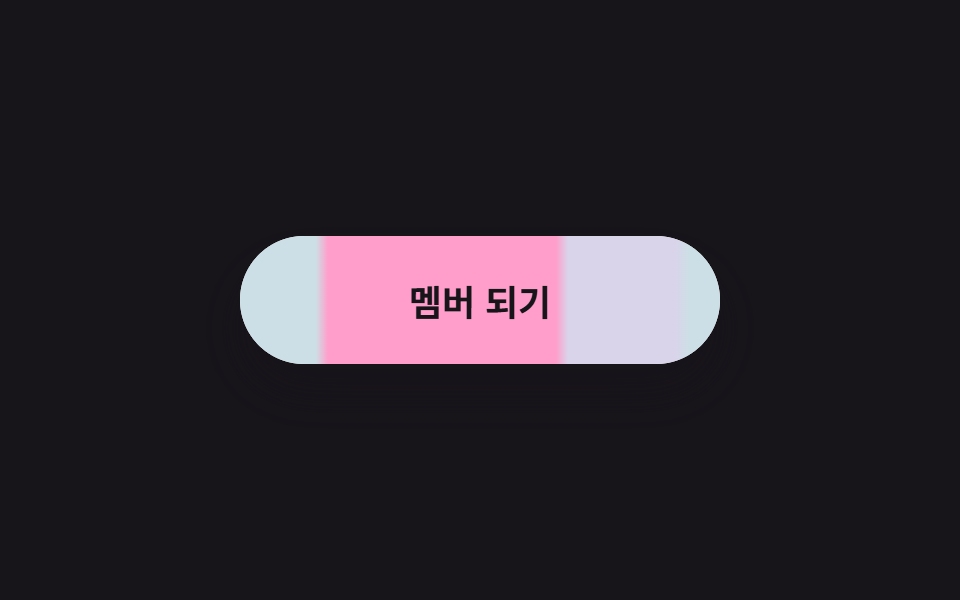
05Nút trượt mũi tên
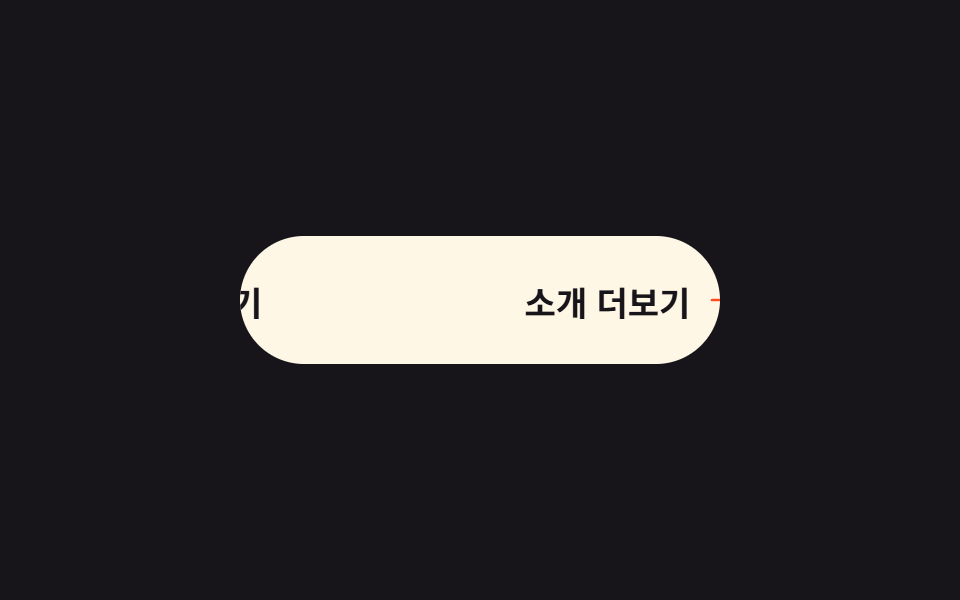
Nhãn và mũi tên xếp hai lớp đổi chỗ bằng translateX, khi hover chữ trượt qua và mũi tên lướt vào chỗ của nó.
Dùng choĐọc thêm trong blog, nút bước tiếp theo trên trang giới thiệu dịch vụ
격층 translateXoverflow: hidden$ease-spring
<main class="stage is-demo">
  <button class="btn" type="button">
    <span class="btn__track">
      <span class="btn__cell">Xem thêm</span>
      <span class="btn__cell">
        Xem thêm
        <svg class="btn__arrow" viewBox="0 0 256 256" aria-hidden="true" focusable="false">
          <g fill="currentColor"><path d="m216 128l-72 72V56Z" opacity=".2"/><path d="m221.66 122.34l-72-72A8 8 0 0 0 136 56v64H40a8 8 0 0 0 0 16h96v64a8 8 0 0 0 13.66 5.66l72-72a8 8 0 0 0 0-11.32M152 180.69V75.31L204.69 128Z"/></g>
        </svg>
      </span>
    </span>
  </button>
</main>
@use "../../../../site/static/demo-tokens" as *;
// ── 변수 3개 ──────────────────────────────────────────
$duration: $dur-loop; // 2s — 슬라이드 한 주기
$easing: $ease-spring;
$color: $stage-orange; // 화살표 포인트색
@include stage($stage-ink);
.btn {
box-sizing: border-box;
position: relative;
width: 240px;
height: 64px;
border: none;
border-radius: $r-pill;
background: $subject-cream;
color: $subject-ink;
font-family: -apple-system, "Segoe UI", "Noto Sans KR", sans-serif;
font-weight: 700;
font-size: 17px;
cursor: pointer;
overflow: hidden; // 두 칸 중 보이는 칸은 늘 하나
}
// 두 칸 트랙 — transform 으로 좌우 이동만 (레이아웃 고정)
.btn__track {
display: flex;
width: 200%;
height: 100%;
transition: transform $dur-base $easing;
}
.btn__cell {
box-sizing: border-box;
flex: 0 0 50%;
display: flex;
align-items: center;
justify-content: center;
gap: $sp-2;
white-space: nowrap;
}
.btn__arrow {
width: 20px;
height: 20px;
color: $color; // Phosphor duotone: g fill="currentColor" 가 이 값을 물려받는다
}
// 실사용: 올리면 두 번째 칸(라벨+화살표)이 오른쪽에서 들어온다
.btn:hover .btn__track { transform: translateX(-50%); }
.btn:focus-visible { outline: 3px solid $stage-yellow; outline-offset: 4px; }
// 격자 미리보기: 밀었다 되돌아오는 루프
.stage.is-demo .btn__track { animation: slide-in $duration $easing infinite; }
@keyframes slide-in {
0%, 18% { transform: translateX(0); }
55%, 72% { transform: translateX(-50%); }
88% { transform: translateX(-4%); } // 살짝 되튕김
100% { transform: translateX(0); }
}
@media (prefers-reduced-motion: reduce) {
.stage.is-demo .btn__track { animation: none; transform: translateX(-50%); }
}html, body {
margin: 0;
overflow: hidden;
}
.stage {
box-sizing: border-box;
min-height: 100vh;
display: grid;
place-items: center;
margin: 0;
background: #17141a;
font-family: -apple-system, "Segoe UI", "Noto Sans KR", sans-serif;
padding: clamp(8px, 4vw, 24px);
}
.btn {
box-sizing: border-box;
position: relative;
width: 240px;
height: 64px;
border: none;
border-radius: 999px;
background: #fff7e6;
color: #17141a;
font-family: -apple-system, "Segoe UI", "Noto Sans KR", sans-serif;
font-weight: 700;
font-size: 17px;
cursor: pointer;
overflow: hidden;
}
.btn__track {
display: flex;
width: 200%;
height: 100%;
transition: transform 300ms cubic-bezier(0.2, 0.8, 0.2, 1);
}
.btn__cell {
box-sizing: border-box;
flex: 0 0 50%;
display: flex;
align-items: center;
justify-content: center;
gap: 8px;
white-space: nowrap;
}
.btn__arrow {
width: 20px;
height: 20px;
color: #ff4d1f;
}
.btn:hover .btn__track {
transform: translateX(-50%);
}
.btn:focus-visible {
outline: 3px solid #ffd23f;
outline-offset: 4px;
}
.stage.is-demo .btn__track {
animation: slide-in 2s cubic-bezier(0.2, 0.8, 0.2, 1) infinite;
}
@keyframes slide-in {
0%, 18% {
transform: translateX(0);
}
55%, 72% {
transform: translateX(-50%);
}
88% {
transform: translateX(-4%);
}
100% {
transform: translateX(0);
}
}
@media (prefers-reduced-motion: reduce) {
.stage.is-demo .btn__track {
animation: none;
transform: translateX(-50%);
}
}import type { CSSProperties } from "react";
import styles from "./IconSlideButton.module.scss";
export type IconSlideButtonProps = {
duration?: number;
easing?: string;
color?: string;
label?: string;
};
export default function IconSlideButton({
duration = 300,
easing = "cubic-bezier(.2, .8, .2, 1)",
color = "#ff4d1f",
label = "소개 더보기",
}: IconSlideButtonProps) {
const vars: CSSProperties = { "--duration": `${duration}ms`, "--easing": easing, "--color": color } as CSSProperties;
return (
<button className={styles.btn} style={vars} type="button">
<span className={styles.track}>
<span className={styles.cell}>{label}</span>
<span className={styles.cell}>
{label}
<svg className={styles.arrow} viewBox="0 0 256 256" aria-hidden="true" focusable="false">
<g fill="currentColor"><path d="m216 128l-72 72V56Z" opacity=".2" /><path d="m221.66 122.34l-72-72A8 8 0 0 0 136 56v64H40a8 8 0 0 0 0 16h96v64a8 8 0 0 0 13.66 5.66l72-72a8 8 0 0 0 0-11.32M152 180.69V75.31L204.69 128Z" /></g>
</svg>
</span>
</span>
</button>
);
}05 Nút trượt mũi tên — Diện tích đo được 2.354% · khung hình chuyển động 15/23Nguyên tác GODRICH · SCSS và React nằm trong tệp zip · 9 css button design ideas — dán một file là chạy
Bài viết chứa demo này
 9 css button design ideas — dán một file là chạycss button design là quyết định màu, hình dáng nút và cách nó phản ứng với chuột, chỉ bằng vài dòng code. Muốn nút gradi Xem tất cả demo trong bài này